Change the slide size
All slides share one size. Pick the one that fits the screen or paper you present on.
- 1
Open the Design tab
At the top of Dazr Slides.

- 2
Press Slide Size
Then Widescreen (16:9) or Standard (4:3).
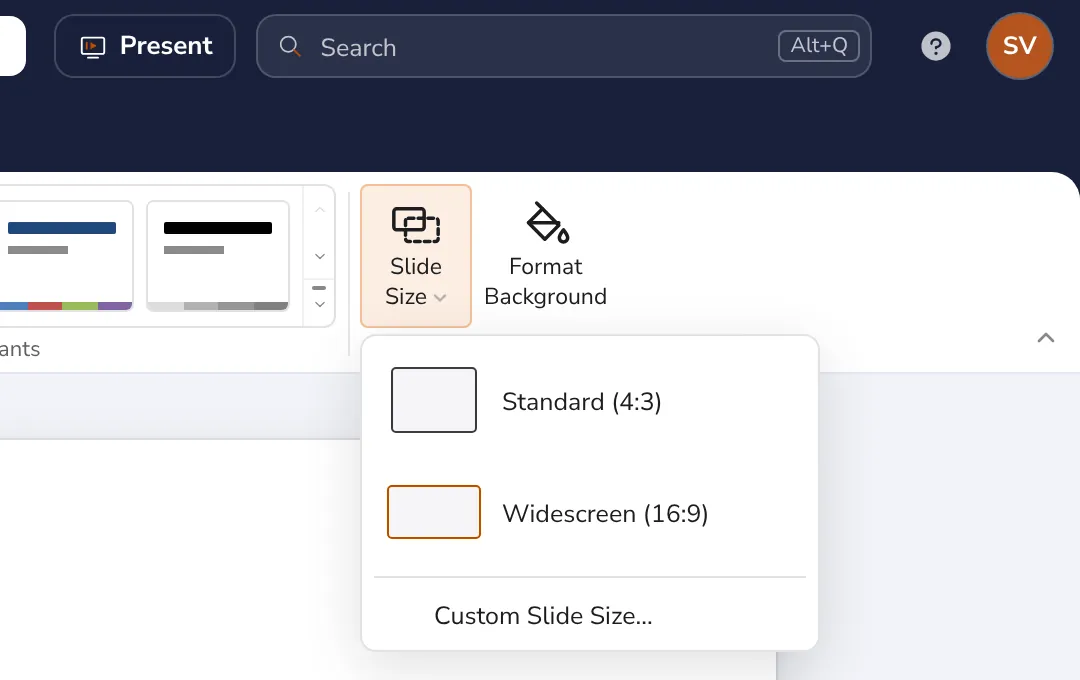
Custom Slide Size sets your own width and height. Text and pictures move along with the new size.
Was this helpful?
What was missing?
Thank you.
We count yes and no per article. Nothing about you is stored.