See how much storage you use
Storage shows what you use per kind of file, including older versions and the trash.
- 1
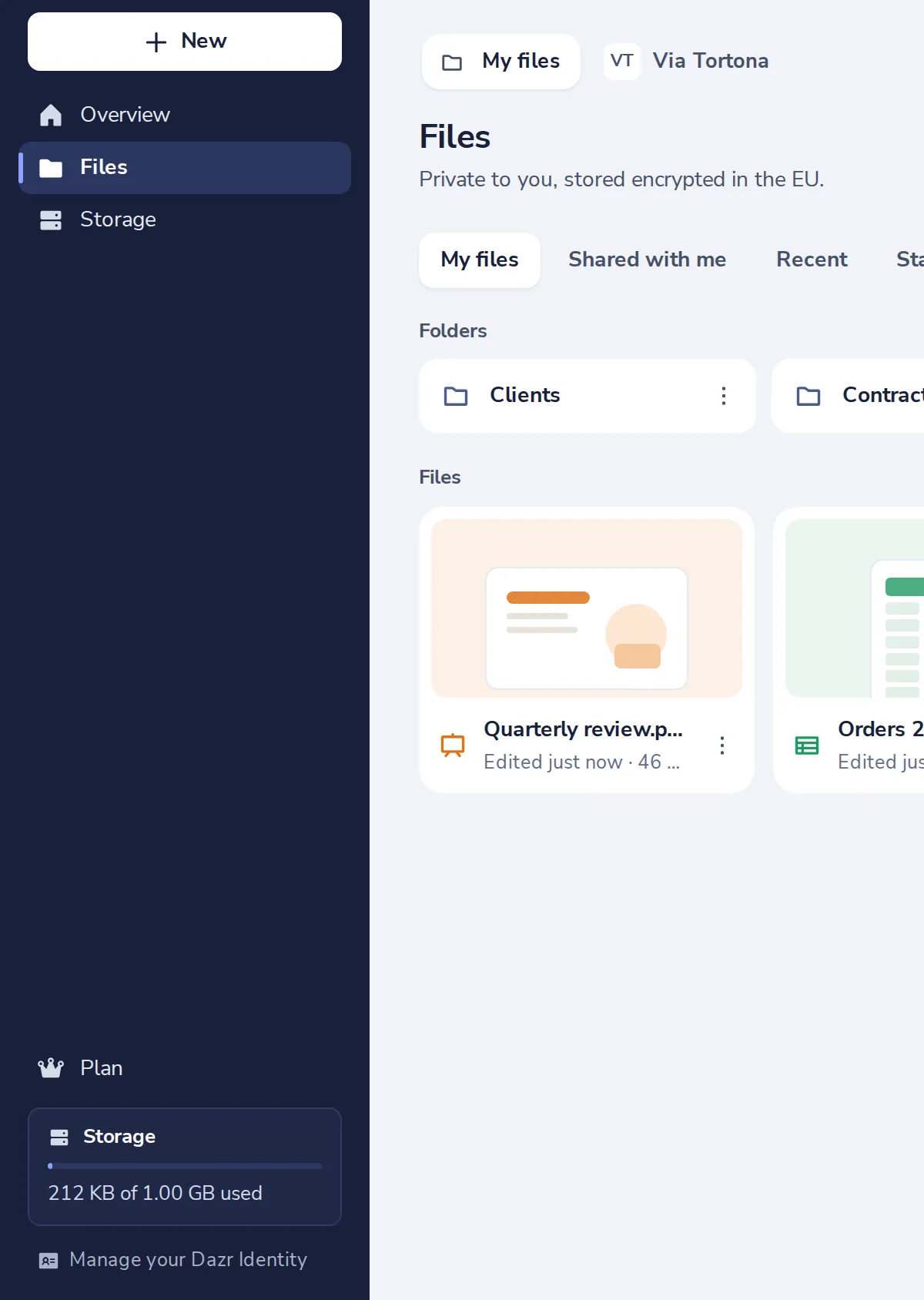
Open Storage
In the list on the left. The bar at the bottom shows the total too.
- 2
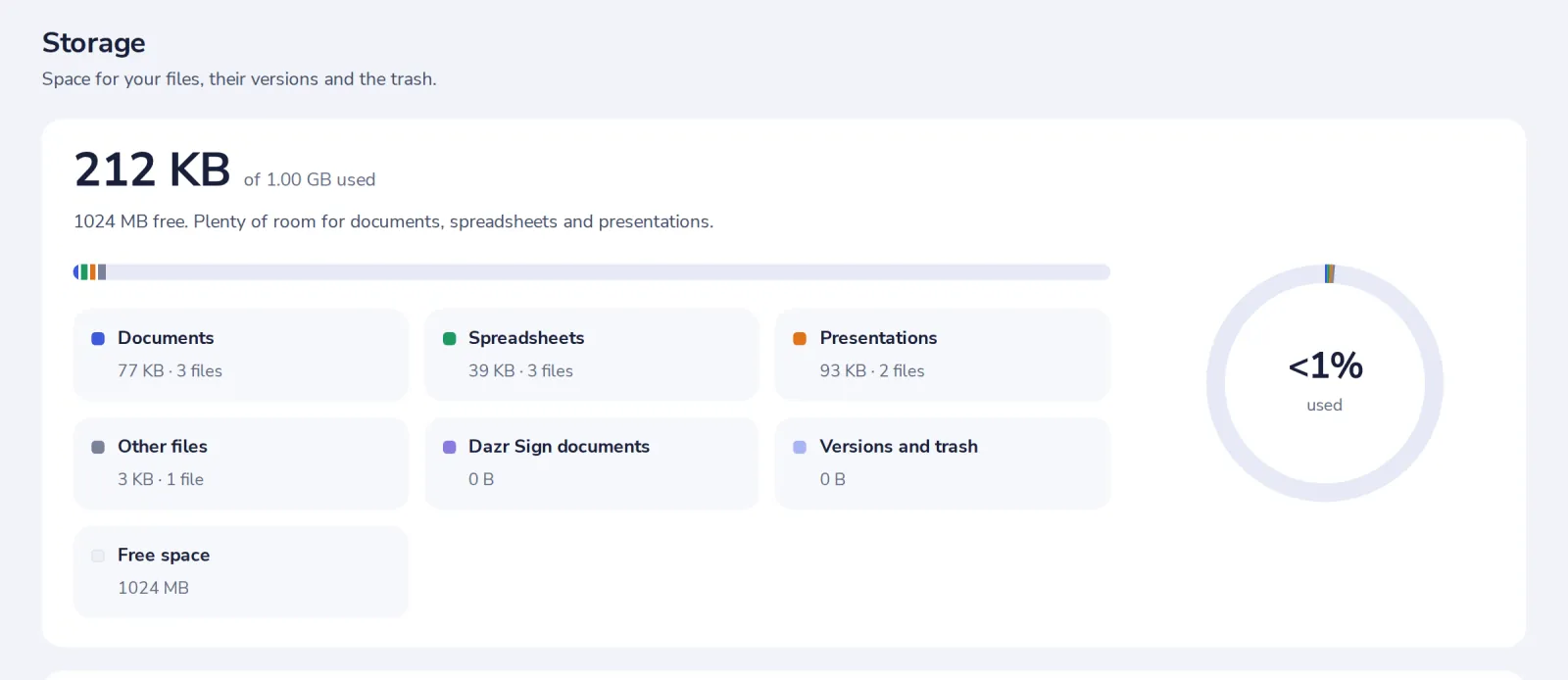
What takes the space
Documents, spreadsheets, presentations, other files, and versions and trash.
- 3
Add storage when you need more
Under the bar. On Free it leads to Dazr Personal first, because extra storage comes with a paid plan.

Was this helpful?
What was missing?
Thank you.
We count yes and no per article. Nothing about you is stored.