Free up space
Files in the trash and older versions count toward your storage. Emptying the trash frees that space at once.
- 1
Open Trash
Above your files.
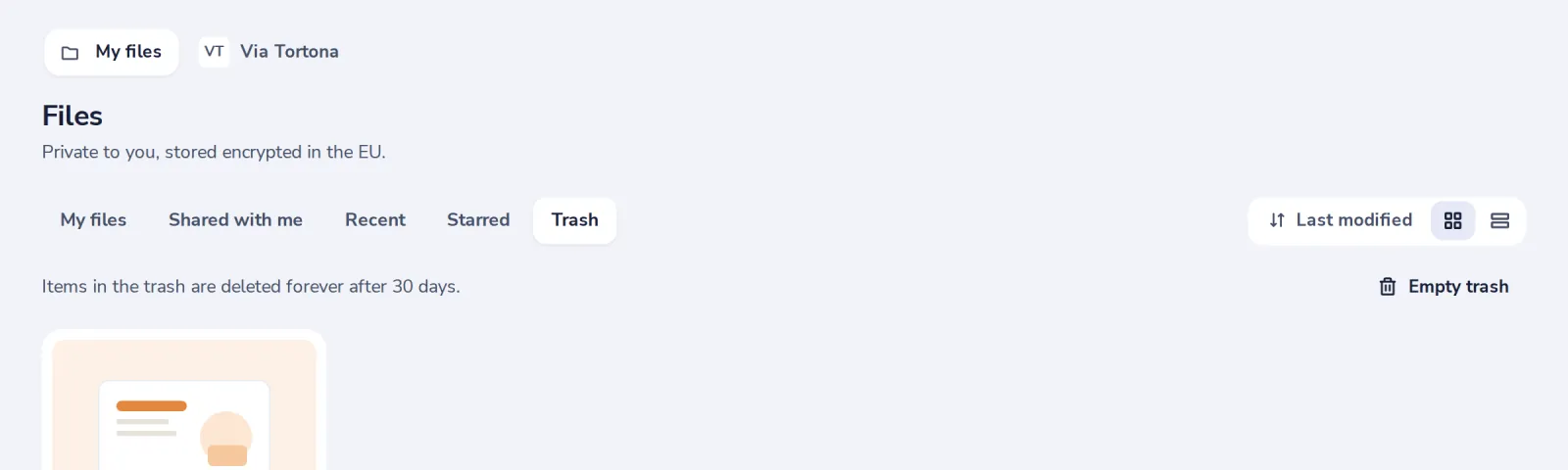
- 2
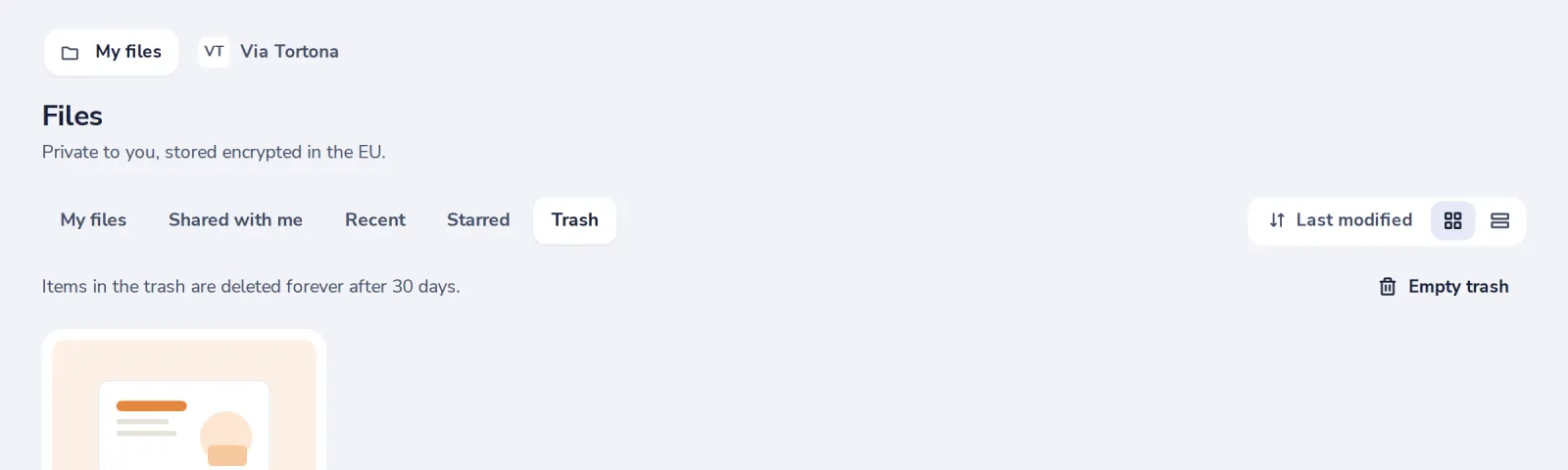
Press Empty trash
Everything in it is deleted forever. This cannot be undone.
- 3
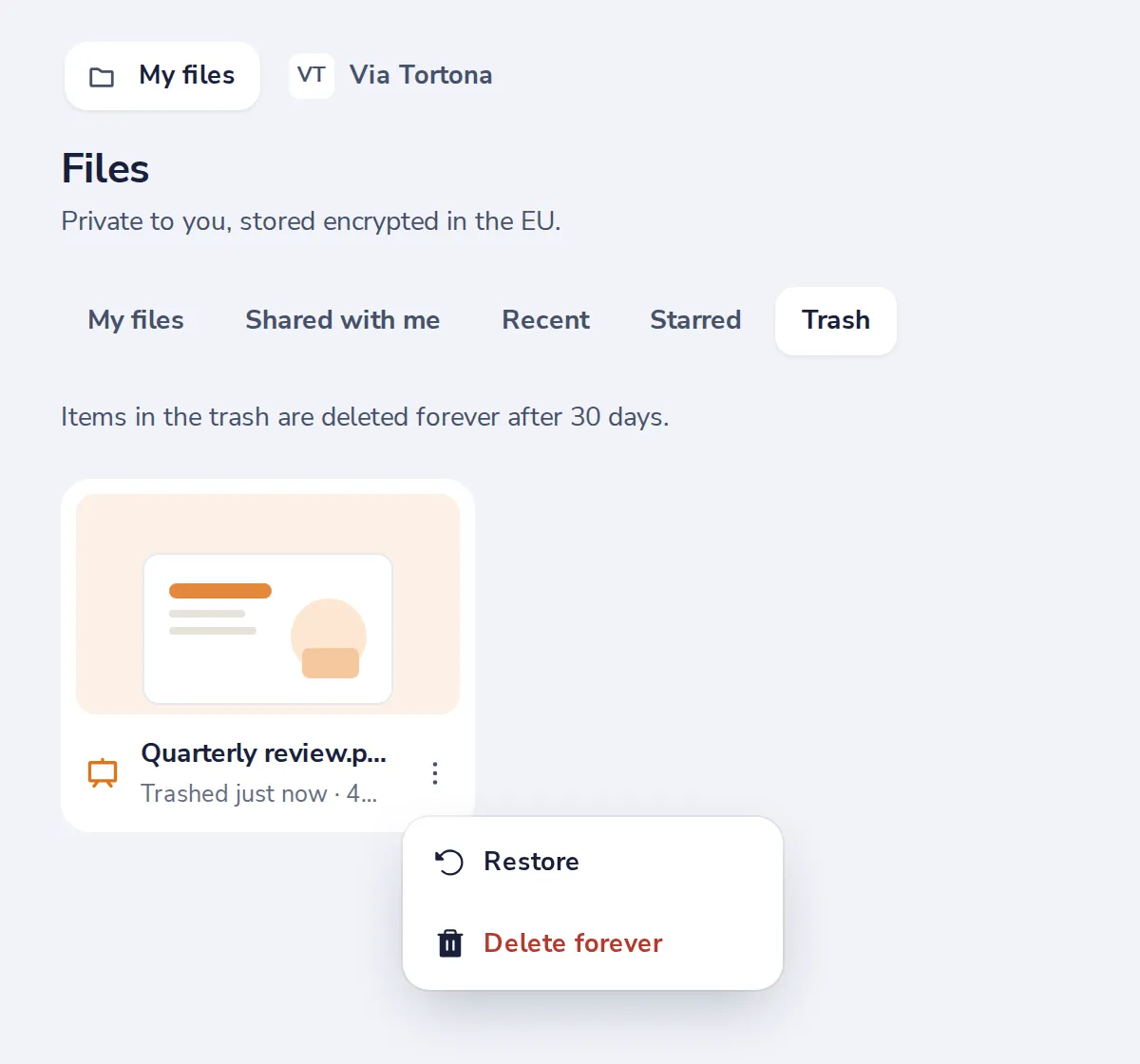
Or delete one file forever
Delete forever, in the menu of a file in the trash.
Was this helpful?
What was missing?
Thank you.
We count yes and no per article. Nothing about you is stored.