Create a form
A form starts blank or from a template. Type the questions, choose how people answer them, and everything is saved as you go.
- 1
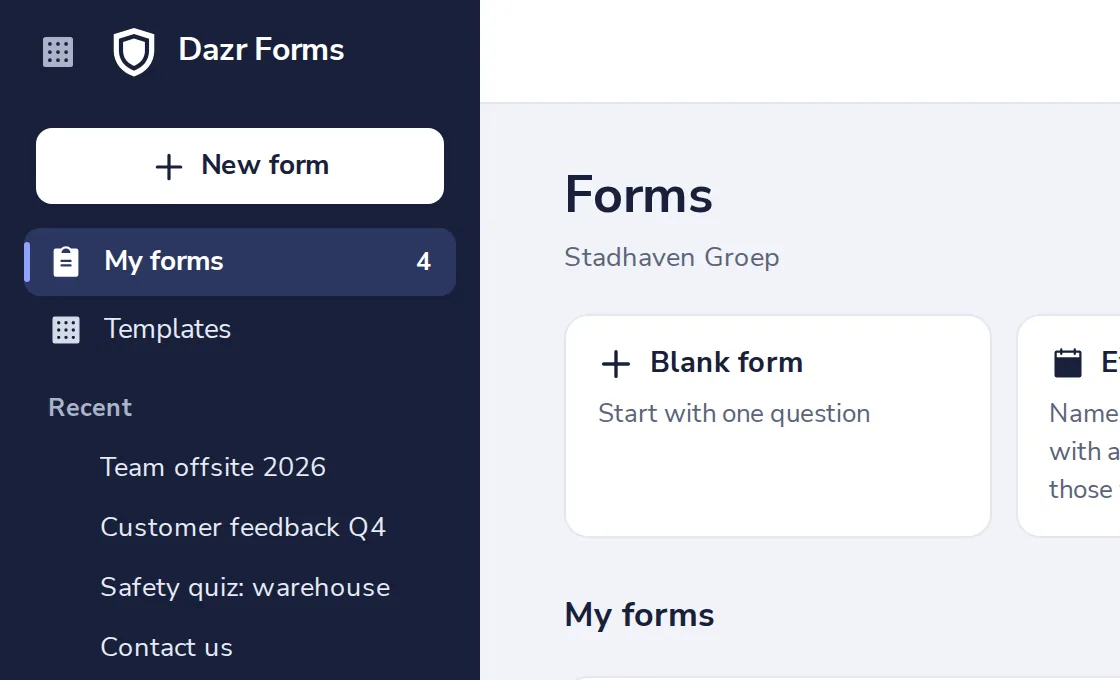
Press New form
At the top of the side panel.
- 2
Choose Blank form
Or start from one of the templates.

- 3
Give the form a title
People see it at the top of the form.
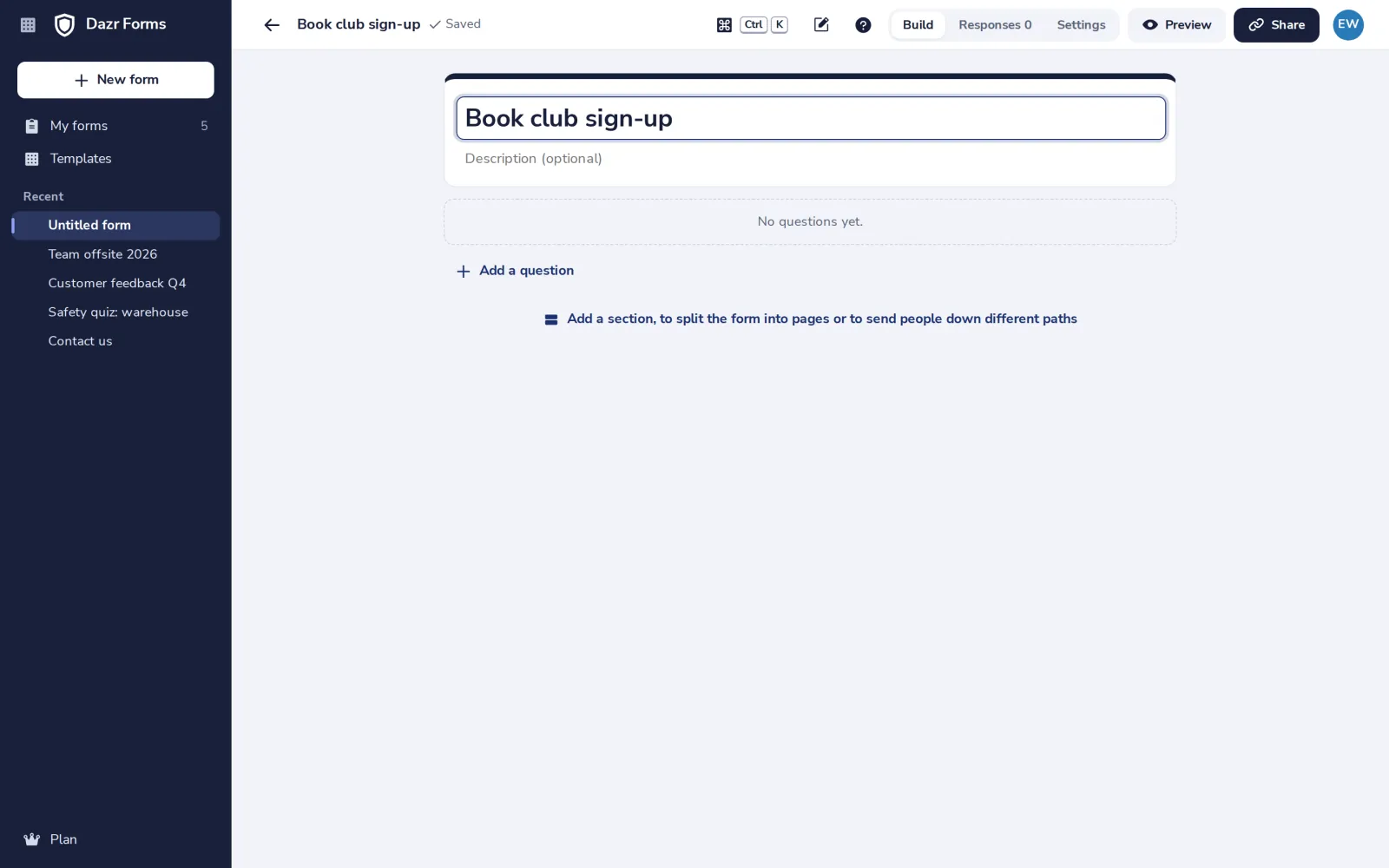
Add a line under the title to say what the form is for.
- 4
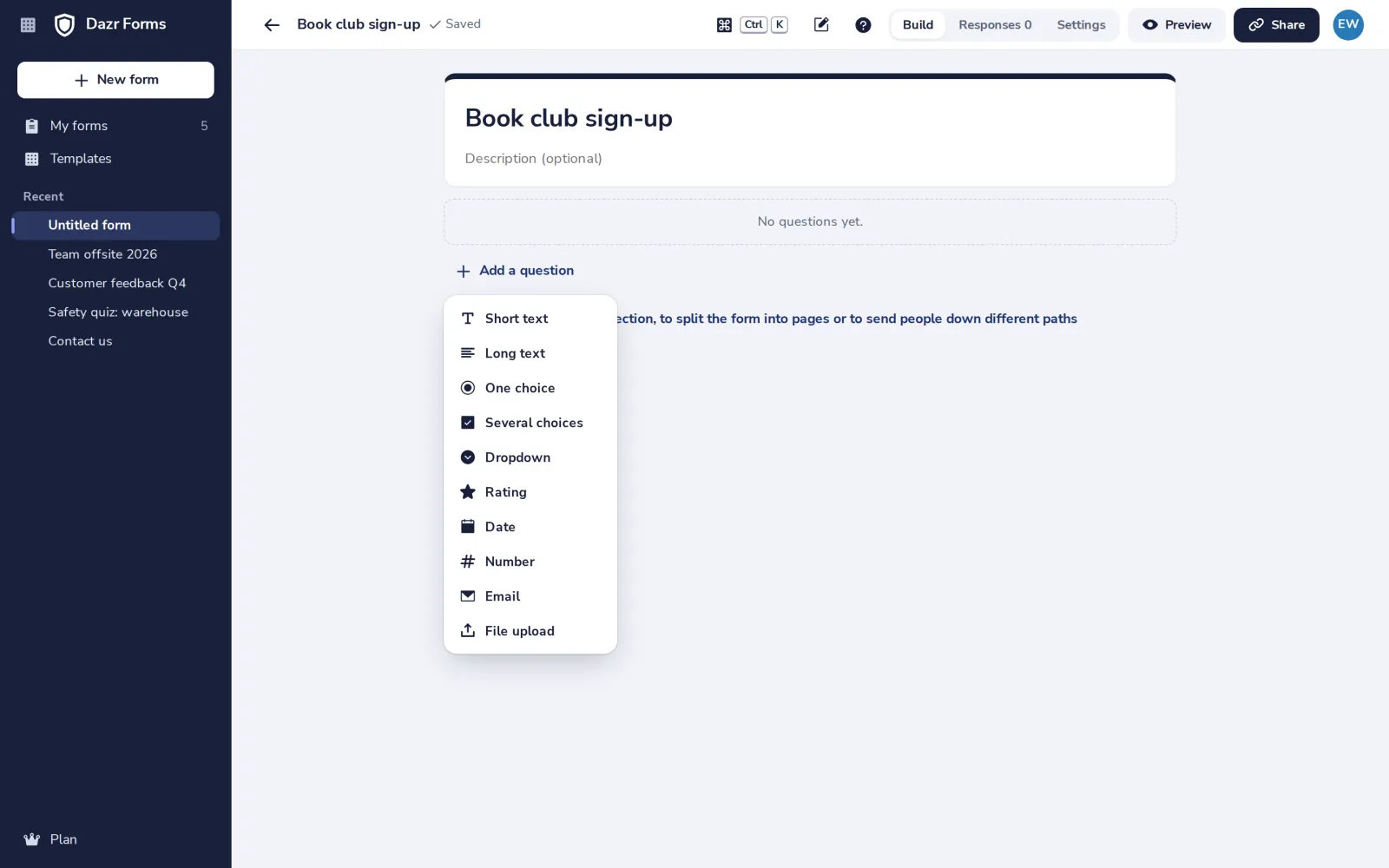
Press Add a question
Then choose how people answer, such as Short text, One choice or Rating.
- 5
Type the question
Turn on Required when everyone has to answer it.
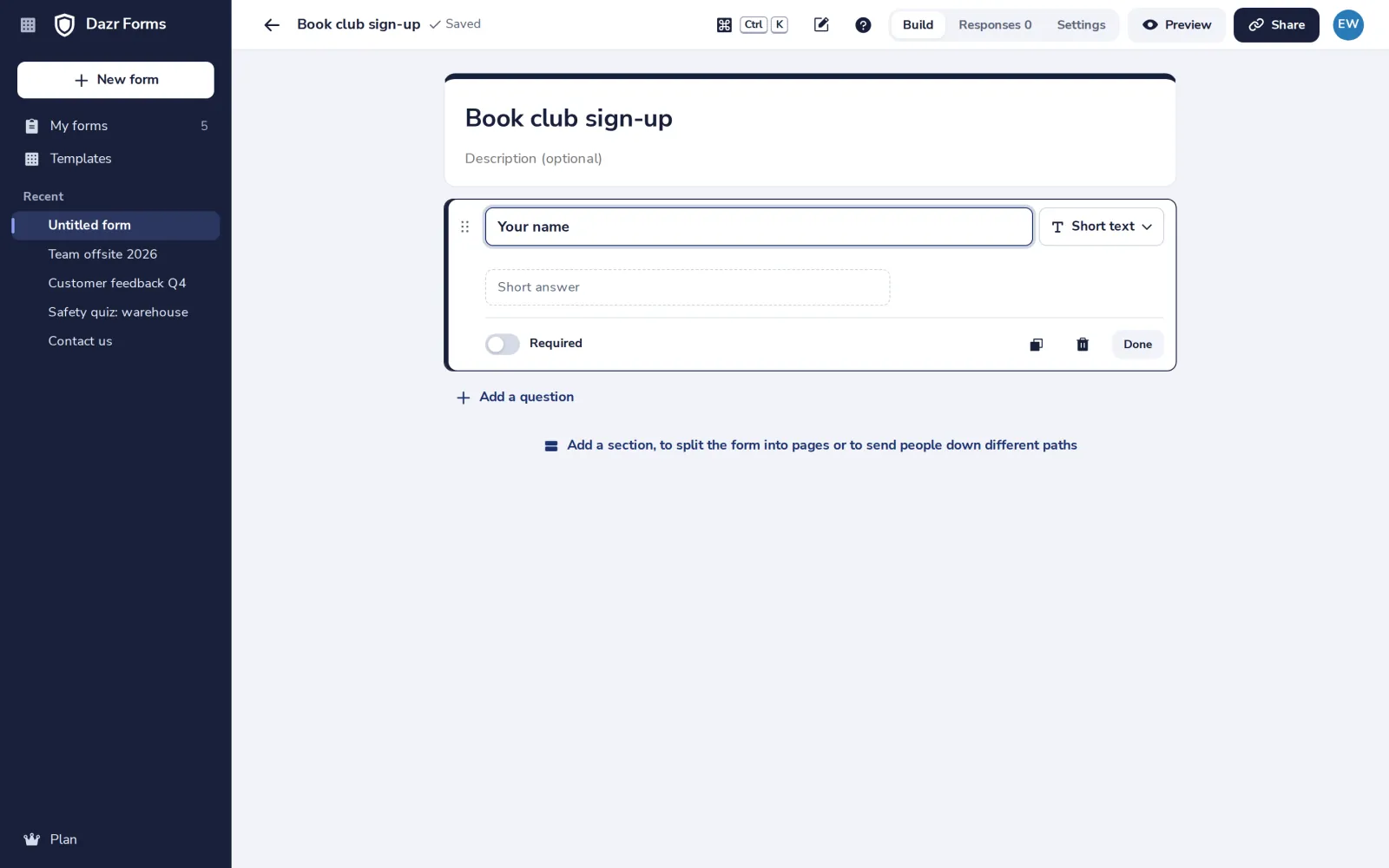
Drag a question by its handle to move it, or use the arrow keys on the handle.
Was this helpful?
What was missing?
Thank you.
We count yes and no per article. Nothing about you is stored.