Share a form
Every form has one link. You choose who can answer it, and you can stop taking responses at any time.
- 1
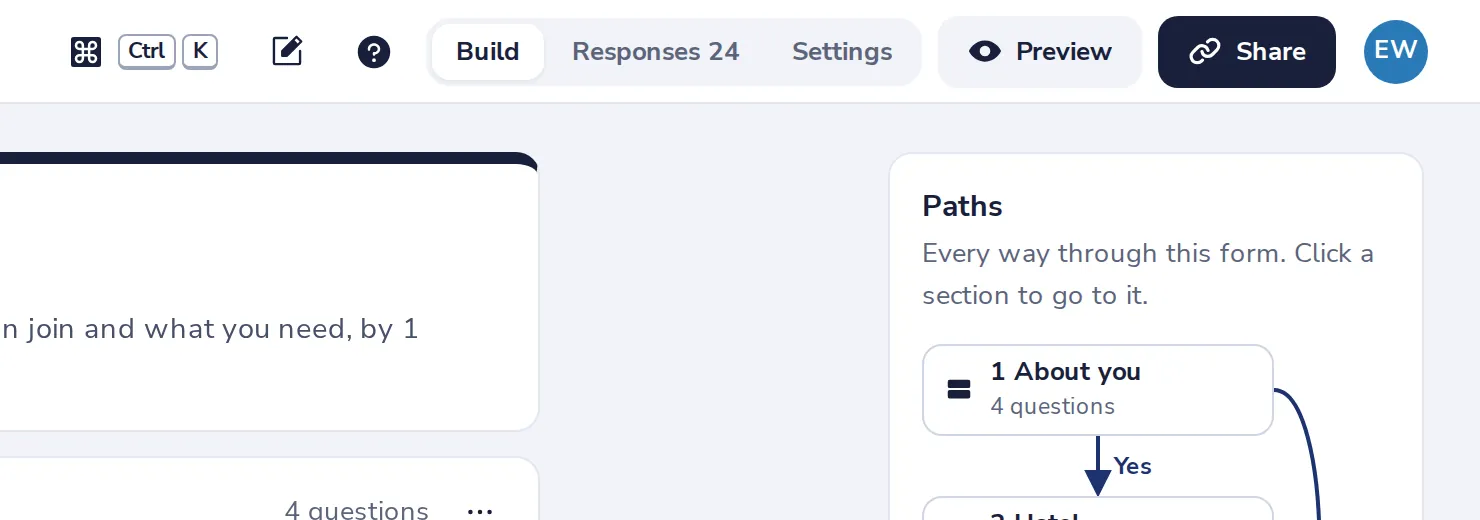
Press Share
At the top of the form.
- 2
Choose who can answer
Anyone with the link needs no account. Your organisation means people sign in with Dazr Identity.
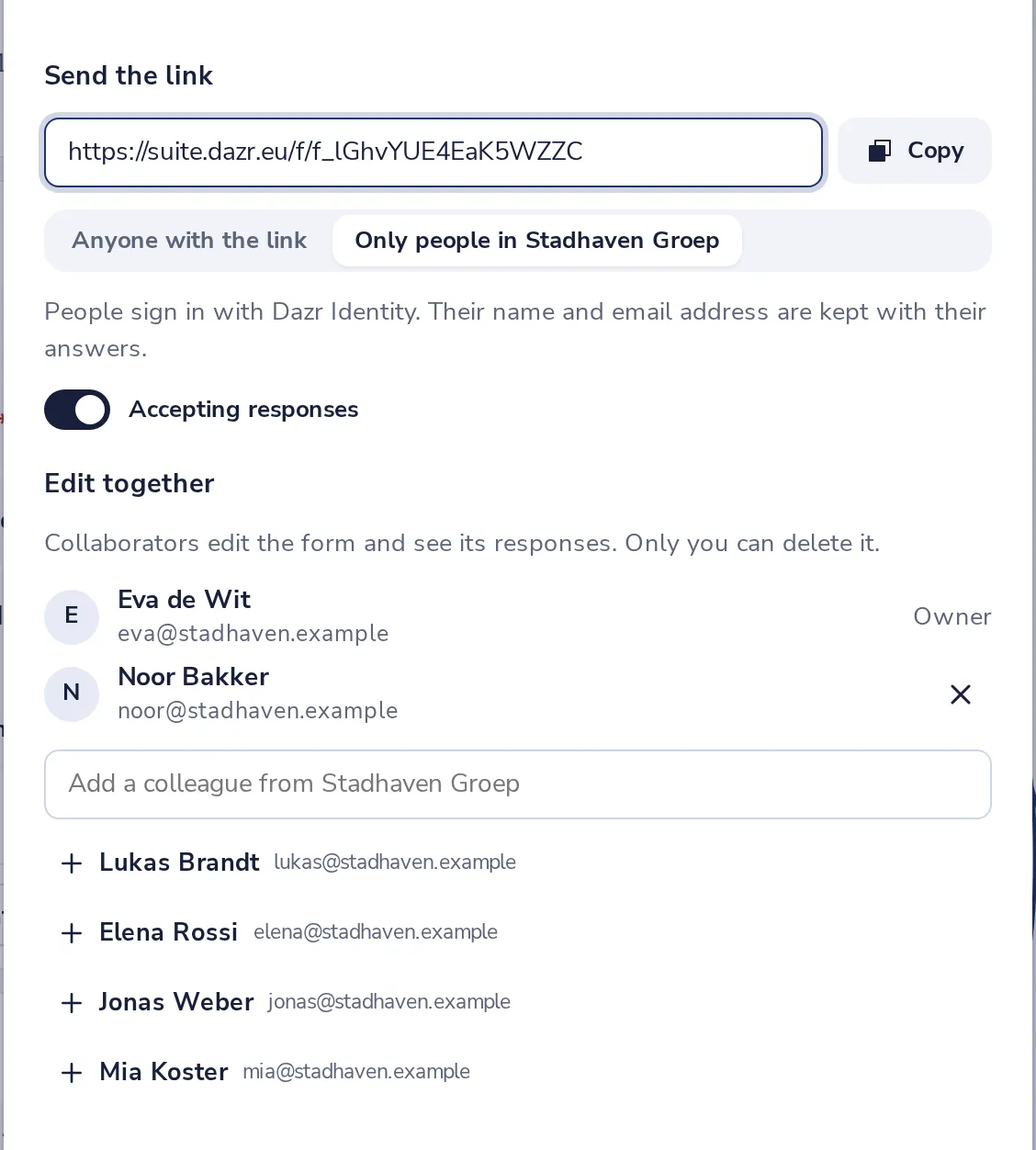
With a link for your organisation you can take one response per person.
- 3
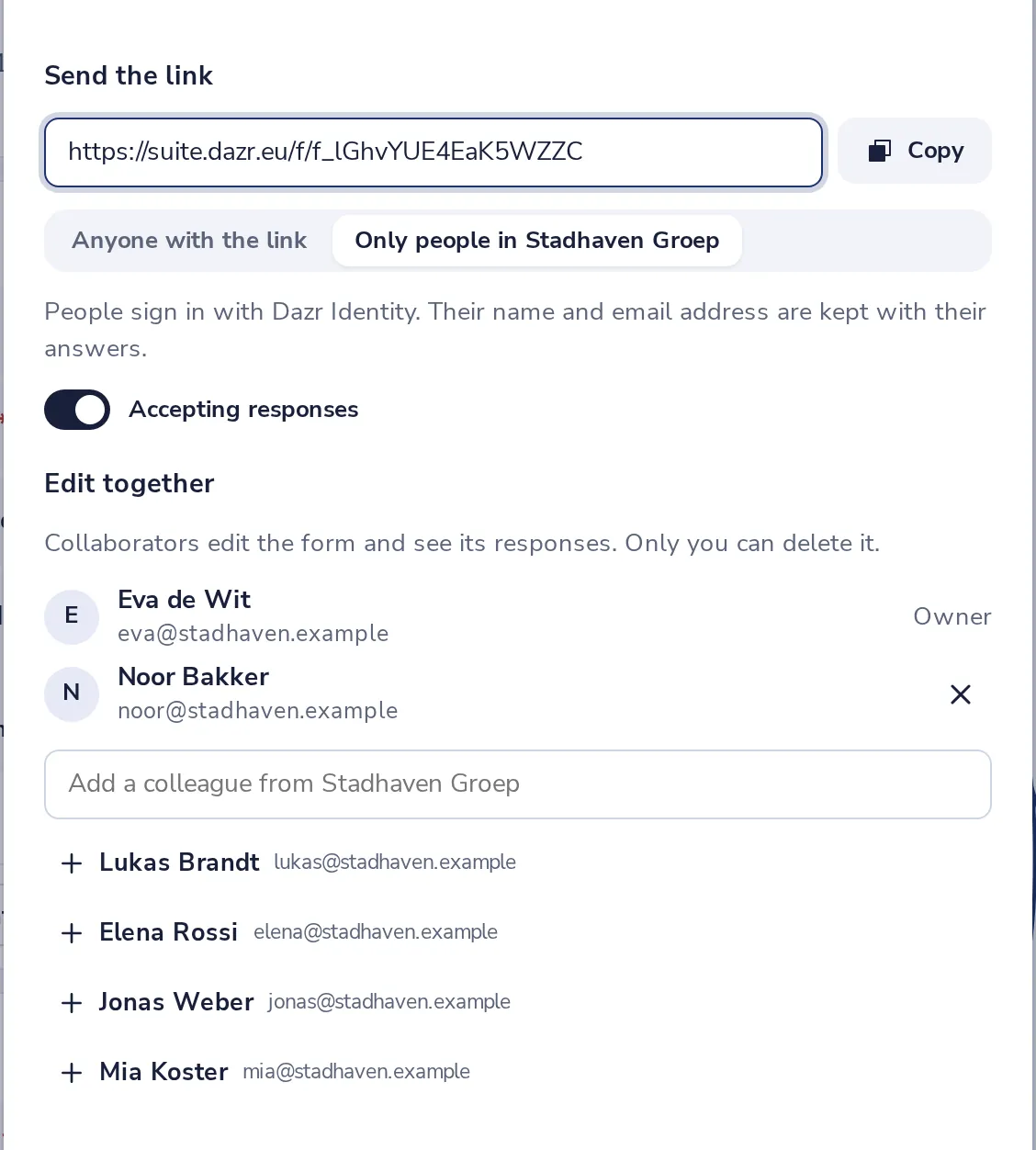
Copy the link
Send it in a message or an email, or put it on a page.
A close date, a response limit and your own thank-you message are in the form's Settings.
Was this helpful?
What was missing?
Thank you.
We count yes and no per article. Nothing about you is stored.