Read the responses
The responses of a form come in as people send them. See a summary of every question, go through the responses one by one, and take the data with you.
- 1
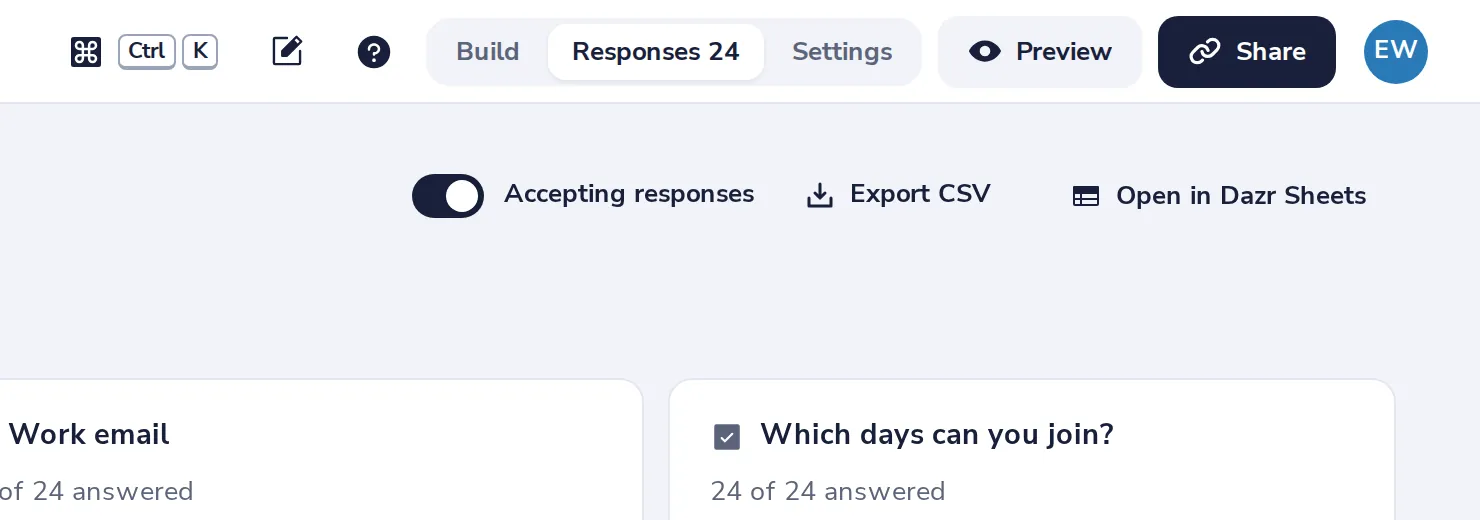
Open Responses
At the top of the form, next to Build.
- 2
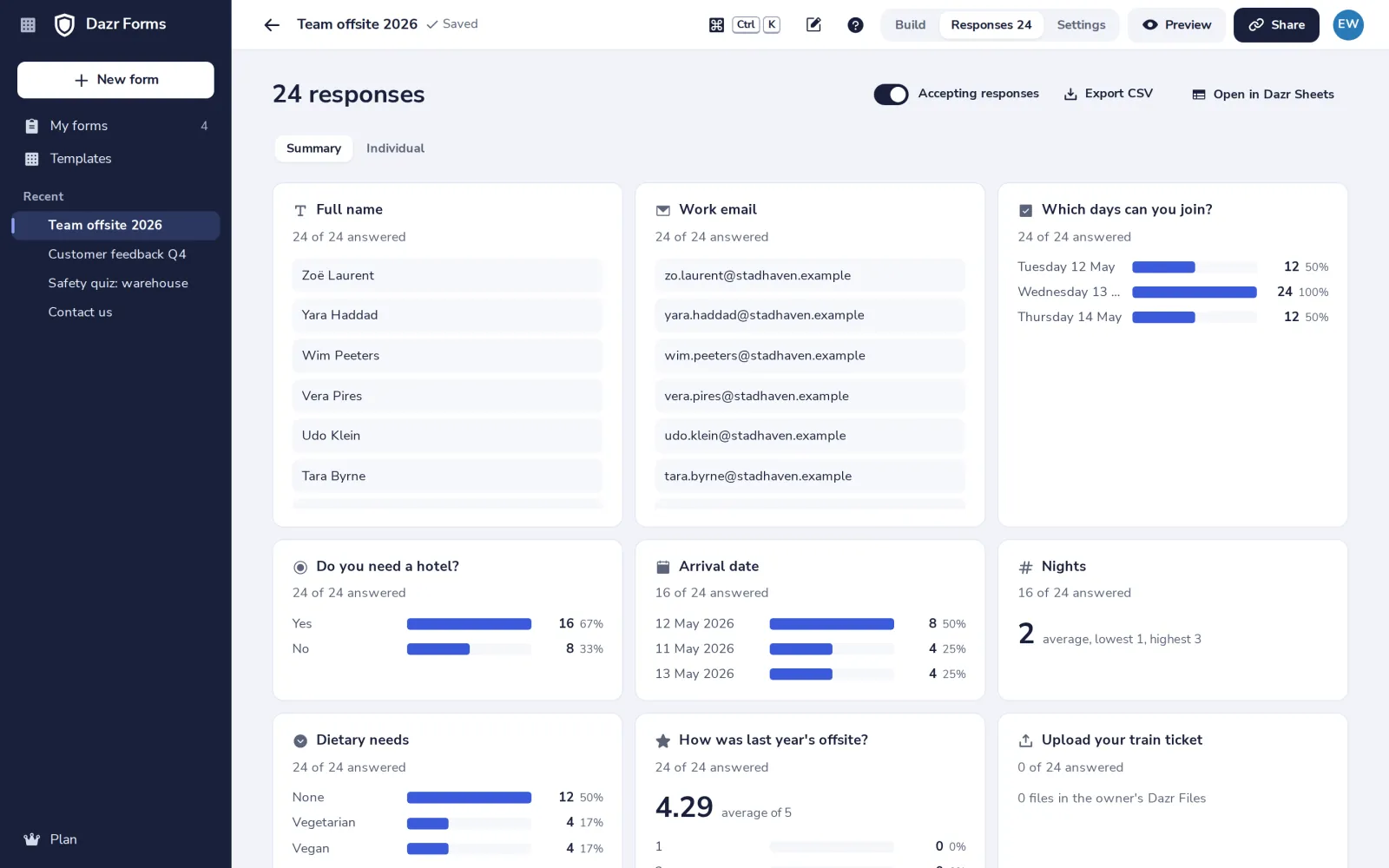
Read the summary
Bars with counts for choices, ratings and dates, averages for numbers, and the latest written answers.
- 3
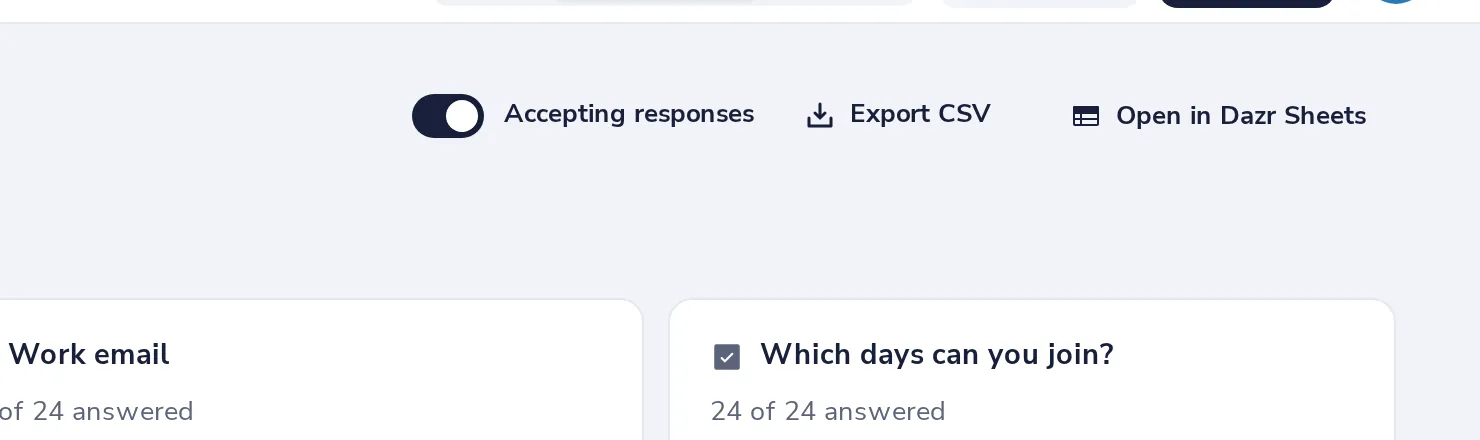
Take the data with you
Export CSV downloads a file. Open in Dazr Sheets makes a new sheet in your Dazr Files.
- 4
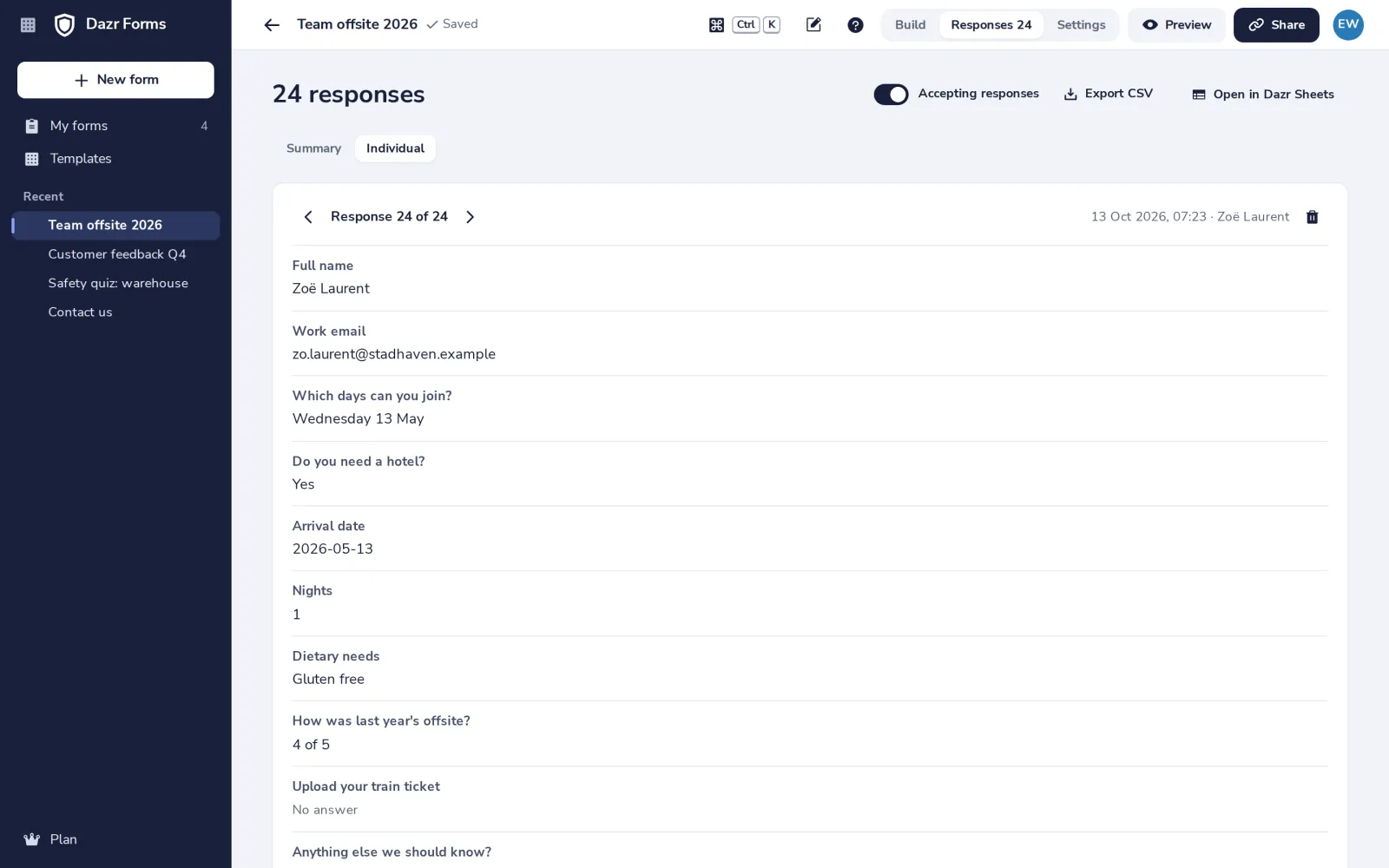
See each response
Press Individual to go through them one by one, and delete one if you need to.
Was this helpful?
What was missing?
Thank you.
We count yes and no per article. Nothing about you is stored.