Make a quiz
Any form can be a quiz. Give questions points and mark the right answers, and Dazr Forms scores every response.
- 1
Turn on Make this a quiz
In the form's Settings.
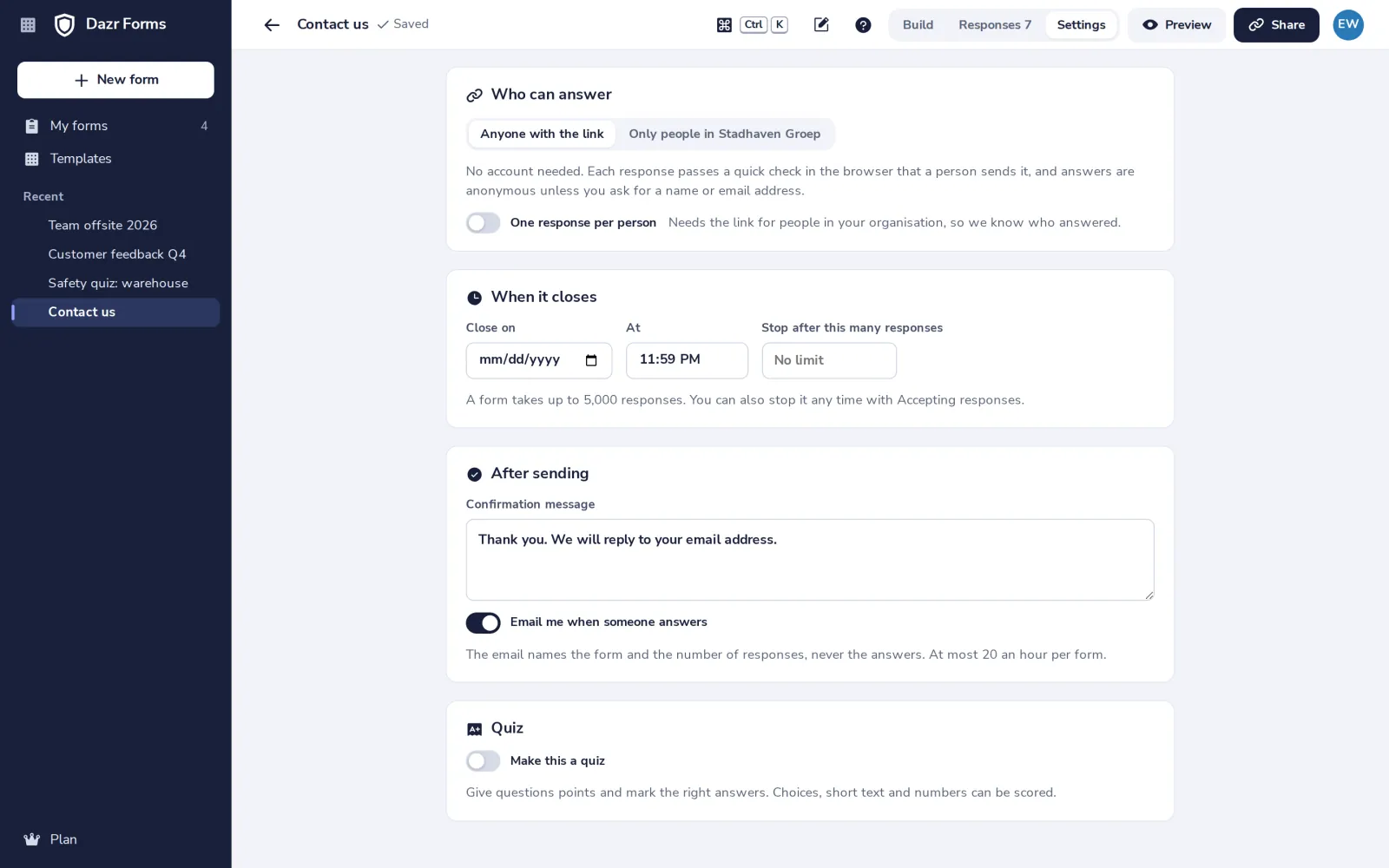
Choose there whether people see their score right after sending.
- 2
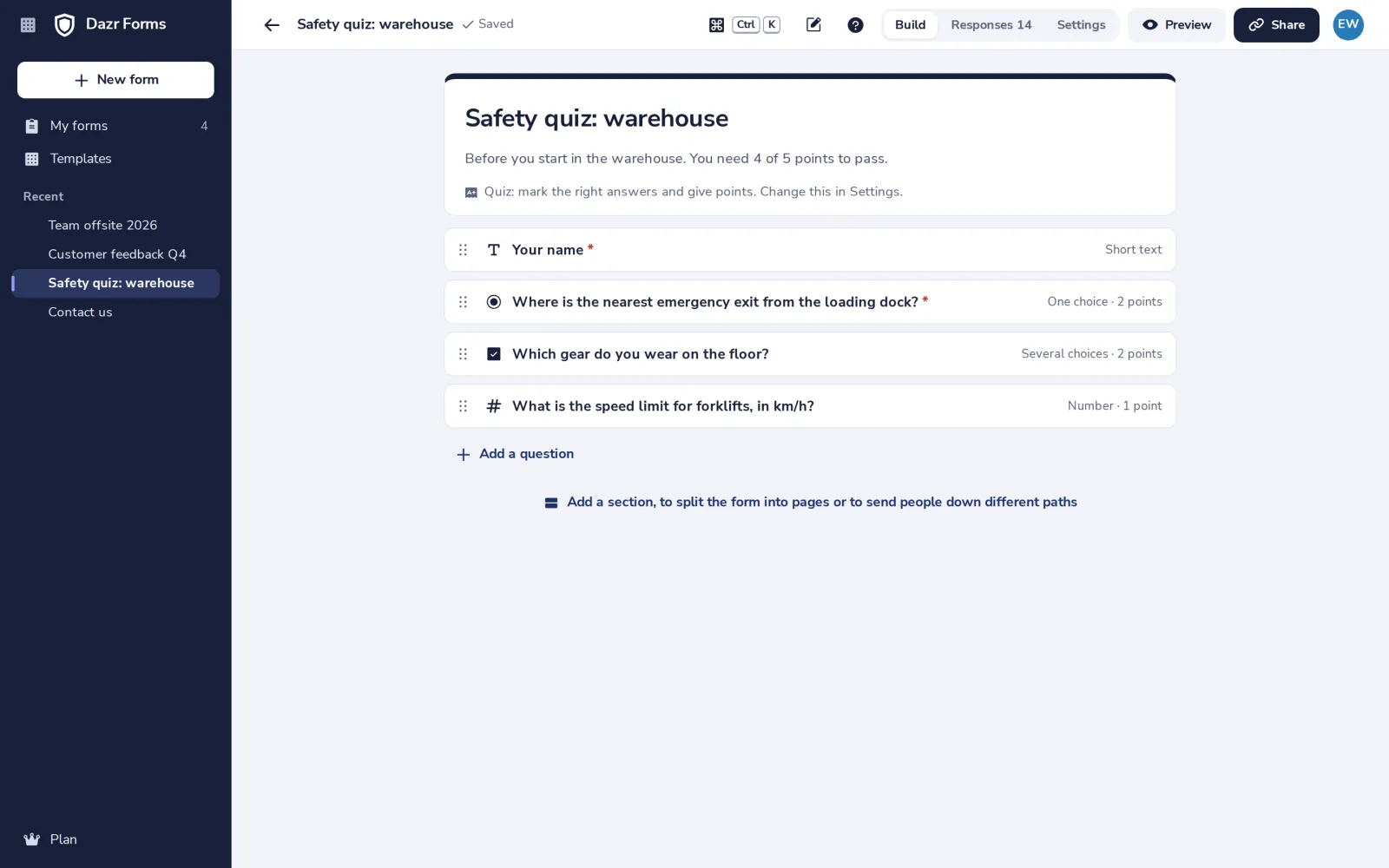
Give a question points
Open a question and mark the right answer, or type the answers that count.
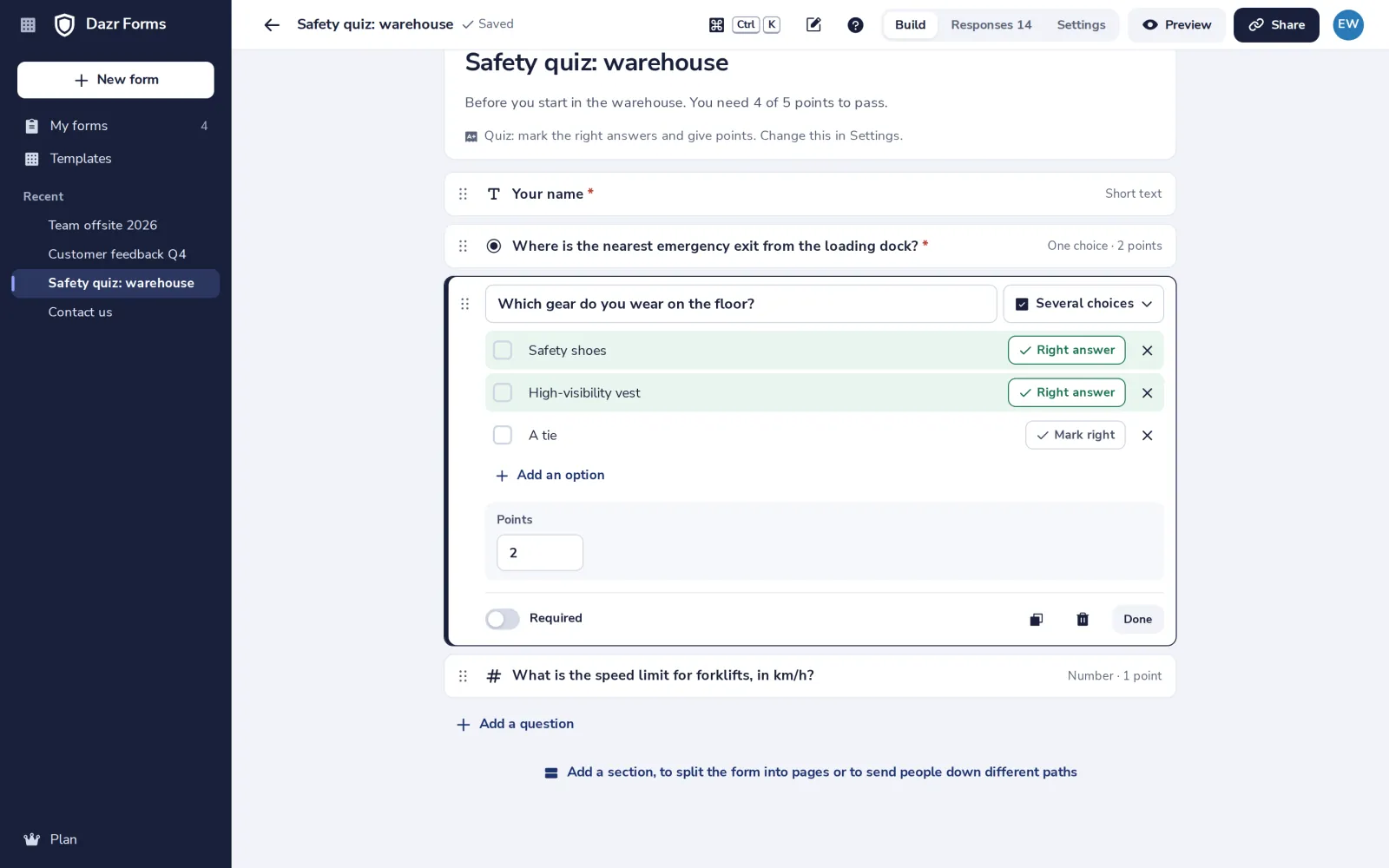
Several choices only count when exactly the right ones are picked. In short text, capitals and extra spaces do not matter.
- 3
Mark the right answers
The right answers never reach the page people fill in.
Was this helpful?
What was missing?
Thank you.
We count yes and no per article. Nothing about you is stored.