Move your company from Microsoft 365 or Google
Your admin approves Dazr once at Microsoft 365. Dazr then moves each person's files, mail, contacts and calendar into their own Dazr account, and keeps new mail coming until you switch your domain.
- 1
Open the switch
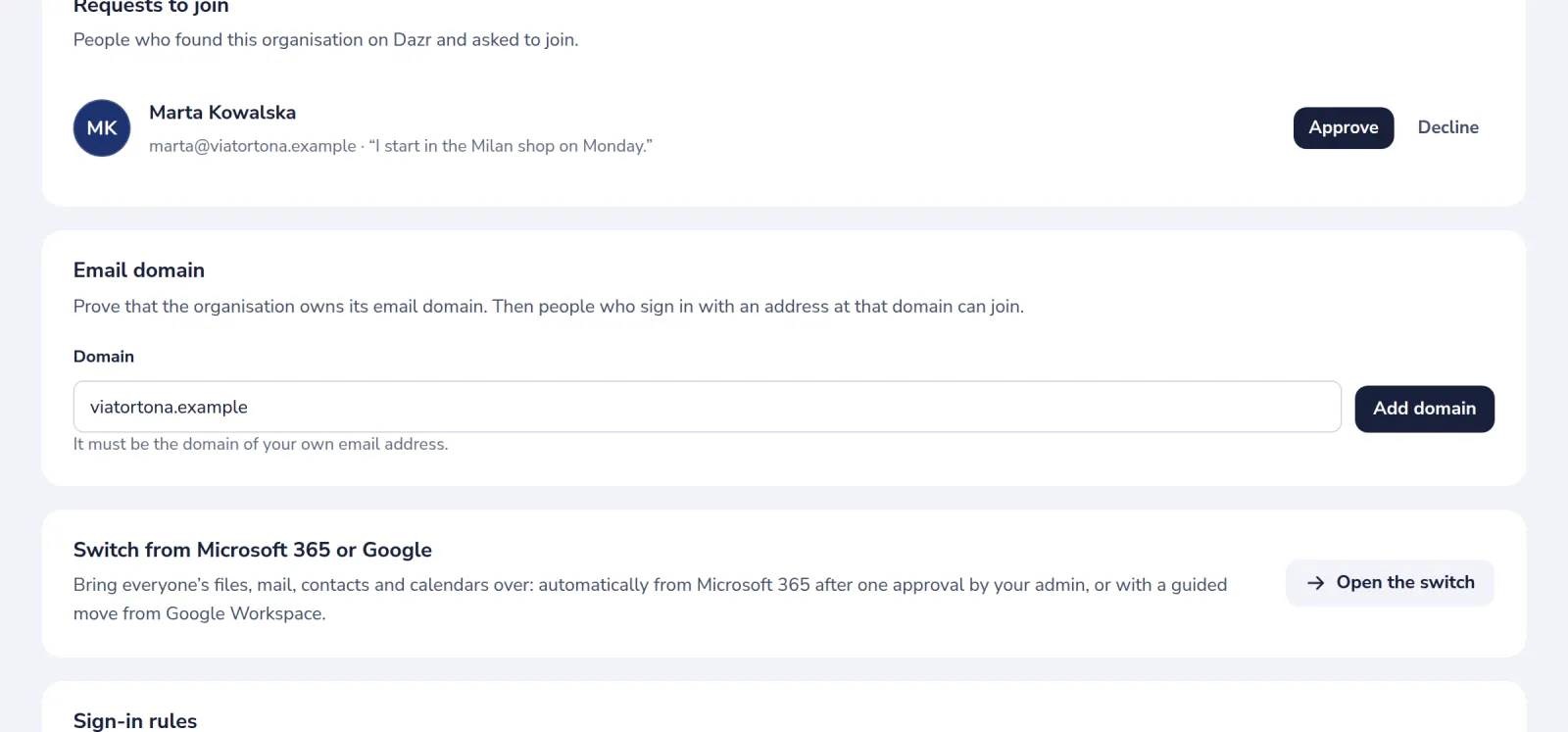
In Organisations, open your organisation and press Open the switch. Or press Start the switch on the Suite overview.
- 2
Check what you need
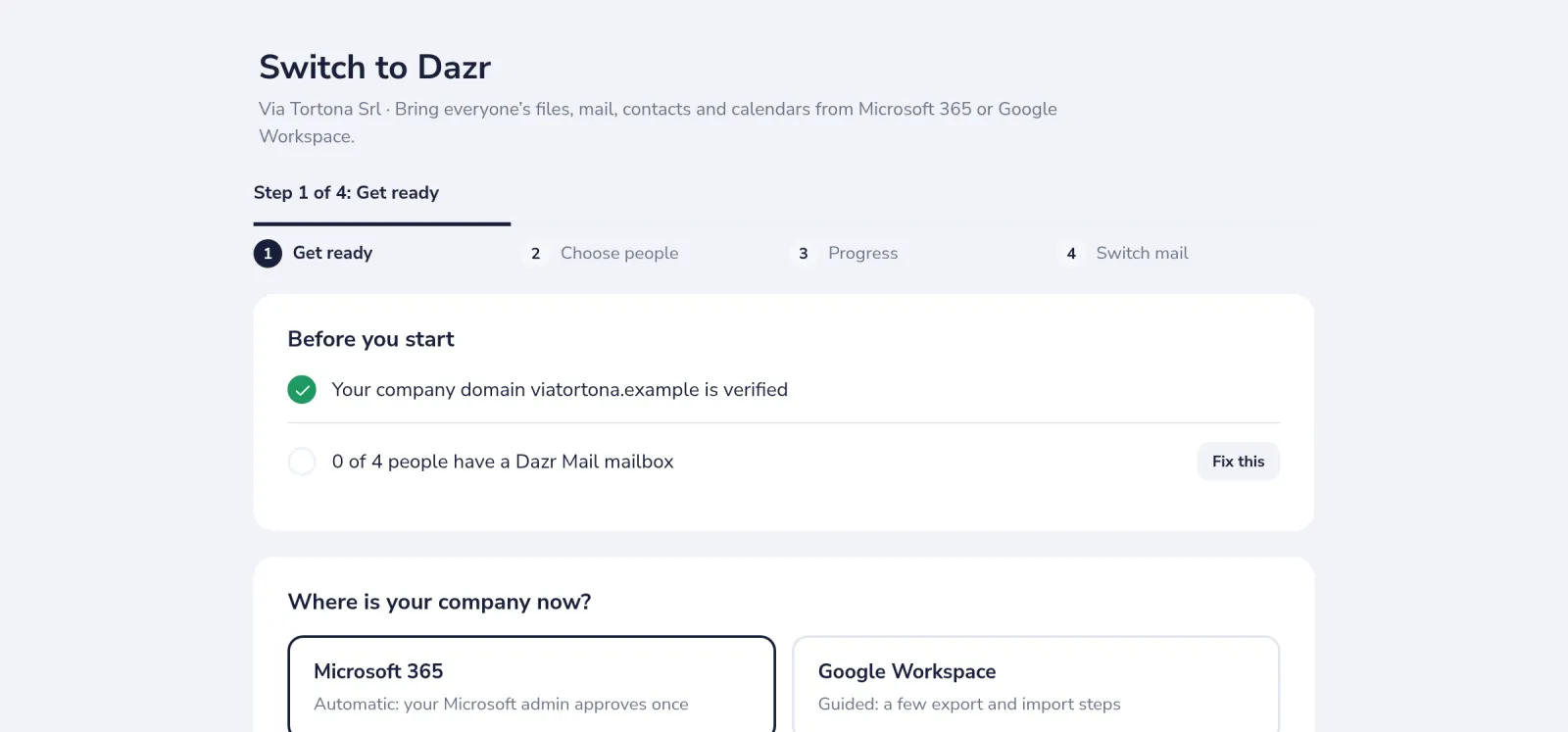
Before you start shows your company domain and who has a Dazr Mail mailbox. Press Fix this next to anything that is missing.
- 3
Approve Dazr in Microsoft 365
Press Approve in Microsoft 365 if you are the Microsoft admin. If not, More options gives a link to send them.
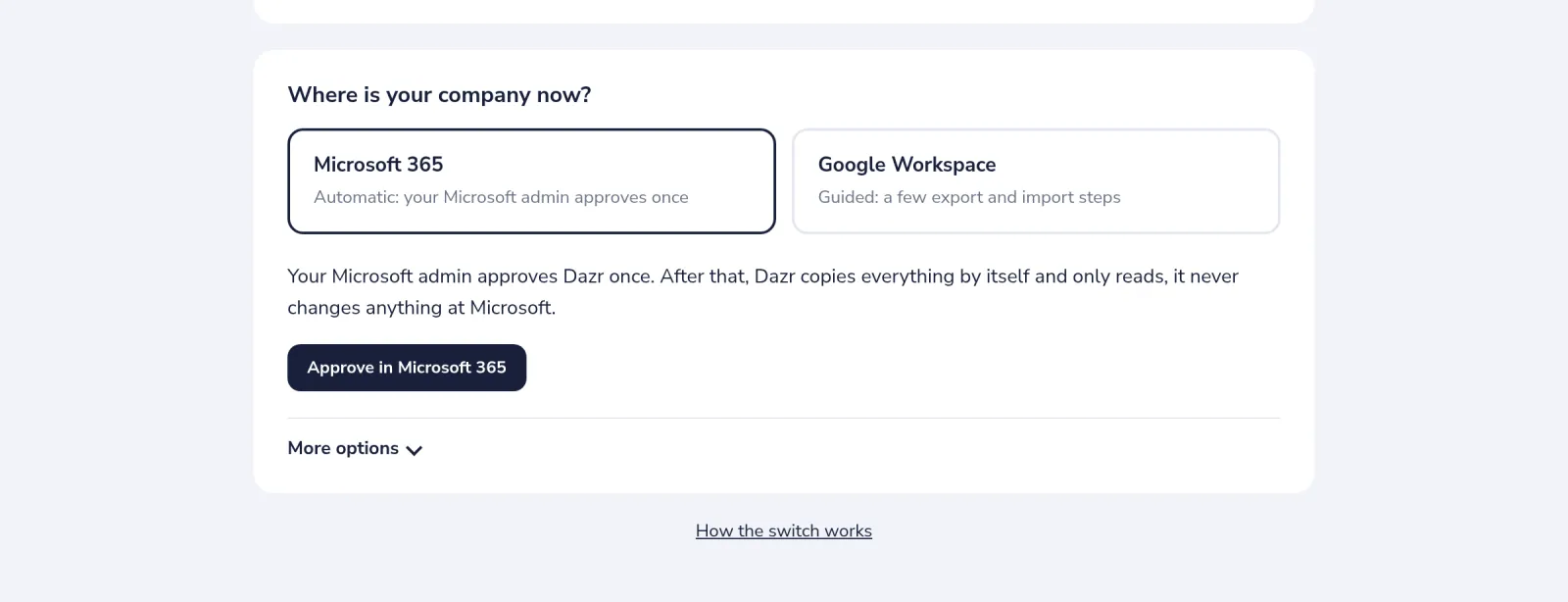
Dazr only reads, it never changes anything at Microsoft. It only accepts a Microsoft 365 that uses your verified domain.
- 4
Choose people and what to move
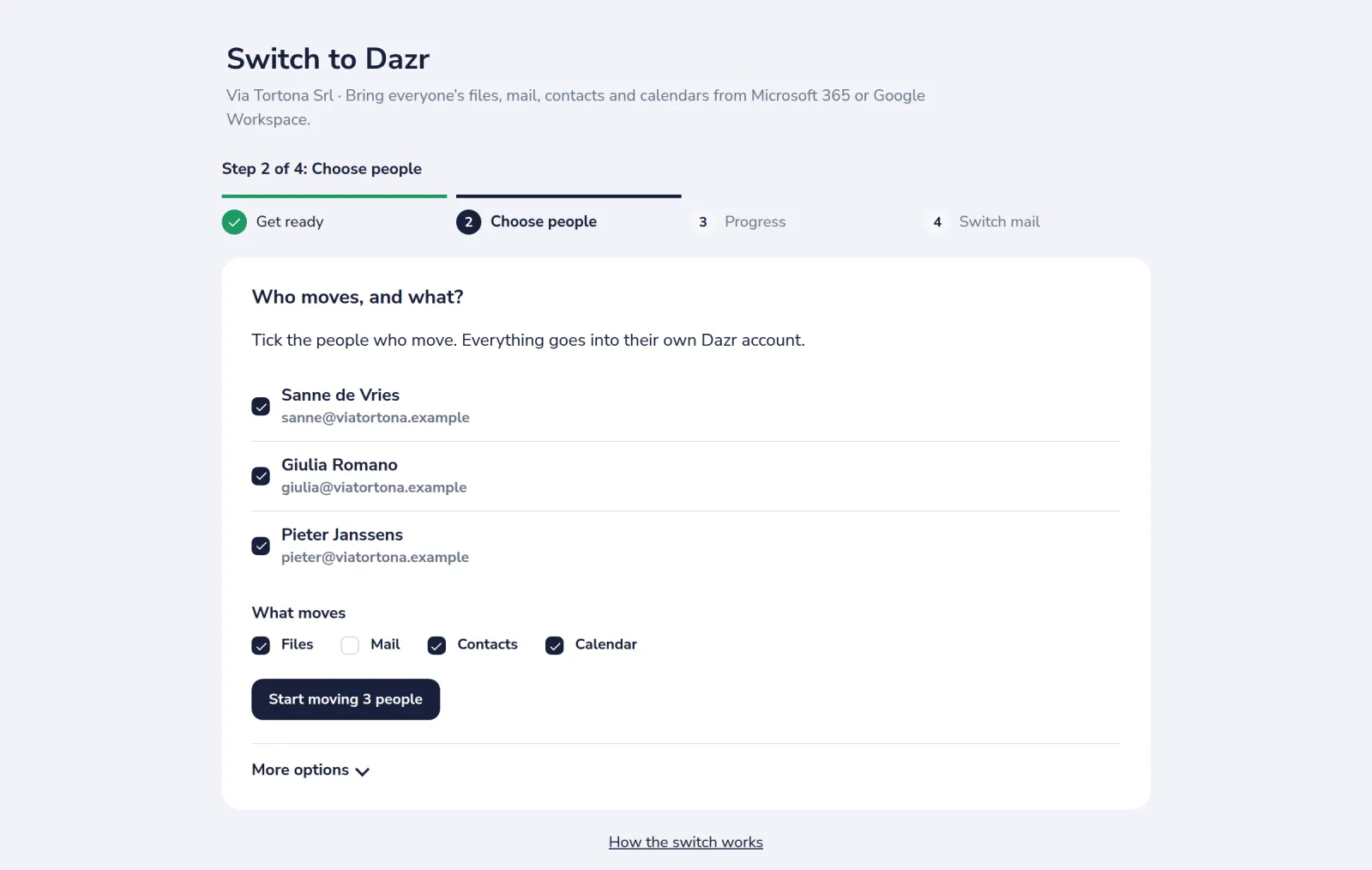
Tick the people who move and what moves, then press Start moving.
- 5
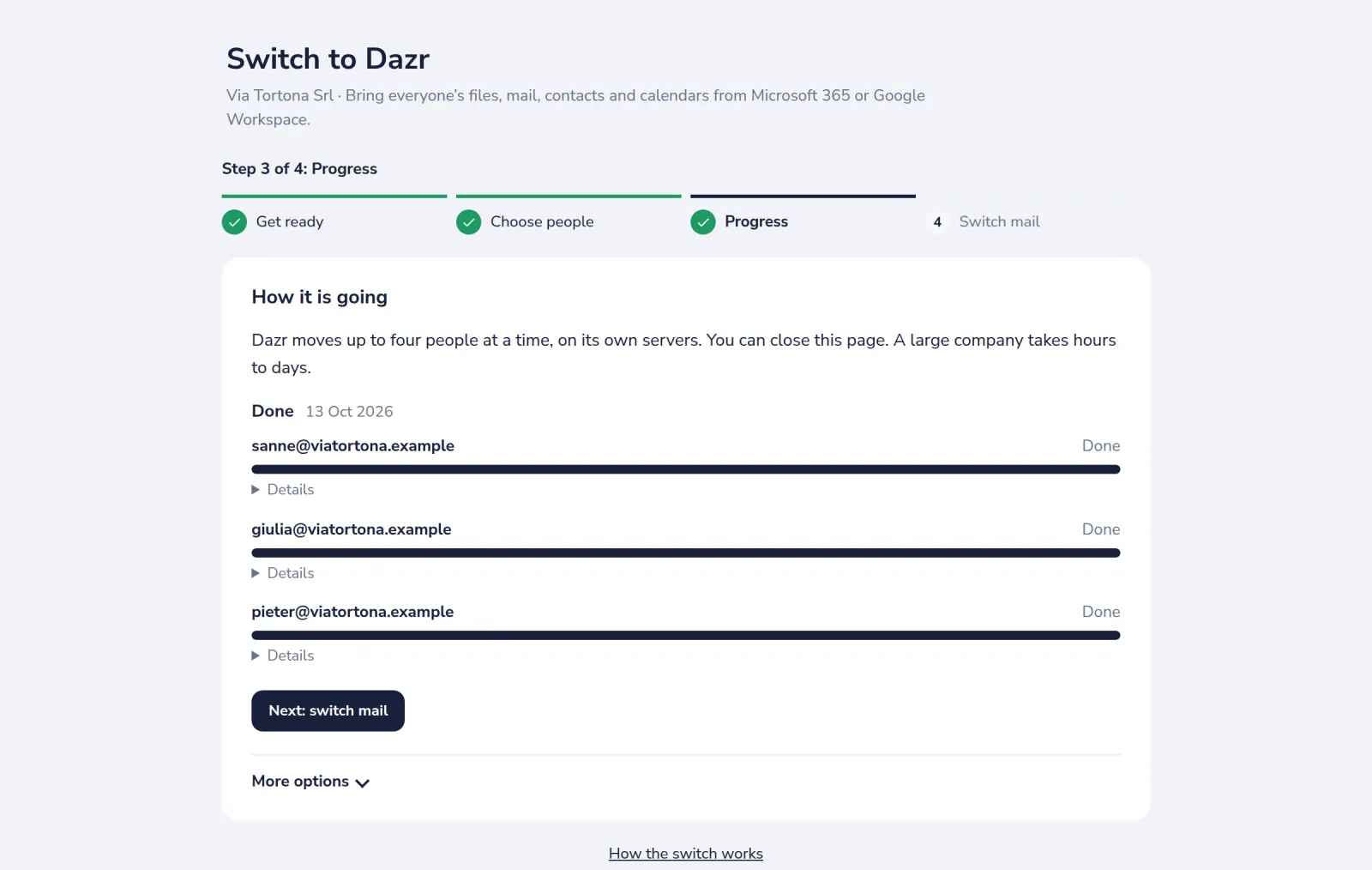
Follow each person
Progress shows a bar for each person. It runs on Dazr's servers, so you can close the page.
- 6
Switch your mail
In Switch mail, add the records where you bought your domain. Dazr checks them and tells you when you can cancel Microsoft 365.
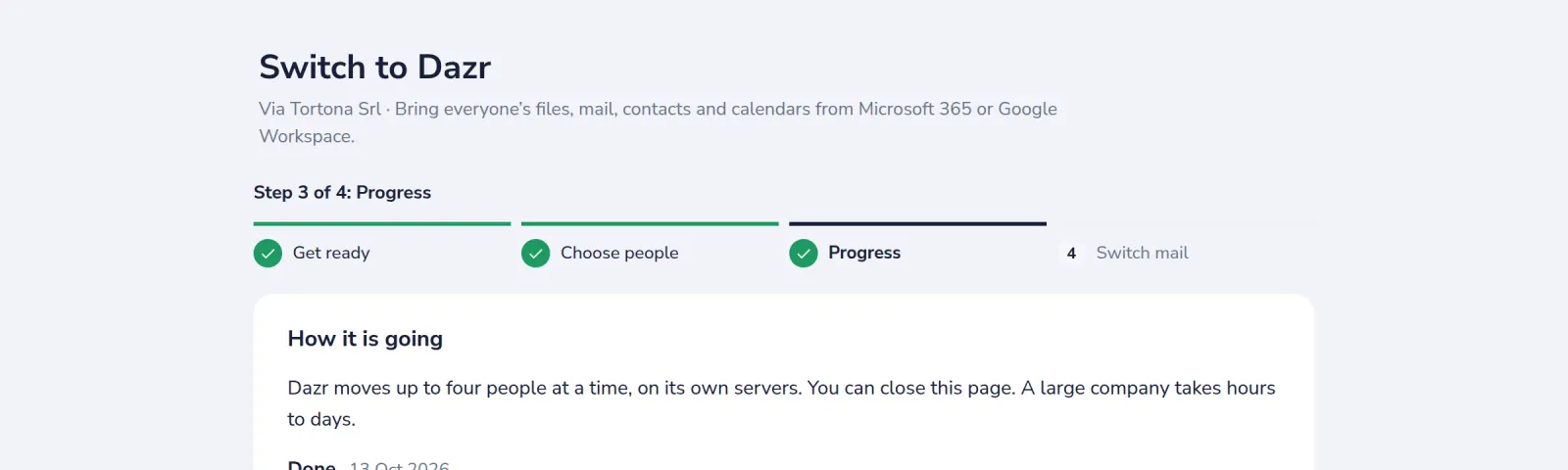
Coming from Google Workspace? Choose Google Workspace in step 1: it is a guided move with Google Takeout for the files, Dazr Mail's import for each person's Gmail, and .ics and vCard files for calendars and contacts. A large organisation takes hours to days: Microsoft sets the pace.
Was this helpful?
What was missing?
Thank you.
We count yes and no per article. Nothing about you is stored.