Rename or remove a phone
Got a new phone? Remove the old one, so only phones you have can sign in without a code.
- 1
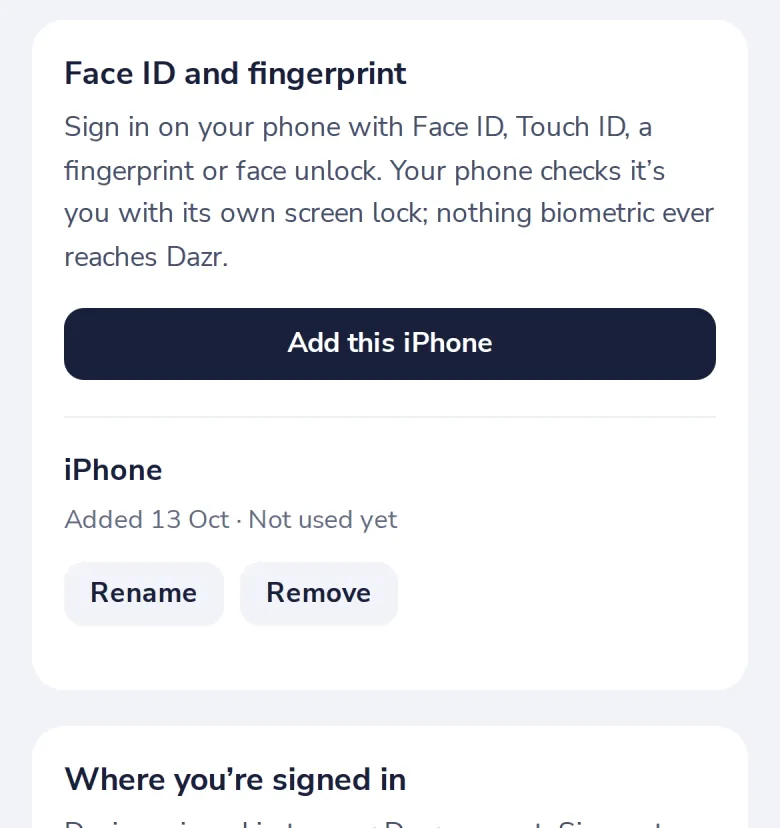
Find it under Face ID and fingerprint
In Security. Each phone shows when it was added and last used.
- 2
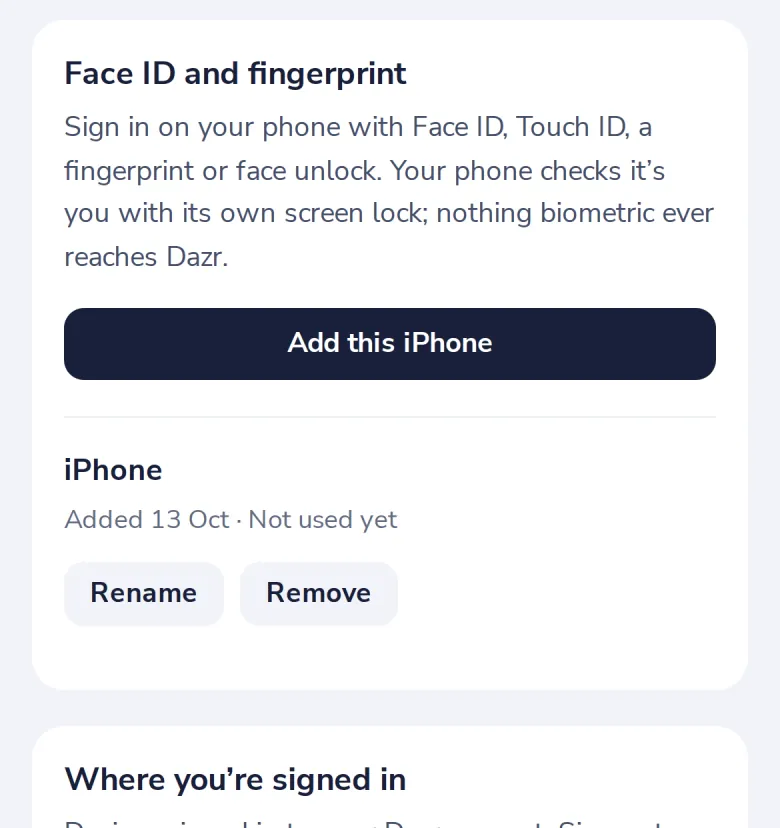
Press Rename or Remove
A removed phone signs in with a code again.
Was this helpful?
What was missing?
Thank you.
We count yes and no per article. Nothing about you is stored.