Sign in with Face ID or your fingerprint
Add your phone once and sign in with Face ID, Touch ID, a fingerprint or face unlock. Your phone checks it is you; nothing biometric ever reaches Dazr.
- 1
Open Security on your phone
In Dazr Identity, on your iPhone or Android phone.
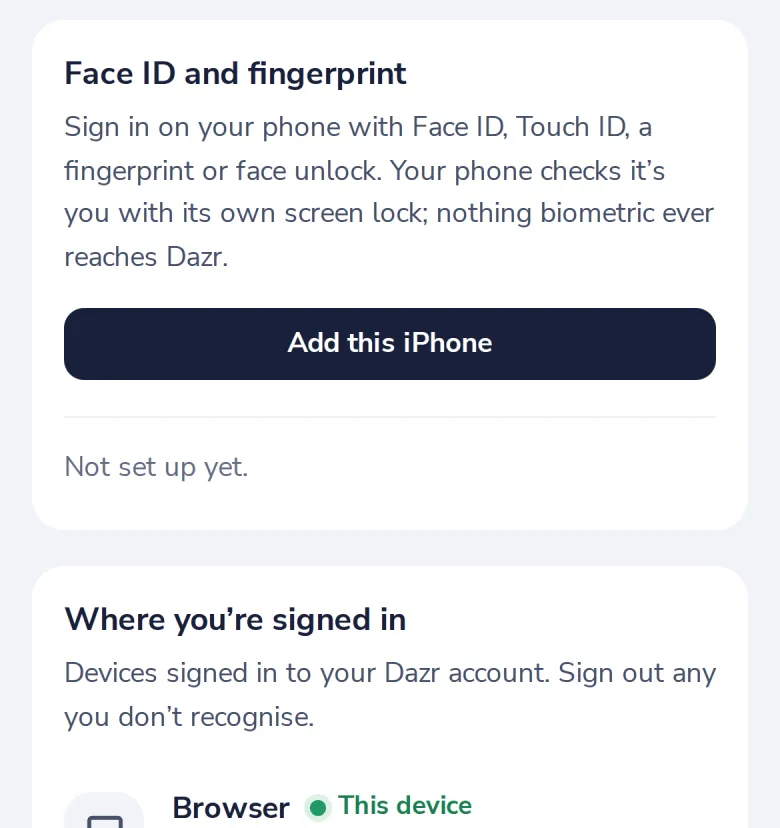
On a computer the card says to open the page on your phone.
- 2
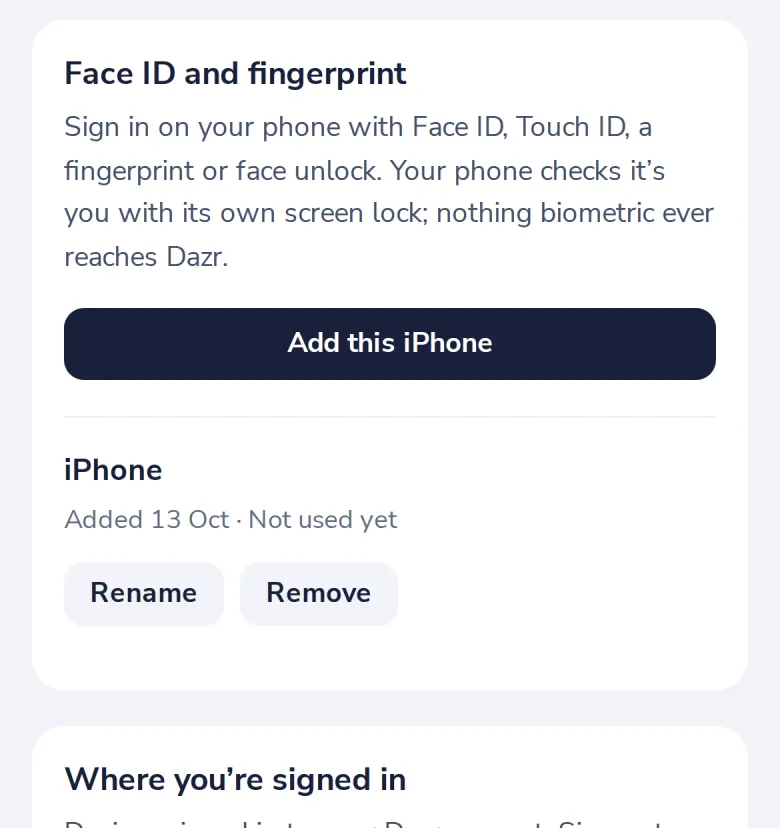
Press Add this iPhone
On Android it says Add this phone. Confirm with Face ID or your fingerprint. Next time, sign in without a code.
Was this helpful?
What was missing?
Thank you.
We count yes and no per article. Nothing about you is stored.