Set up your company
Mail on your domain, shared files, Teams and the plan for your team all belong to your company. Set it up once and every Dazr app uses it.
- 1
Press Add organisation
In Organisations. Set up your company opens.
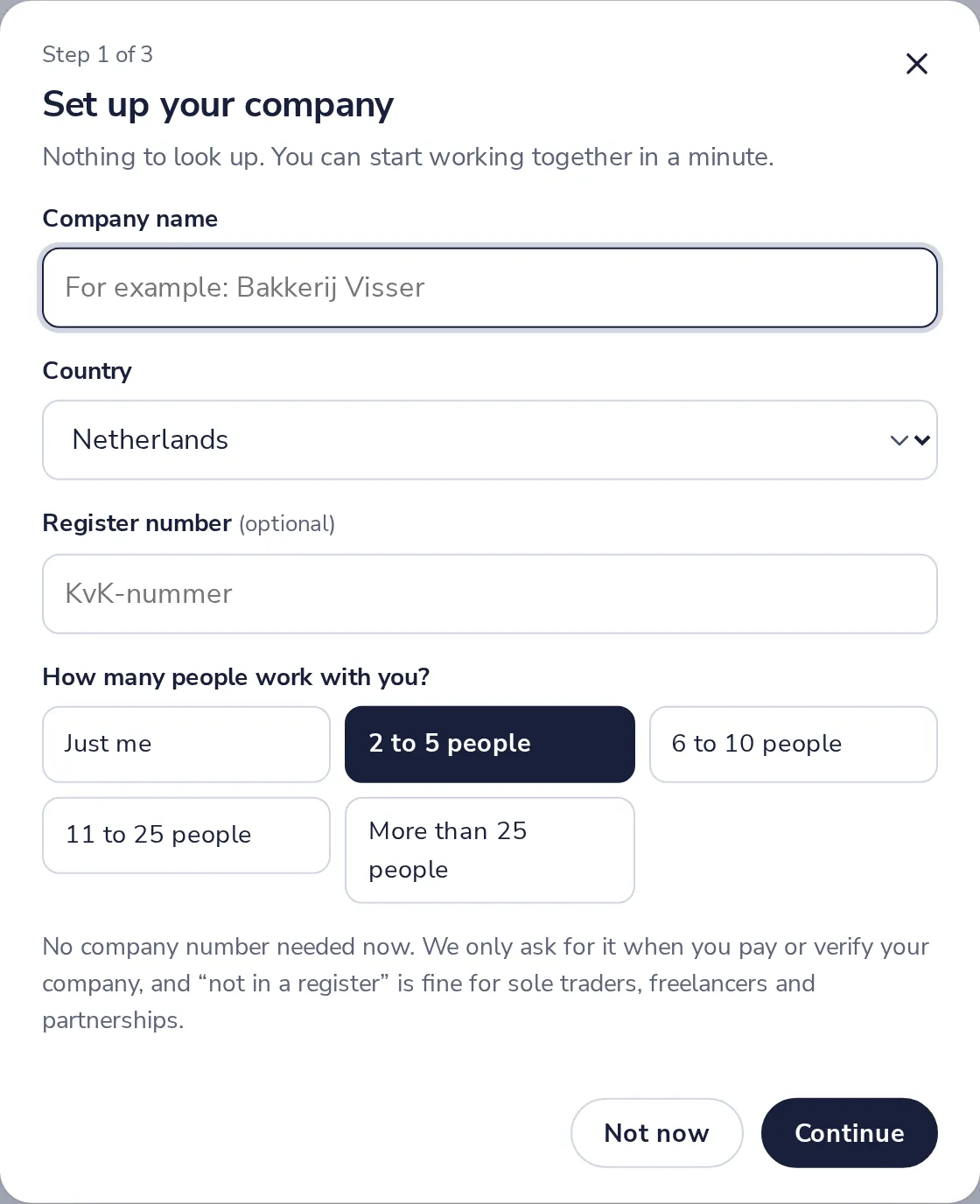
- 2
Name, country and size
The register number is optional. We only ask for it when you pay or verify.
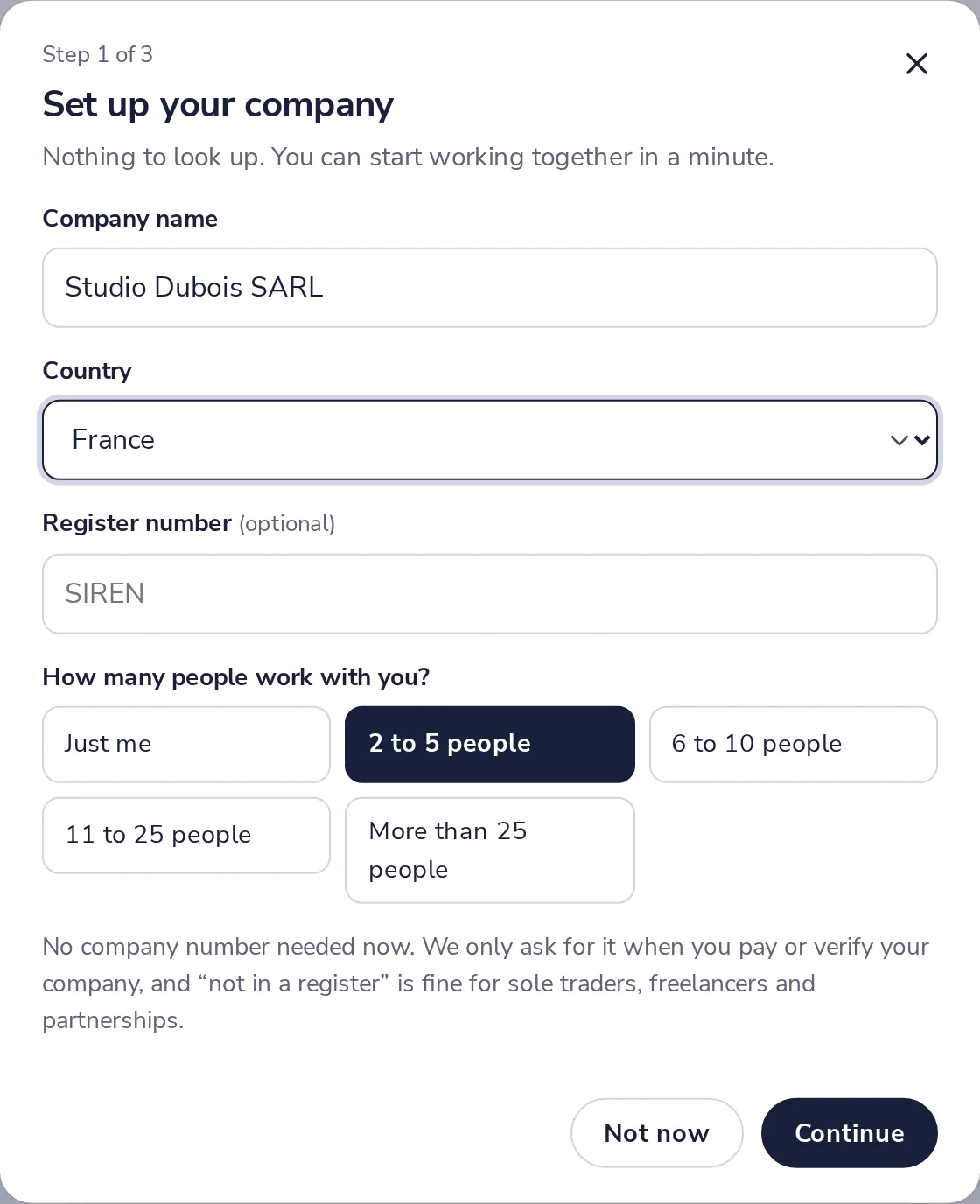
Not in a company register? That is fine for sole traders and freelancers.
- 3
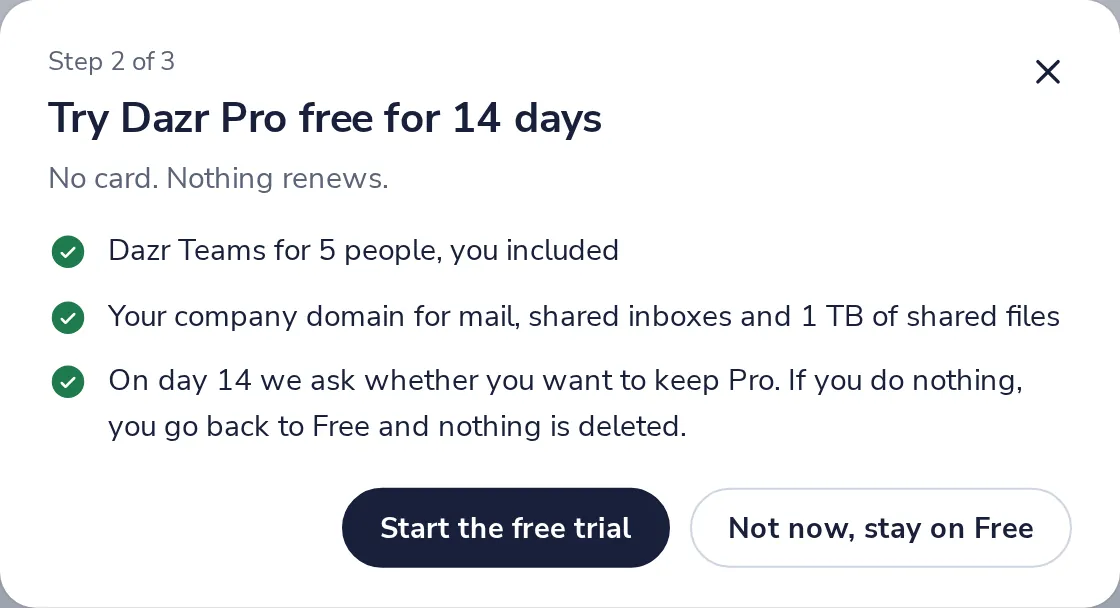
Start the free trial, or not now
14 days of Pro for your team, with you on the plan. No card.
- 4
Invite your team
Names and addresses. Each gets an invitation and a place on the plan when they accept.
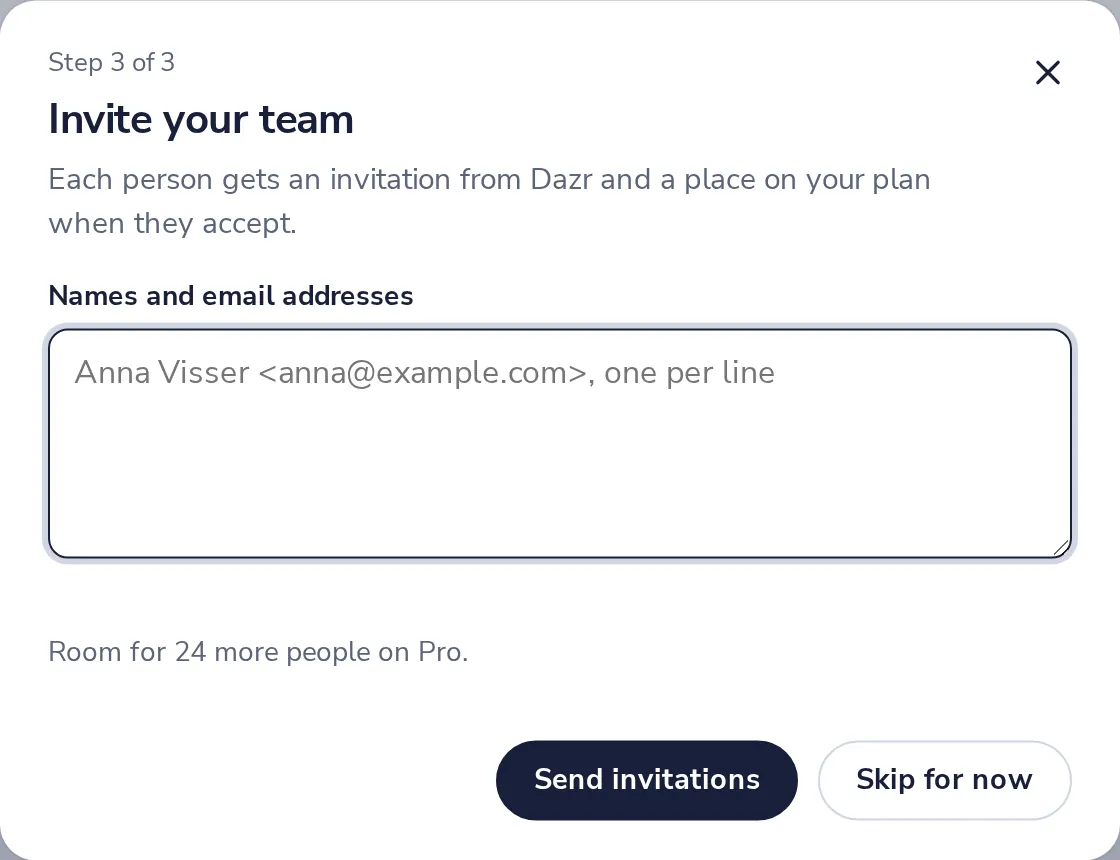
Skip for now if you want to invite people later.
- 5
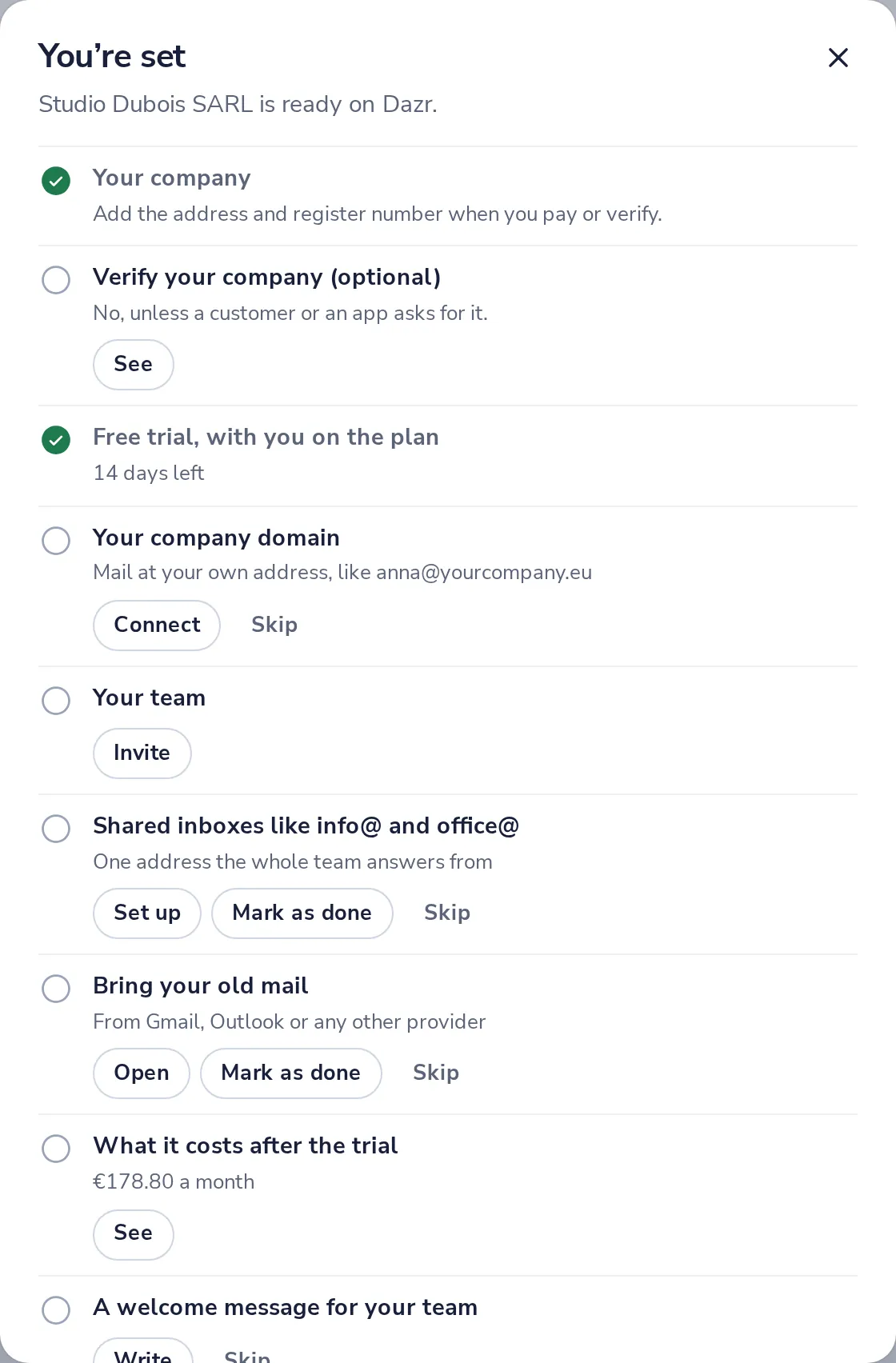
Follow the checklist
Your domain, shared inboxes, your old mail and more. Do each when it suits you.
Was this helpful?
What was missing?
Thank you.
We count yes and no per article. Nothing about you is stored.