Share a note or a notebook
You can share with colleagues in your Dazr organisation. They find it under Shared with you; nobody gets an email. Pictures in the note show for them too.
- 1
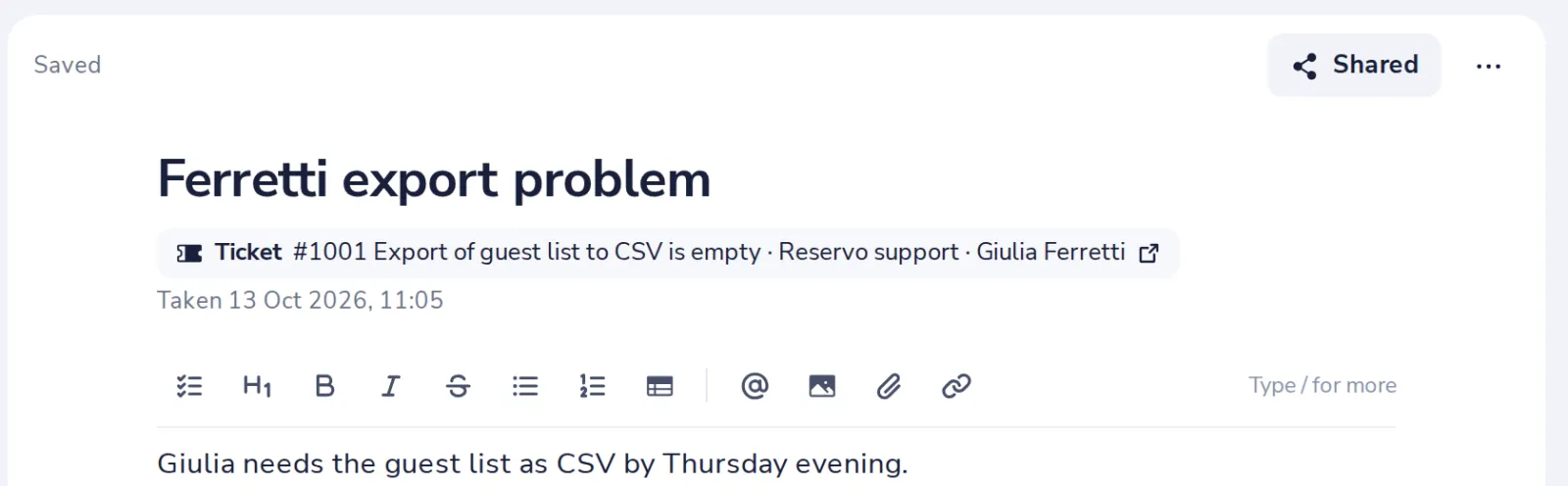
Open the note and press Share
At the top right of the note.
- 2
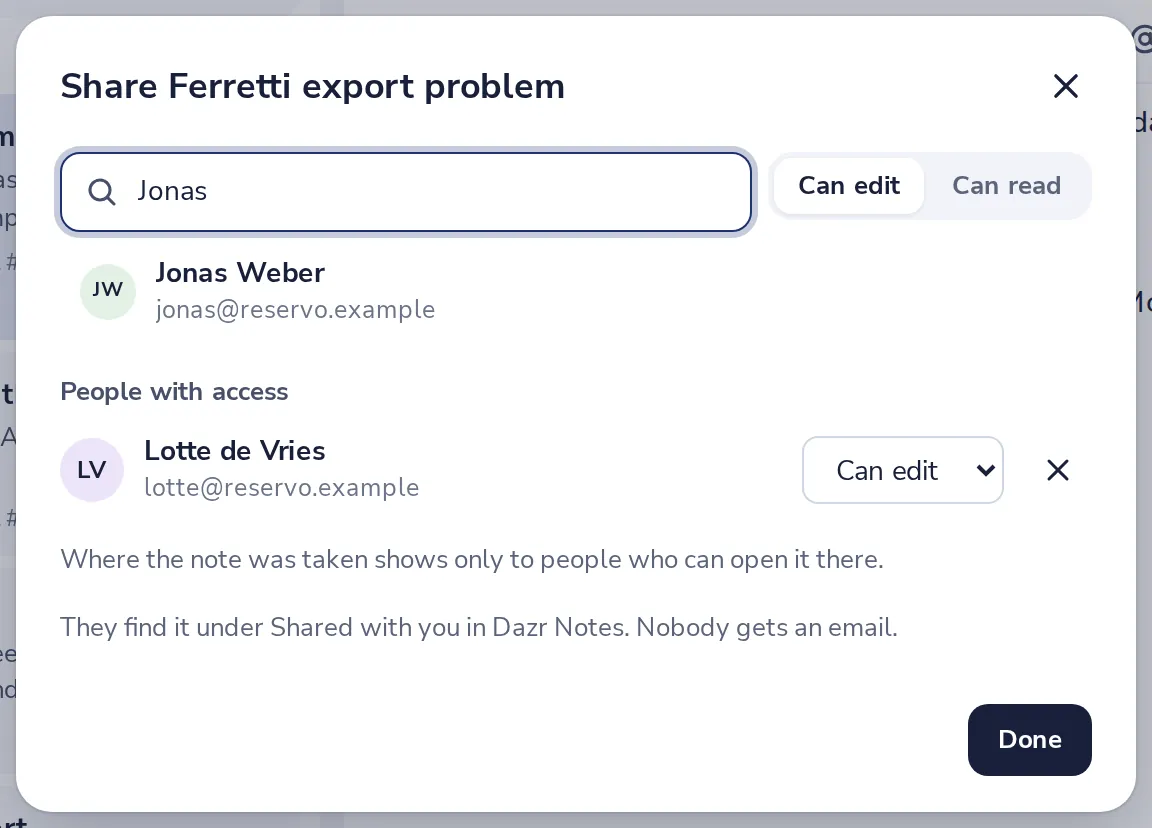
Find your colleague
Type a name or an email address and pick them.
- 3
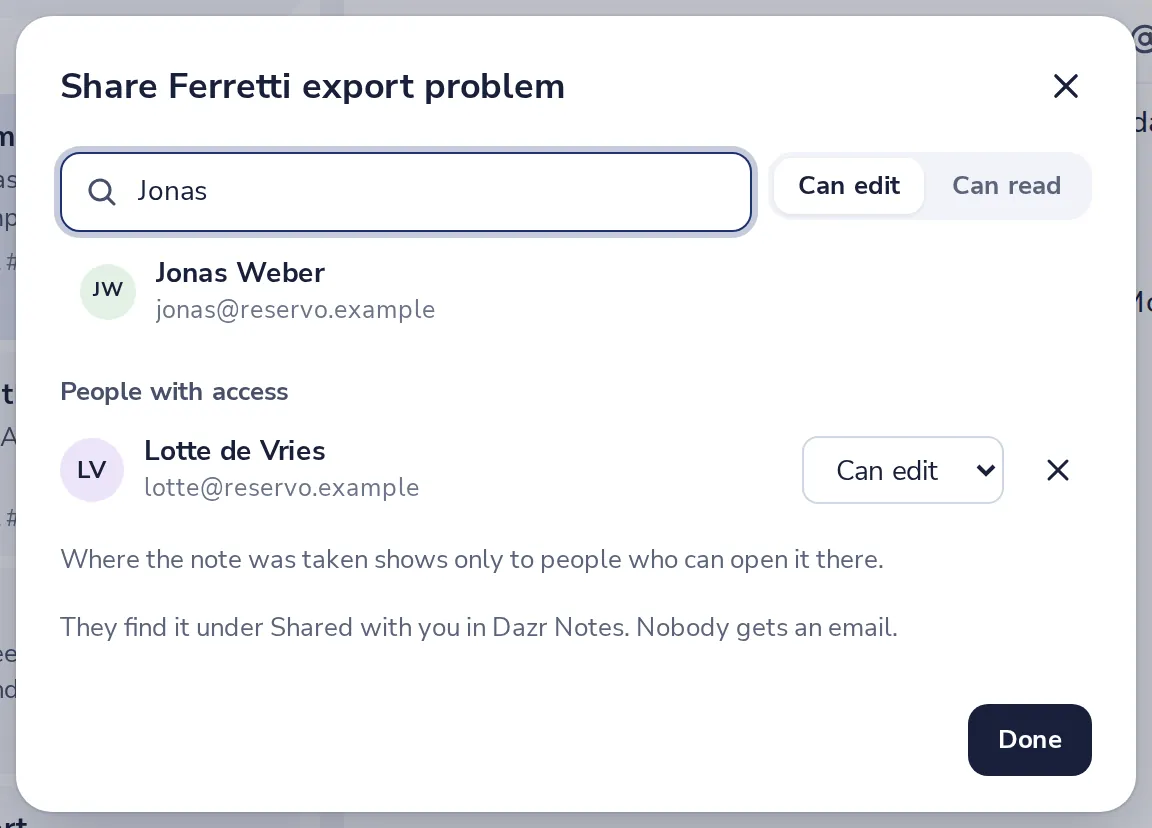
Choose what they may do
Can edit lets them write in it. Can read only lets them read it.
- 4
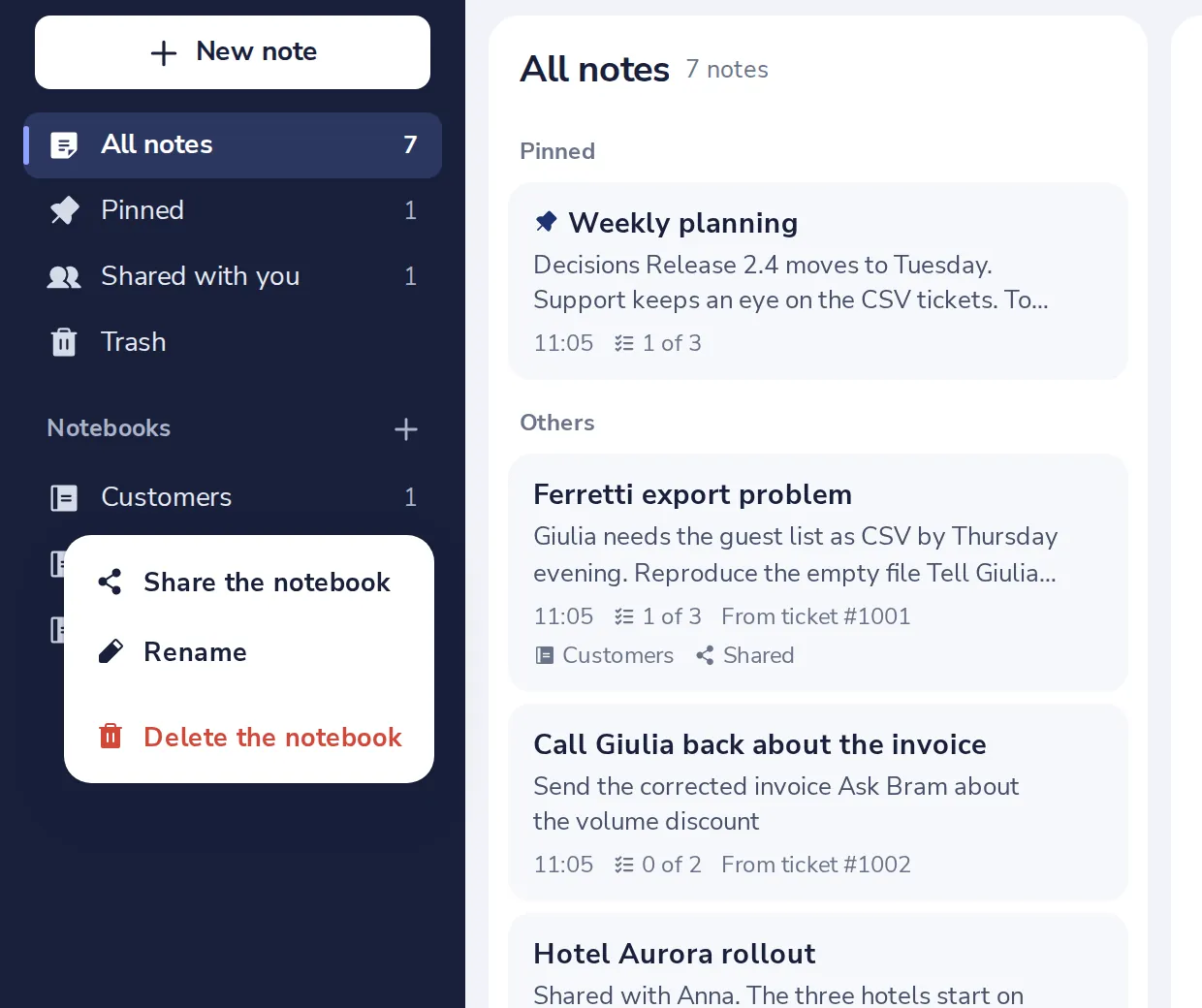
Or share a whole notebook
In the notebook's menu in the sidebar. Notes you add later are shared too.
A colleague who leaves your organisation no longer sees what you shared. Only you, who wrote the note, can share it on.
Was this helpful?
What was missing?
Thank you.
We count yes and no per article. Nothing about you is stored.