Delete a note, or bring it back
A note you delete goes to the trash. For 30 days you can bring it back as it was; after that it is deleted for good.
- 1
Move it to the trash
In the note's menu, or drag it onto Trash in the sidebar.

- 2
Open Trash
In the sidebar. Each note says how many days it has left.

- 3
Restore it
In the note's menu. It goes back to where it was.
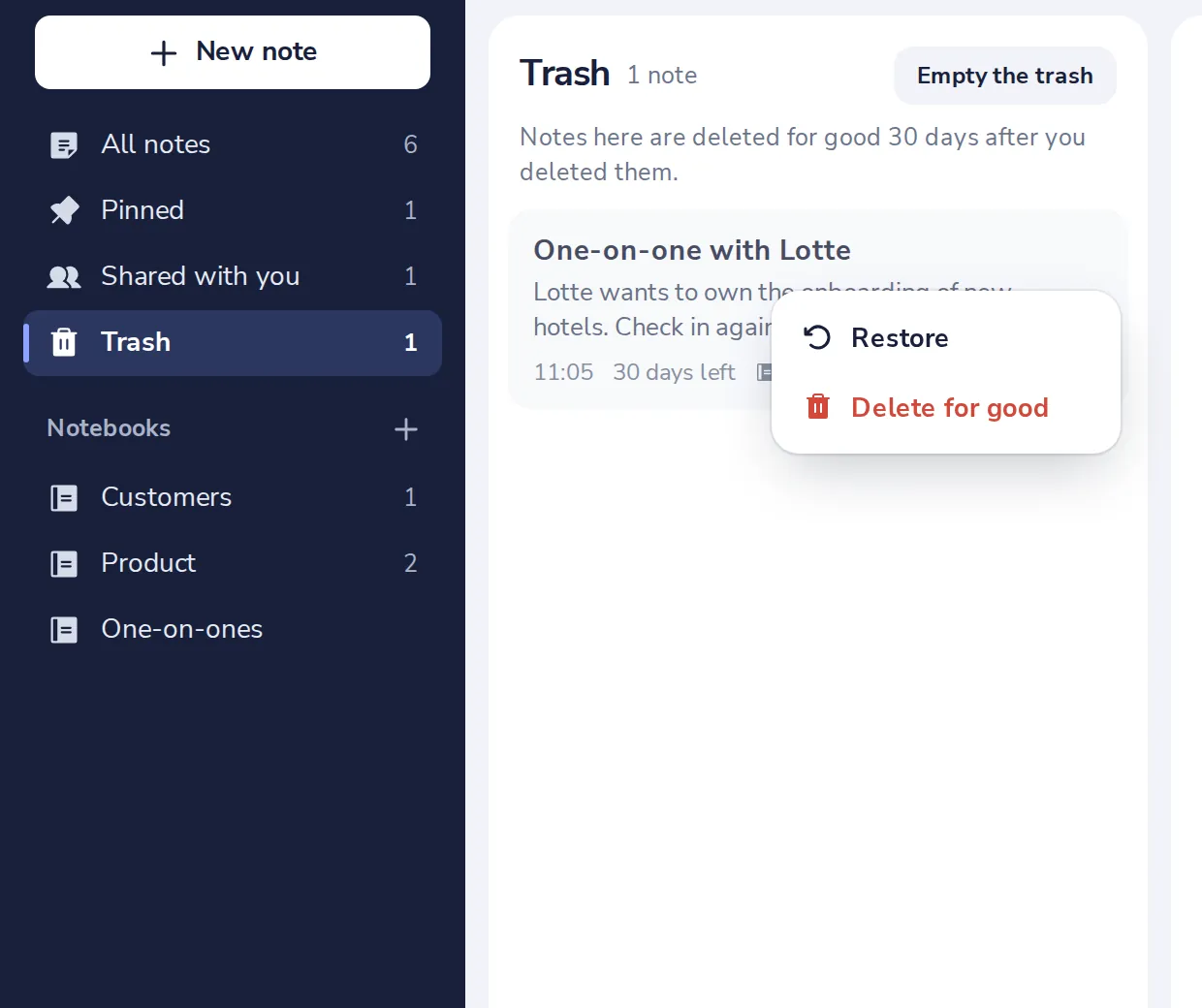
Empty the trash deletes everything in it at once, for good.
A note in the trash is not shared any more. Restored, it is shared again with the same people.
Was this helpful?
What was missing?
Thank you.
We count yes and no per article. Nothing about you is stored.