Open your demo workspace
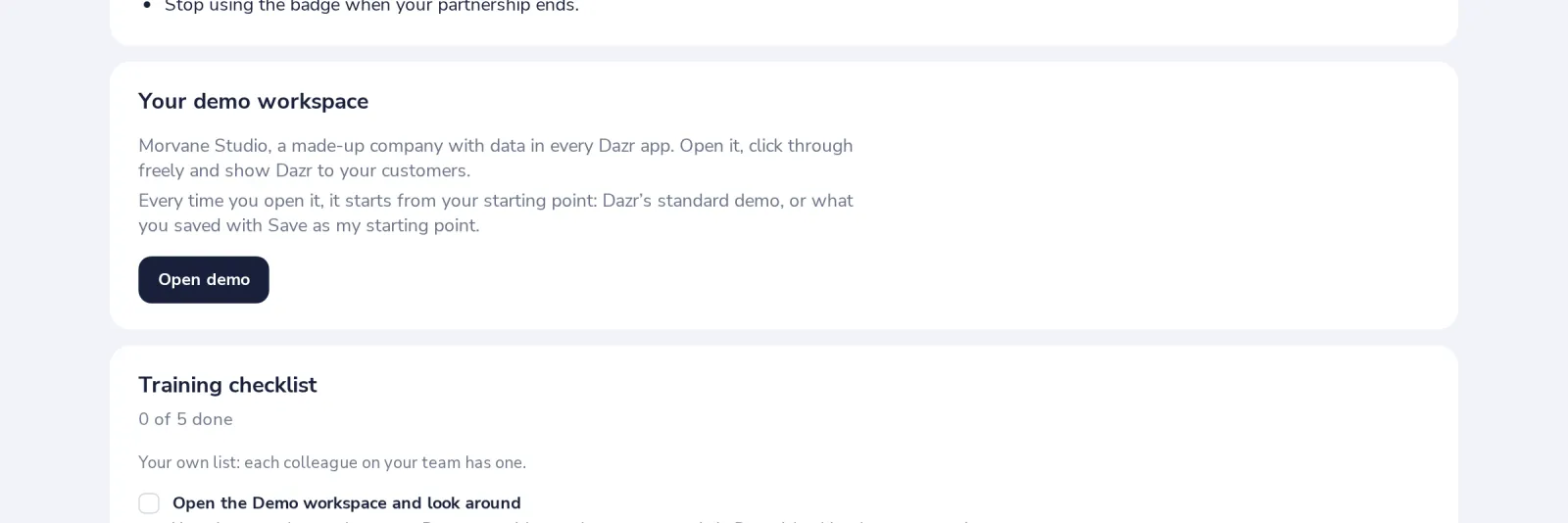
Your demo workspace is Morvane Studio, a made-up company with data in every Dazr app. Open it, click through freely and show Dazr to your customers.
- 1
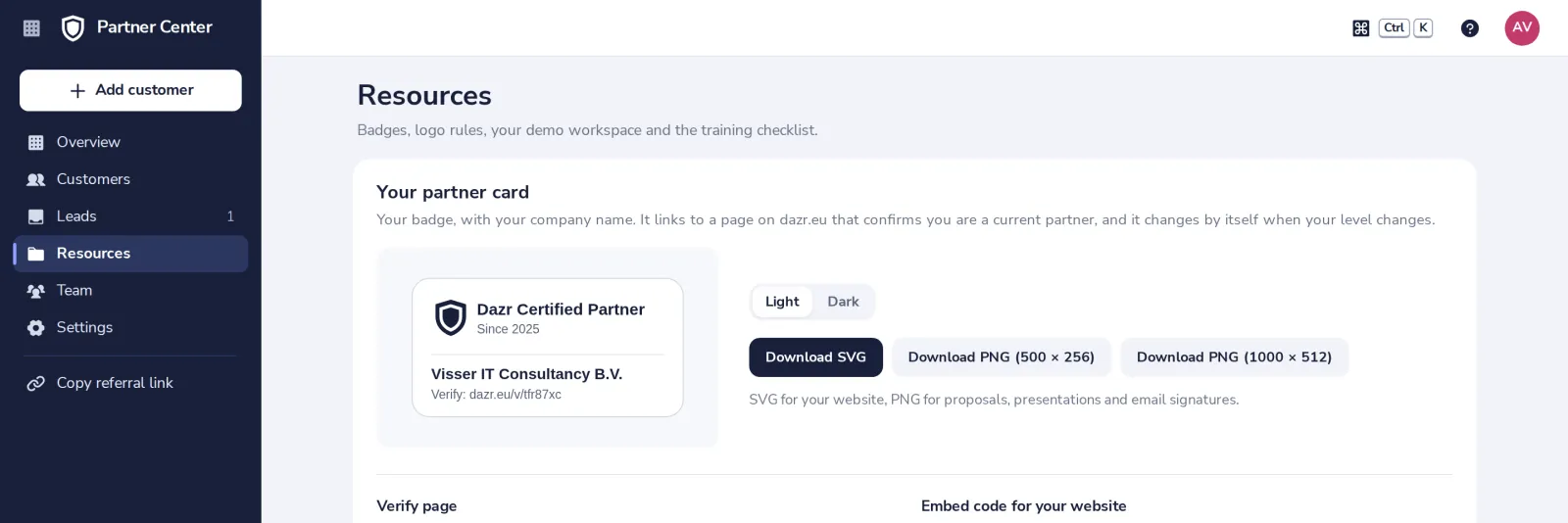
Open Resources
Your demo workspace is below your partner card. Open demo is on the Overview too.
- 2
Press Open demo
The first time it is filled, which takes a moment. Then the Dazr Suite opens, signed in to the demo.
- 3
Start fresh every time
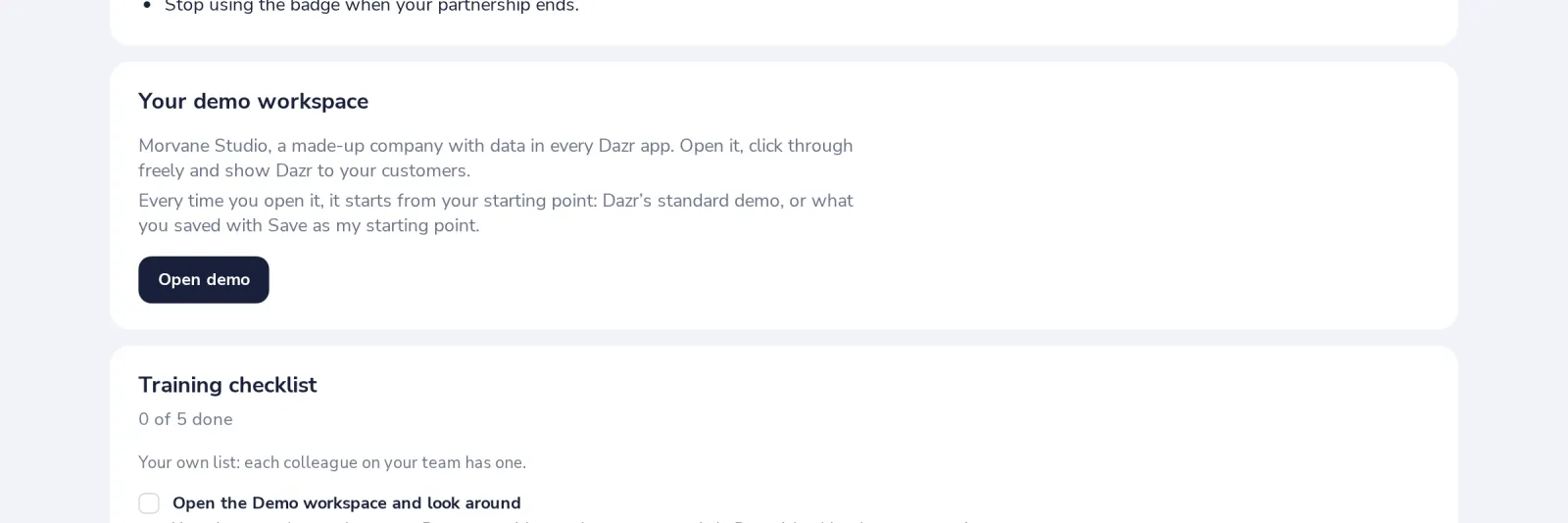
Each time it opens from your starting point. The bar at the top of the demo resets it, saves it as your starting point, or exits.
Was this helpful?
What was missing?
Thank you.
We count yes and no per article. Nothing about you is stored.