Follow a bulk send
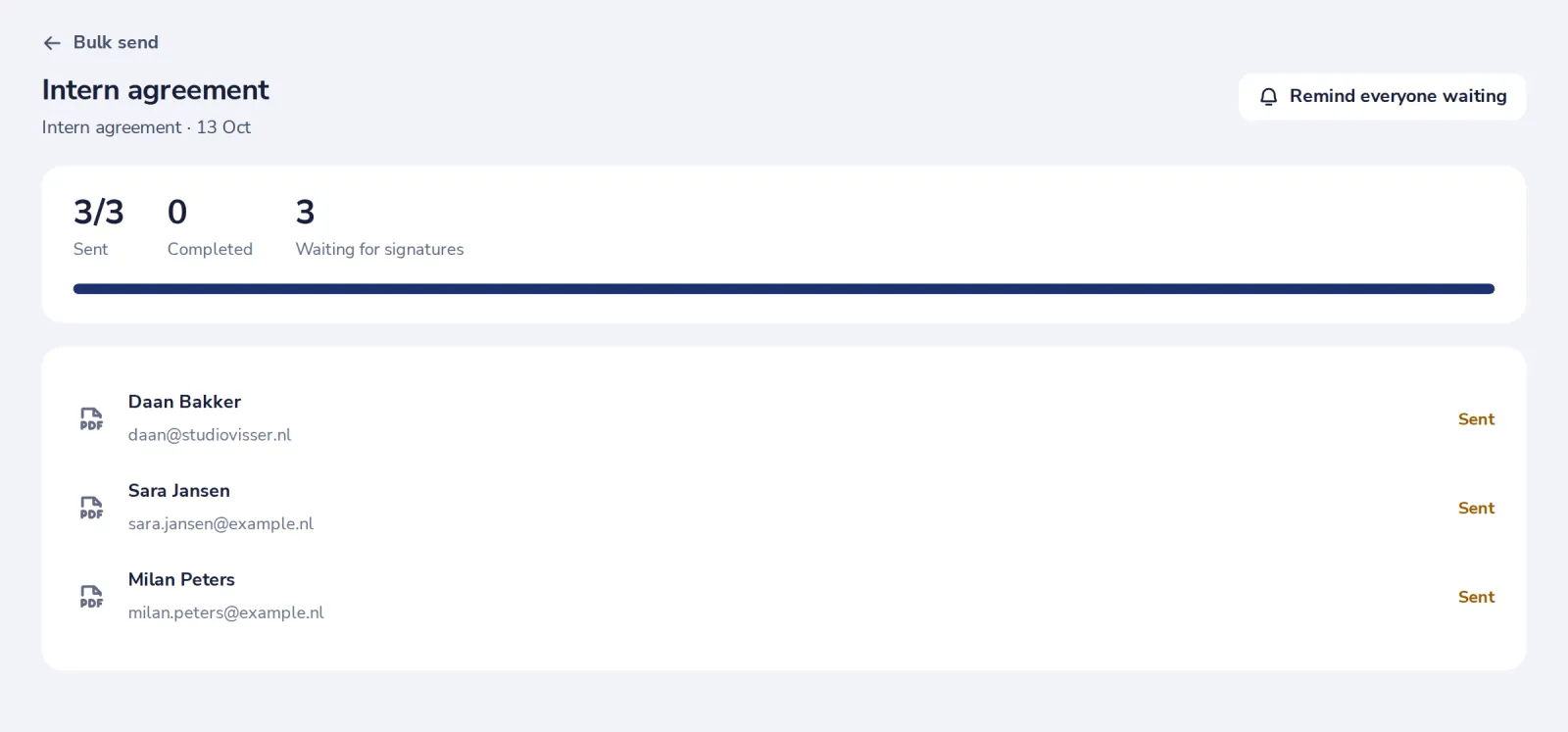
Each bulk send has its own page with the count of documents sent and completed, and everyone on the list.
- 1
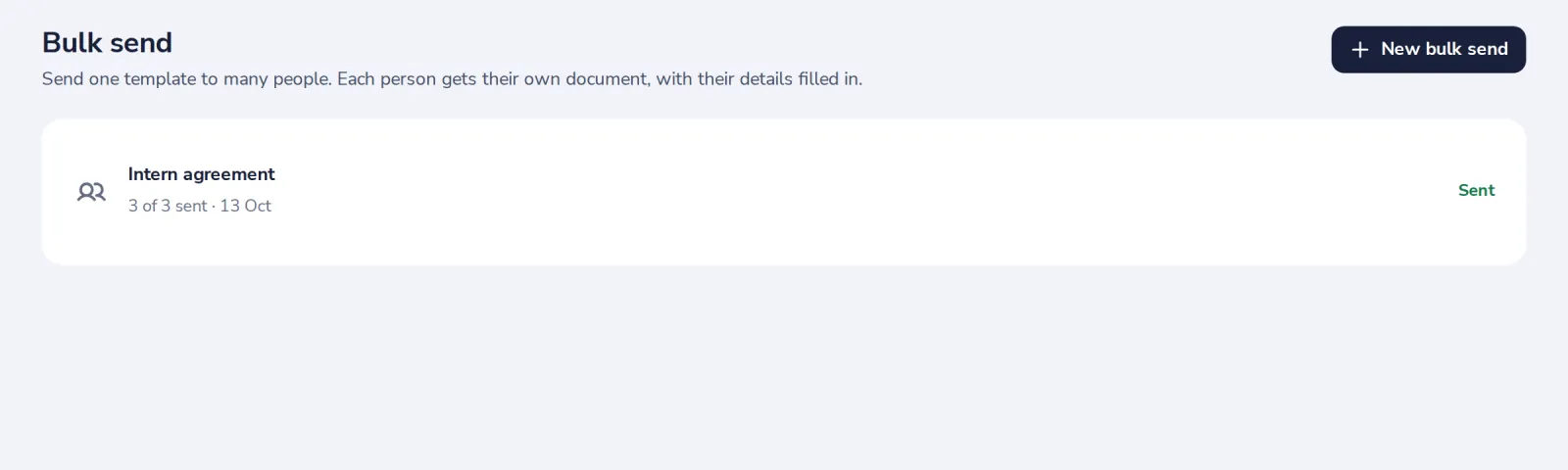
Open Bulk send
From Templates, press Bulk send, then open the one you sent.
- 2
See where everyone is
Sent, completed and waiting, and a line for each person.
- 3
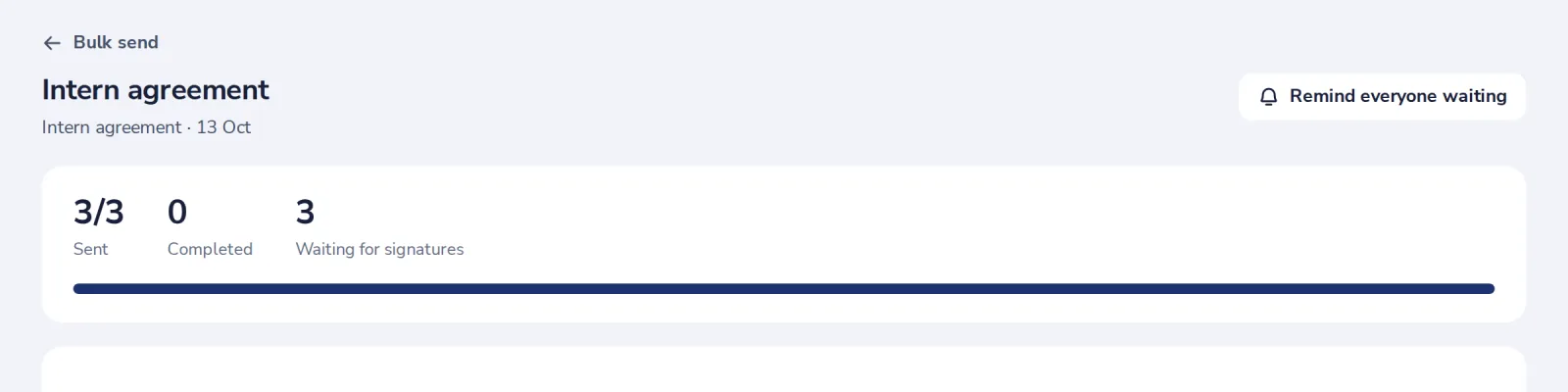
Remind everyone waiting
One press reminds everyone who has not signed yet.
Still sending? Stop sending the rest stops the documents that have not gone out yet.
Was this helpful?
What was missing?
Thank you.
We count yes and no per article. Nothing about you is stored.