Send to many people at once
Bulk send sends a template to a list of people. Everyone gets their own document, with their details filled in.
You needA templateA list of names and email addresses
- 1
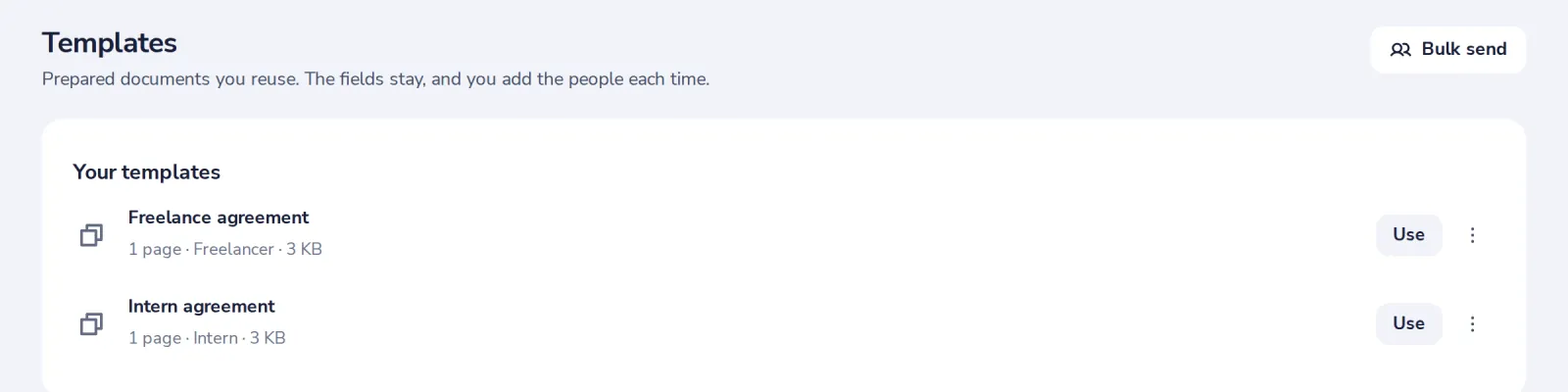
Press Bulk send
In Templates, top right.
- 2
Add the people
Upload a CSV file or paste a list, one person per line with their name and email.
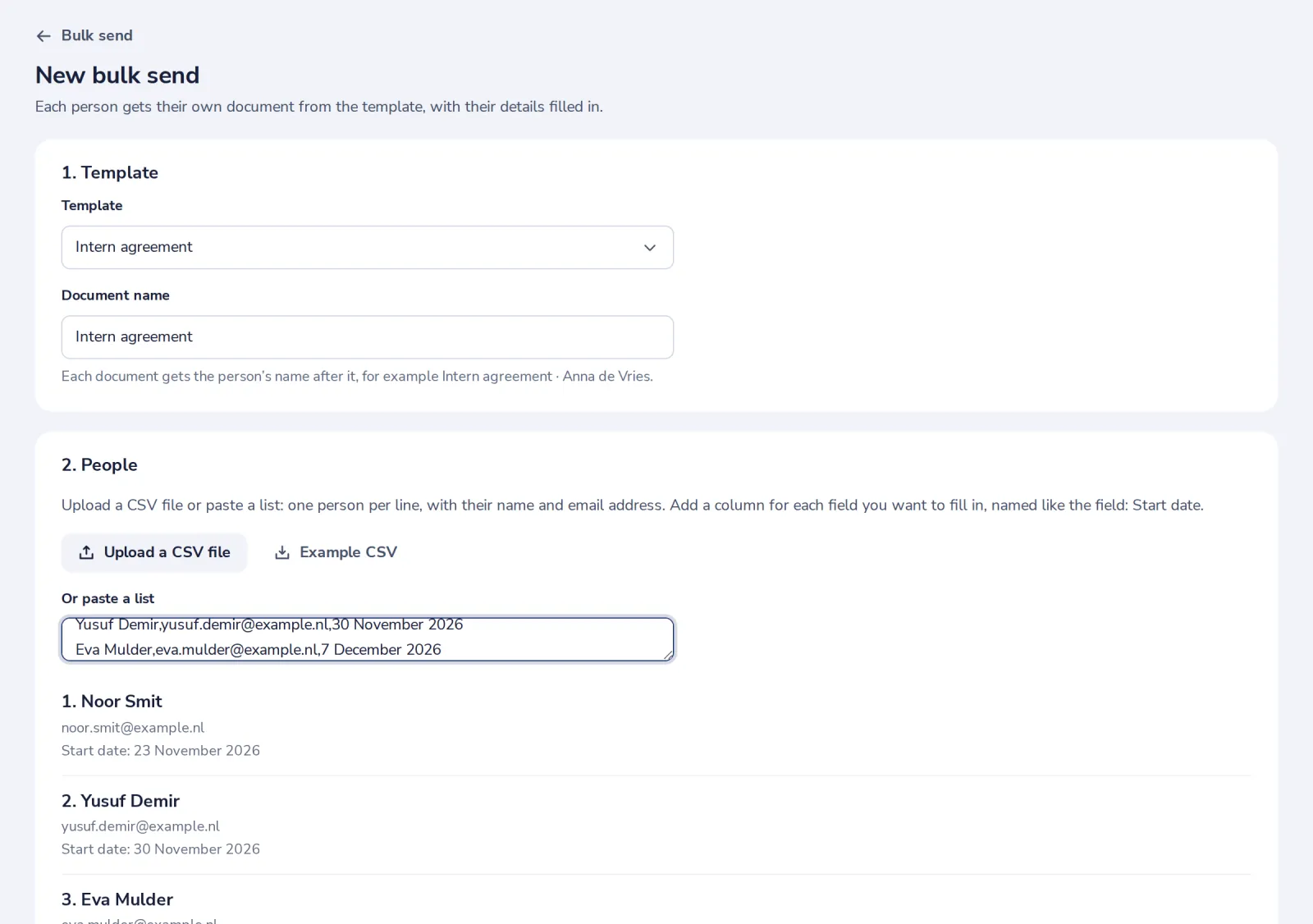
Add a column named like a field, for example Start date, to fill it in per person.
- 3
Press Send
We create one document per person and email each of them their own link.
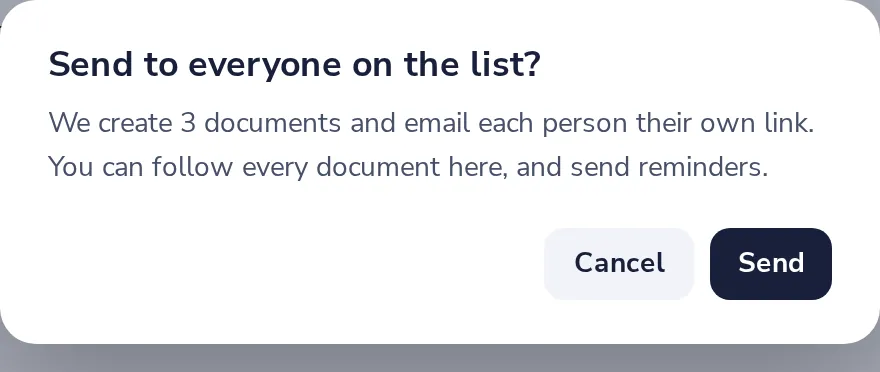
Up to 100 people per list. Up to 30 documents go out each hour; the rest follow by themselves.
Was this helpful?
What was missing?
Thank you.
We count yes and no per article. Nothing about you is stored.