Add fields the signer fills in
Besides the signature, a signer can fill in text, tick a box or add their company. You choose which fields are required.
- 1
Press Text
The field is placed for the person chosen under Fields. Drag it where the answer goes.
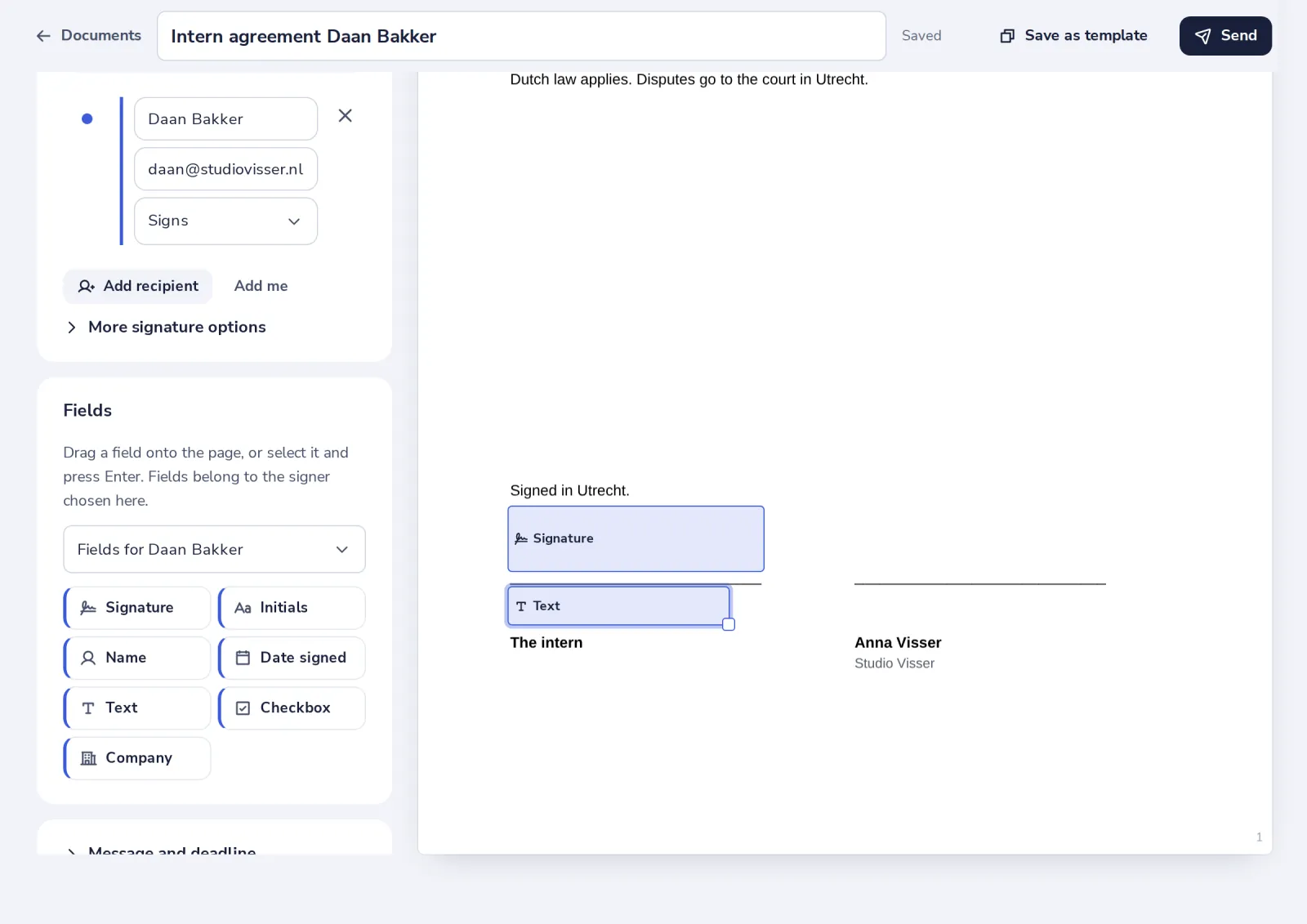
Checkbox and Company work the same way.
- 2
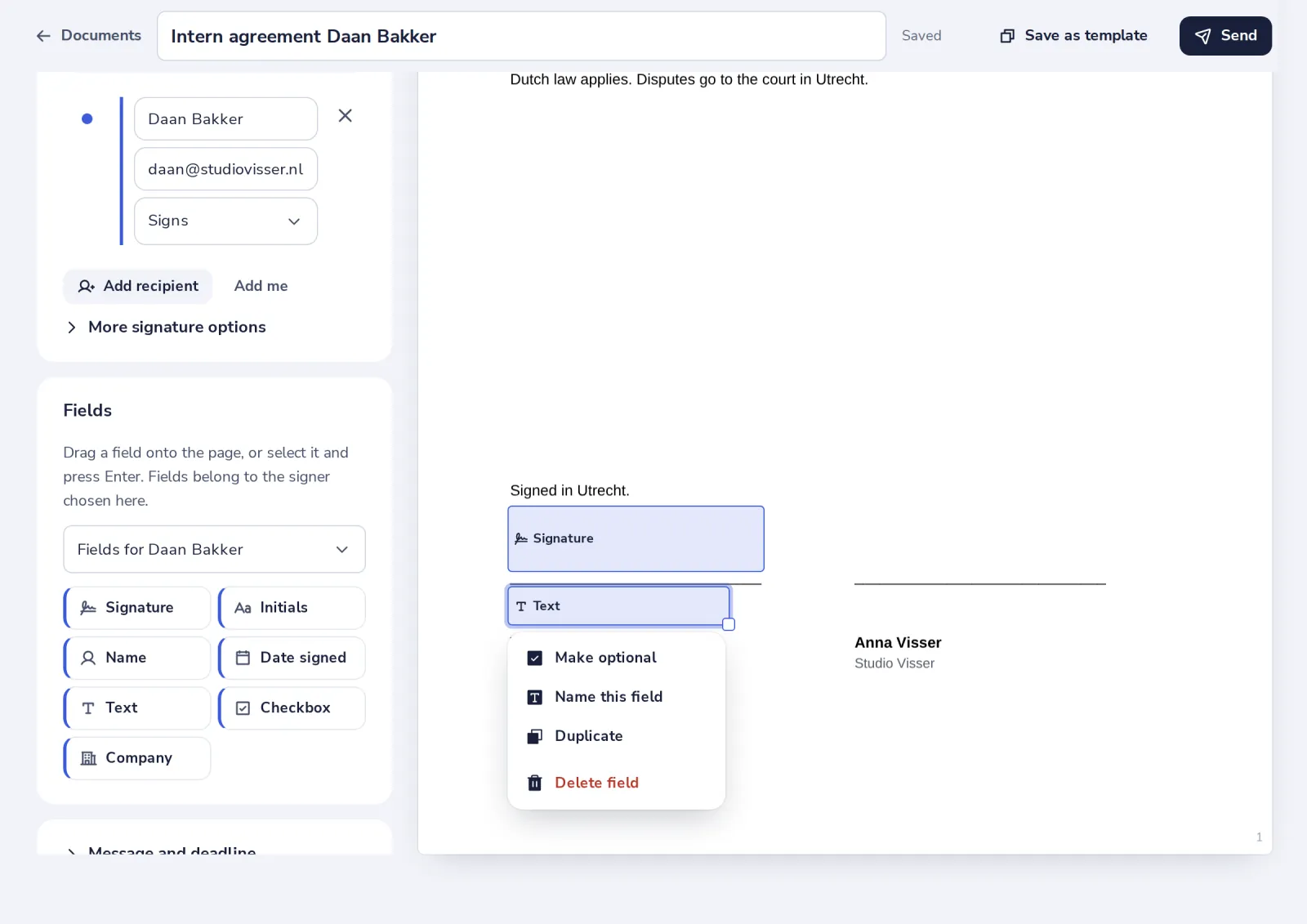
Click the field
Make it optional or required, or give it a name.
- 3
Name the field
The signer sees the name on the field, for example Start date.
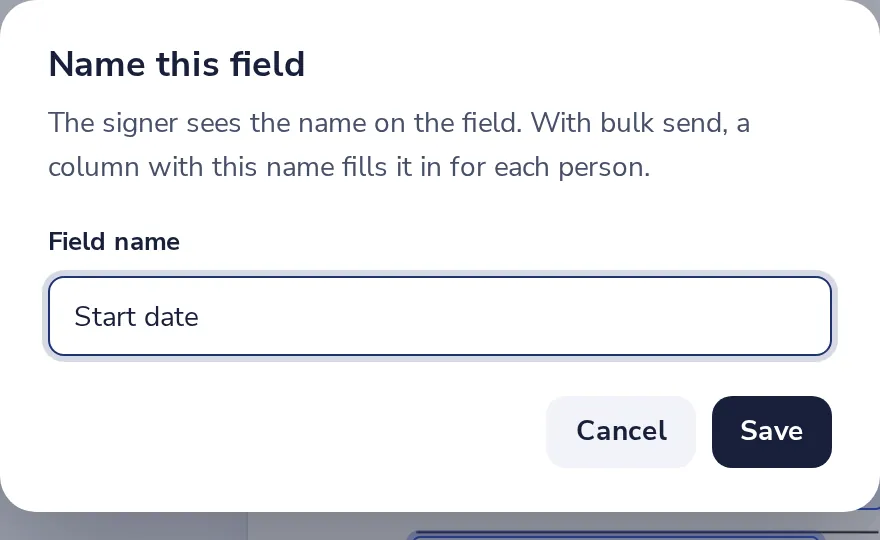
With bulk send, a column with the same name fills the field in for each person.
Was this helpful?
What was missing?
Thank you.
We count yes and no per article. Nothing about you is stored.