Make a template
A template keeps the pages and fields of a document you send often. You name who signs, such as Client, and add the people each time you use it. Nothing is sent.
- 1
Press New template
At the top of Templates.
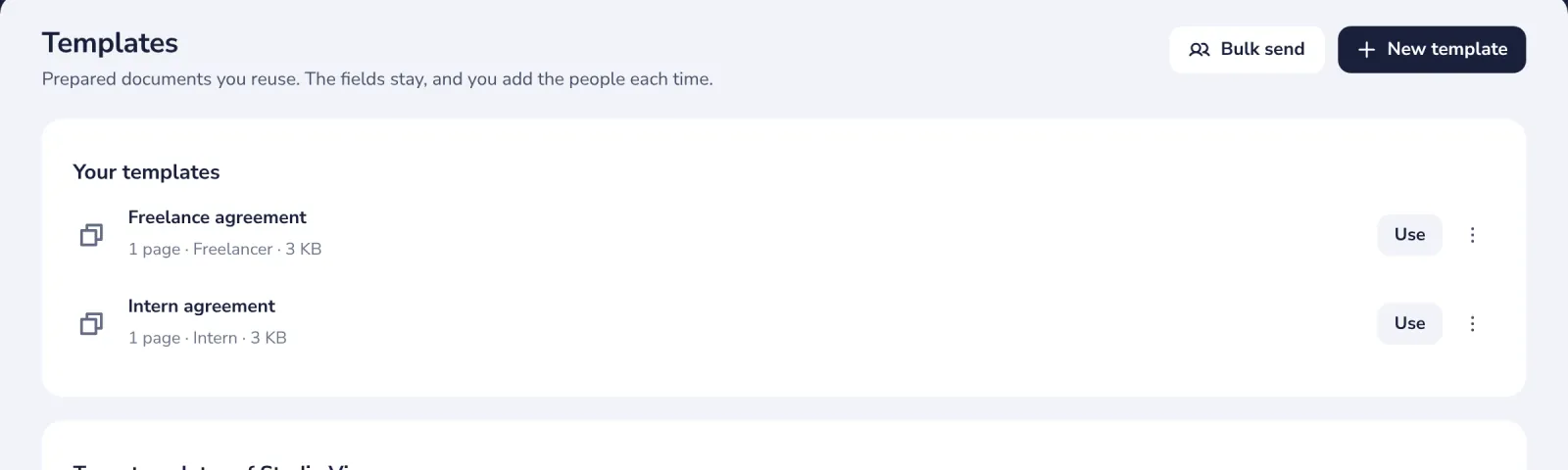
On the Free plan, it shows how to get Sign Pro, which has templates.
- 2
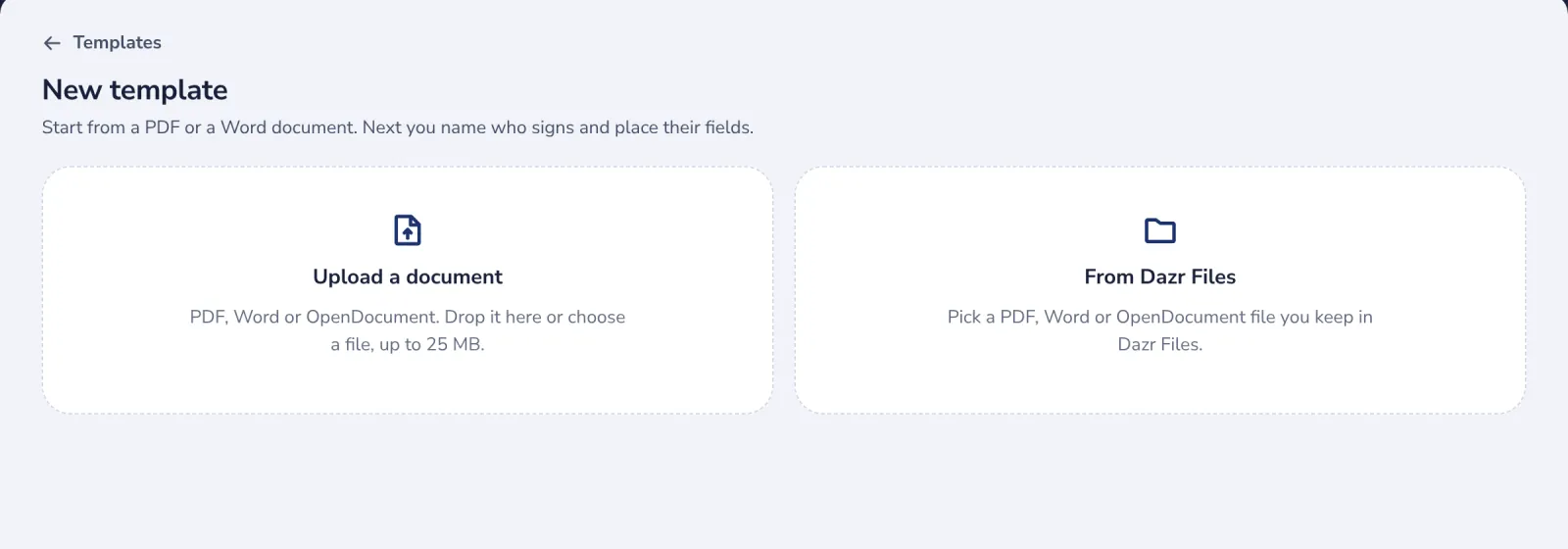
Choose the document
A PDF, Word or OpenDocument file from your computer or from Dazr Files.
- 3
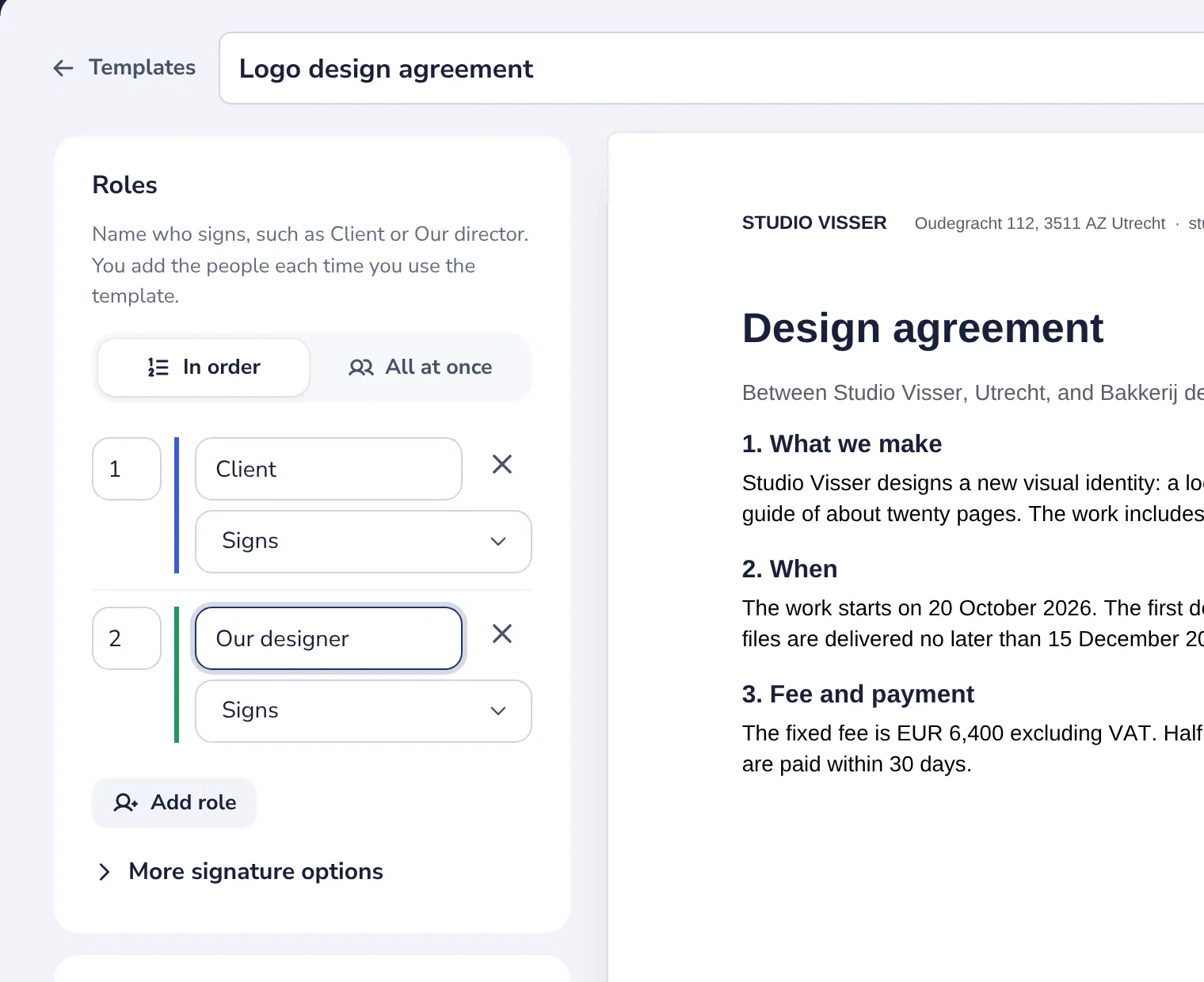
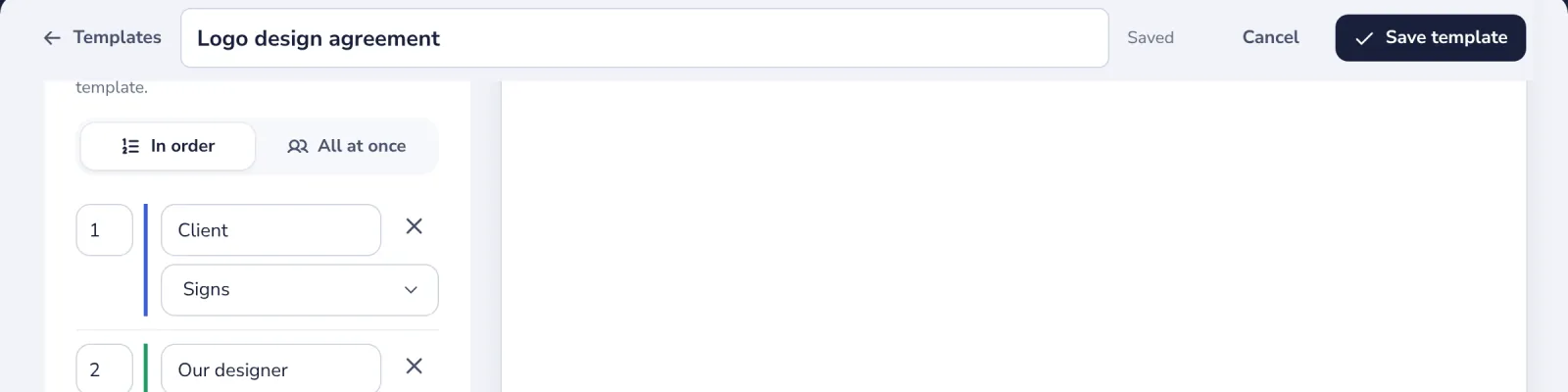
Name the template and the roles
Give each role a name, such as Client or Our designer. No email addresses.
- 4
Place the fields of each role
Choose the role under Fields, then press Signature and any other field.
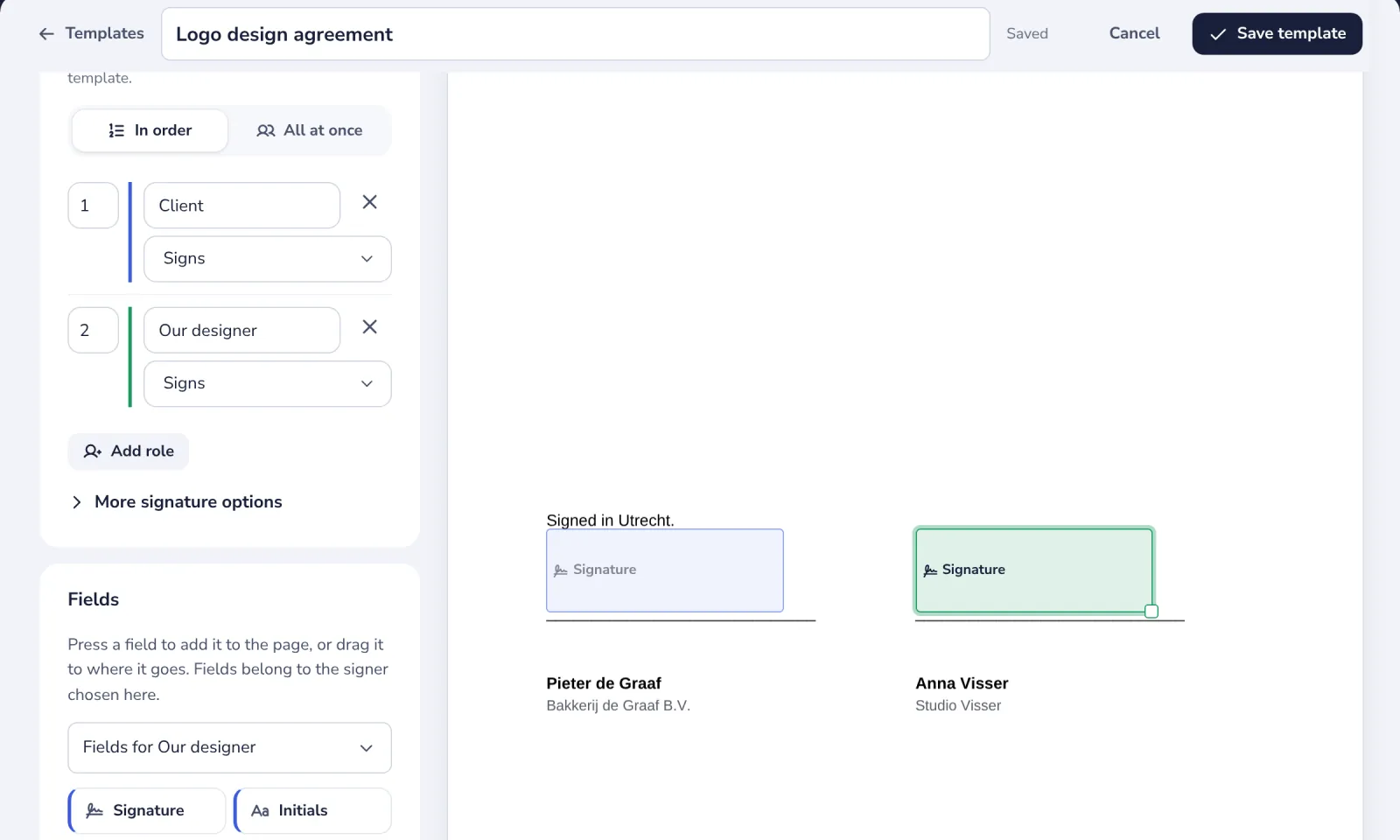
On a Signature line in the document, the signature and the date are placed for you.
- 5
Press Save template
The template is saved under Templates.
- 6
Use it when you need it
Press Use to send it, or Send to many people in its menu.
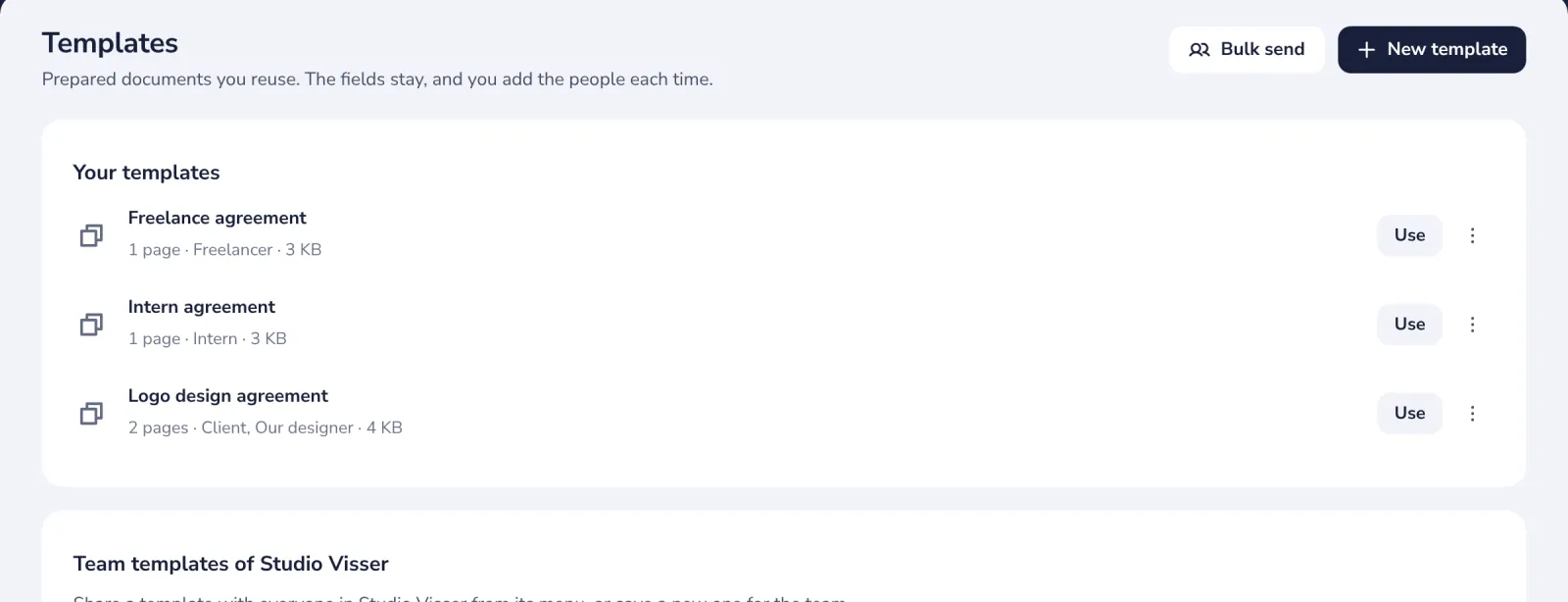
To change the roles or fields later, choose Edit in its menu.
Was this helpful?
What was missing?
Thank you.
We count yes and no per article. Nothing about you is stored.