Accept an invitation to a chat
An invitation to a chat comes by email. Open the link, sign in with the address it was sent to, and accept.
- 1
Open the link in the email
Dazr Teams opens with the invitation. Press Accept invitation.

Signed in with another address? Sign in with the one the invitation was sent to.
- 2
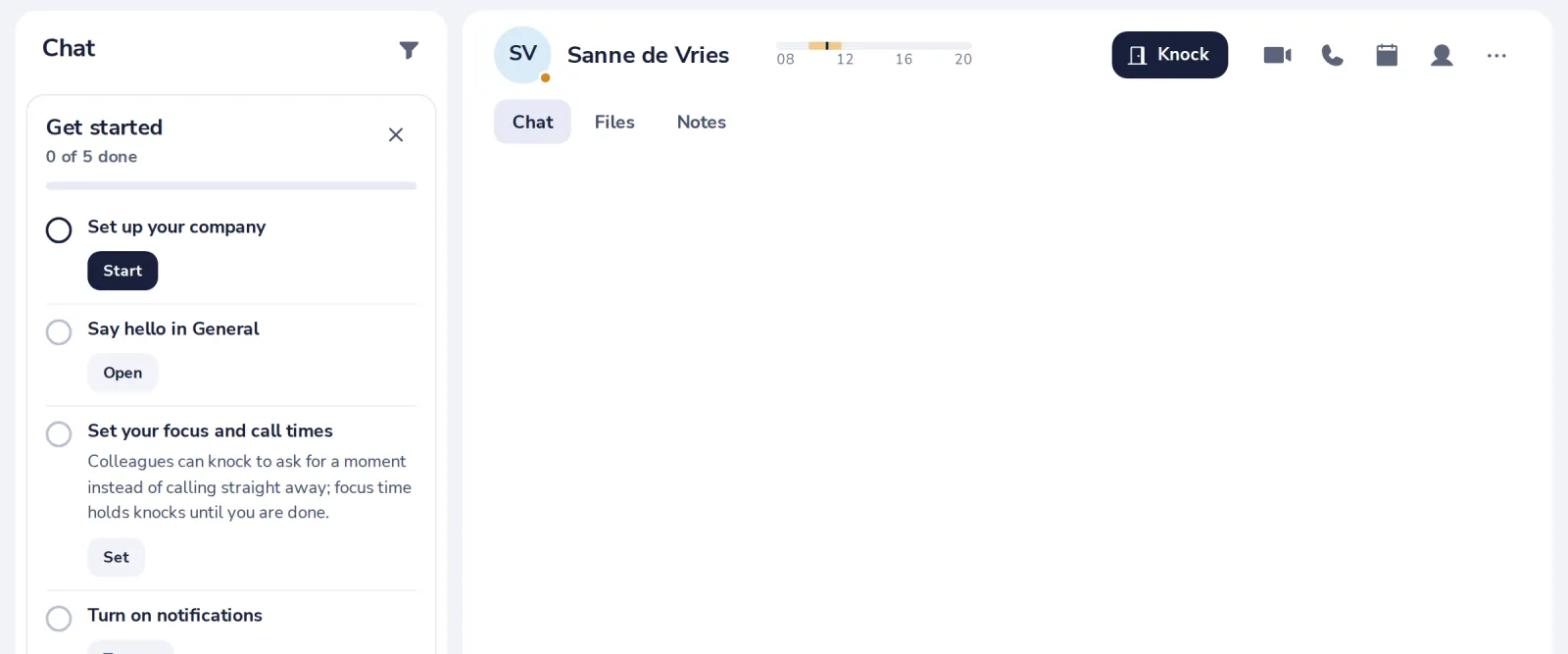
You are in the chat
Write right away. The chat is in your list from now on.
- 3
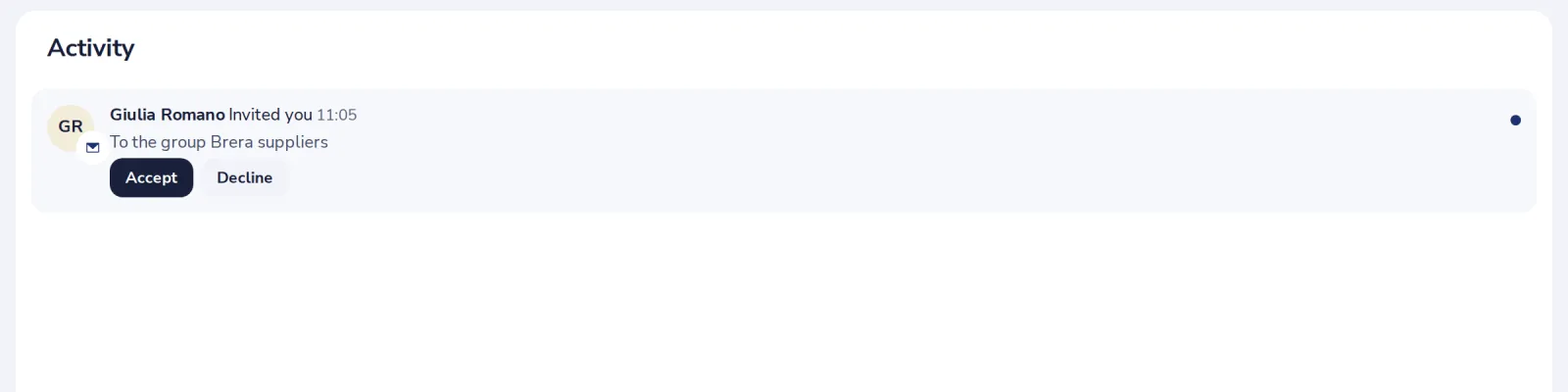
Or accept it in Activity
The invitation also waits in Activity, with Accept and Decline.
Was this helpful?
What was missing?
Thank you.
We count yes and no per article. Nothing about you is stored.