Create a channel in a space
Every organisation has a space in Dazr Teams. Its channels are open to everyone in the organisation, so nobody has to be added.
- 1
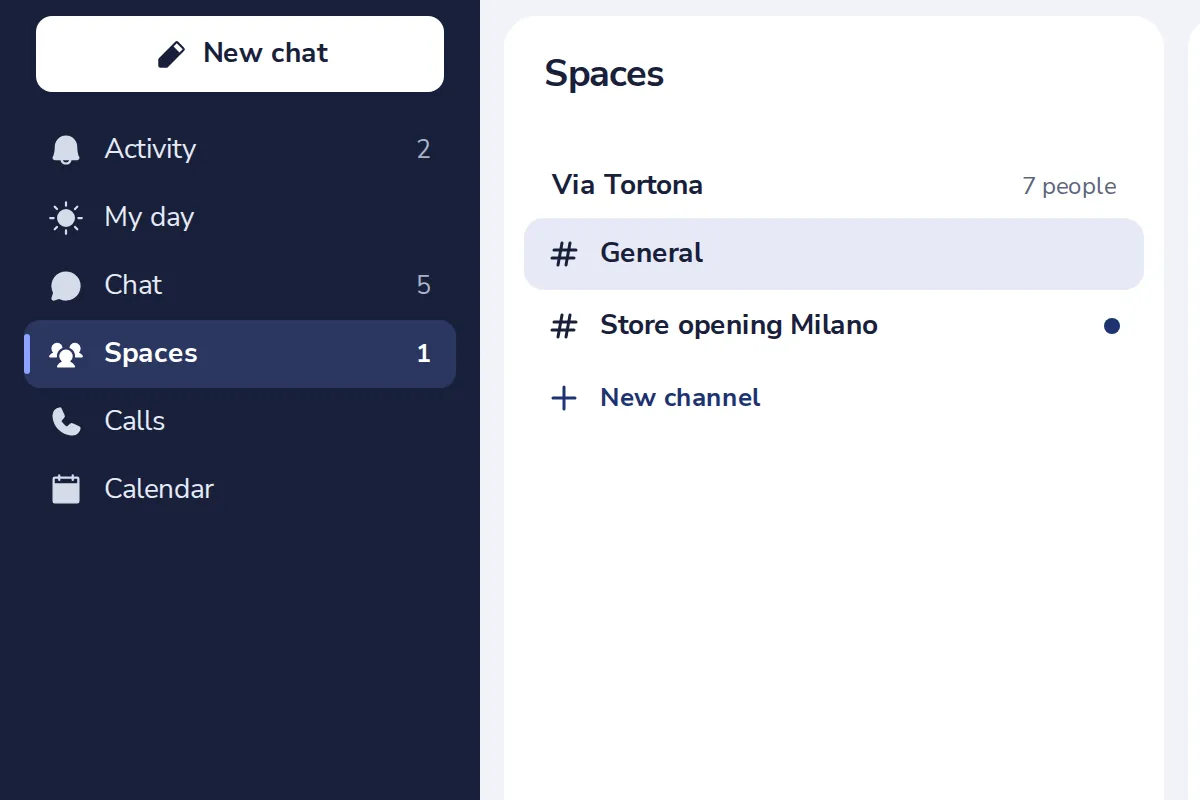
Open Spaces
In the list on the left of Dazr Teams.
- 2
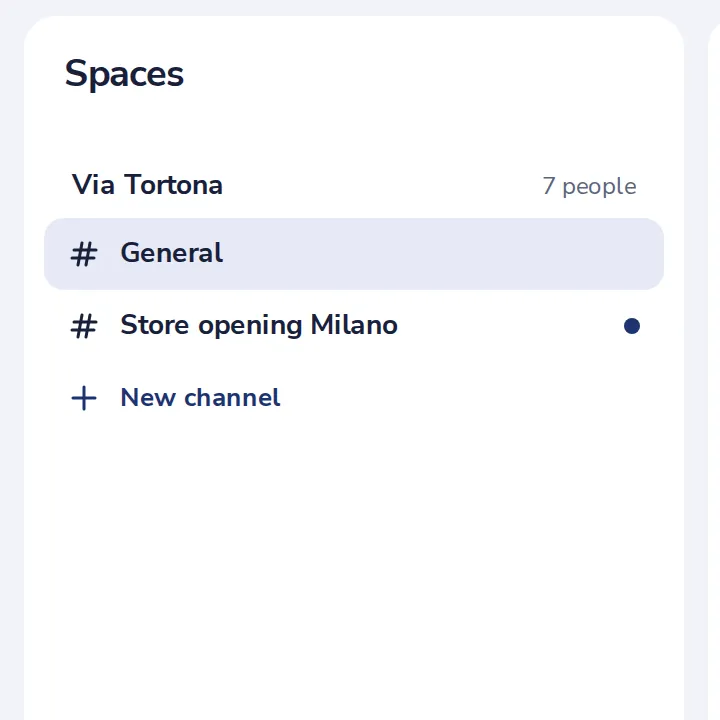
Press New channel
Under the channels of your organisation.
- 3
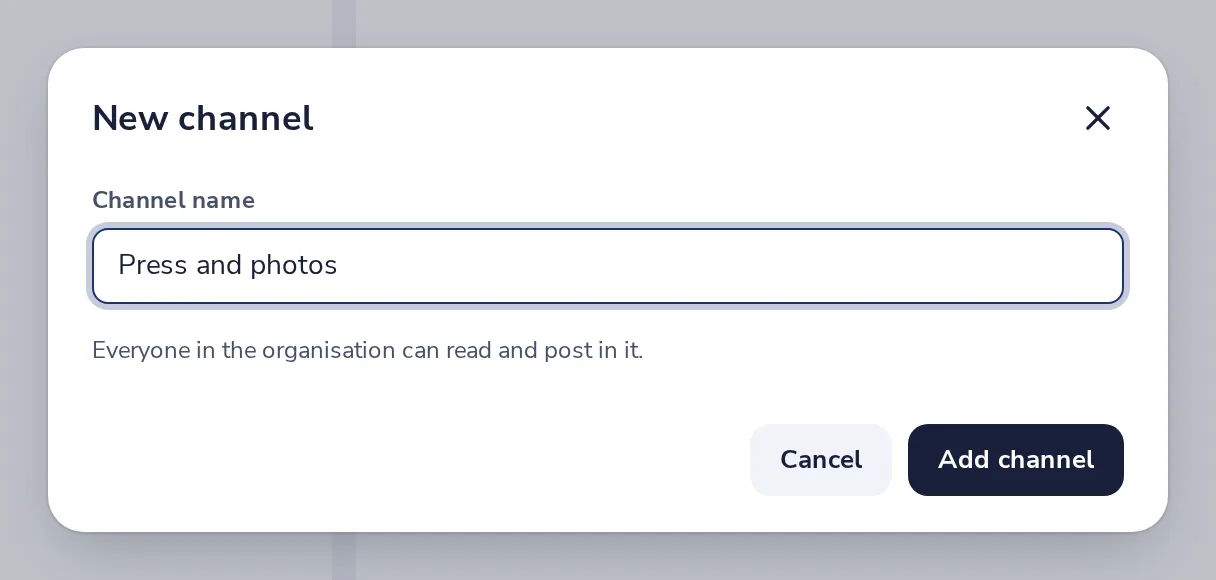
Give it a name
Then press Add channel.
- 4
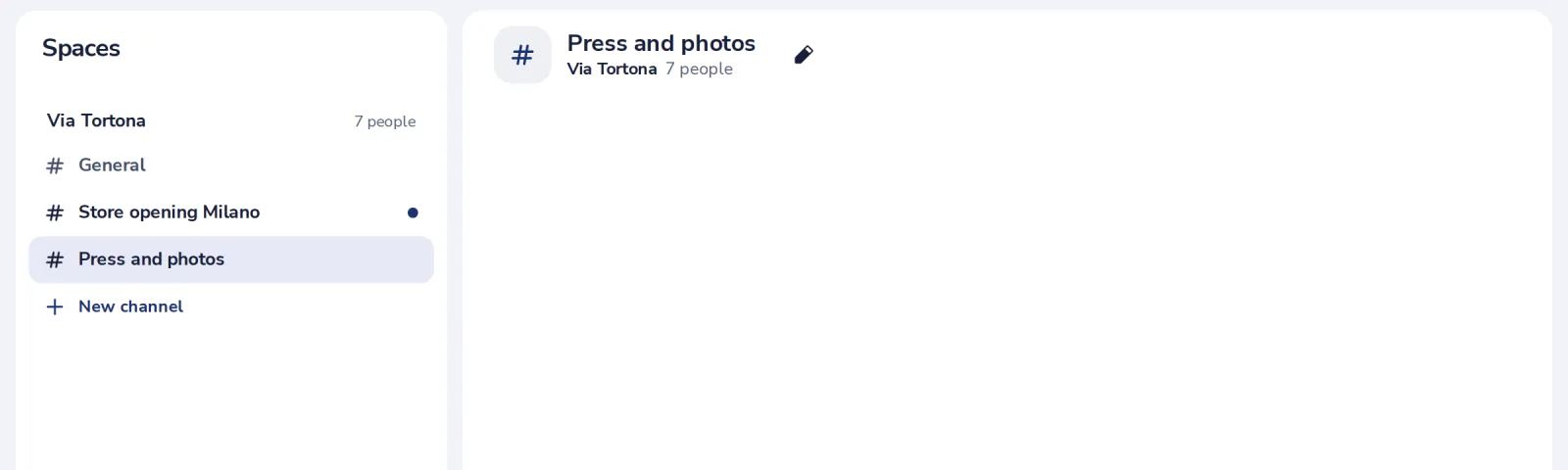
The channel is ready
Everyone in the organisation can read it and post in it.
Was this helpful?
What was missing?
Thank you.
We count yes and no per article. Nothing about you is stored.