See when a colleague is free
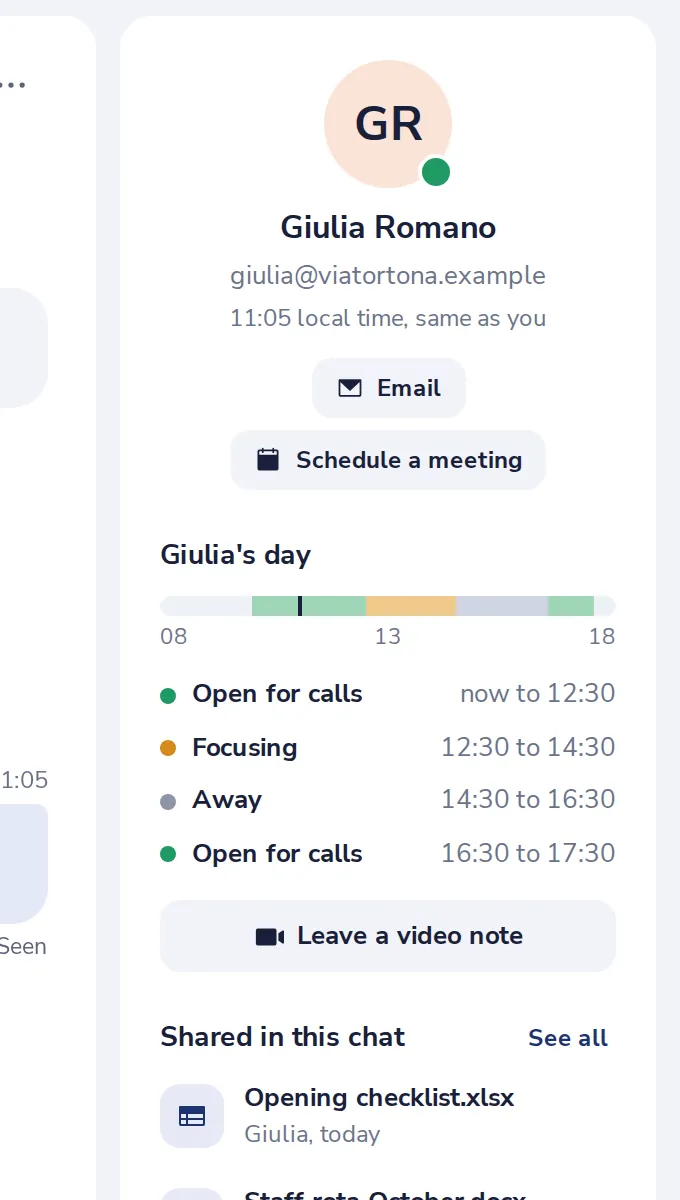
The side panel of a chat shows the other person's local time and when they are open for calls, focusing or away today.
- 1
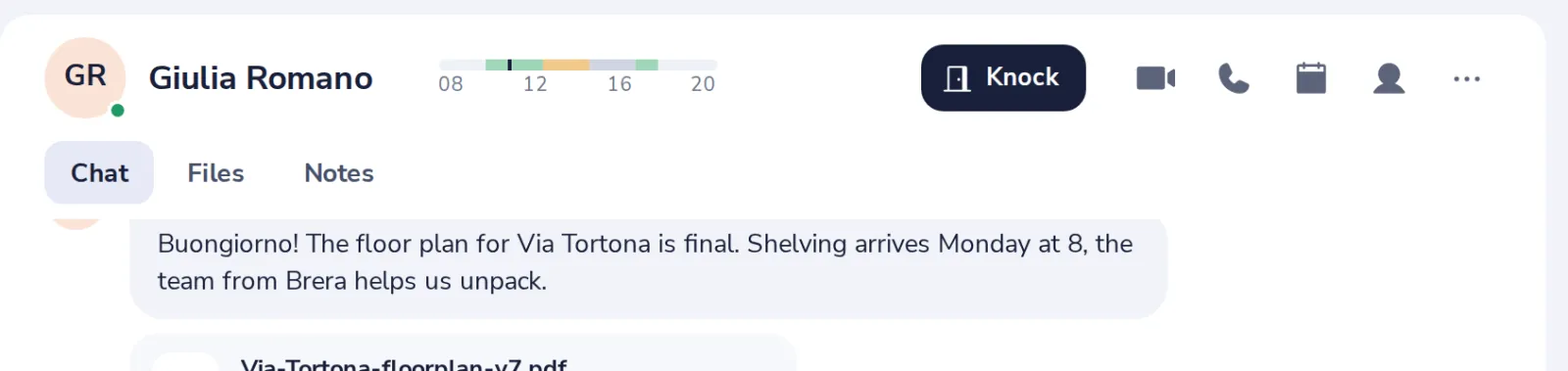
Press the person
At the top right of a chat with one person.
- 2
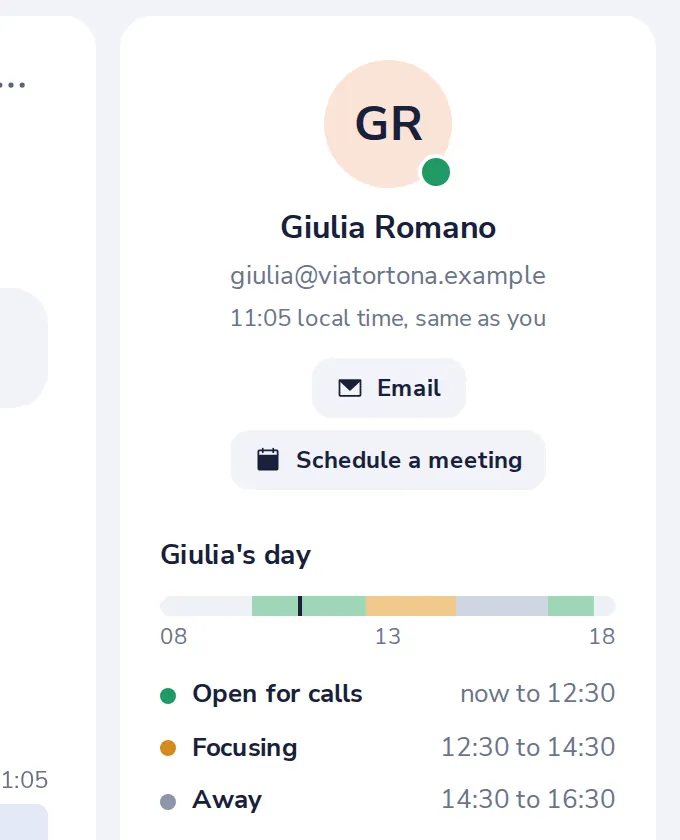
Their local time
Under their name, with their email address.
- 3
Their day
When they are open for calls, focusing or away today.
Was this helpful?
What was missing?
Thank you.
We count yes and no per article. Nothing about you is stored.