Rename a group or add people
Anyone in a group chat can rename it, add people or leave it.
- 1
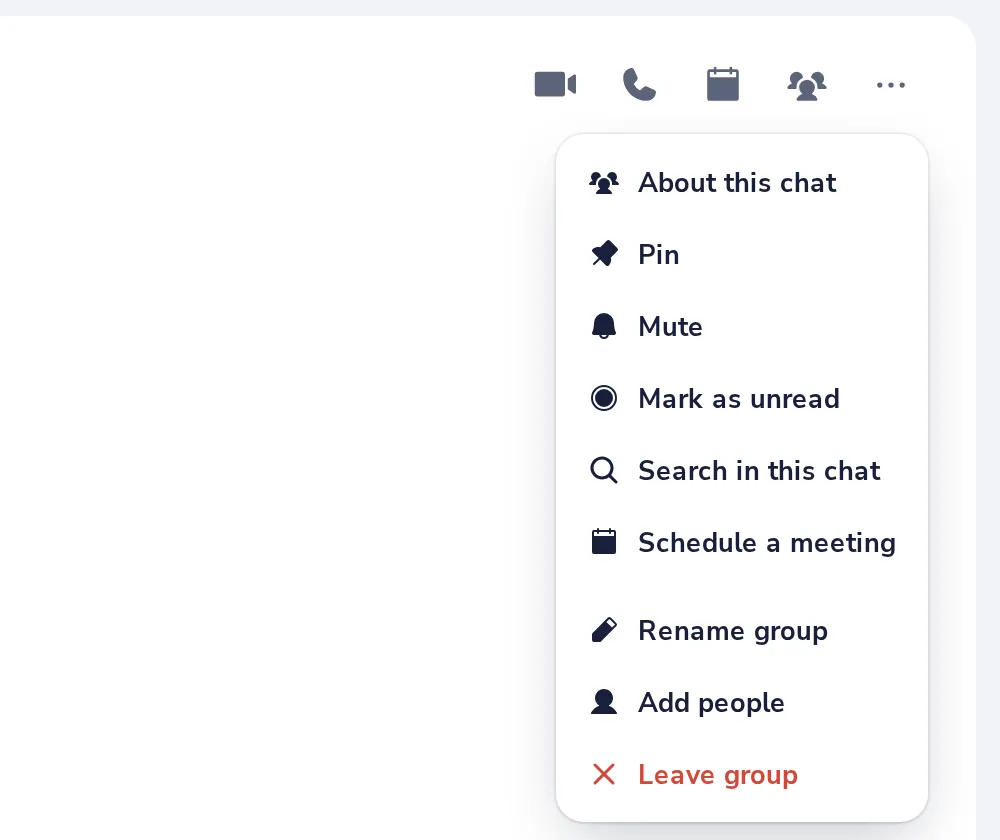
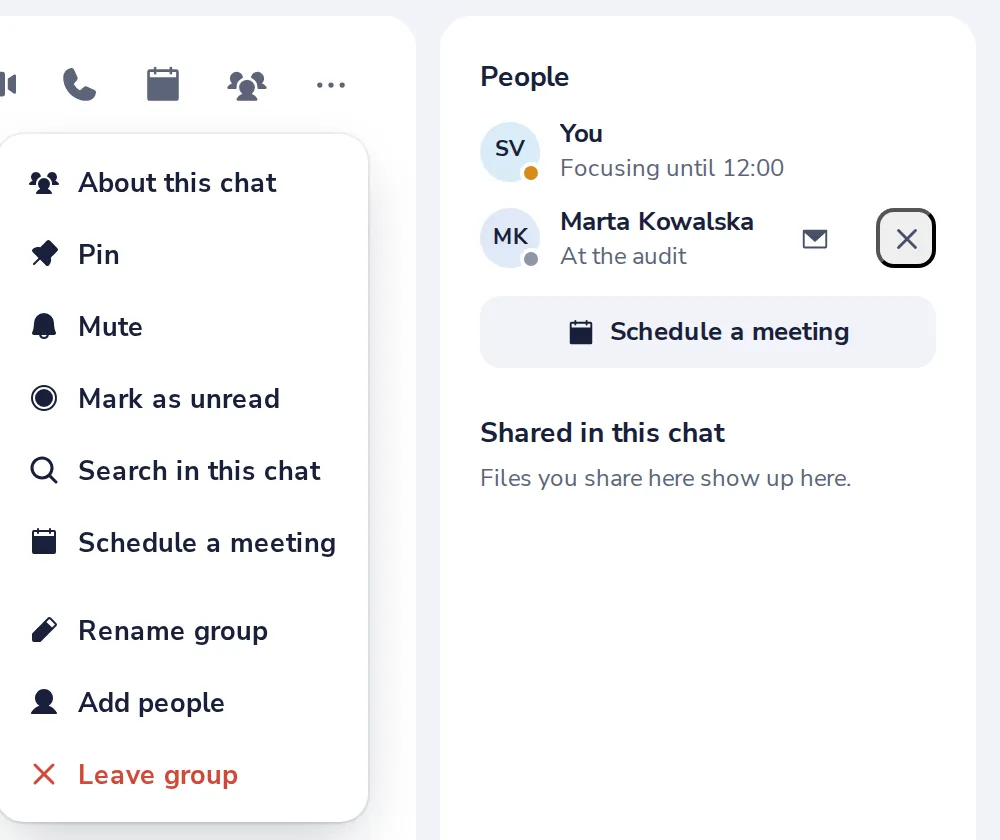
Open the group menu
Press the three dots at the top right of the group.
- 2
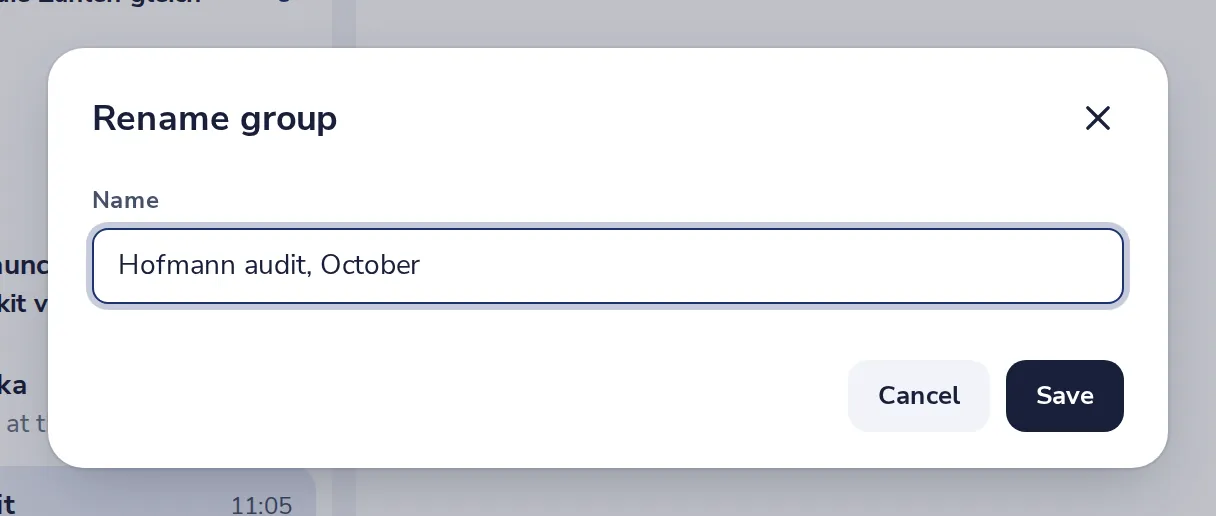
Type a new name
Then press Save. Everyone sees the new name.
- 3
Add people
Choose Add people in the same menu, and pick a colleague or type an email address.
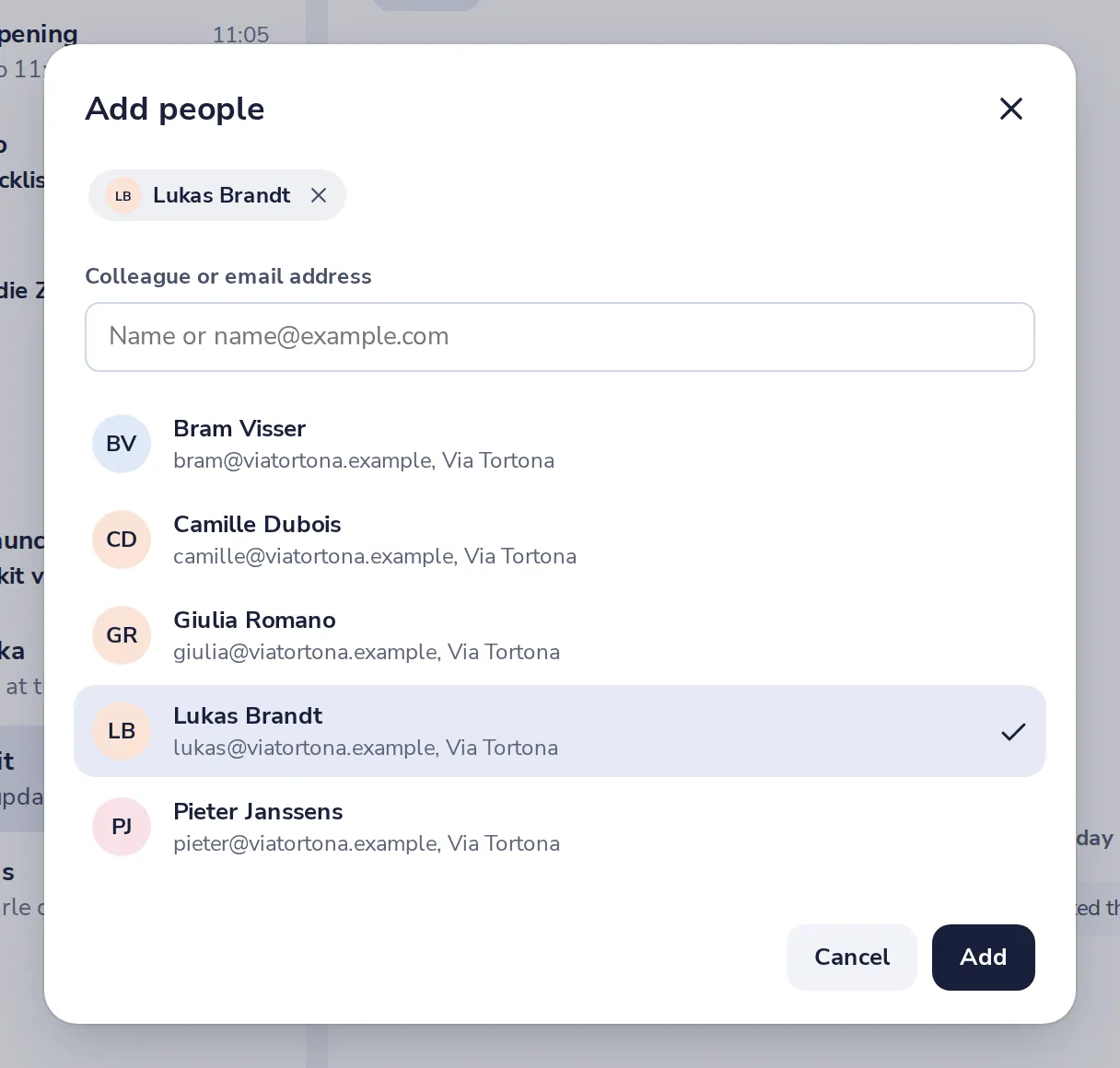
New people can read the messages from before they joined.
- 4
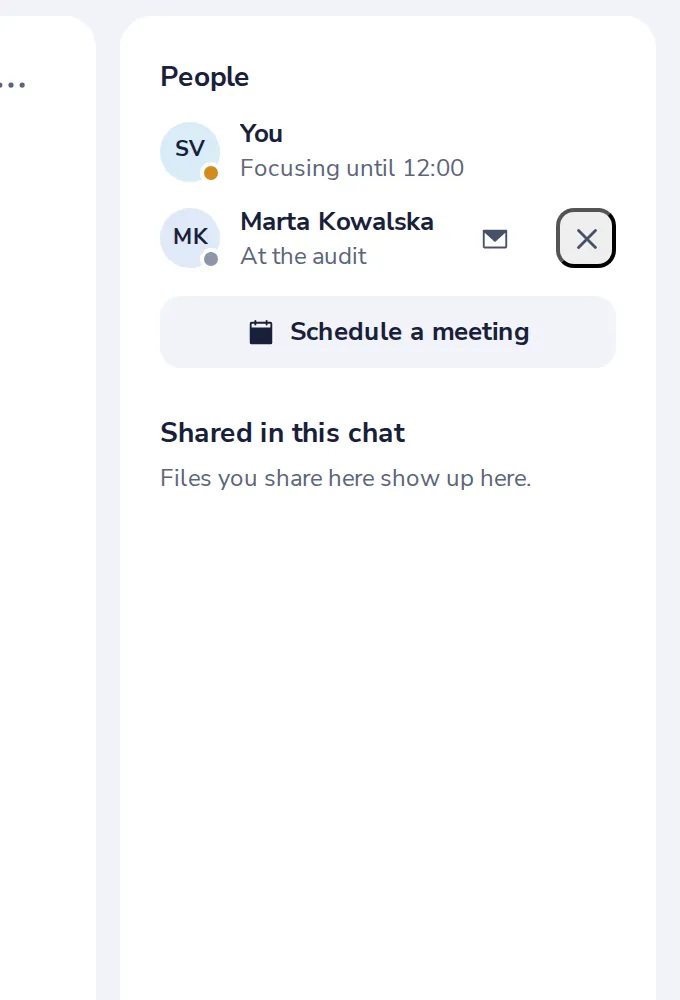
See who is in the group
The side panel lists everyone. Press the cross next to a name to remove them.
- 5
Leave the group
Choose Leave group in the menu. The others keep the chat.
Var det här till hjälp?
Vad saknades?
Tack.
Vi räknar ja och nej per artikel. Inget om dig sparas.