Start a group chat
A group chat is for a few people and one subject, like a project or an event.
- 1
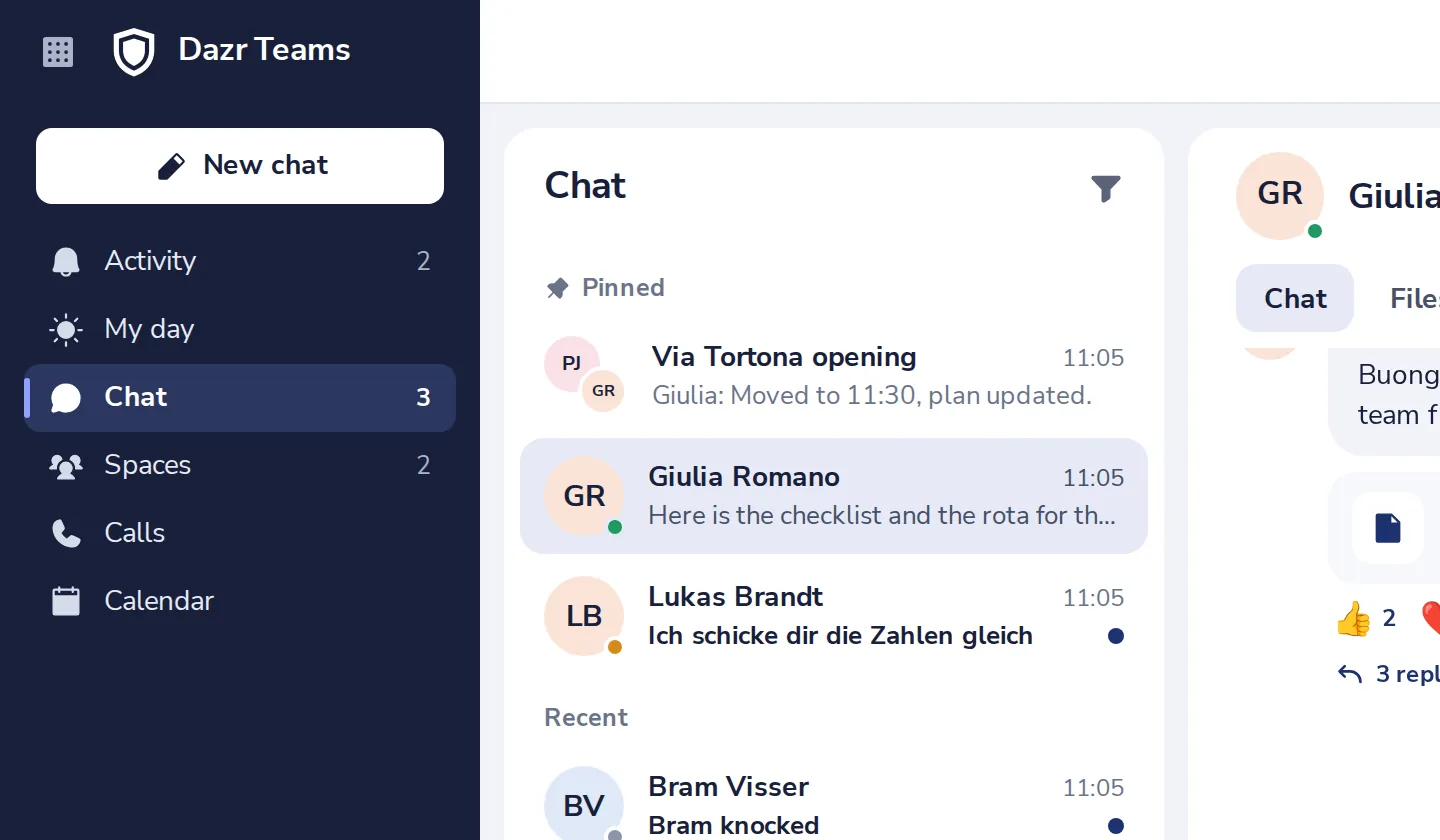
Press New chat
At the top left of Dazr Teams.
- 2
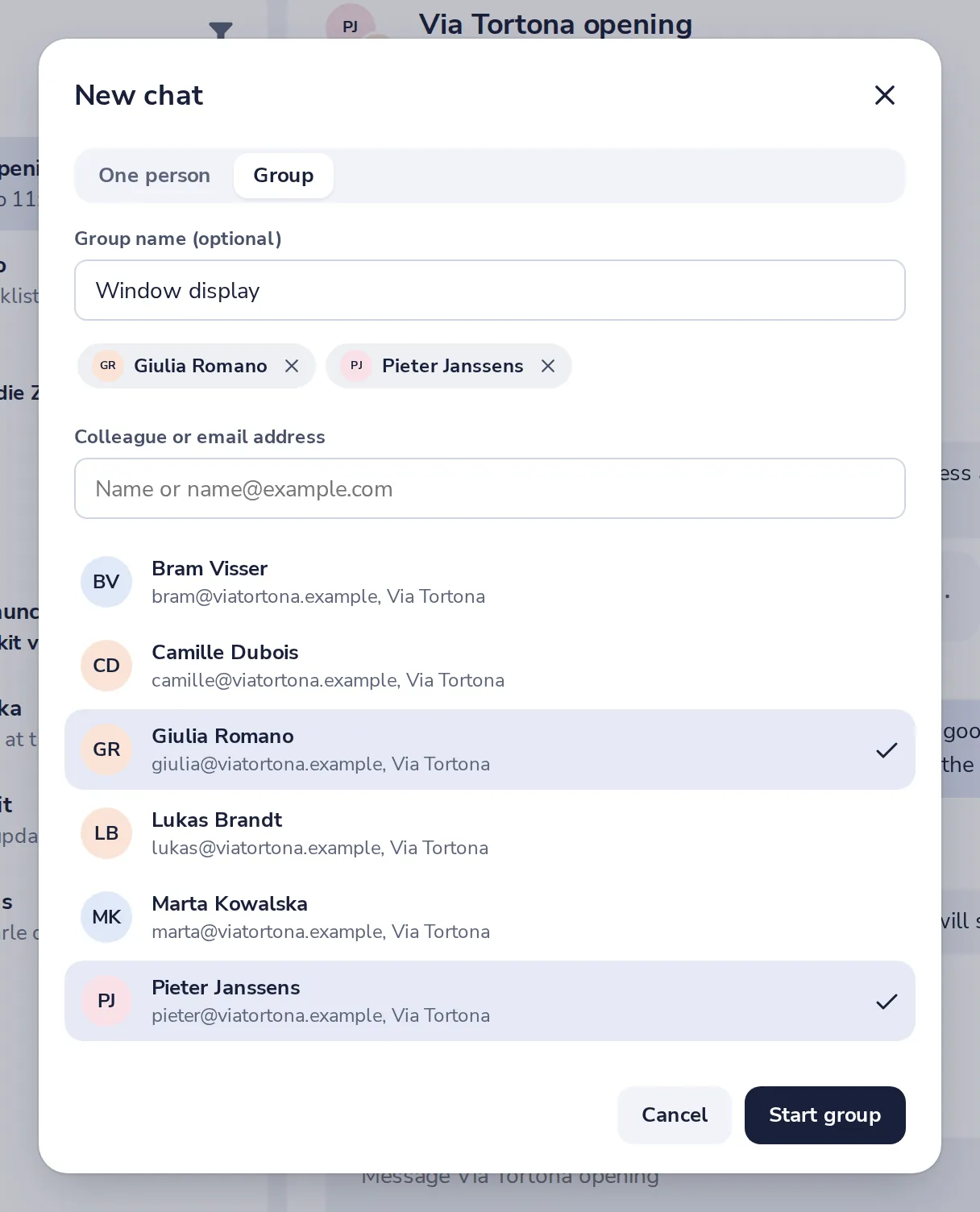
Choose Group
Give the group a name if you like, then add people one by one.
- 3
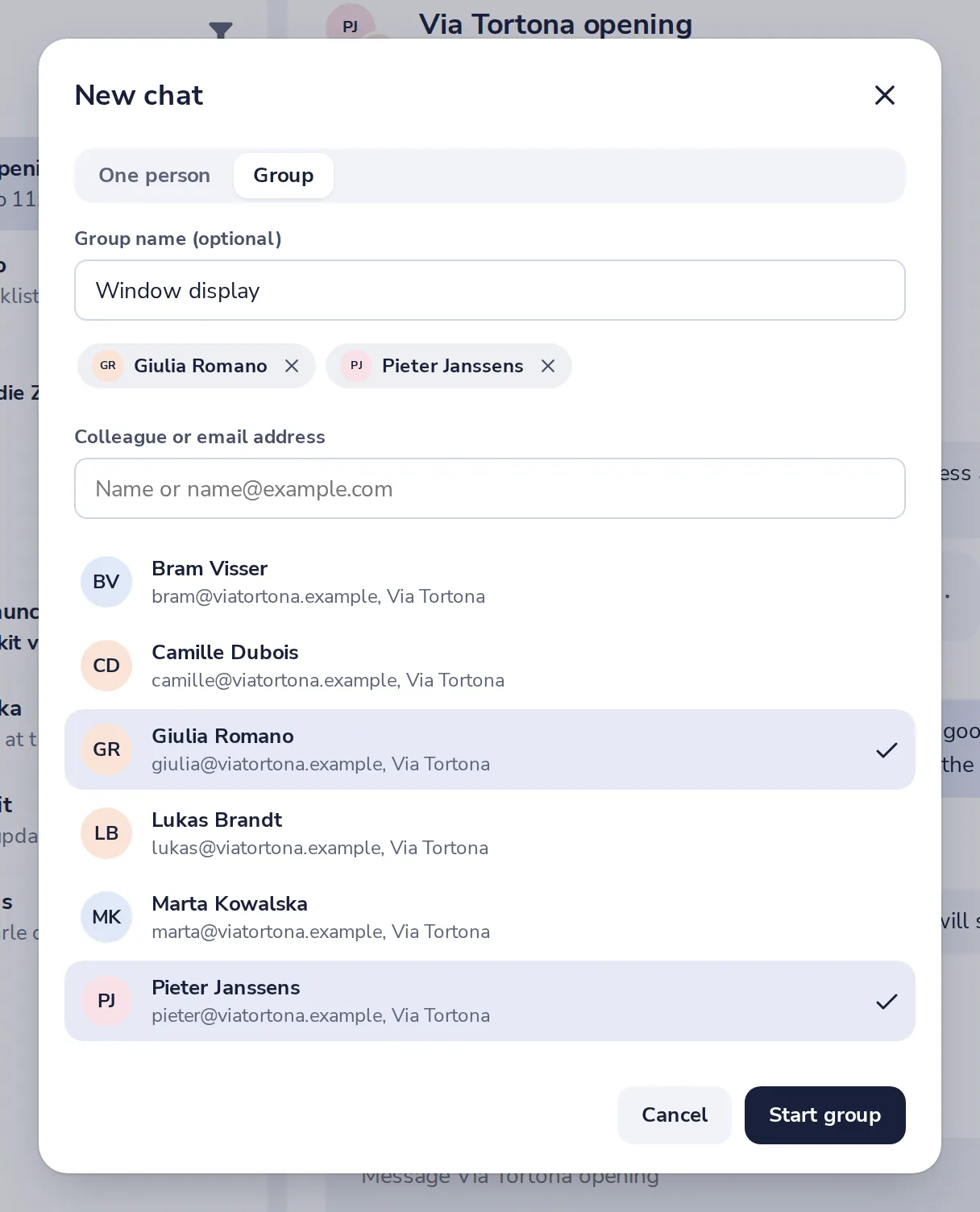
Press Start group
Everyone you added sees the group right away.
- 4
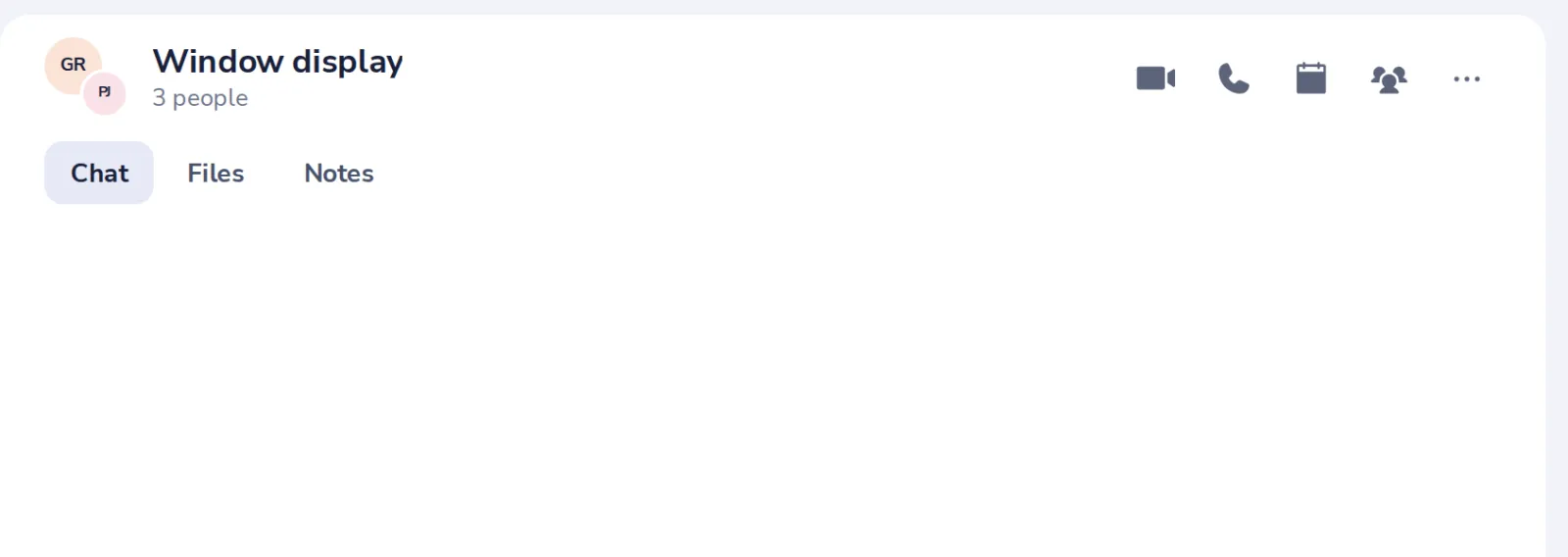
Write to everyone
The group opens, with everyone you added.
Var det här till hjälp?
Vad saknades?
Tack.
Vi räknar ja och nej per artikel. Inget om dig sparas.