Start with a ready-made dashboard
Dazr Analytics is part of Dazr Enterprise. The first time it opens, it counts the last 90 days of your organisation. Then you pick a ready-made dashboard for customer service, projects and hours, meetings, security, the organisation or mail.
- 1
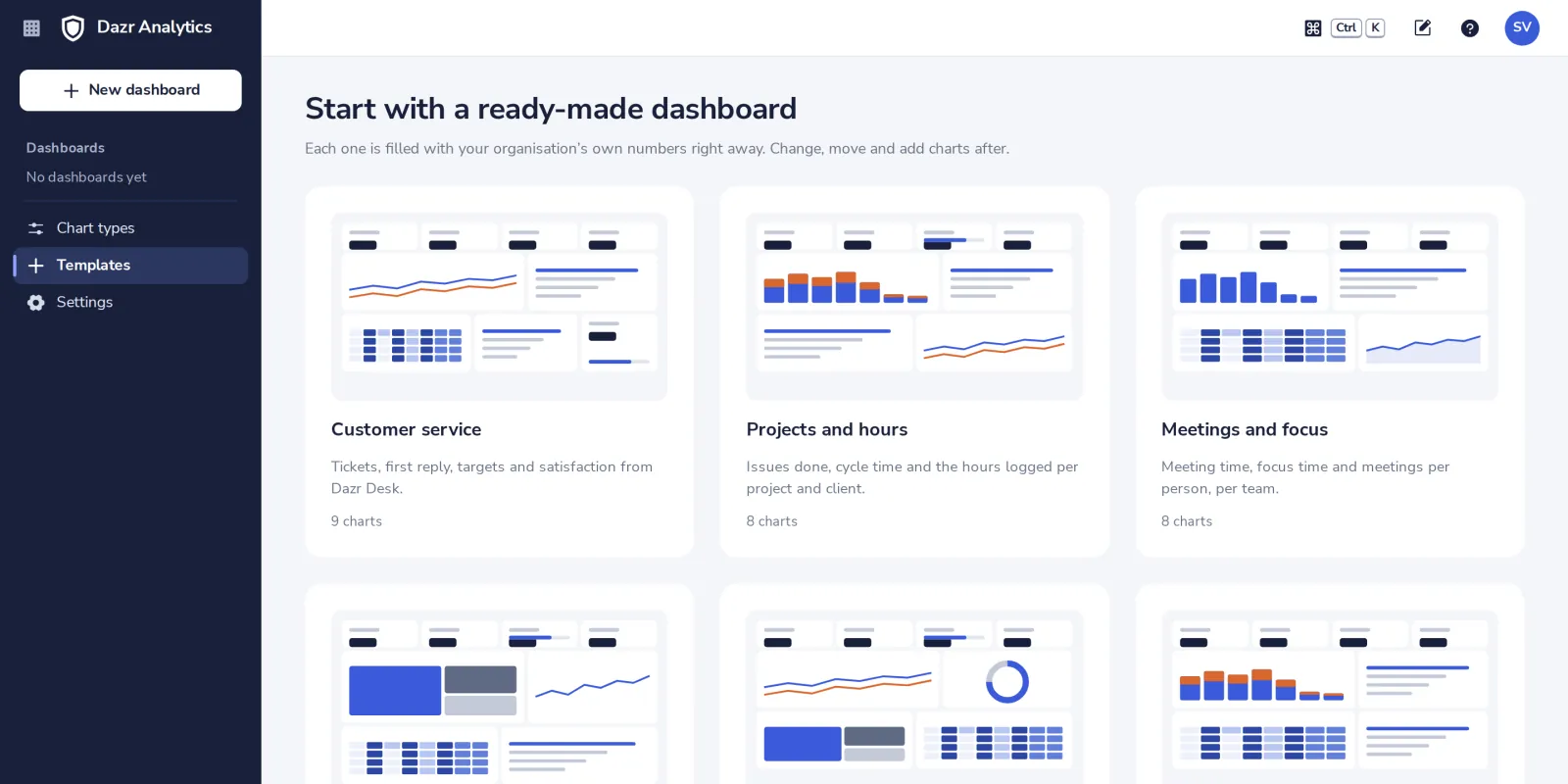
Open Templates
In the side panel. The first time, Analytics opens here by itself.
- 2
Pick a dashboard
Each one shows its charts. Empty dashboard starts with nothing.
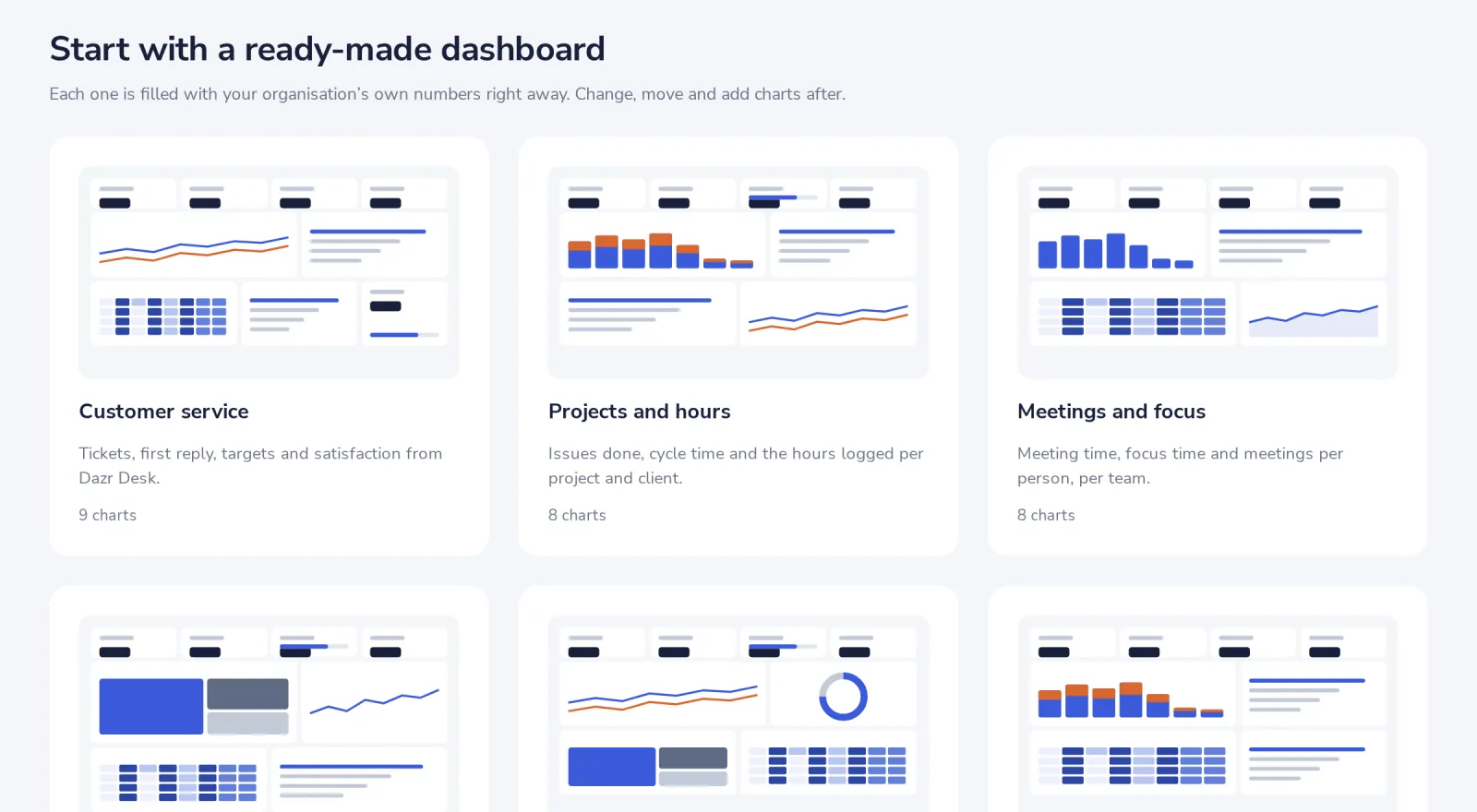
You only see the dashboards for the apps your organisation has numbers for.
- 3
Narrow it down with the filters
The period, a team and a location at the top apply to every chart on the dashboard.
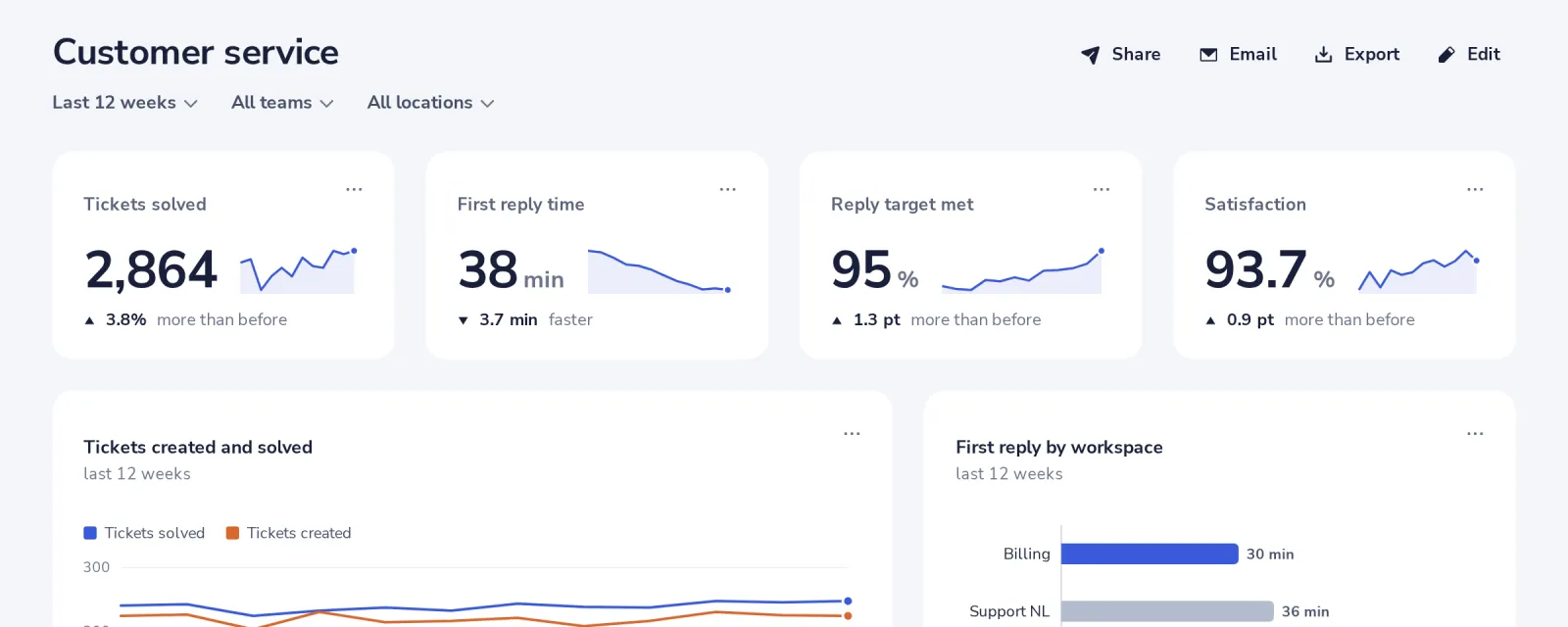
A team or location of fewer than 5 people shows no numbers, to protect privacy.
- 4
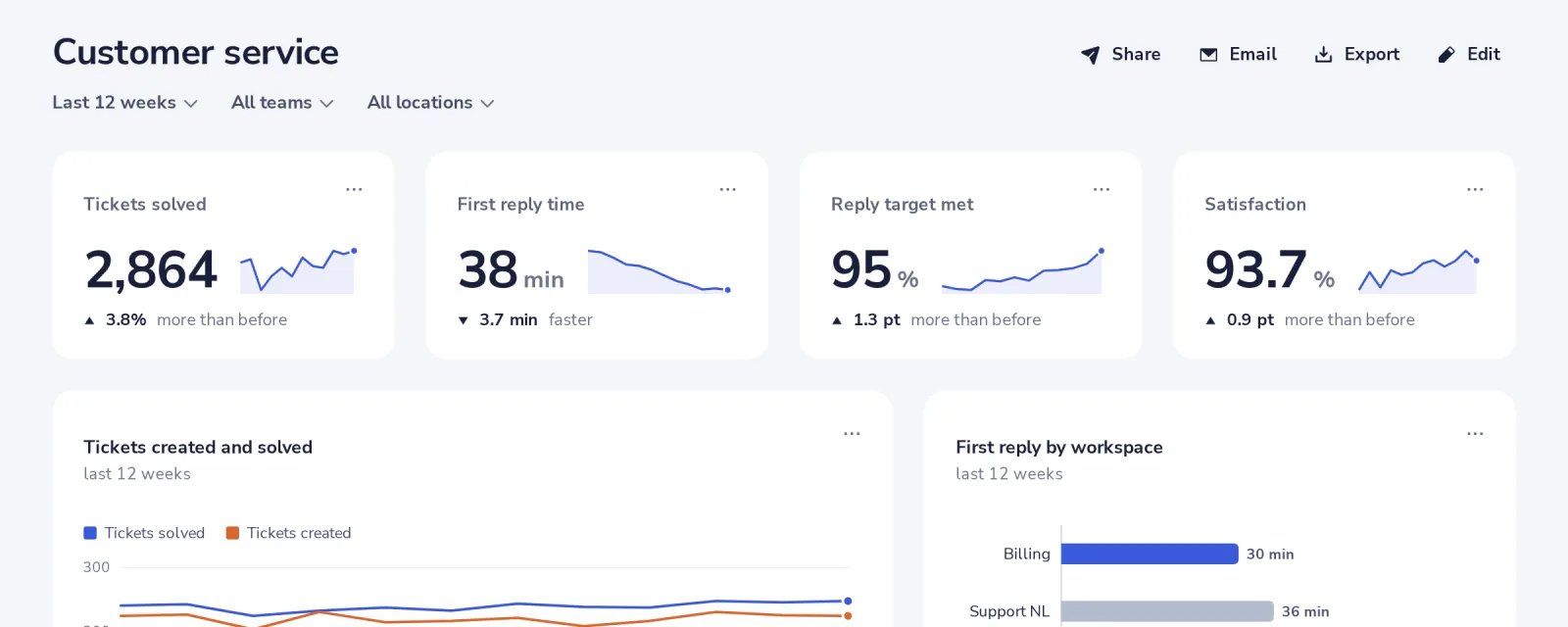
Open a chart's menu for more
The three dots of a chart show it as a table, and more.
Was this helpful?
What was missing?
Thank you.
We count yes and no per article. Nothing about you is stored.