Answer an invitation
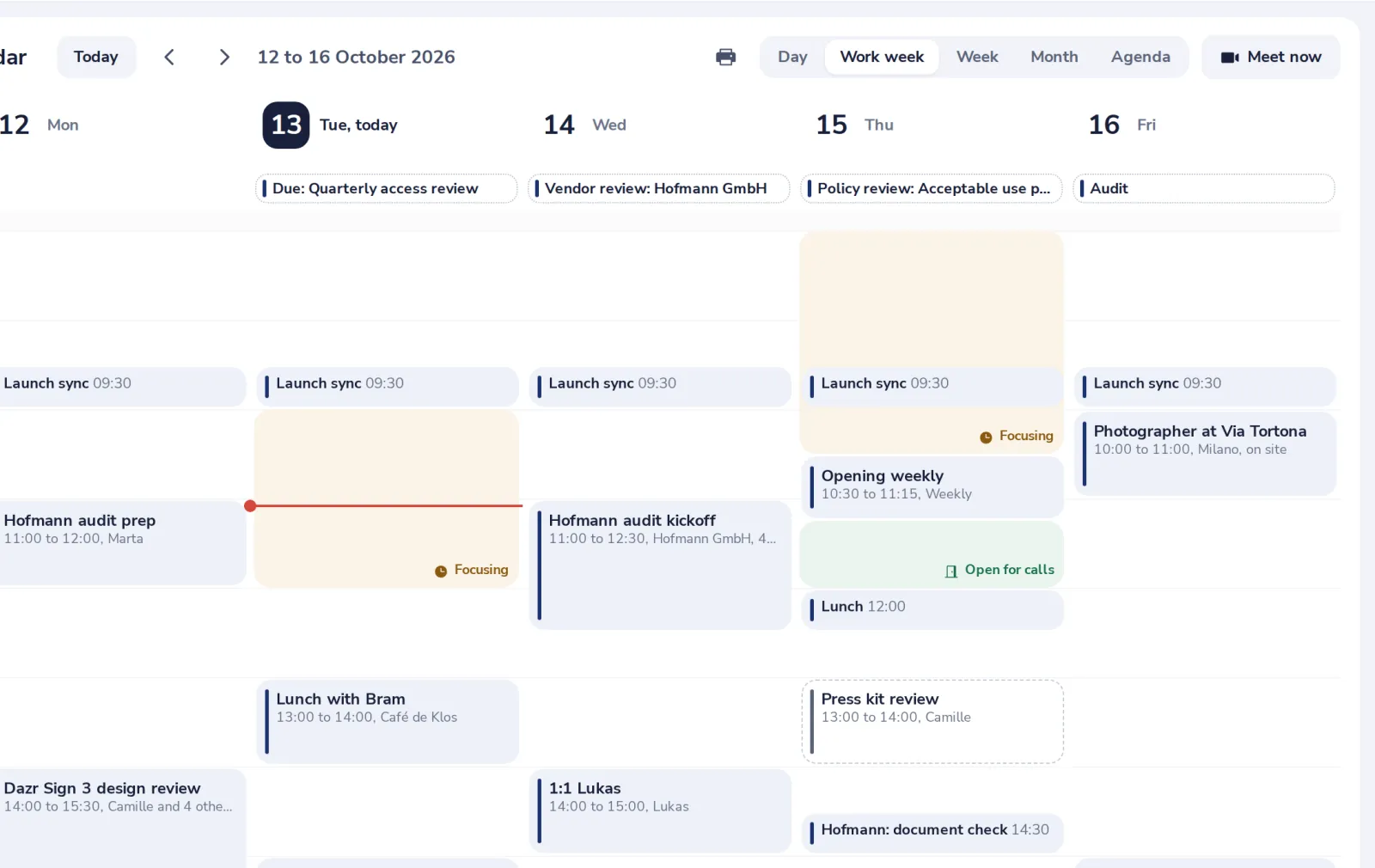
Invitations show in your calendar right away, dashed until you answer. Your answer goes to the organiser.
- 1
Click the invitation
It is in your week, with a dashed border until you answer.
- 2
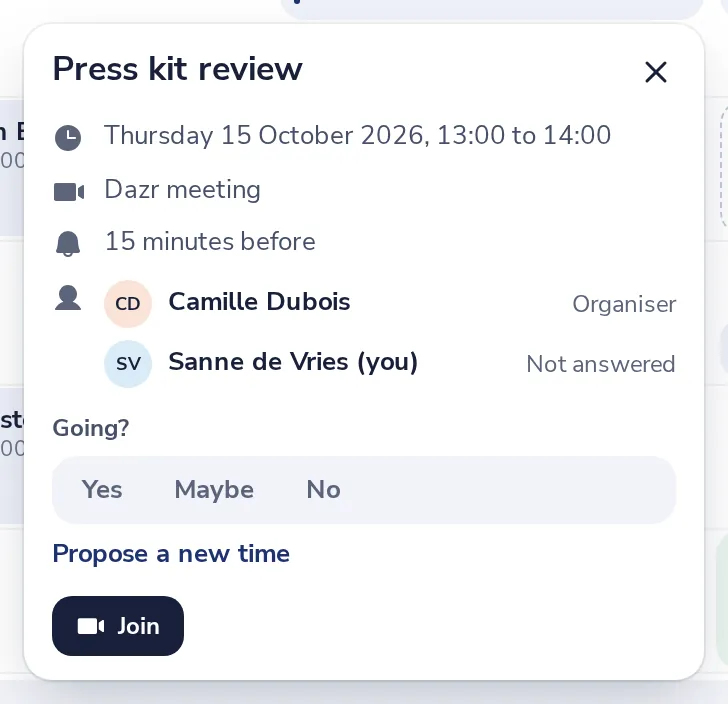
Choose Yes, Maybe or No
Under Going? Your answer goes to the organiser by email.
- 3
Or propose a new time
Press Propose a new time, pick the date and the hours, add a note if you like, and press Send proposal.
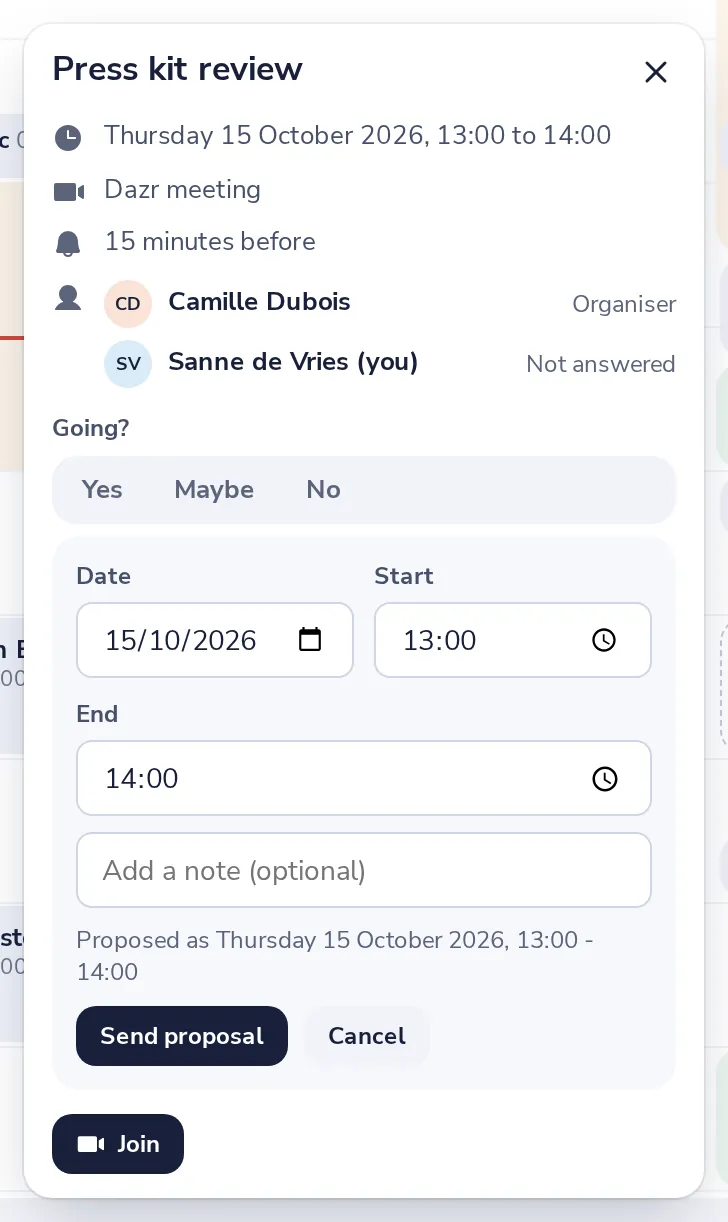
The organiser sees your proposal next to your name and can use it in one click.
Was this helpful?
What was missing?
Thank you.
We count yes and no per article. Nothing about you is stored.