Change the view
Switch views at the top of the calendar. Today brings you back to now, and the arrows go back and forward.
- 1
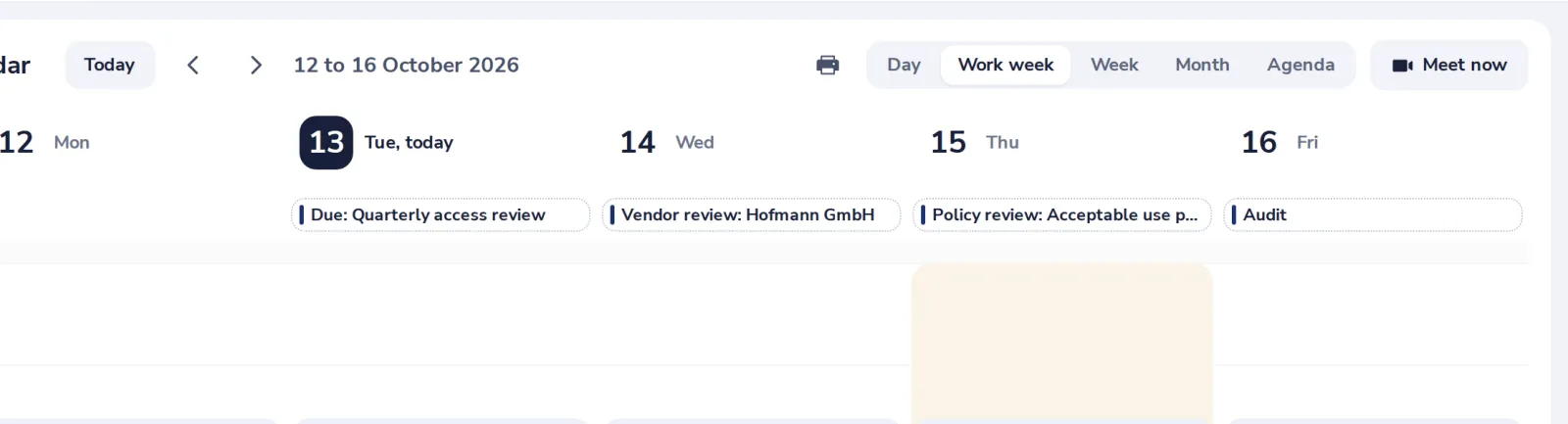
Pick a view
Day, Work week, Week, Month or Agenda, at the top right.
- 2
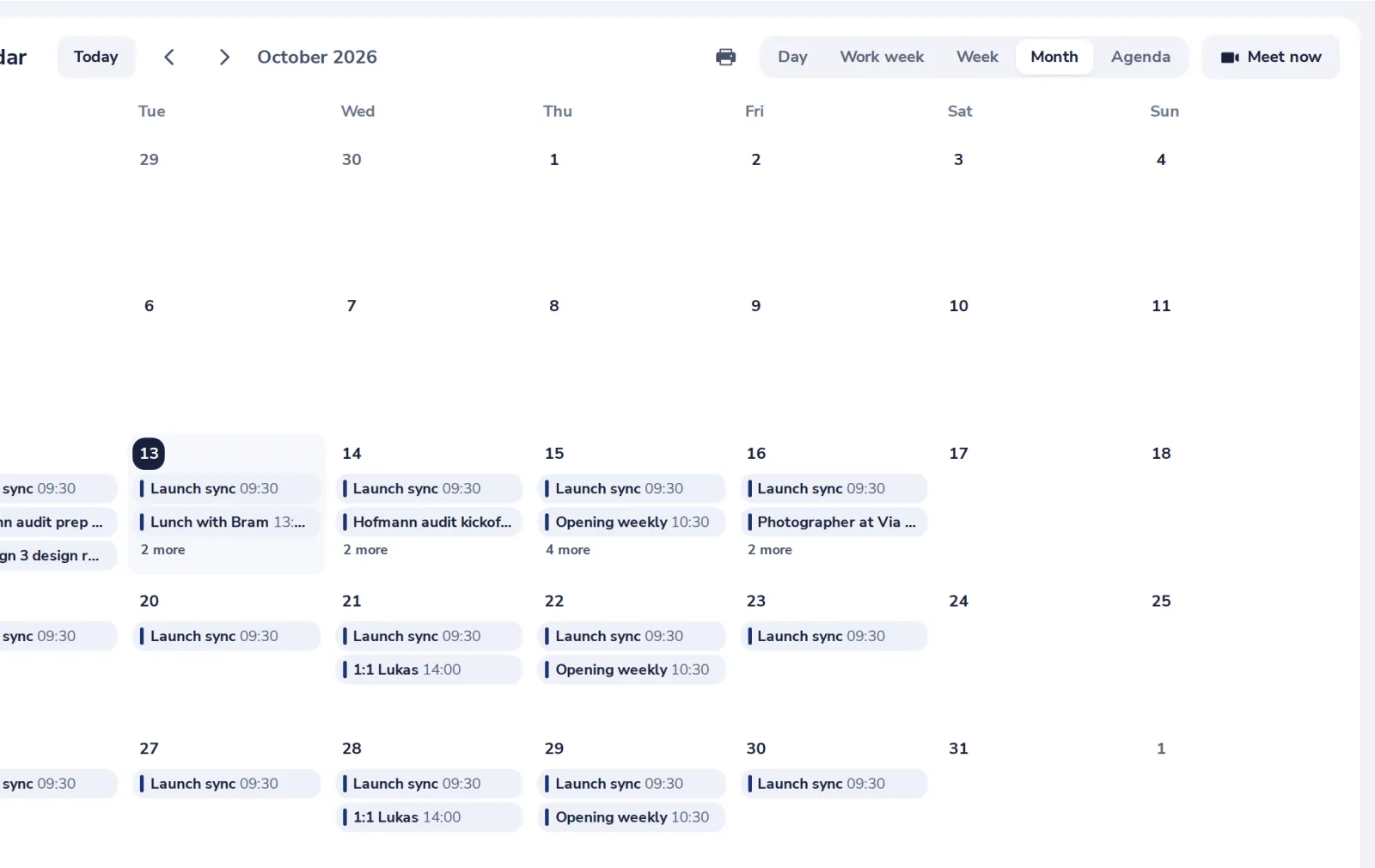
Month shows the whole month
Up to three events per day. Press more to see the rest of a day.
- 3
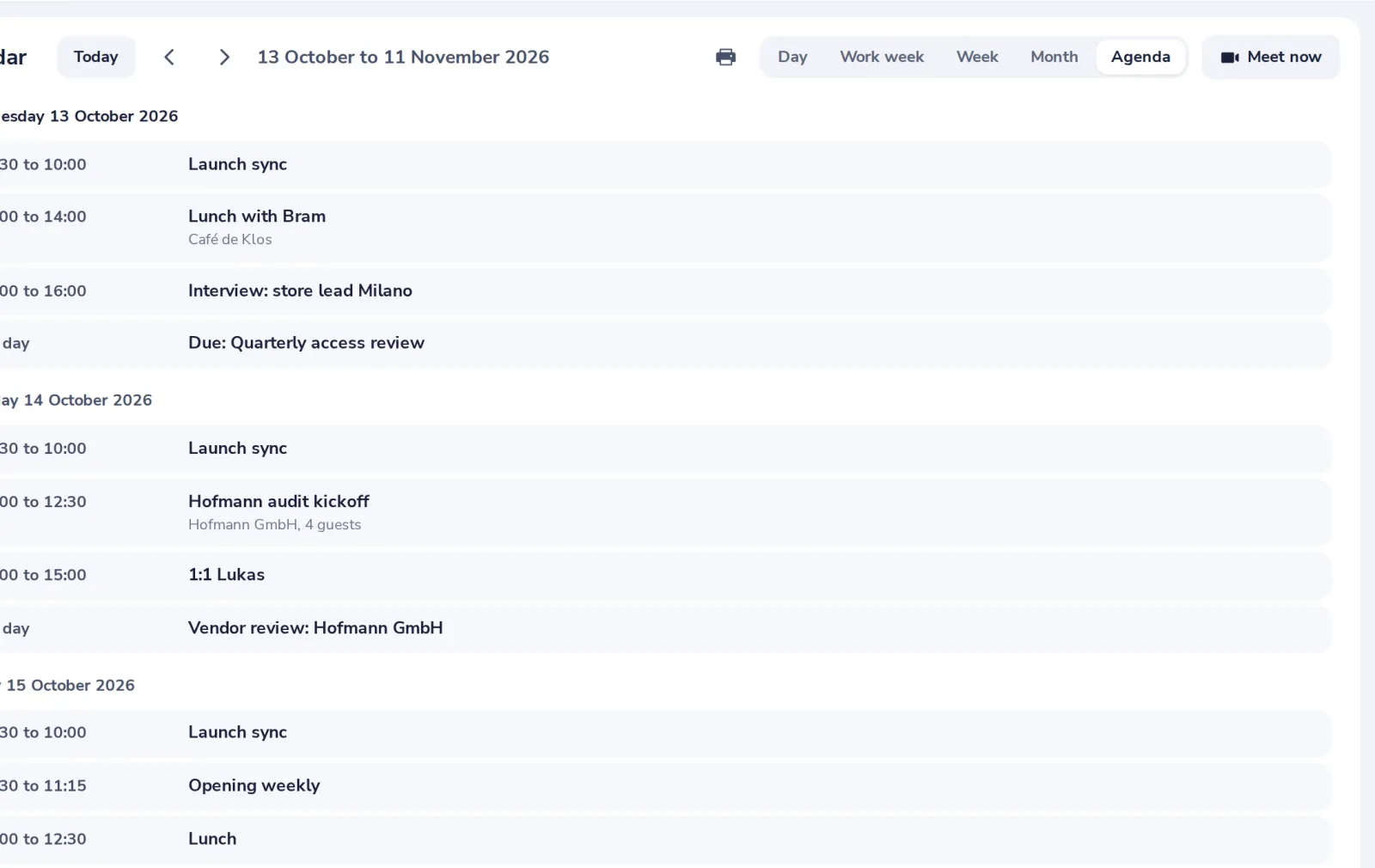
Agenda lists what is coming
The next days as a list, with times and places.
Print, next to the views, prints the days you see.
- 4
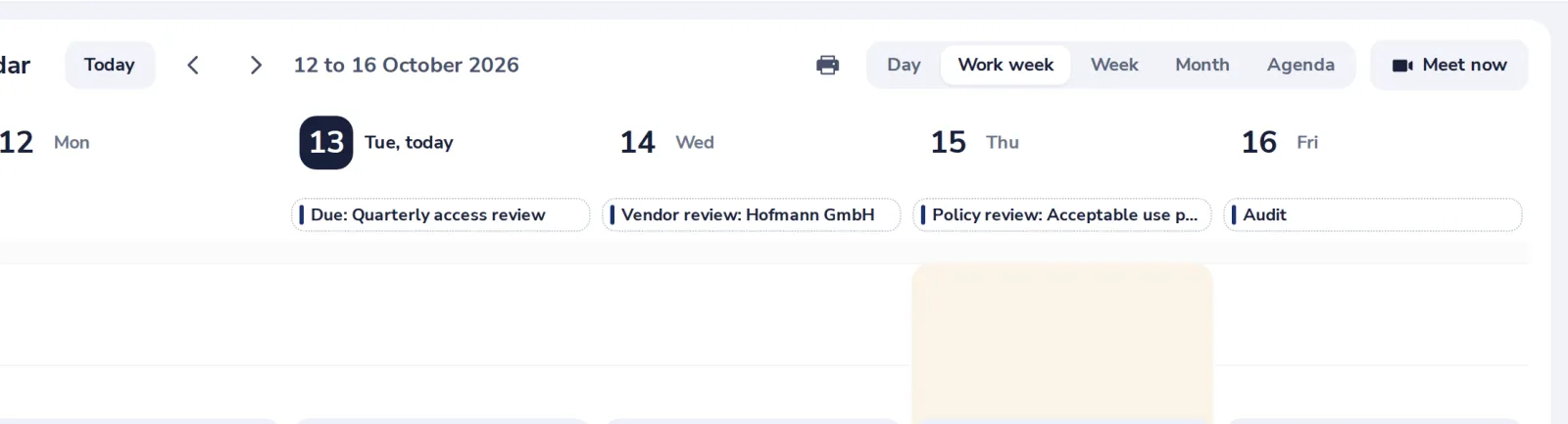
Go back to today
Press Today, or pick a day in the small month in the side panel.
Was this helpful?
What was missing?
Thank you.
We count yes and no per article. Nothing about you is stored.