Set your working hours and time zone
Calendar settings decide when your day starts, which days you work, your time zone and a second time zone next to the hours.
- 1
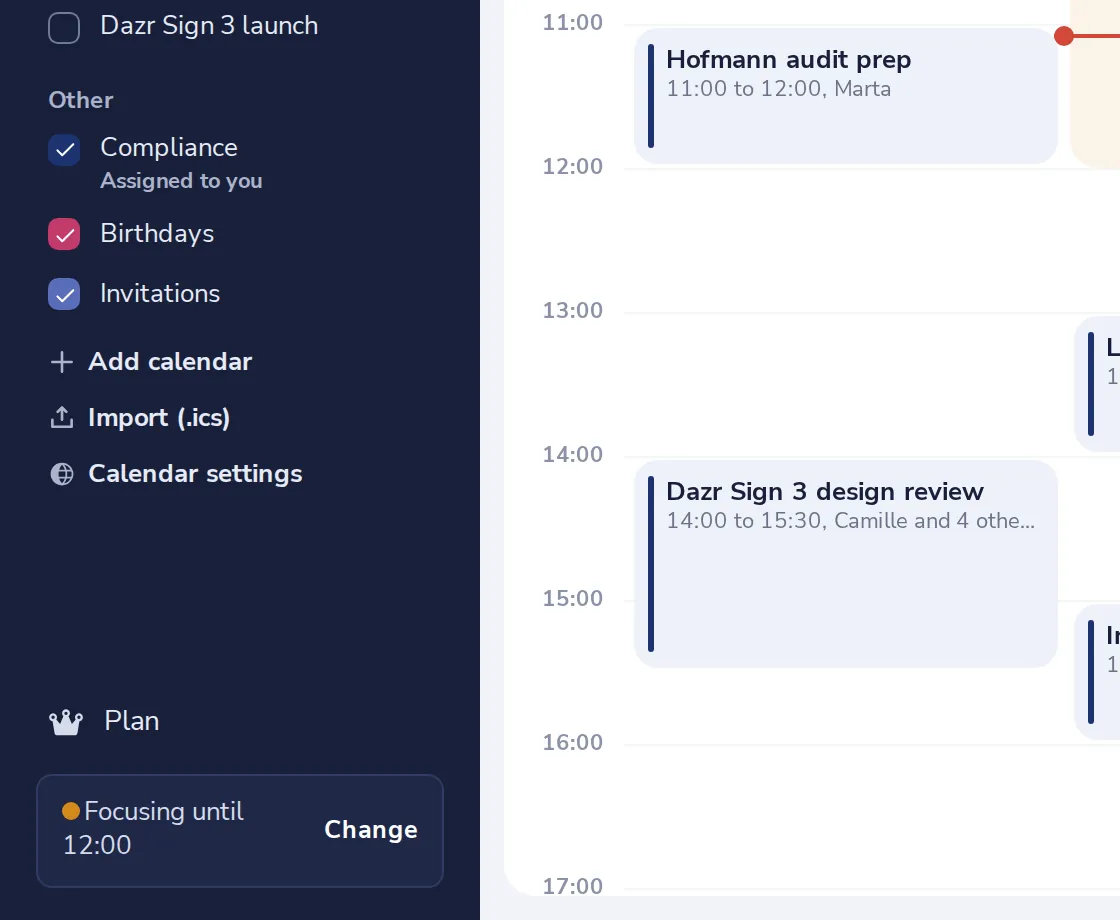
Open Calendar settings
It is at the bottom of the side panel, under your calendars.
- 2
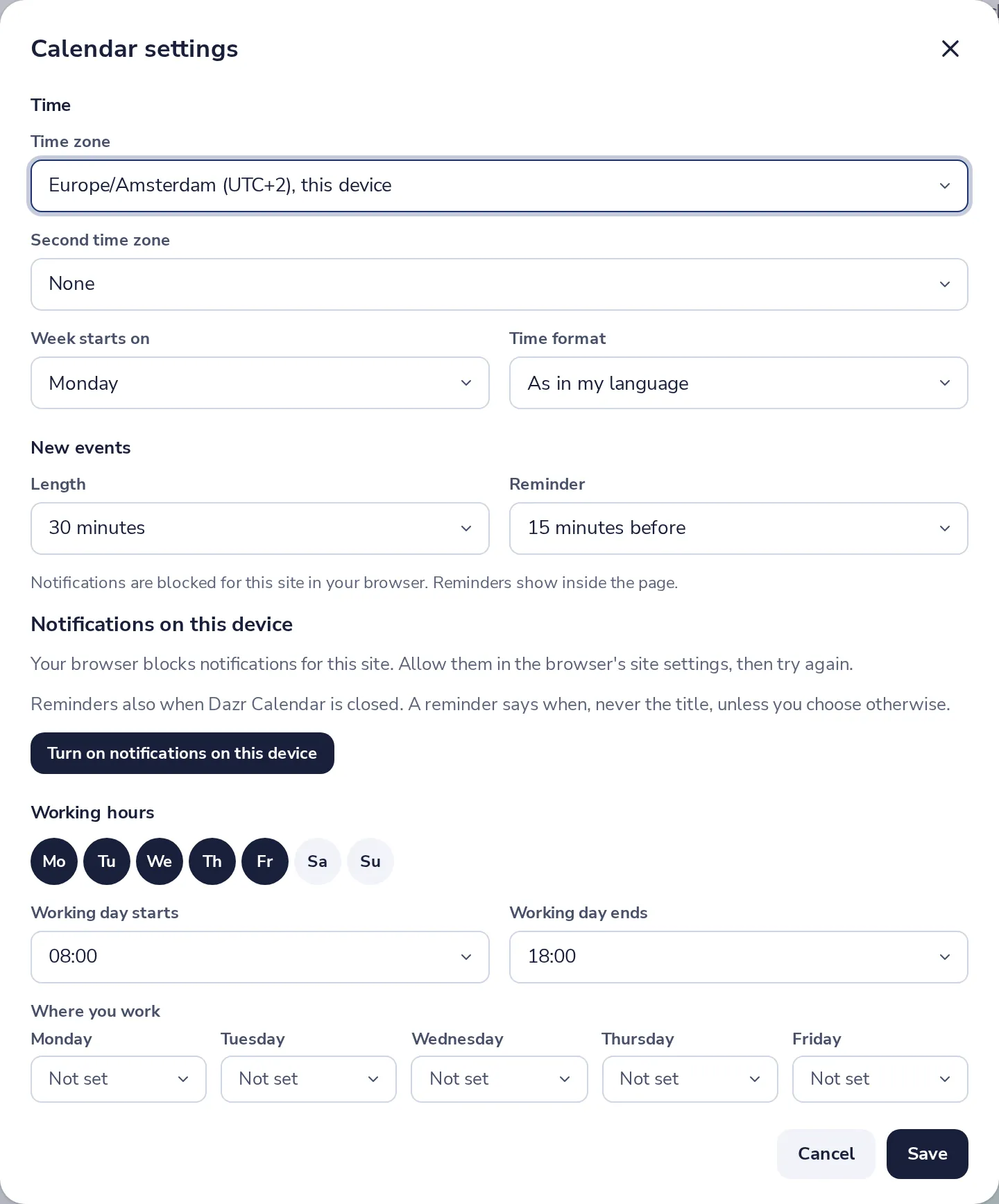
Check your time zone
Pick a second time zone if you often work with another country. It shows next to the hours.
- 3
Set your working days and hours
Press the days you work, then when your working day starts and ends.
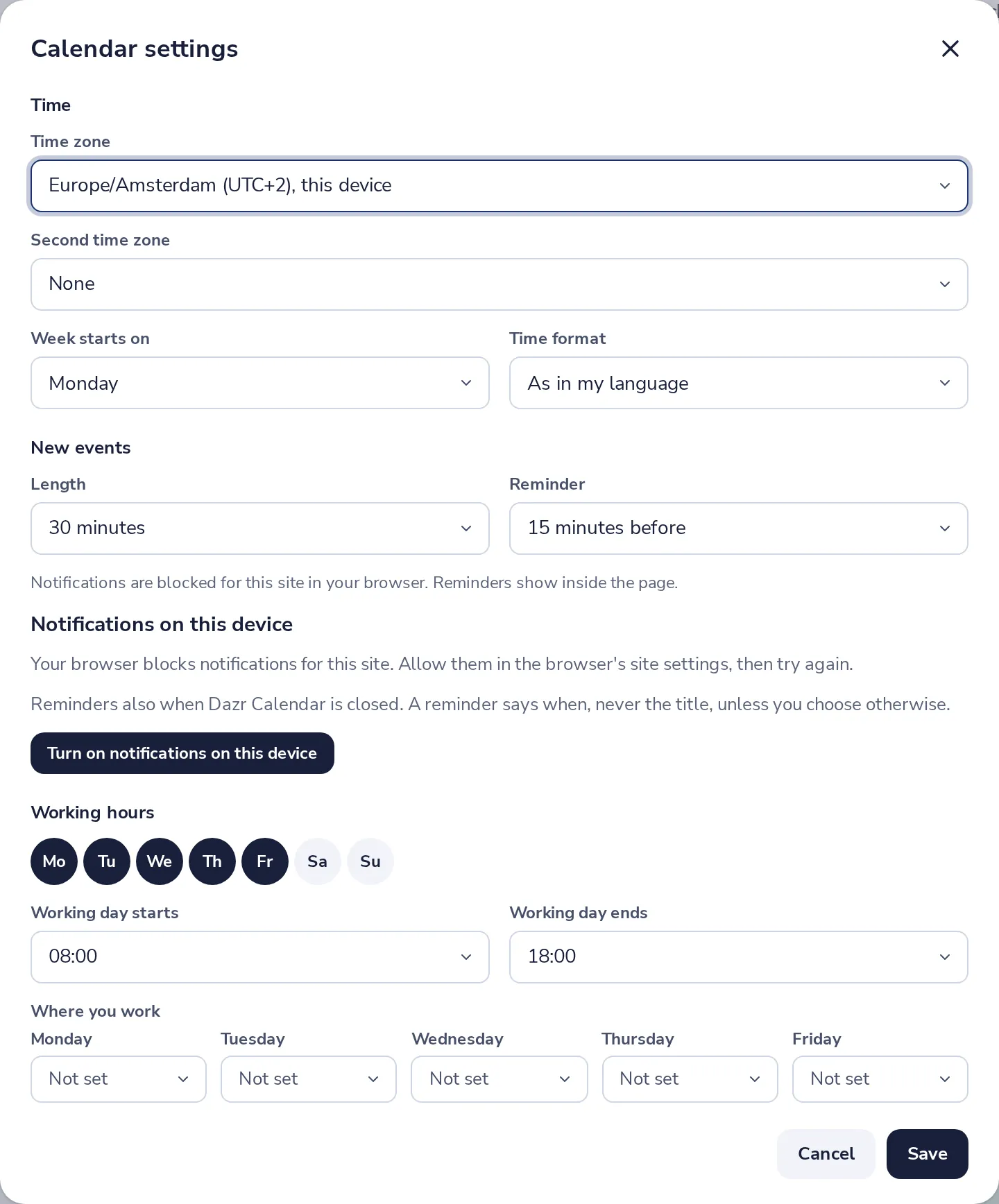
Under Where you work, choose office or remote per day. Colleagues see it.
- 4
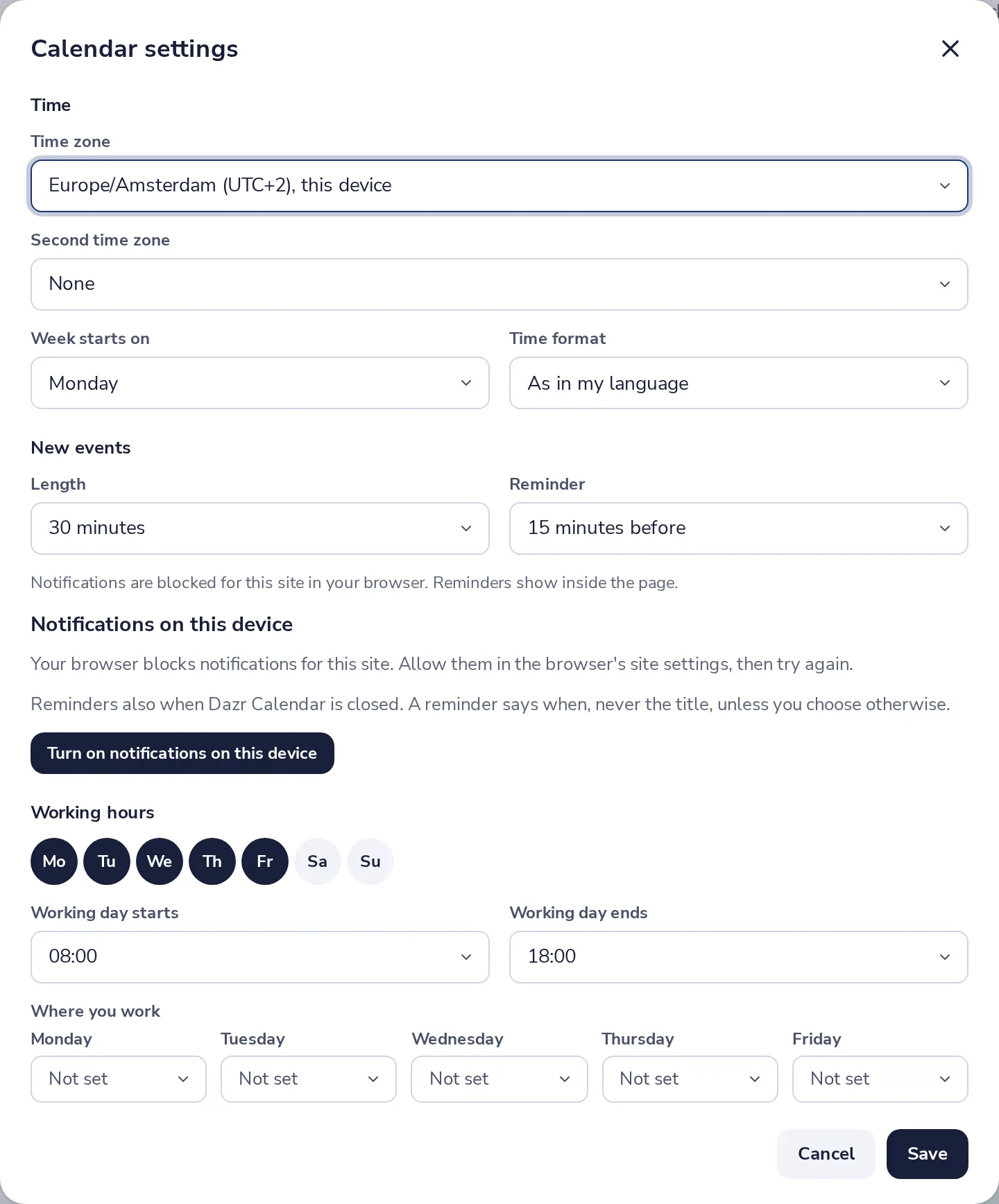
Press Save
Hours outside your working day are shaded in the calendar.
Was this helpful?
What was missing?
Thank you.
We count yes and no per article. Nothing about you is stored.