Change your availability
Availability is how people can reach you. It shows next to your name in every chat, and knocks wait while you focus.
- 1
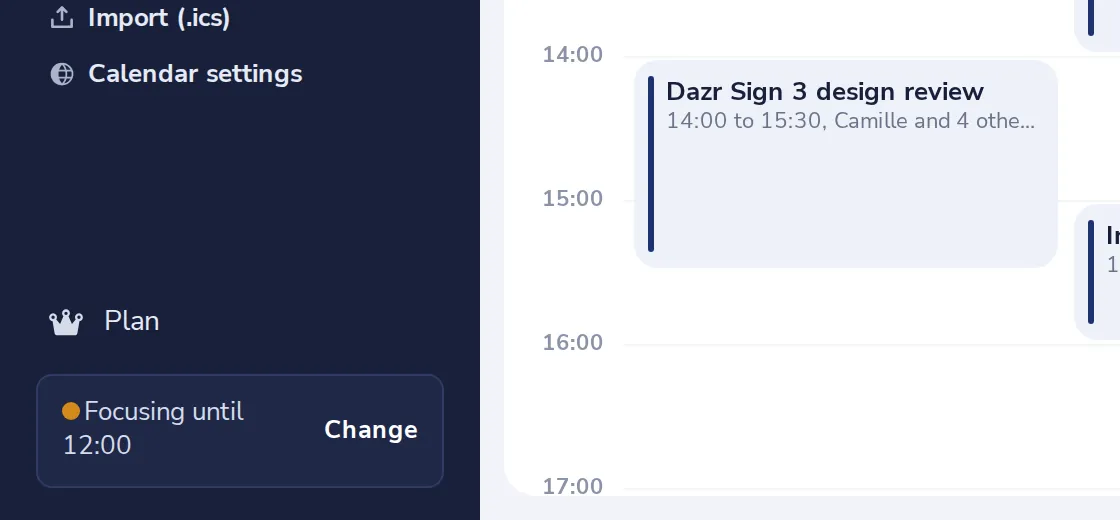
Press Change
At the bottom of the side panel, next to how people can reach you now.
- 2
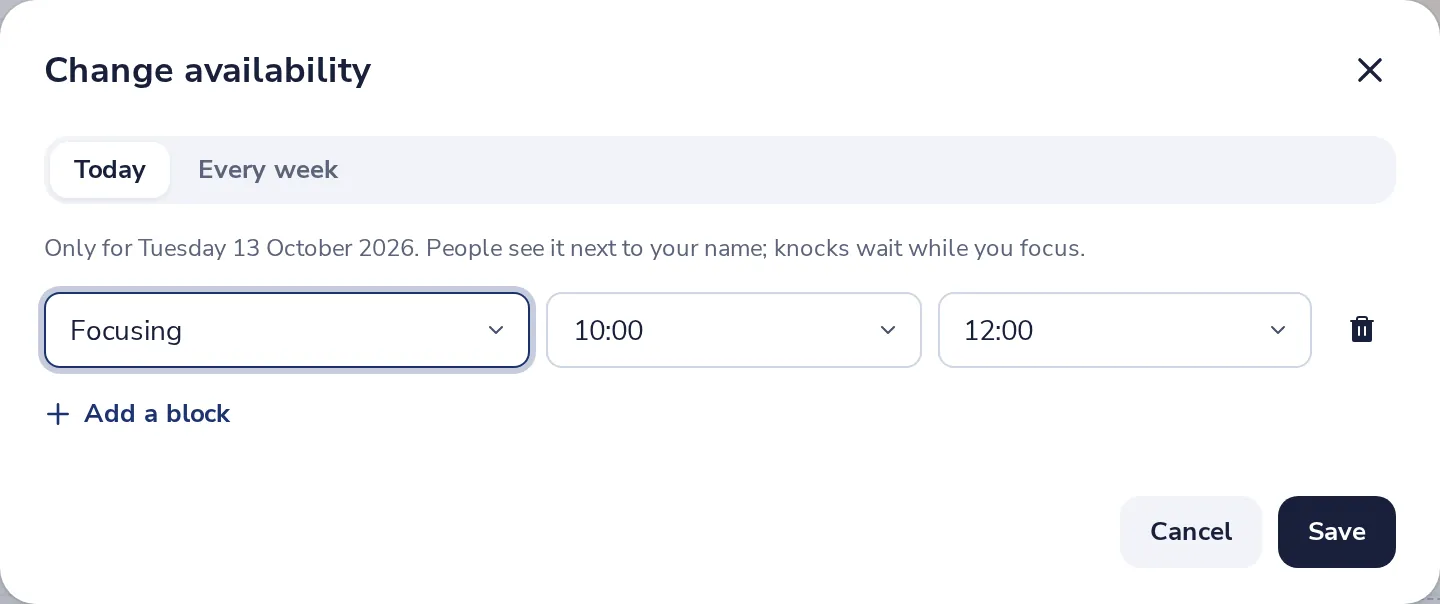
Change today, or every week
Today changes only this day. Every week is your usual week.
- 3
Set the blocks
For each block, choose Focusing, Open for calls or Away, and the hours.
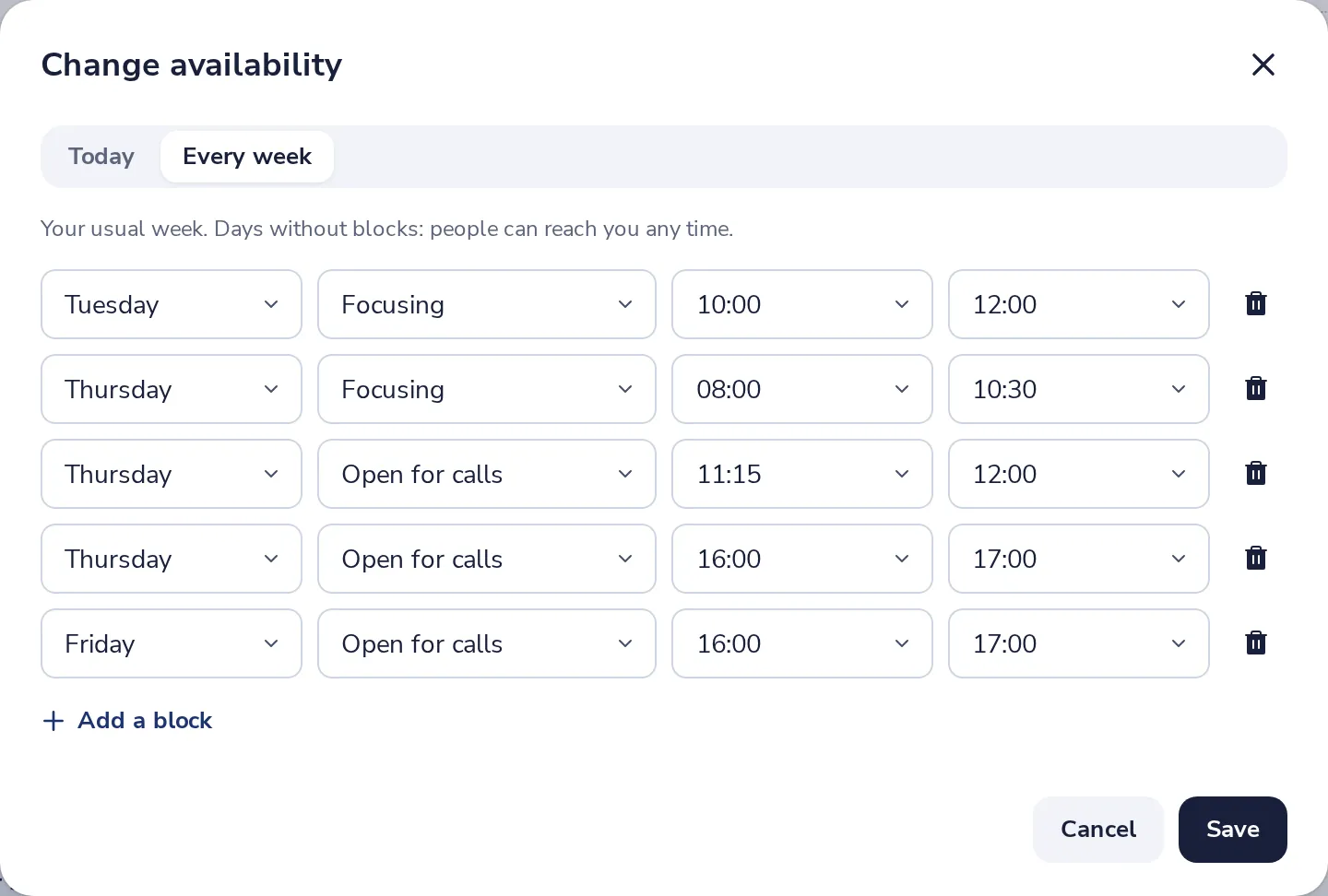
Days without blocks, people can reach you any time.
- 4
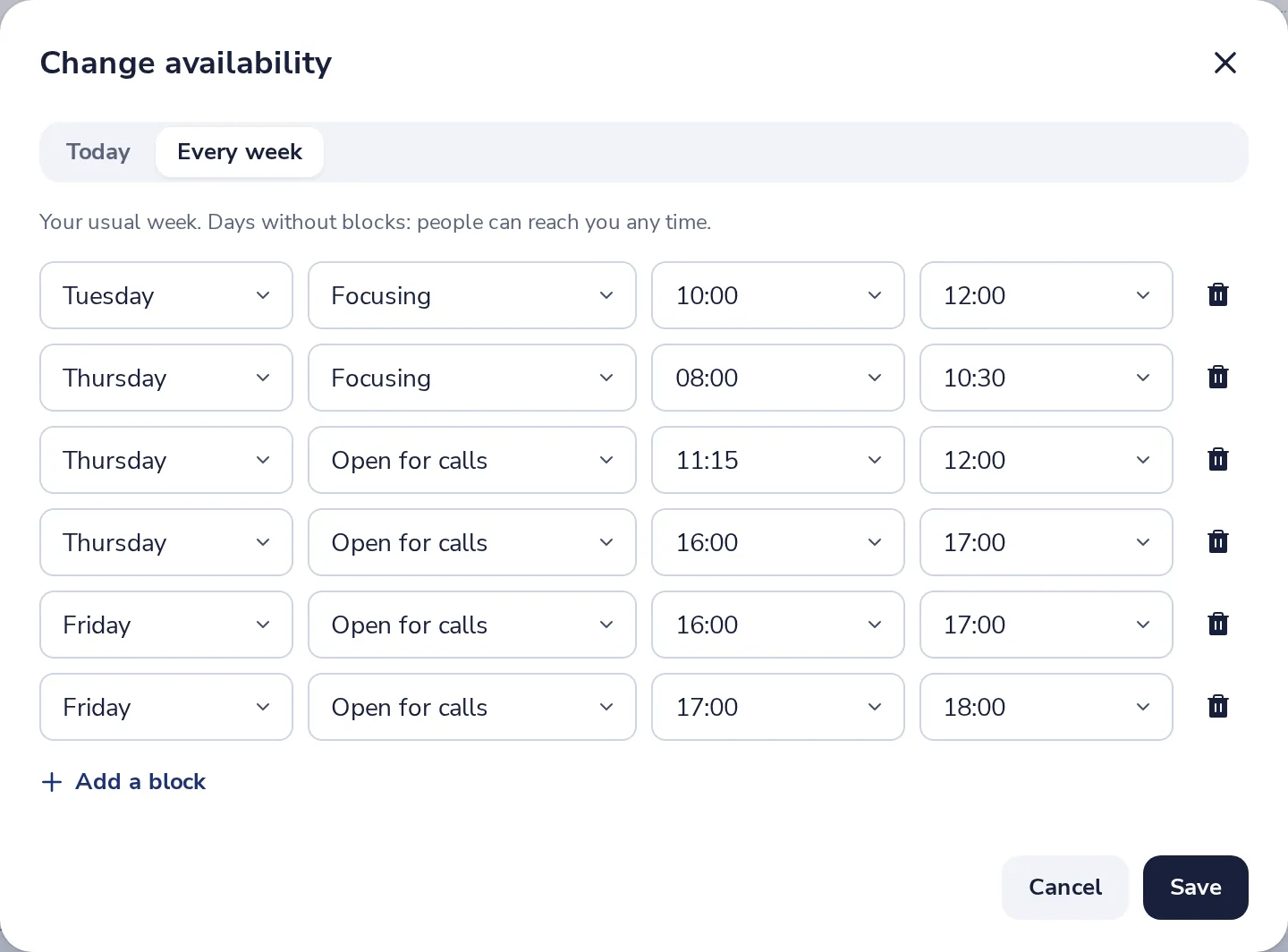
Add a block, then Save
Press Add a block for another one. Then press Save.
- 5
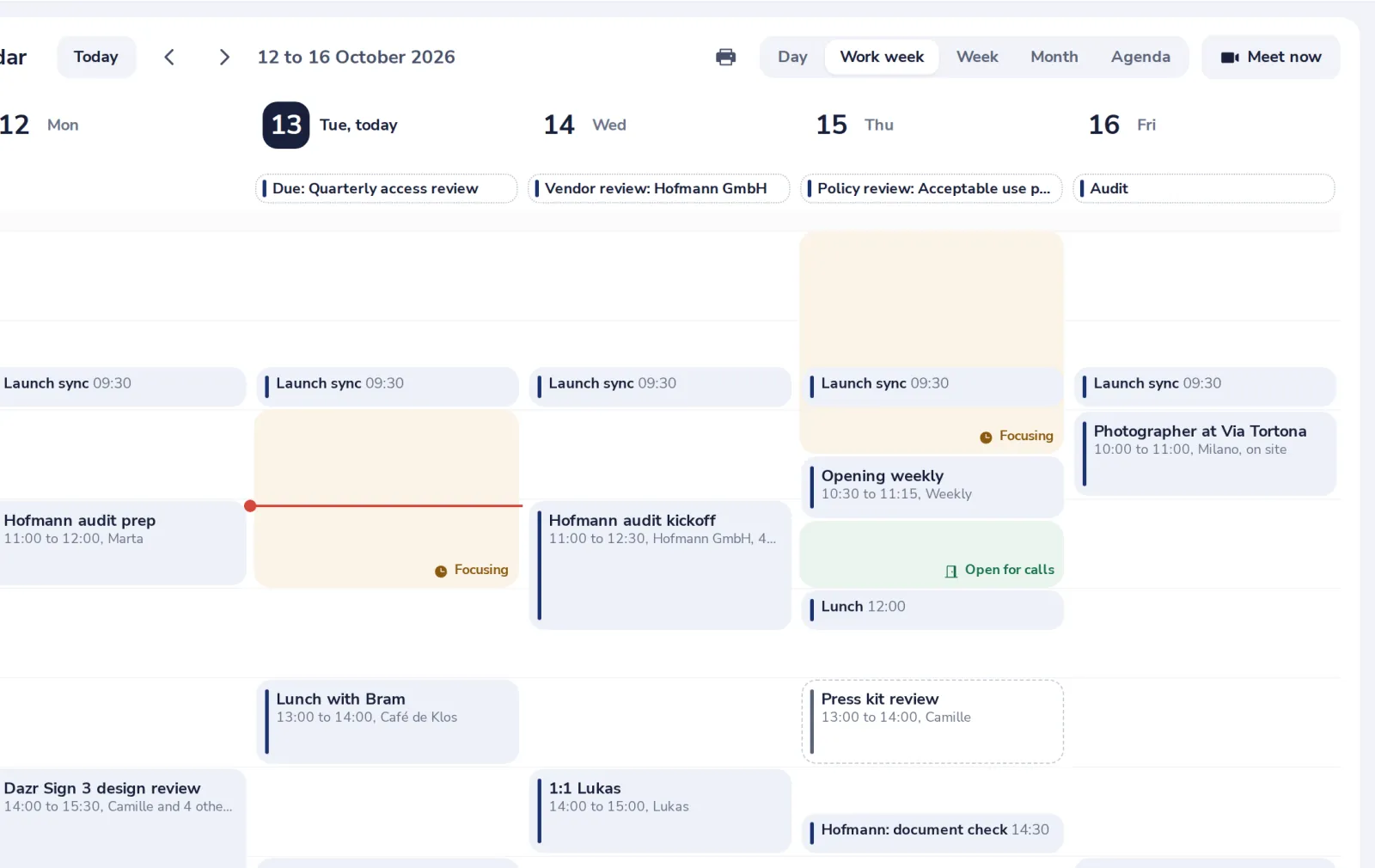
See it in your week
Your blocks show as coloured bands in the calendar, with their name.
Was this helpful?
What was missing?
Thank you.
We count yes and no per article. Nothing about you is stored.