Block time to focus
Block time adds time for yourself, with no people and no call. Show it as focus time, and people see you are focusing.
- 1
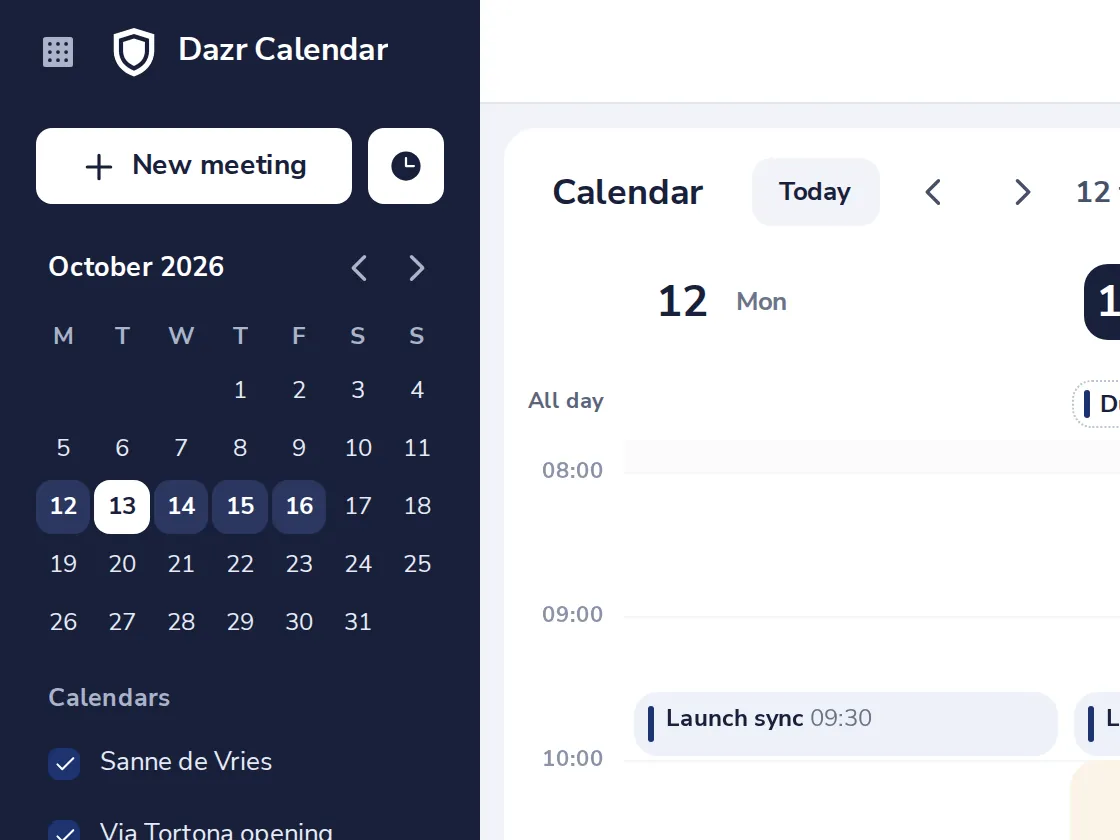
Press Block time
The clock next to New meeting.
- 2
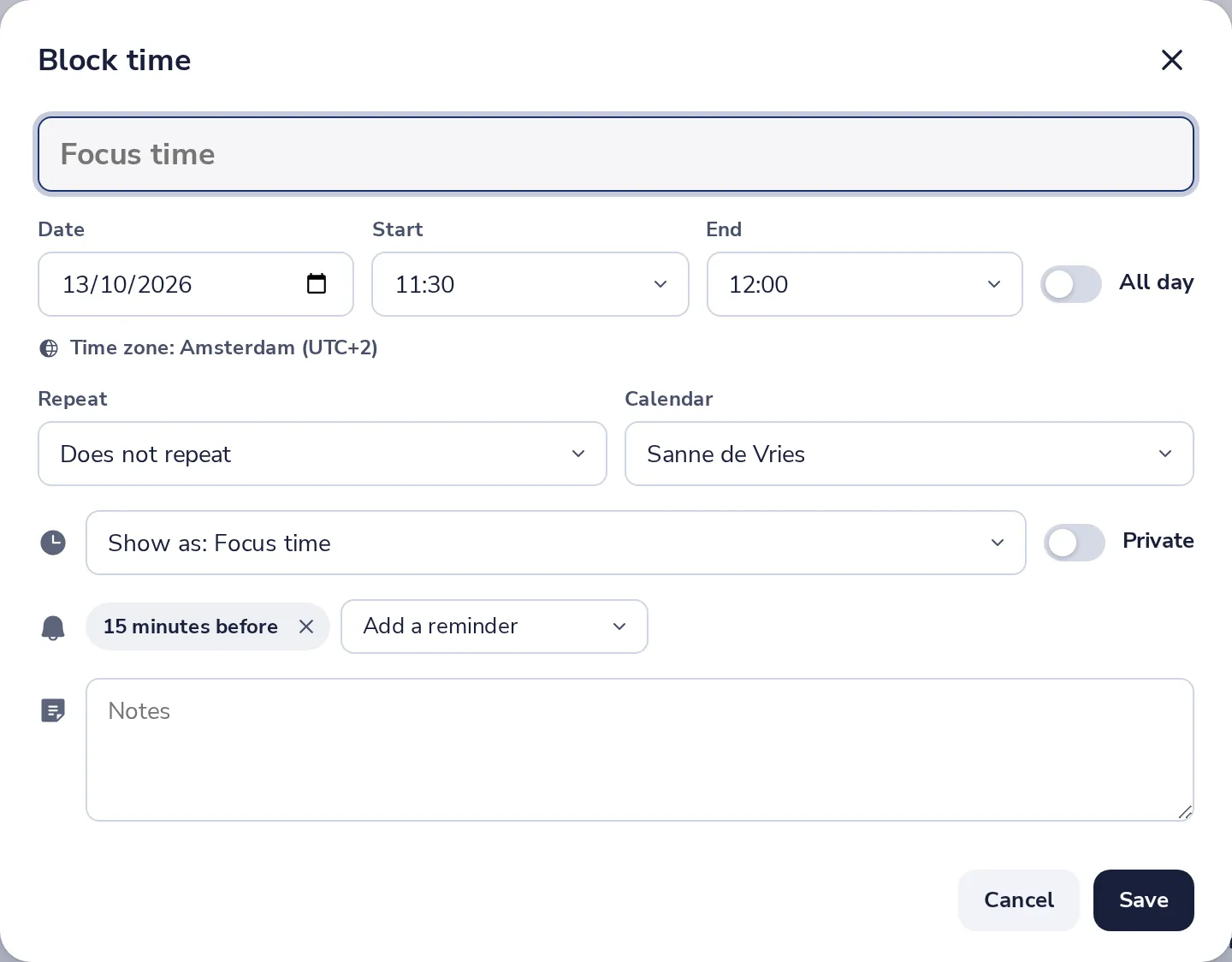
Pick the time
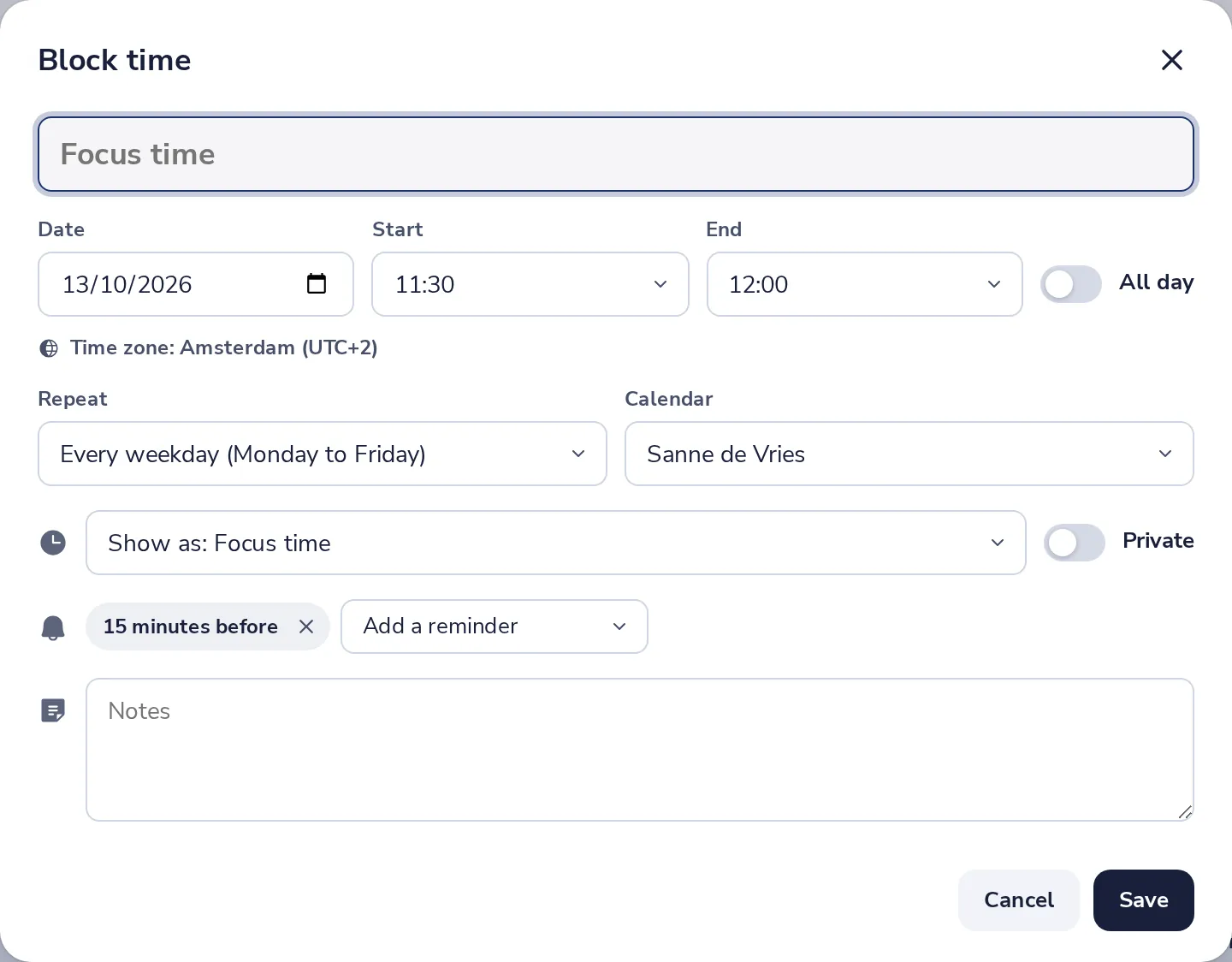
Give it a name if you like, then the date, start and end.
- 3
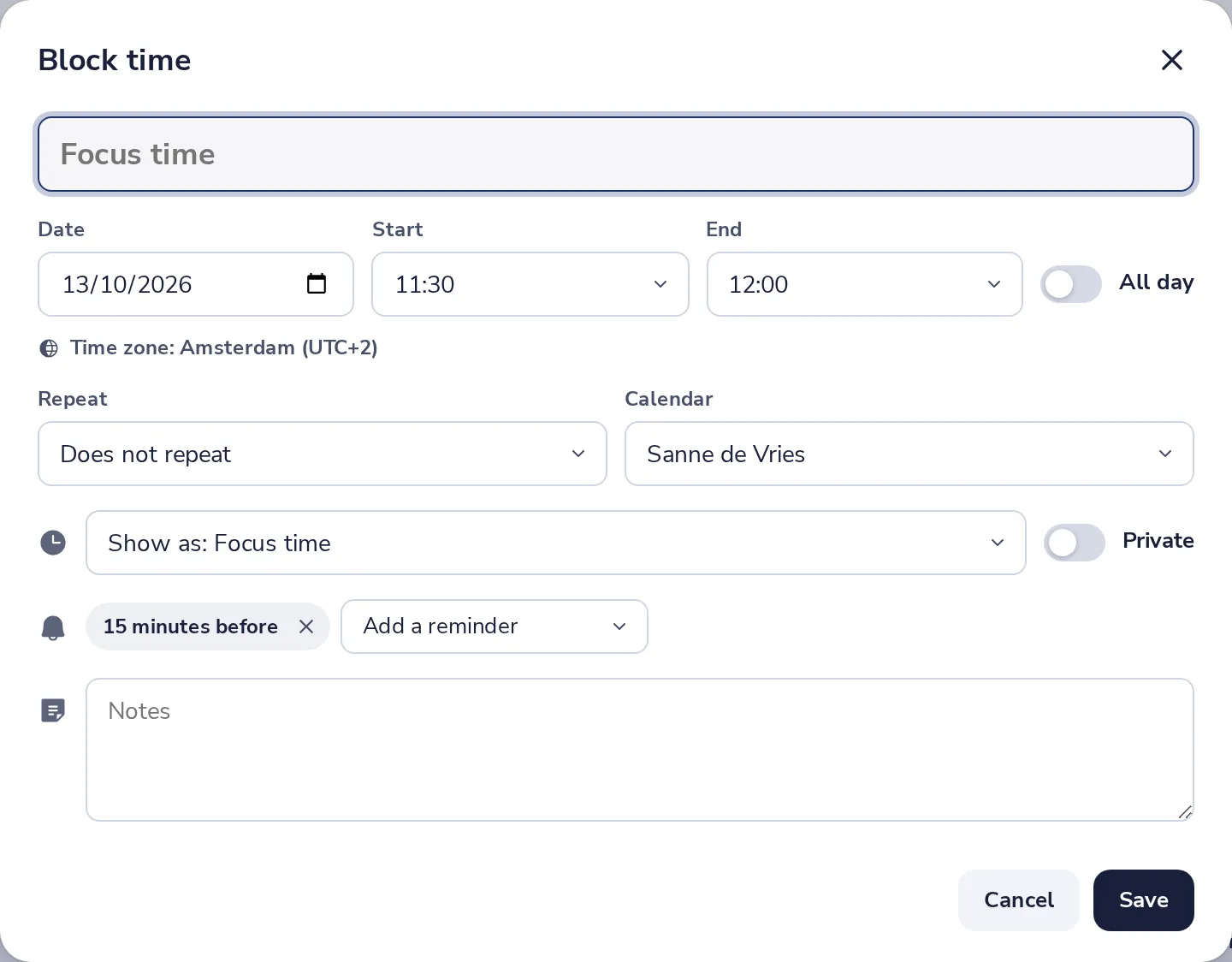
Show it as focus time
Show as Focus time tells people you are focusing. Busy and the other choices work too.
- 4
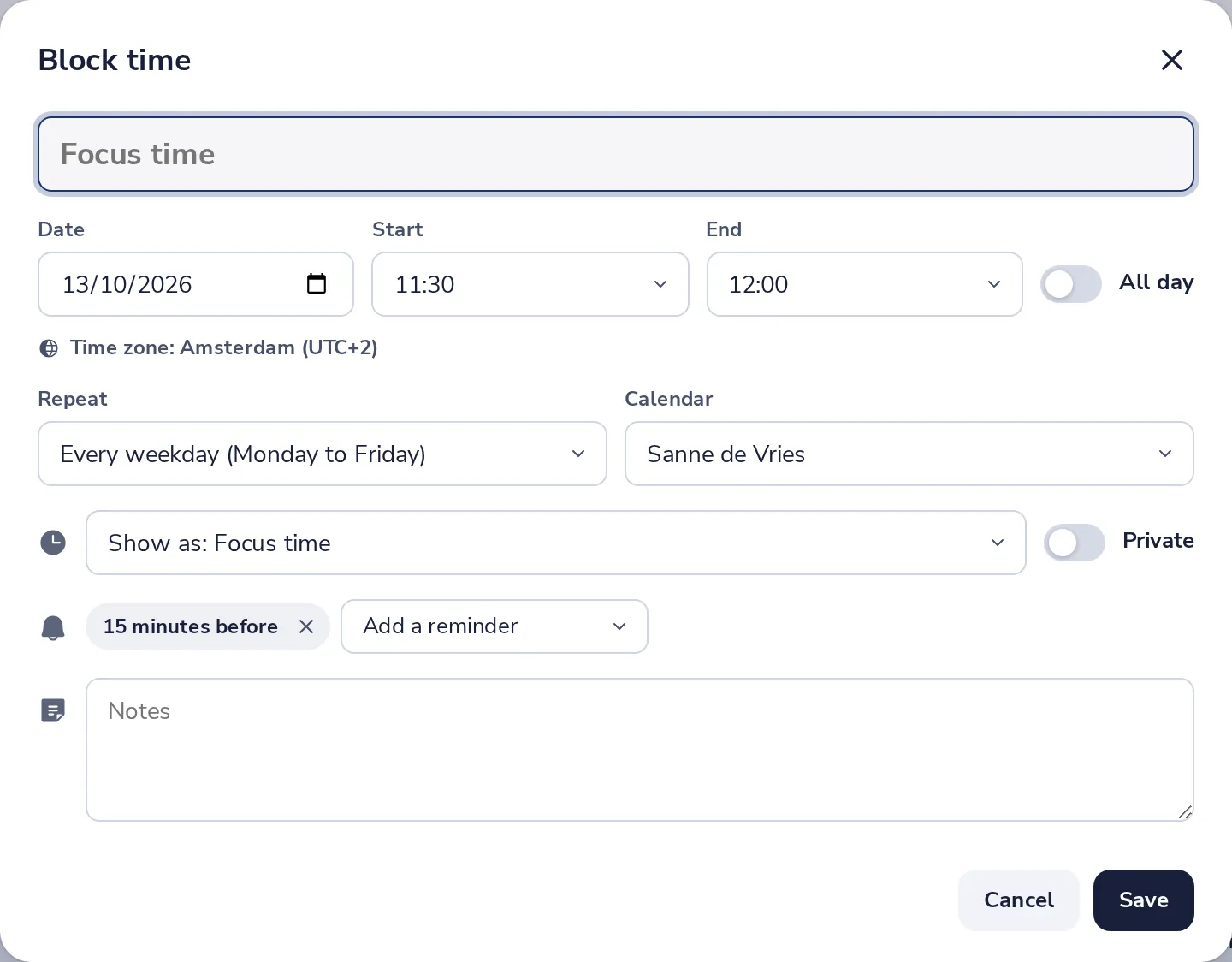
Make it repeat, if you like
Under Repeat, choose every day or every week.
- 5
Press Save
The time is in your calendar, and people see you as busy then.
Was this helpful?
What was missing?
Thank you.
We count yes and no per article. Nothing about you is stored.