Make a meeting repeat
Choose how often a meeting comes back, and until when. Later you can change one day, or all of them.
- 1
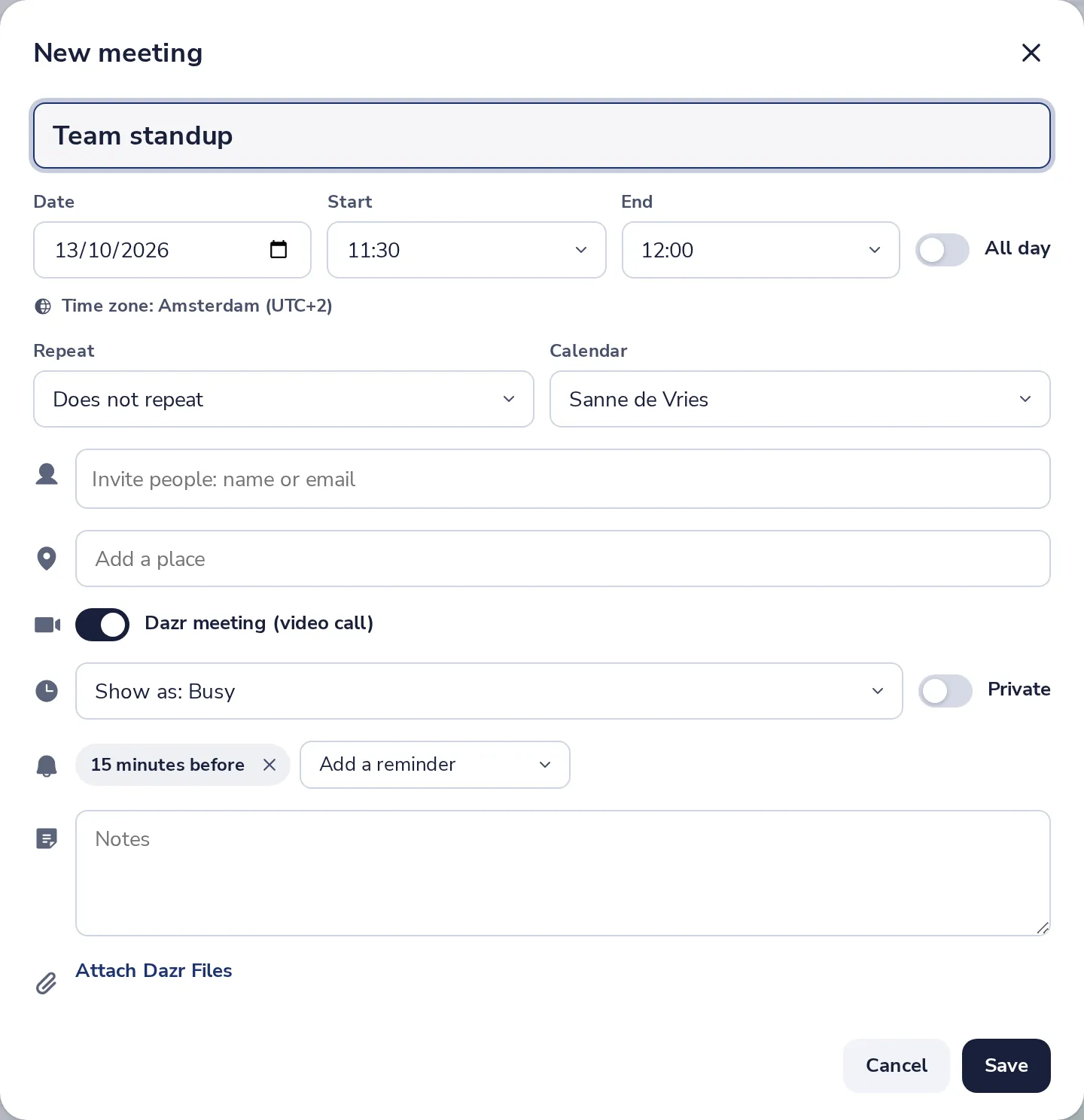
Open Repeat
In New meeting, Repeat is under the date and time.
- 2
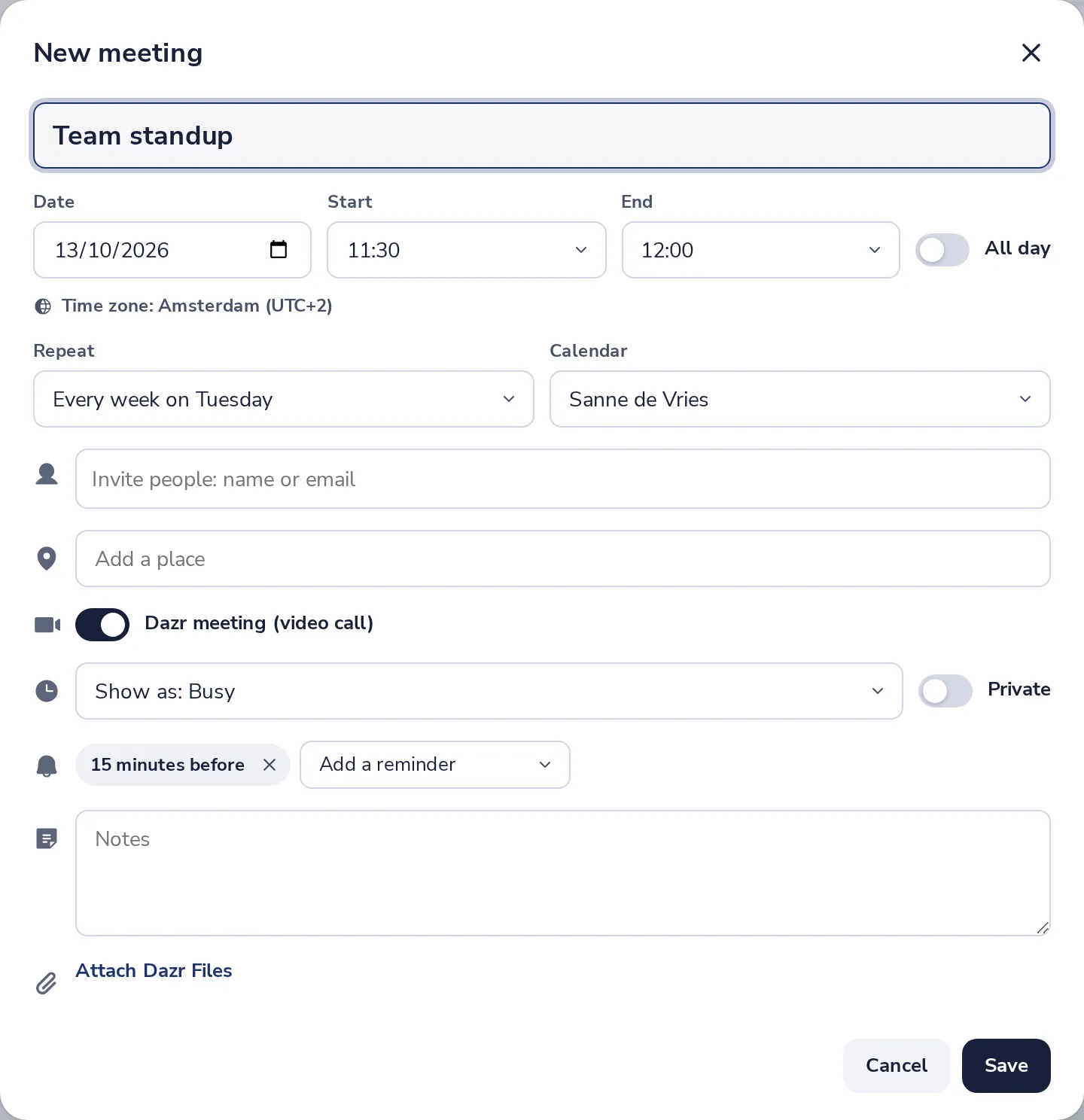
Choose how often
For example every week on the same day. More choices let you pick days and an end date.
- 3
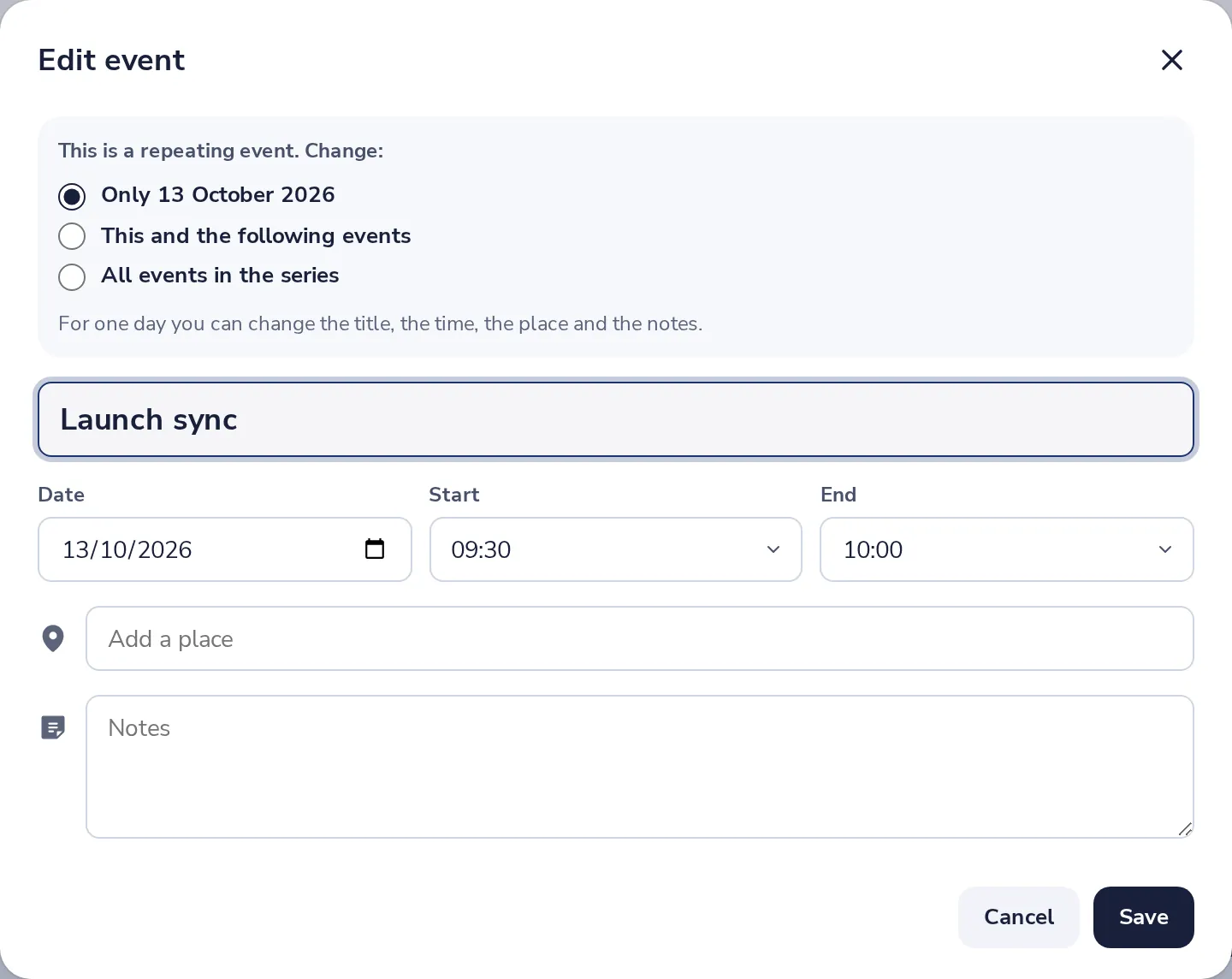
Change one day of it
Open the meeting and press Edit. Choose only that day, this and the following events, or all events in the series.
Was this helpful?
What was missing?
Thank you.
We count yes and no per article. Nothing about you is stored.