Change or move a meeting
Change the time, the people or anything else. Everyone invited gets the update.
- 1
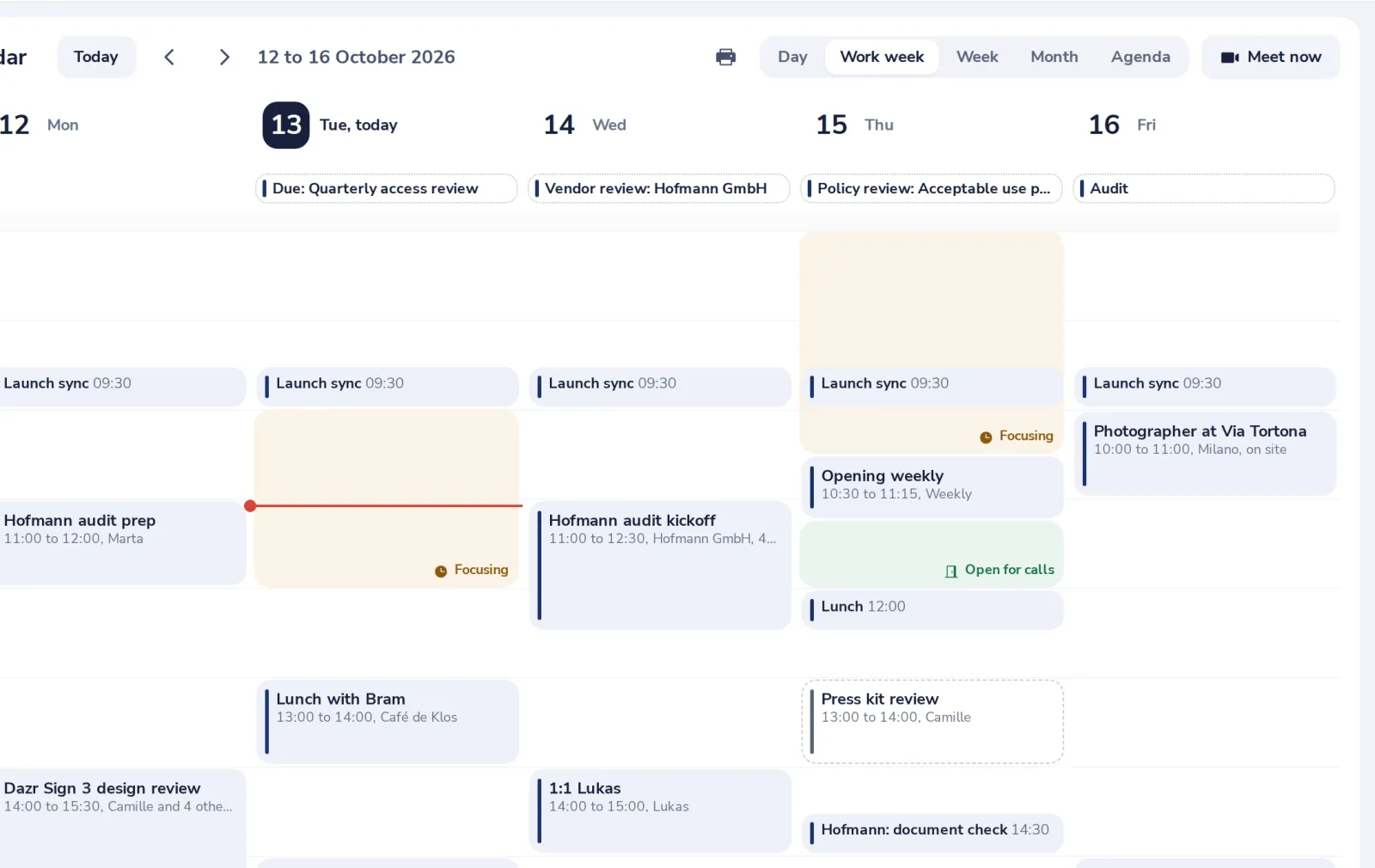
Drag it, or open it
Drag a meeting to another time, or drag its bottom edge to change the end. Or click it.
- 2
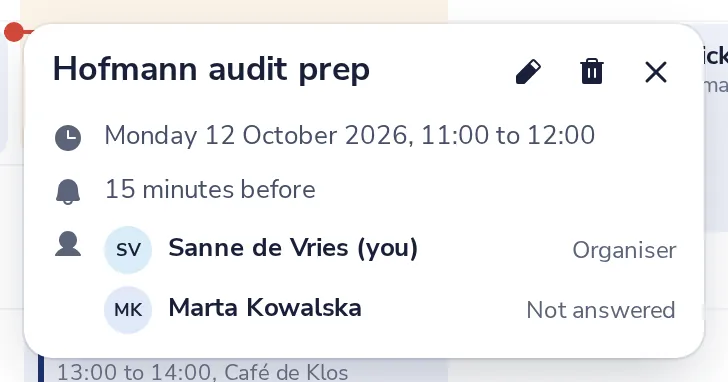
Press Edit
The pencil at the top of the details. The bin deletes the meeting.
- 3
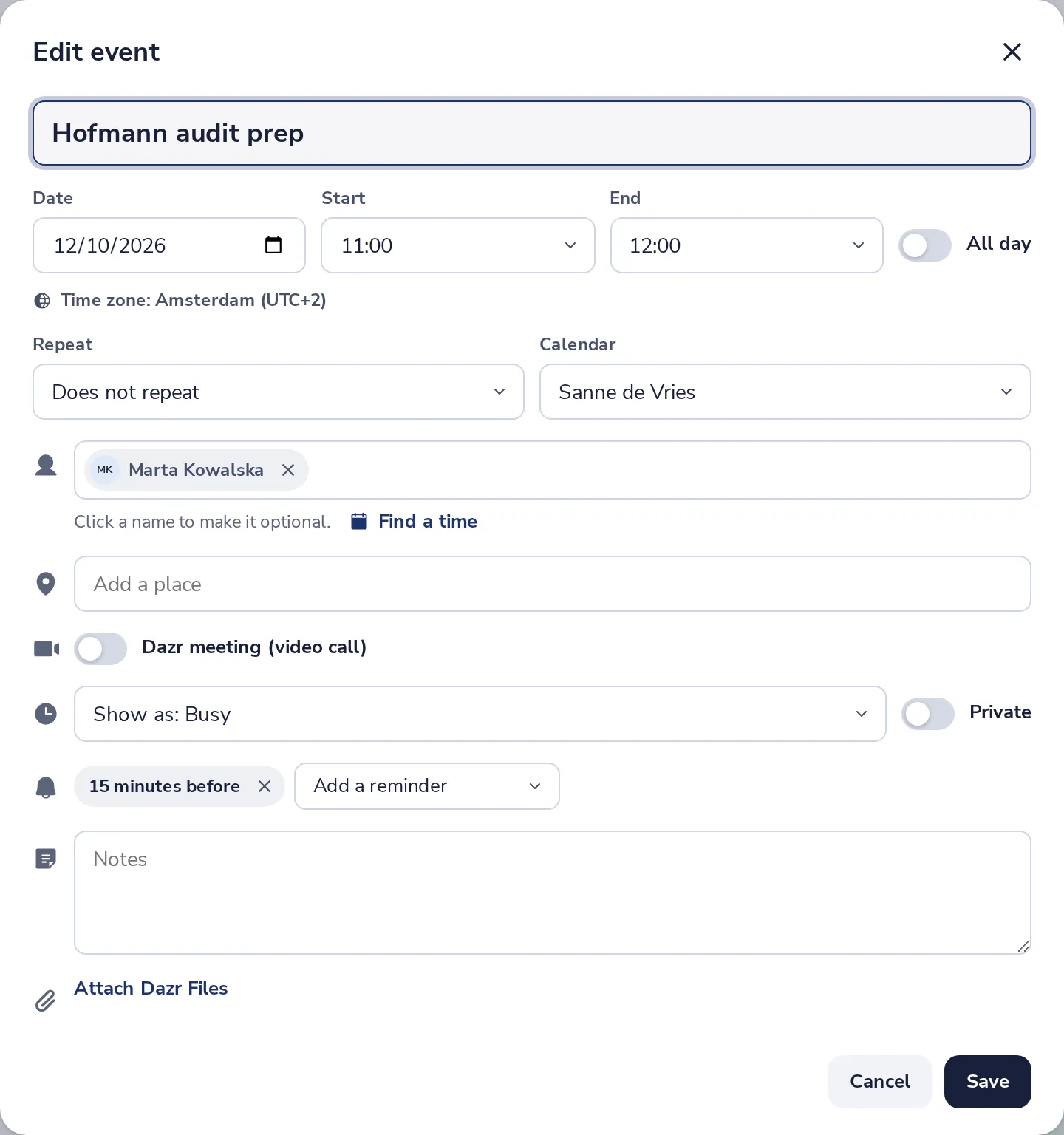
Change what you need, then Save
The time, the people, the place. People invited get the change by email.
Deleting a meeting you organised sends everyone a cancellation.
Was this helpful?
What was missing?
Thank you.
We count yes and no per article. Nothing about you is stored.