Add a calendar
Make more calendars next to your own. Show or hide each one with its checkbox, and give it a colour.
- 1
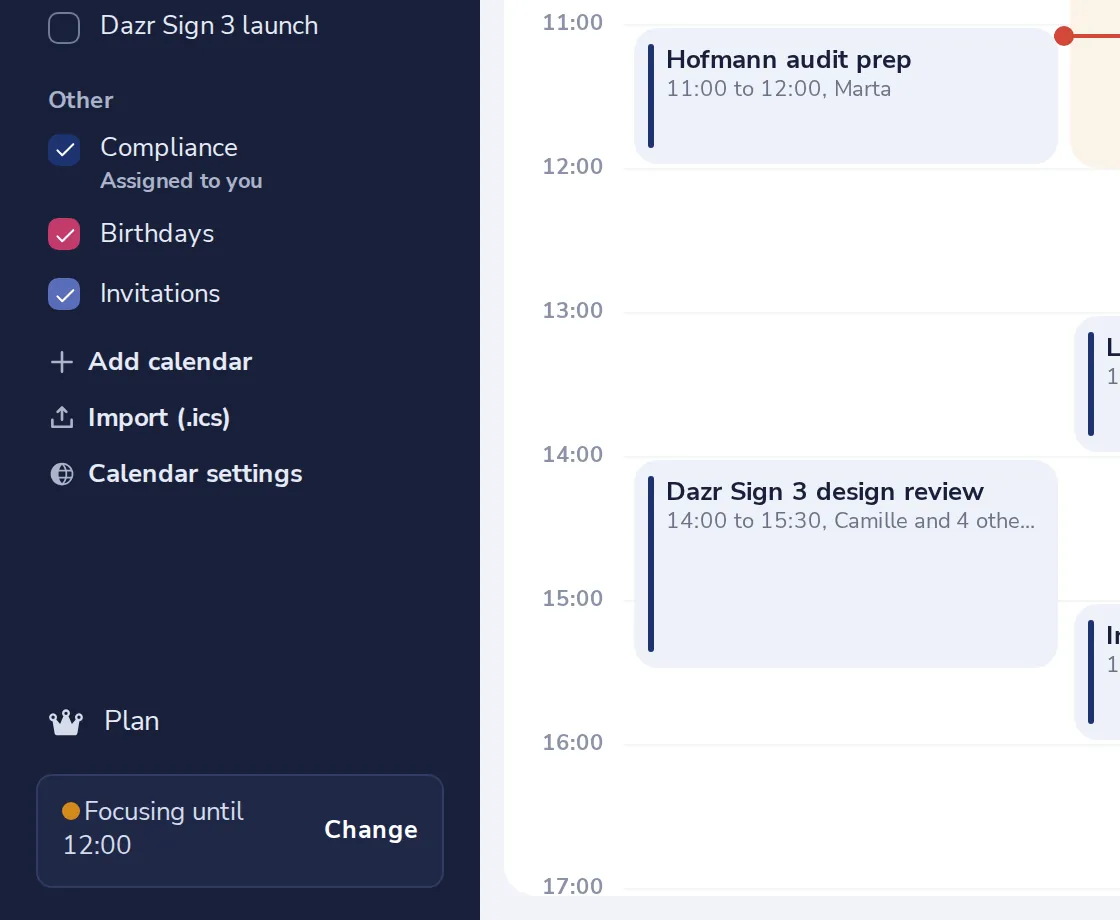
Press Add calendar
It is under your calendars, in the side panel.
- 2
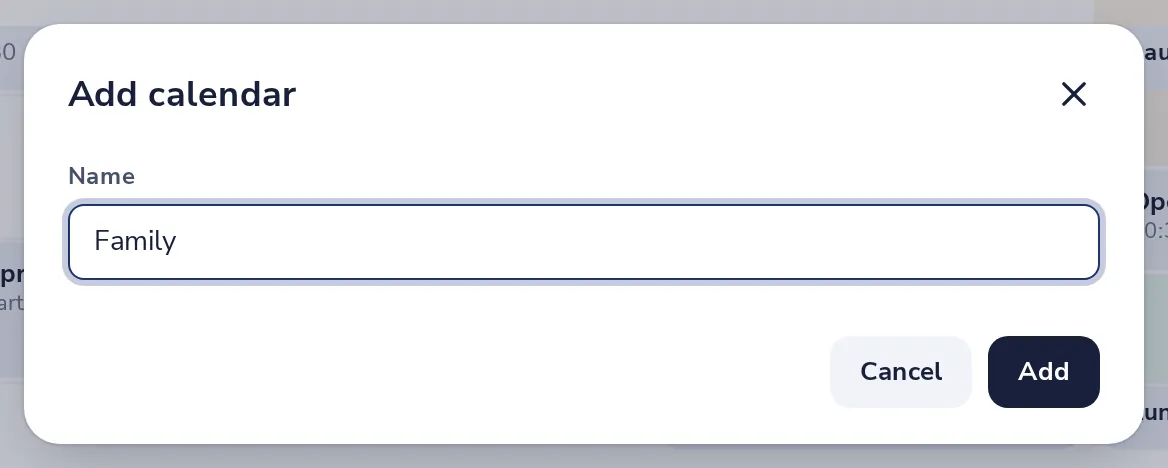
Give it a name
For example Family, or the name of a project. Then press Add.
- 3
Show or hide it
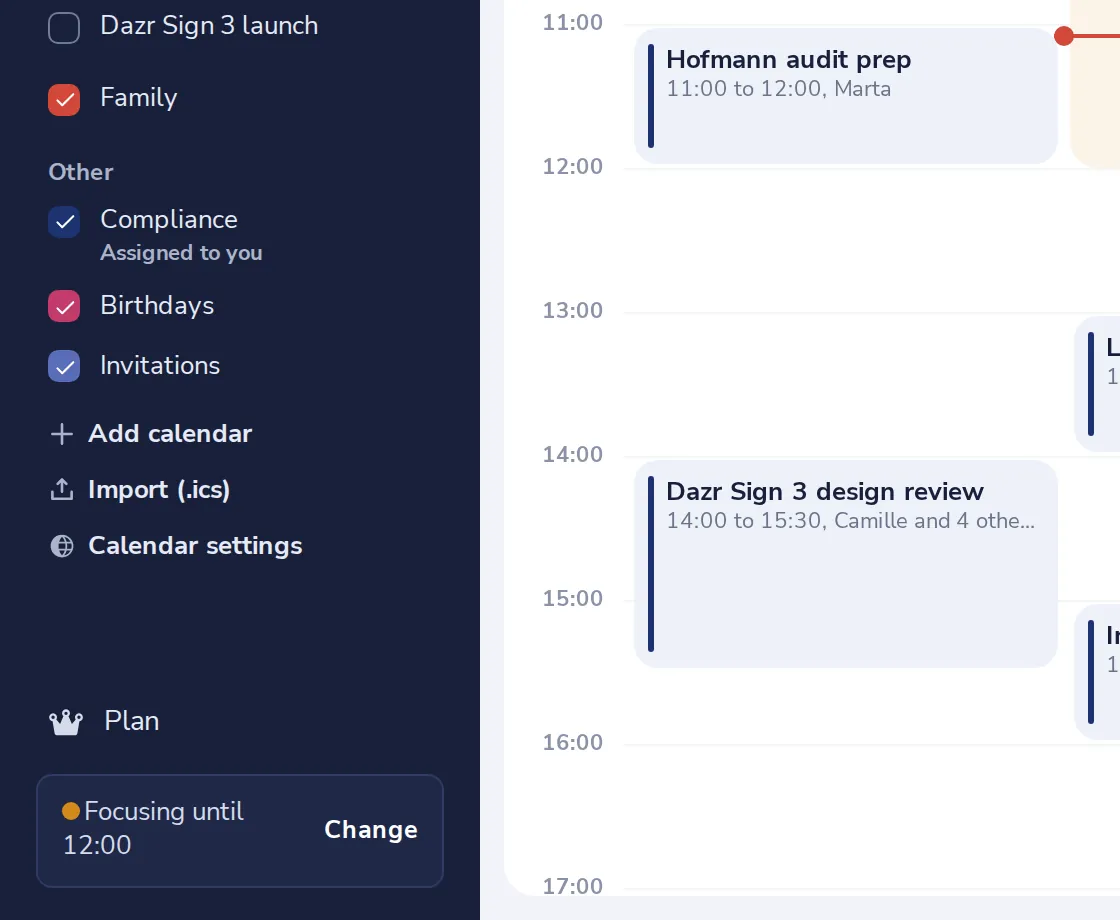
The checkbox in front of each calendar shows or hides its events.
- 4
Change its colour
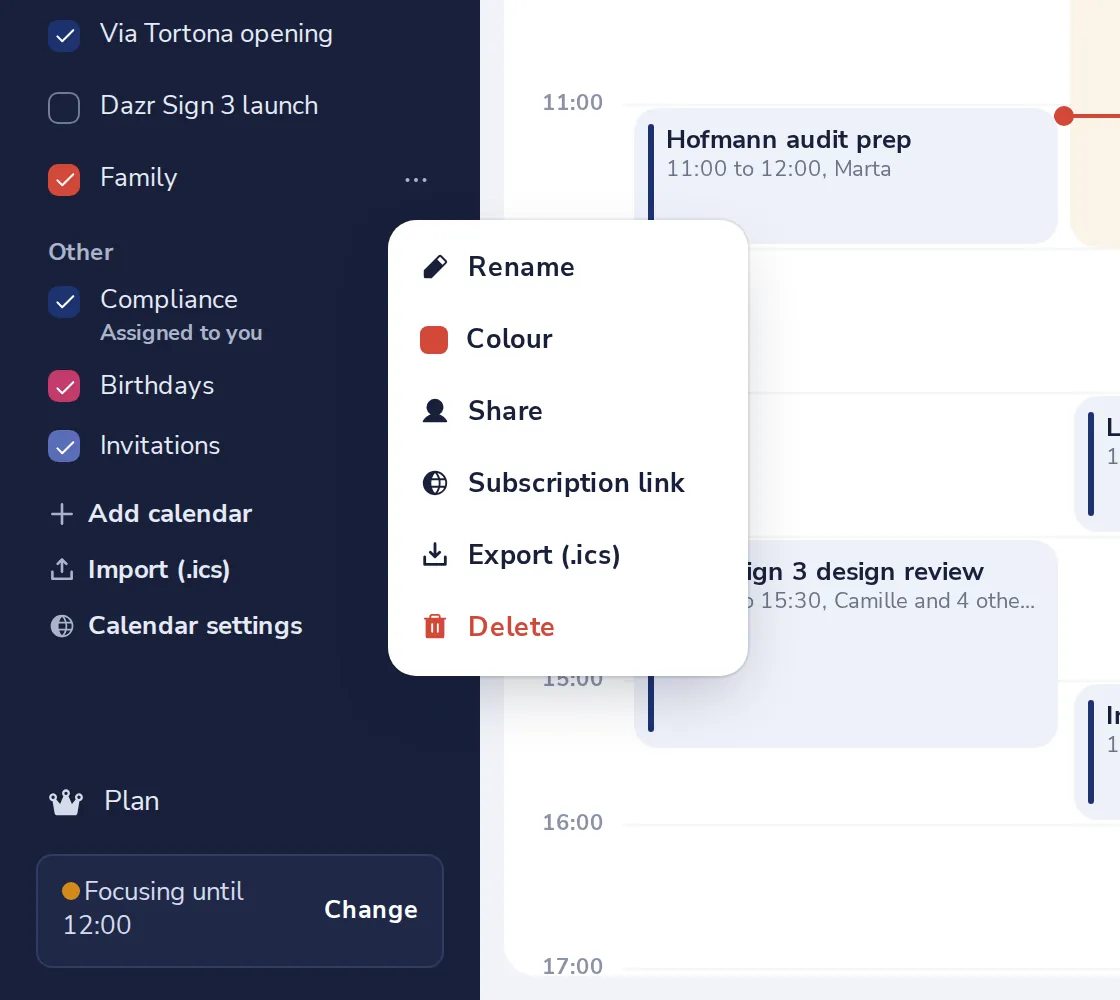
Press the dots next to the calendar and choose Colour.
Choose the calendar when you make a meeting, under Calendar.
Was this helpful?
What was missing?
Thank you.
We count yes and no per article. Nothing about you is stored.