Invite people from outside
Type anyone's email address in Invite people. They get the invitation by email, with the meeting in a calendar file for their own calendar app.
- 1
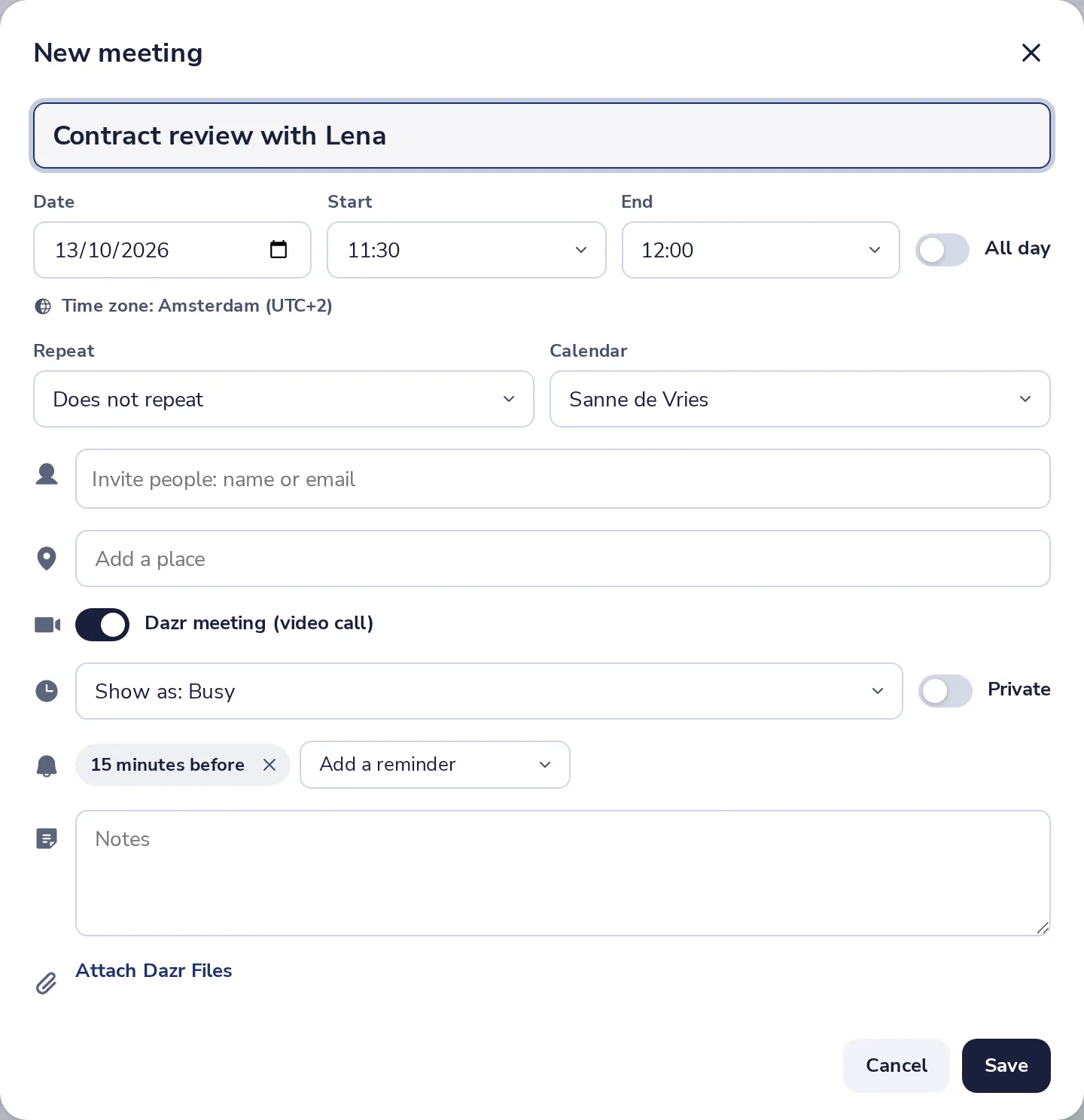
Open New meeting
Press New meeting, and give the meeting a title and a time.
- 2
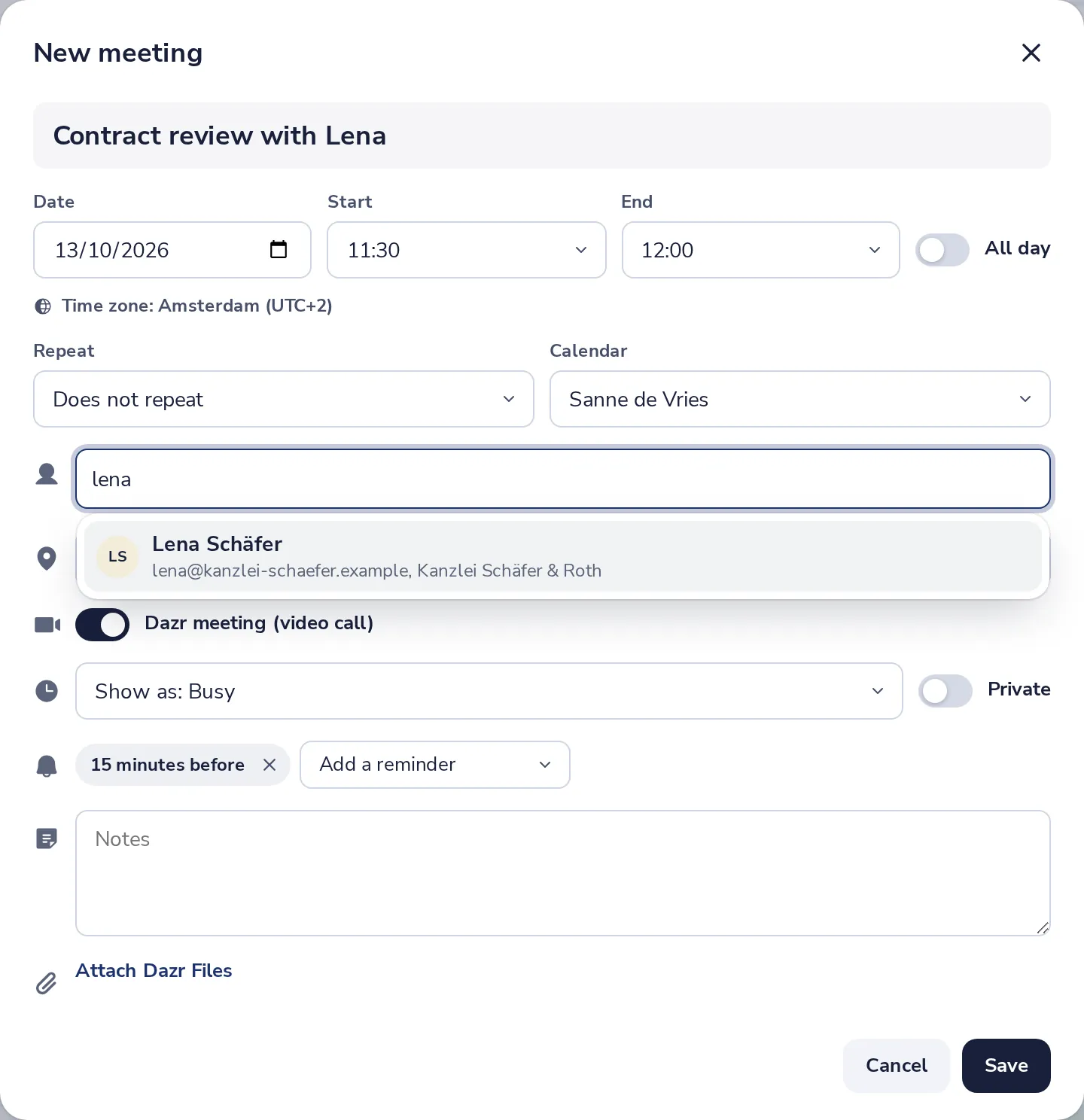
Type their name or address
People in your Dazr Contacts are found by name. Anyone else, type the whole email address.
- 3
Press Enter to add them
They show as a name in the list of people invited.
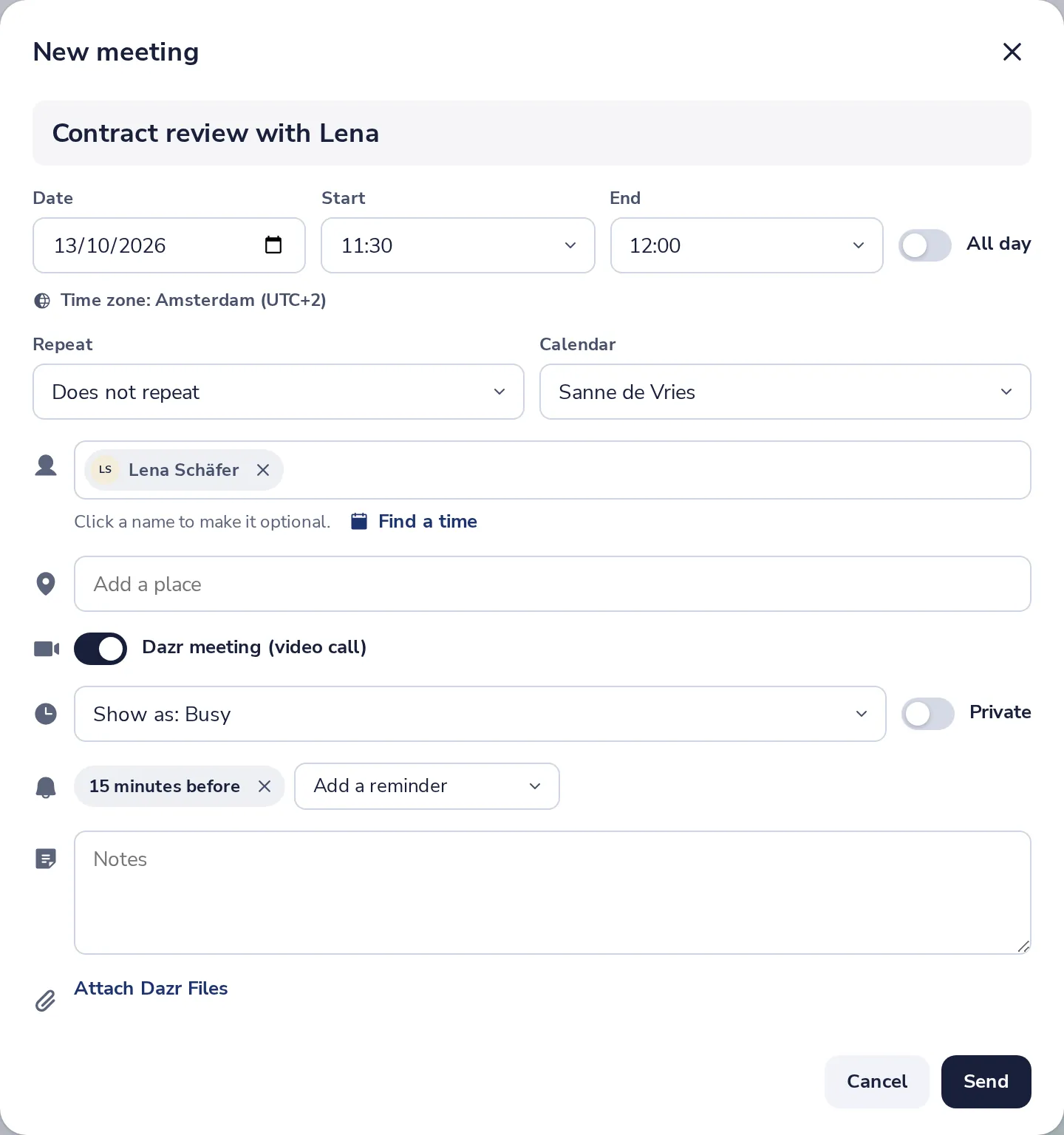
Click a name to make that person optional.
- 4
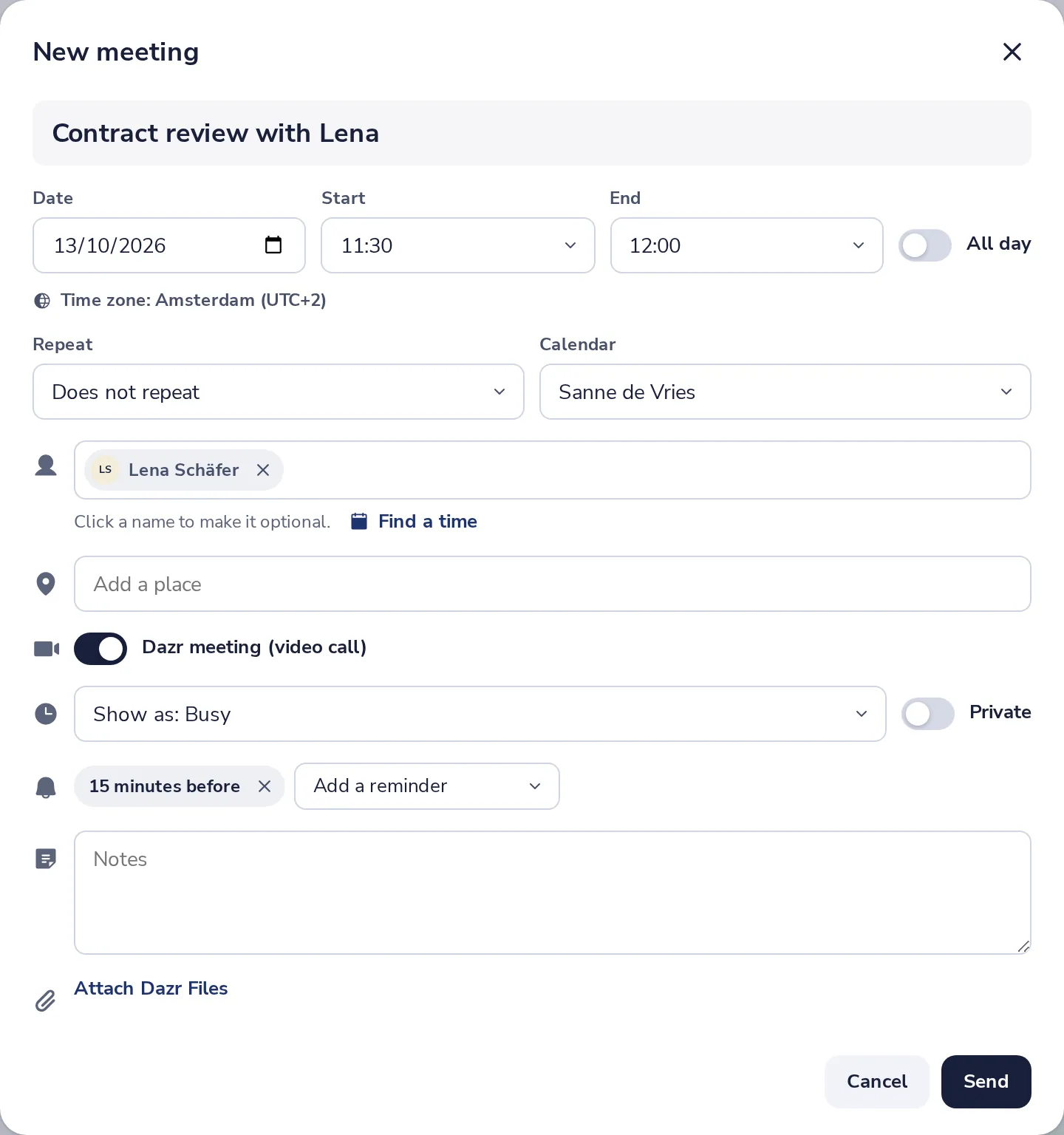
Press Send
Guests get an email. Their answer shows next to their name in the meeting.
Was this helpful?
What was missing?
Thank you.
We count yes and no per article. Nothing about you is stored.