Invite a teammate
Invite a colleague by email. They sign in with that address and see the controls you give them.
- 1
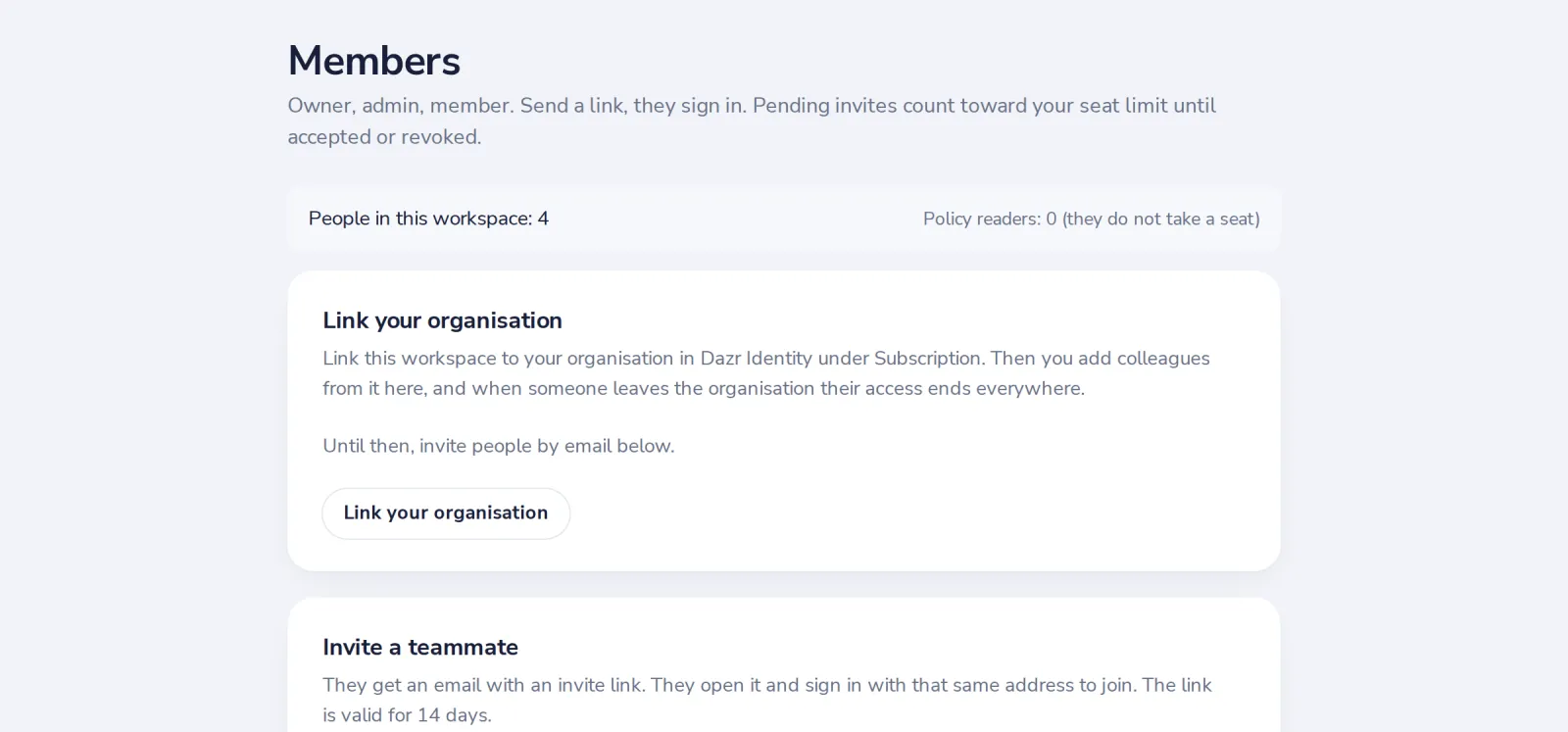
Open Members
Under Workspace in the menu on the left.
- 2
Type the email and pick a role
Member works on their own controls. Admin also invites people. Policy reader only reads policies.
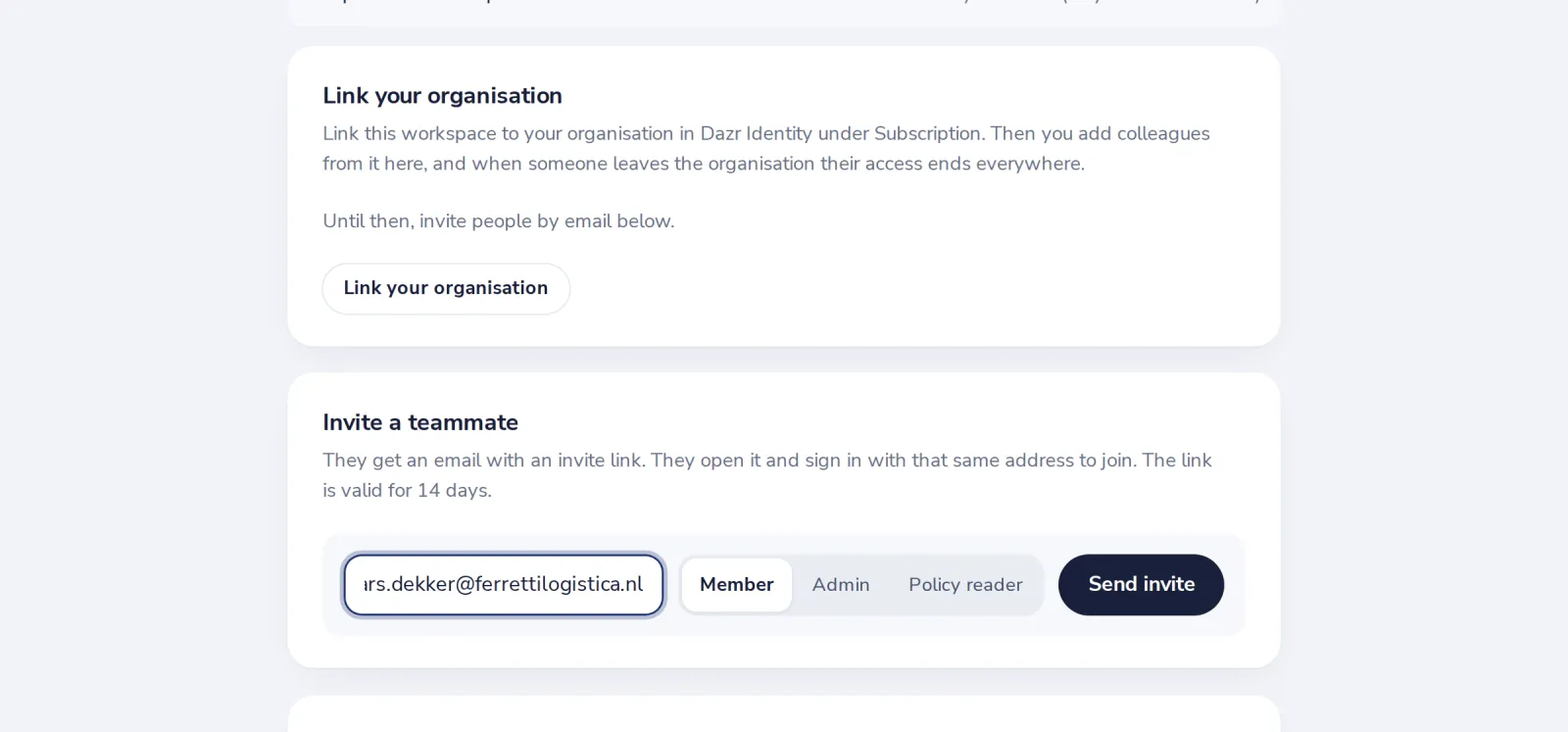
Policy readers do not take a seat on your plan.
- 3
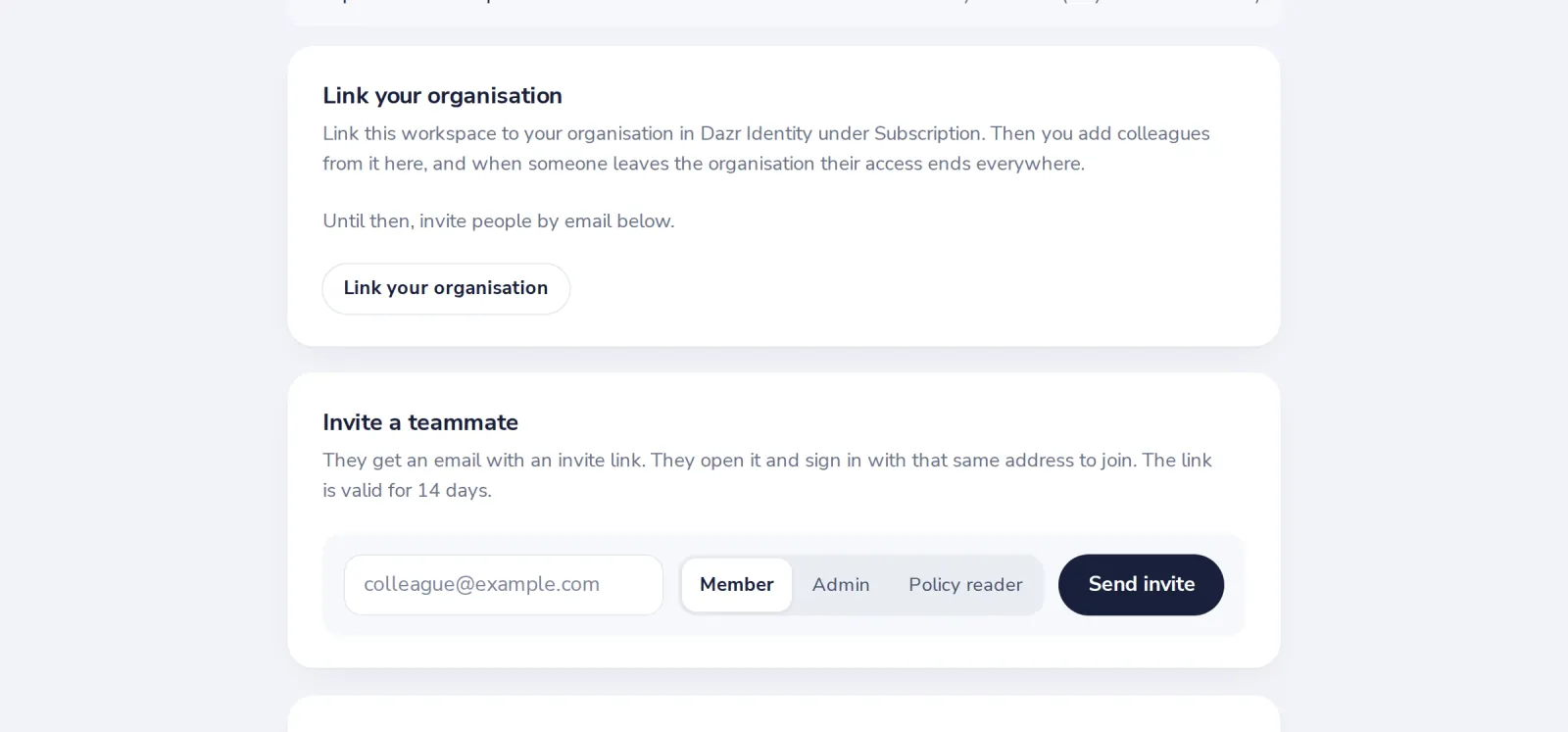
Press Send invite
They get an email with a link that is valid for 14 days.
Was this helpful?
What was missing?
Thank you.
We count yes and no per article. Nothing about you is stored.