Keep people in Favourites
Favourites show as larger cards.
- 1
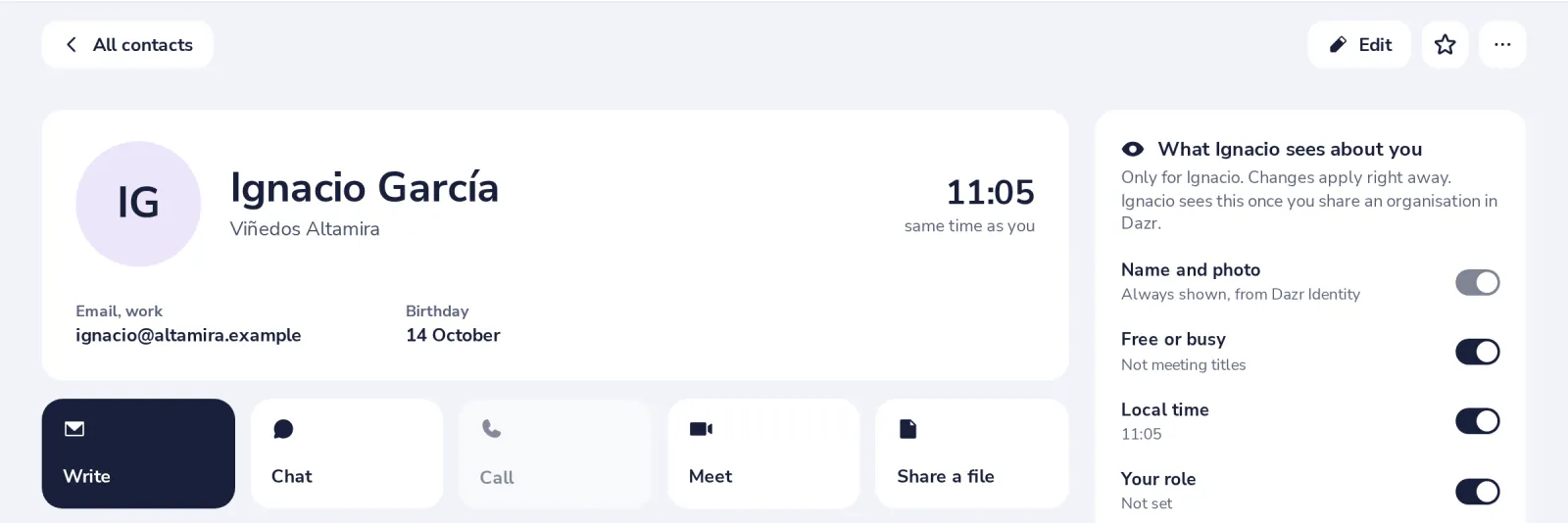
Open the person
Click their card in your contacts.
- 2
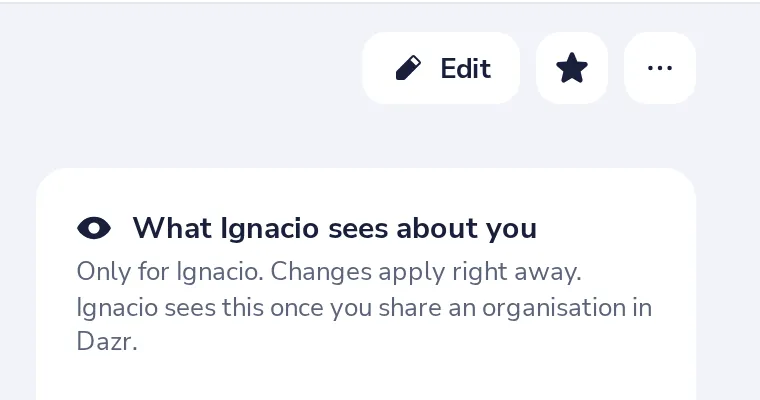
Press the star
At the top right of the card. Press it again to take it off.
- 3
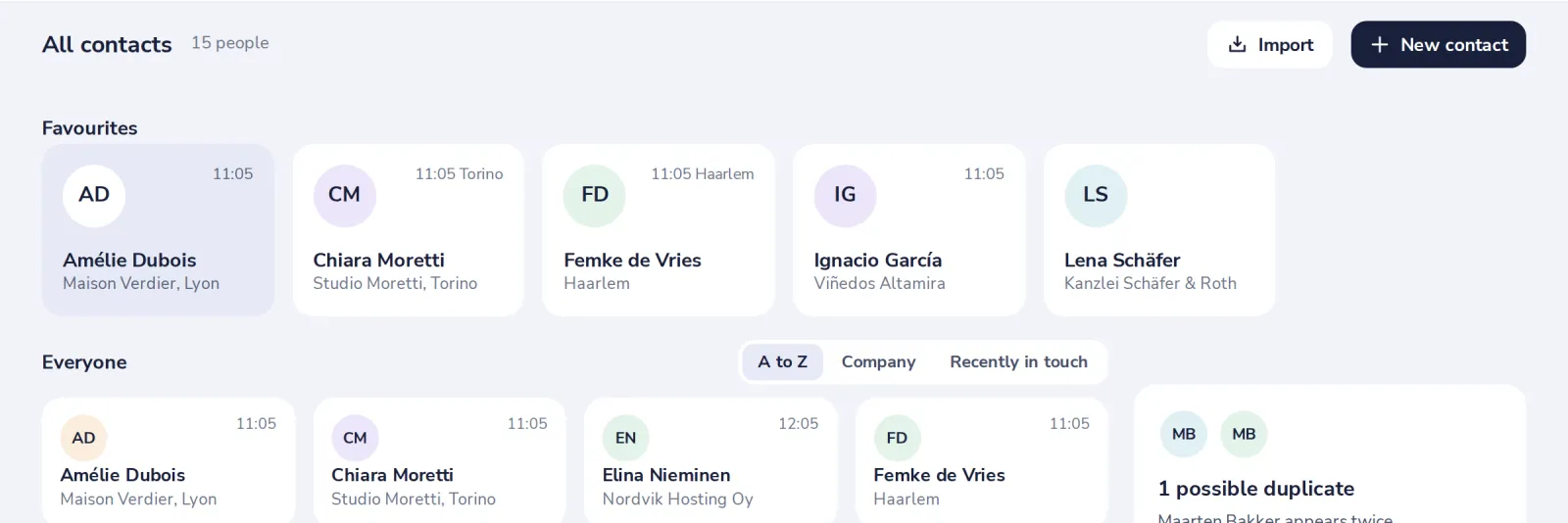
Find your favourites at the top
They show first in All contacts, and in Favourites in the sidebar.
Was this helpful?
What was missing?
Thank you.
We count yes and no per article. Nothing about you is stored.