Your first week
18 tasks, in the order most people need them.
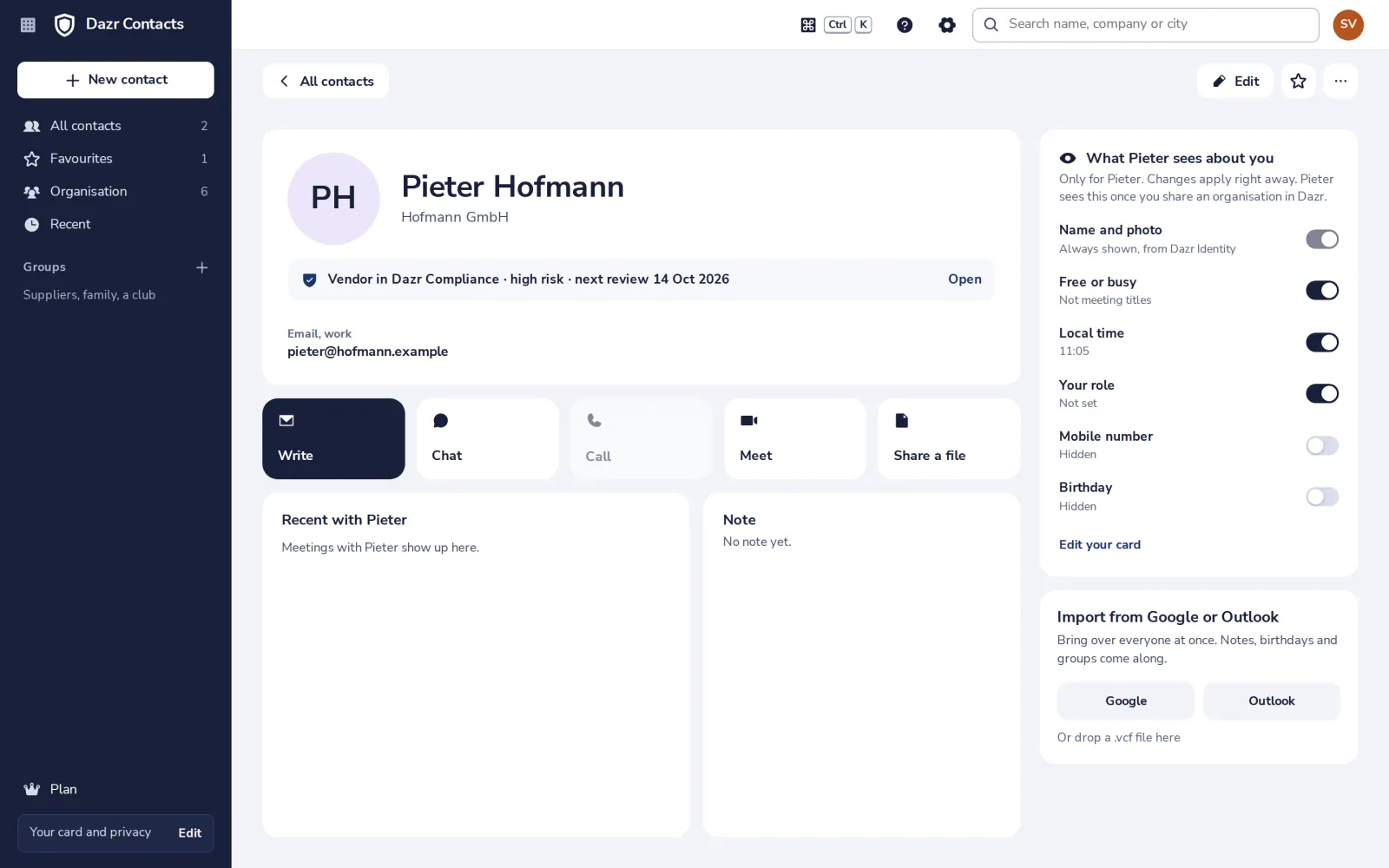
Get started with Dazr ContactsEveryone you work with, in one place.Add a contactName, email, company, done.Import contacts from Google or OutlookEveryone at once, with notes and birthdays.Edit your own cardYour role, number, city and birthday, for your colleagues.Find colleagues in your organisationEveryone at your company, always up to date.Merge duplicatesOne card per person, after an import.Choose what one person sees about youShow your mobile number to one colleague, or hide your birthday from another.Keep people in FavouritesStar the people you are in touch with most.Make a groupSuppliers, family, a club, anything you like.Change or delete a contactUpdate a number, add an address, or remove someone.Add a photo to a contactRecognise people at a glance.Add a birthday to a contactAdd birthdays, and see the next ones coming.Keep a note about someoneWhere you met, what they prefer, what to remember.Write, chat, call or meet from a contactEverything you can do with someone, from their card.Search your contactsFind anyone by name, company, city or email.Sort your contactsA to Z, by company, or by who you were in touch with last.Export your contactsA copy for your phone, Google or Outlook.Add a colleague’s card to your contactsColleagues keep their own card. You can keep your own copy.
Still stuck? Ask us.
People, not a bot.