Change or delete a contact
Open the person and press Edit. Everything on the card can be changed. Delete is in the More menu.
- 1
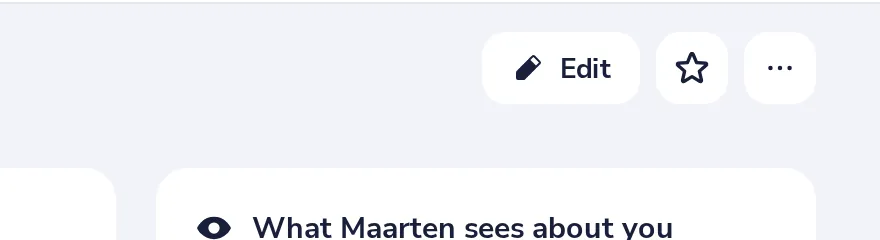
Open the person and press Edit
Edit is at the top right of their card.
- 2
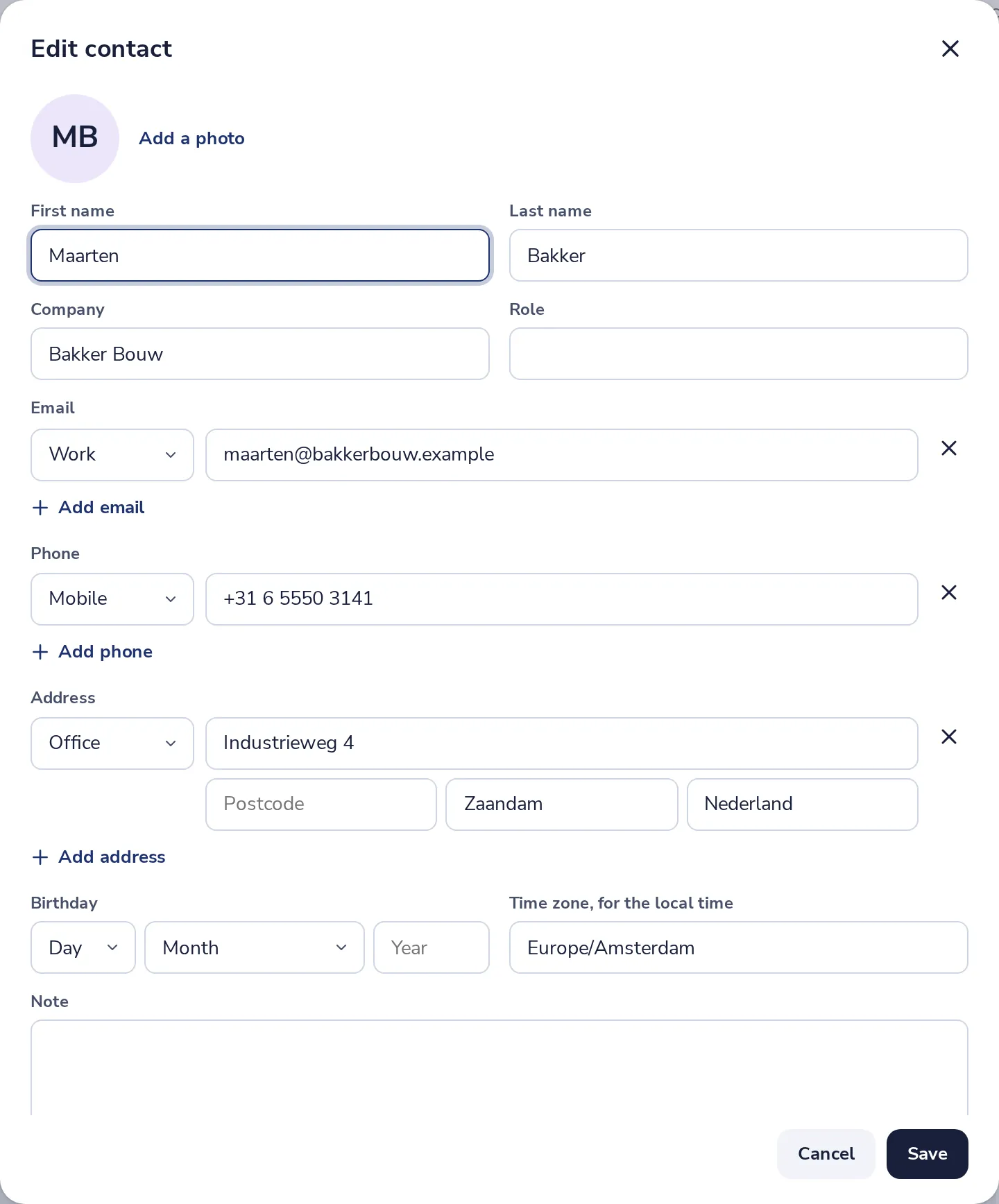
Change what you need
Add an email, a phone number, an address or a note. Then press Save.
- 3
Delete a contact
Press the dots next to Edit, then Delete contact.
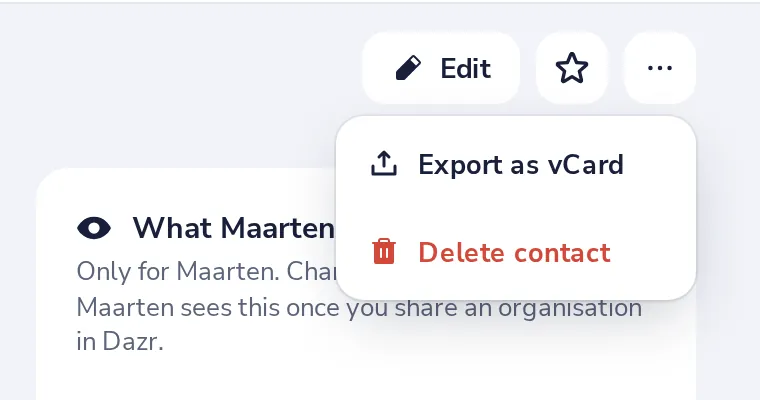
Changed your mind? Press Undo in the message that appears.
Was this helpful?
What was missing?
Thank you.
We count yes and no per article. Nothing about you is stored.