Add a photo to a contact
Add a photo to any of your contacts. Colleagues set their own photo in their Dazr account.
- 1
Edit the person
Open their card and press Edit.

- 2
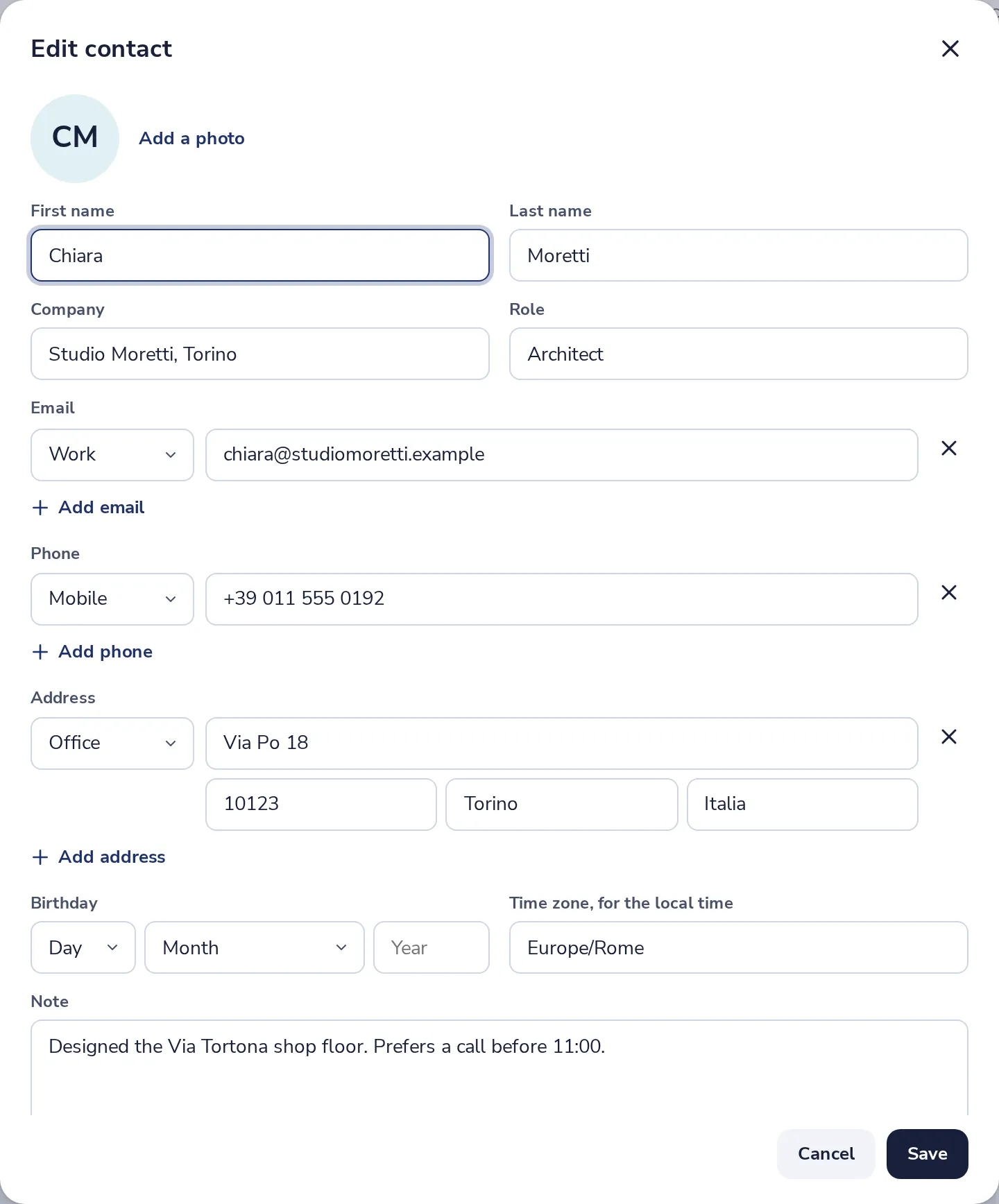
Press Add a photo
At the top of the window. Pick a JPEG, PNG or WebP picture.
- 3
Press Save
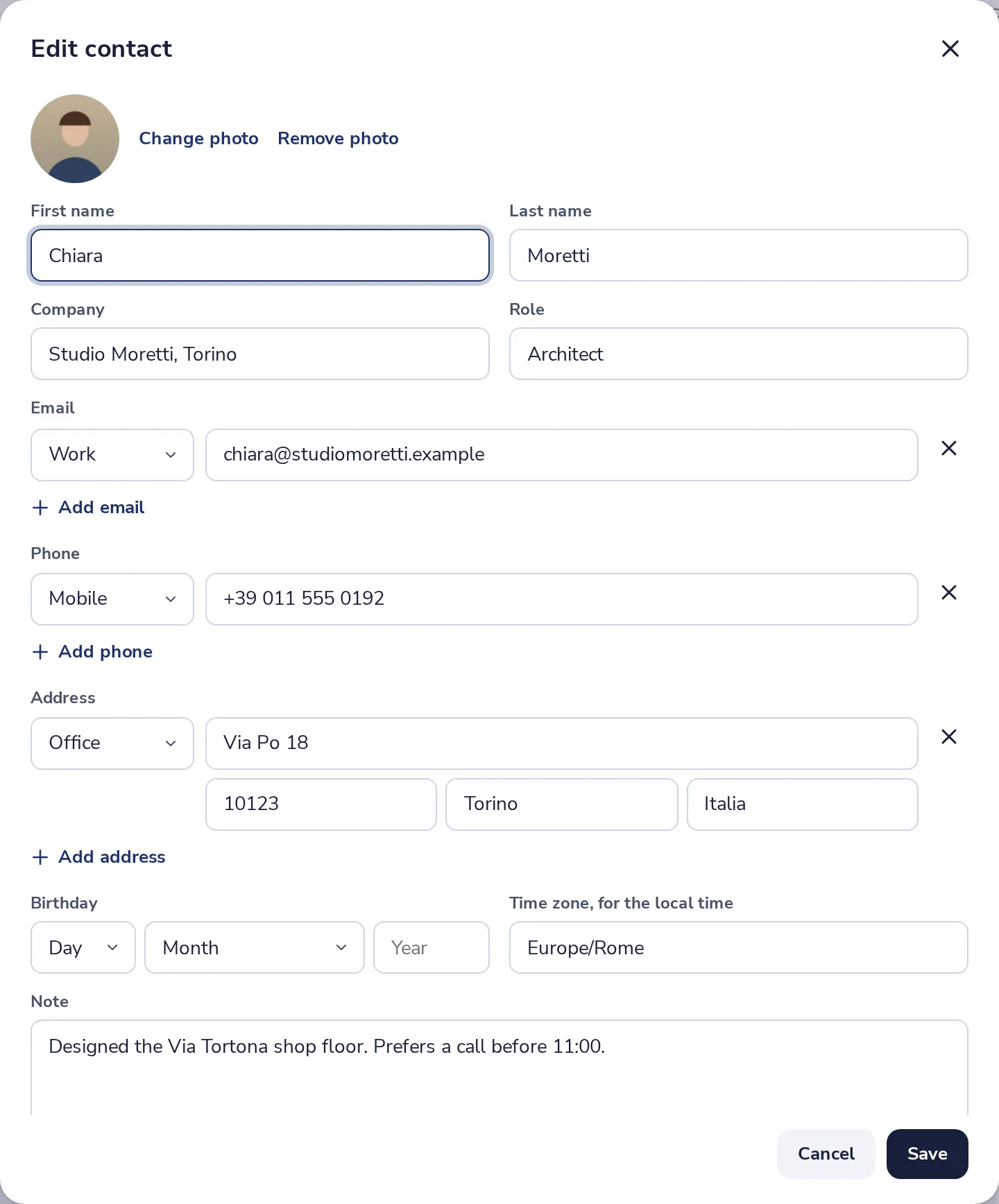
The photo is cut to a square and shows on the card. Change photo or Remove photo replace it.
Was this helpful?
What was missing?
Thank you.
We count yes and no per article. Nothing about you is stored.