Edit your own card
Your card is what colleagues see about you in every Dazr app. Your name, photo and email come from your Dazr account.
- 1
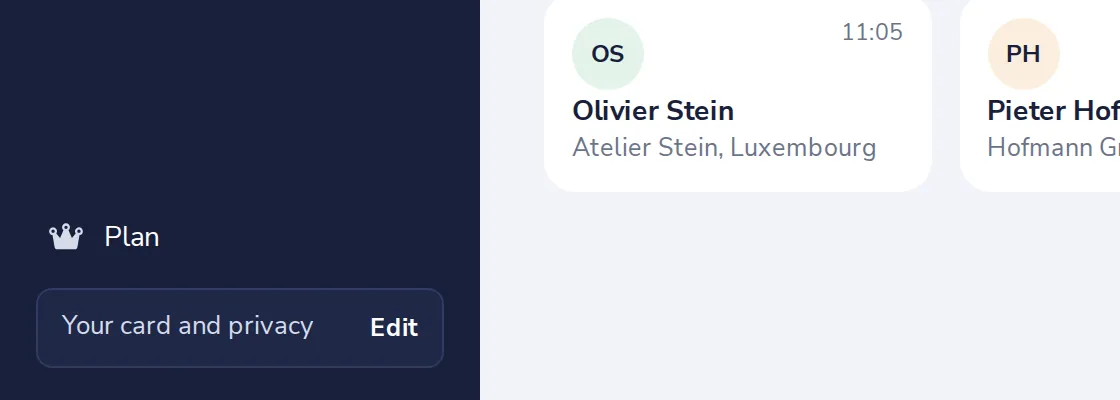
Press Edit next to Your card
At the bottom of the sidebar, Your card and privacy.
- 2
Fill in your details
Your role, mobile number, city, time zone and birthday. All are optional.
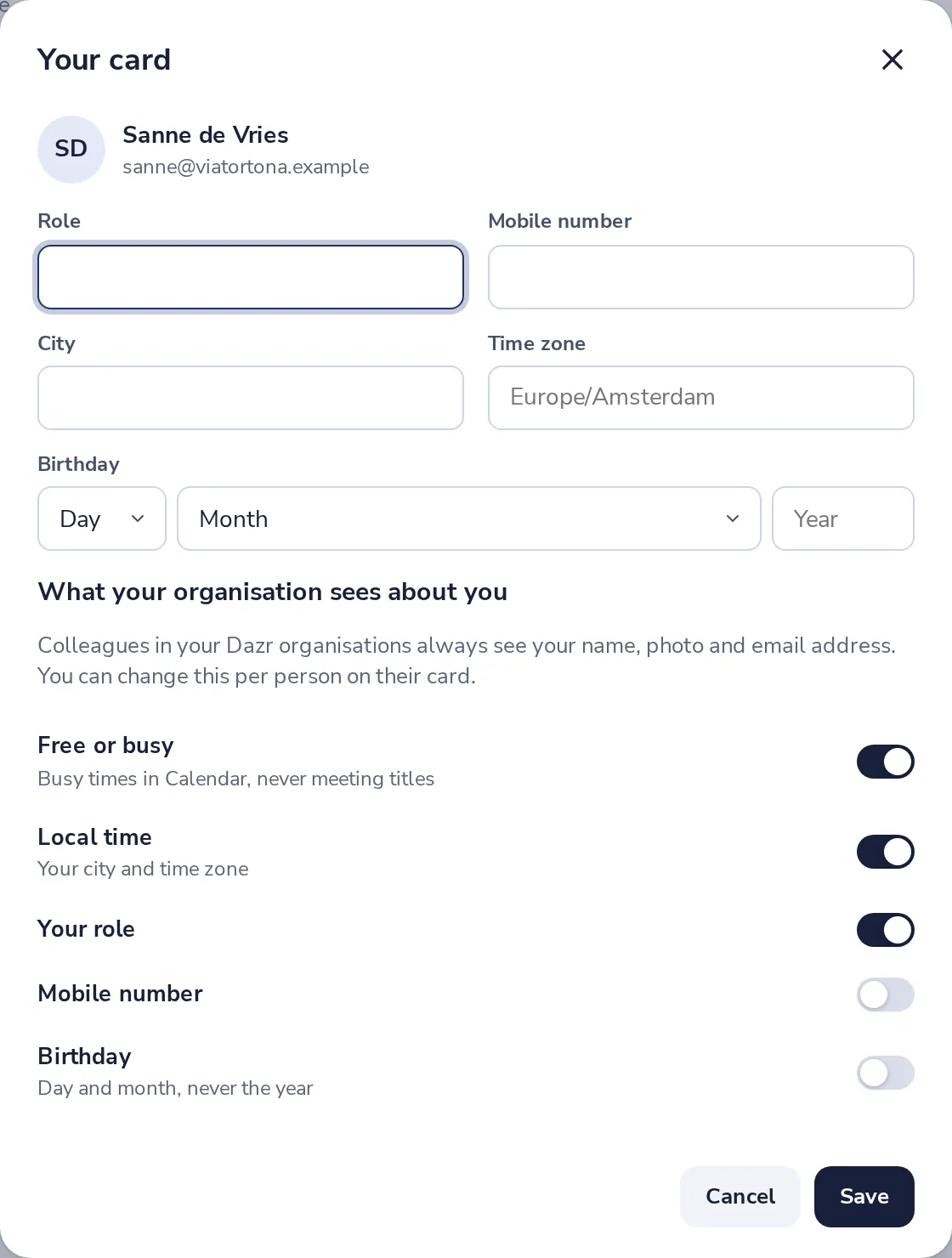
Your city and time zone show colleagues your local time.
- 3
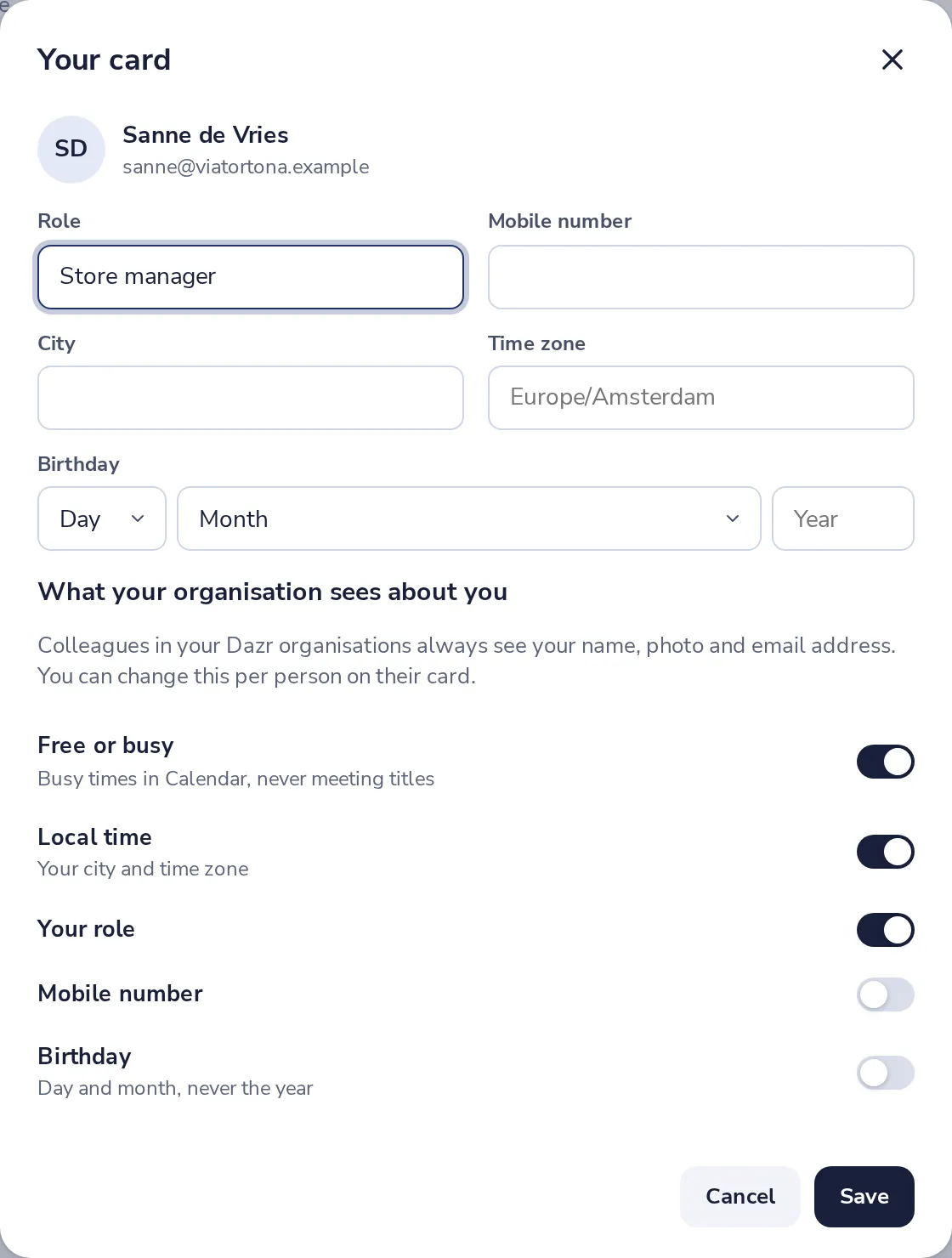
Choose what your organisation sees
Switch each detail on or off for everyone in your Dazr organisations.
- 4
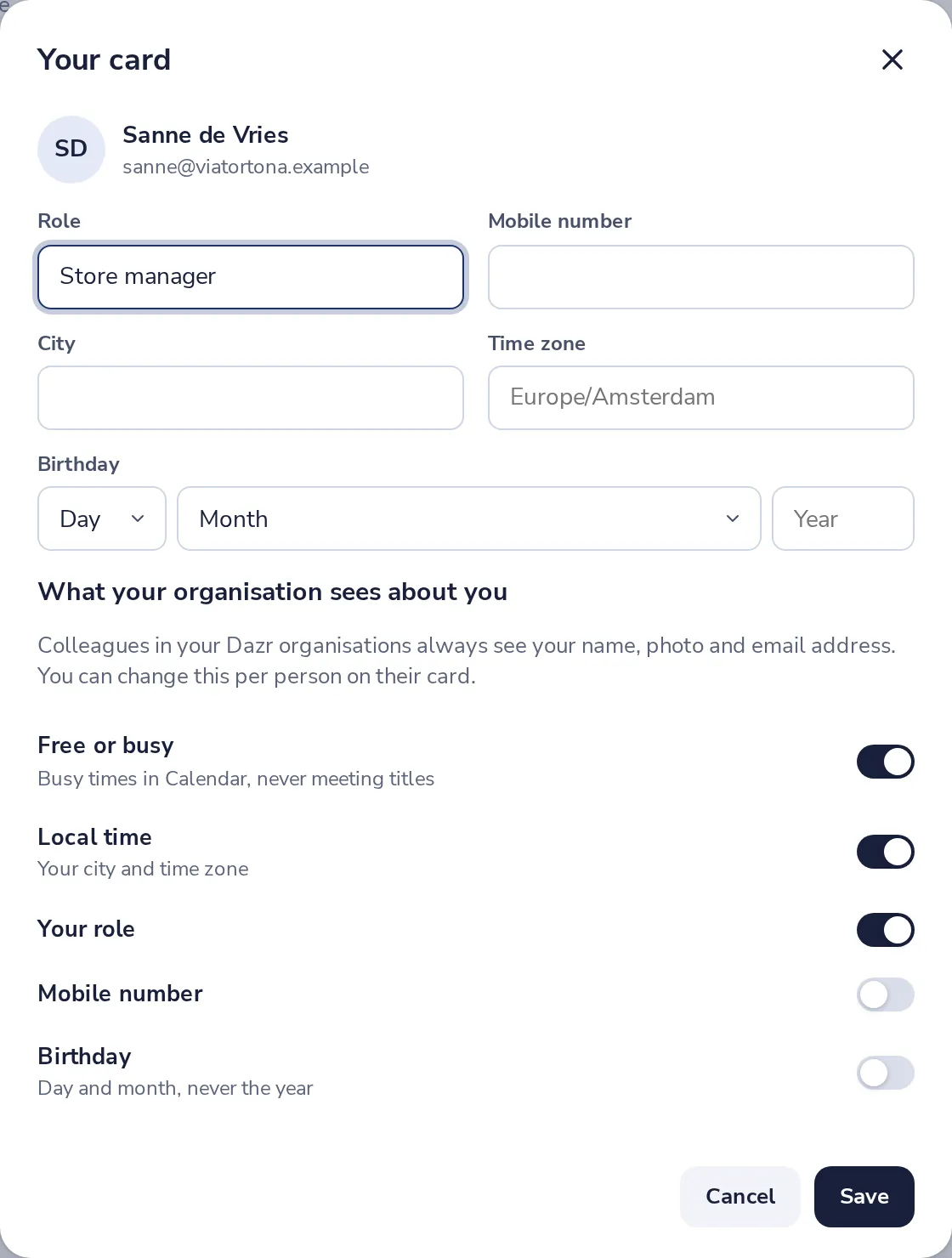
Press Save
Colleagues see the change right away.
Was this helpful?
What was missing?
Thank you.
We count yes and no per article. Nothing about you is stored.