Choose what one person sees about you
On any card, What they see about you lists your details with a switch each. A change there is only for that person, and applies right away.
- 1
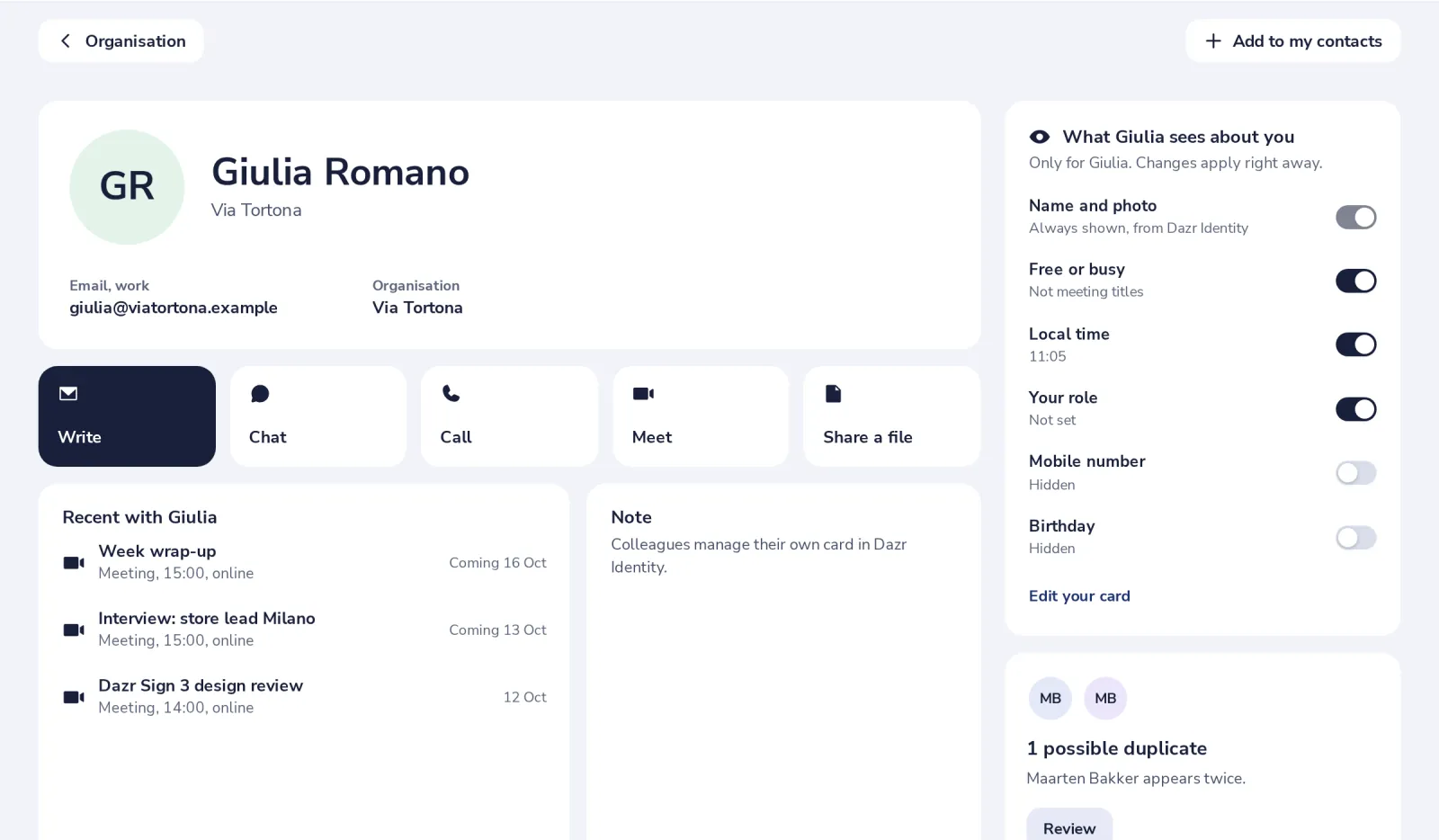
Open their card
Click the person in your contacts, or in Organisation.
- 2
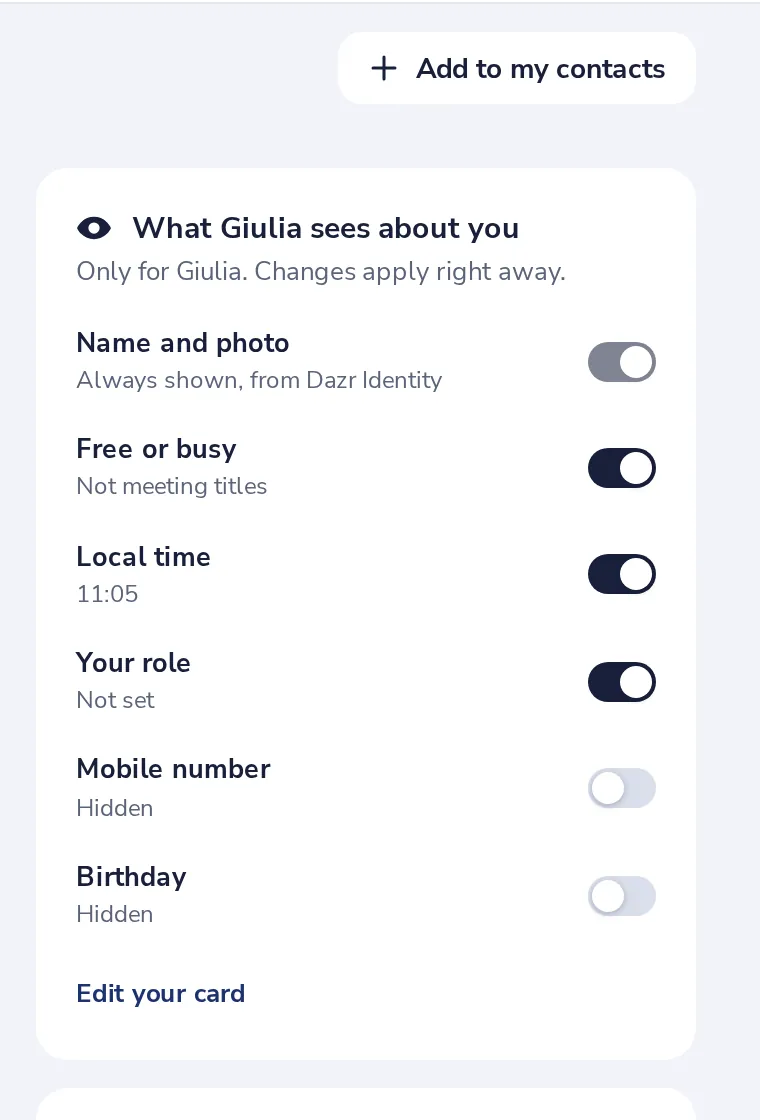
Find What they see about you
It is on the right. Name and photo are always shown.
- 3
Switch a detail on or off
For example, switch on Mobile number so only this person sees it.
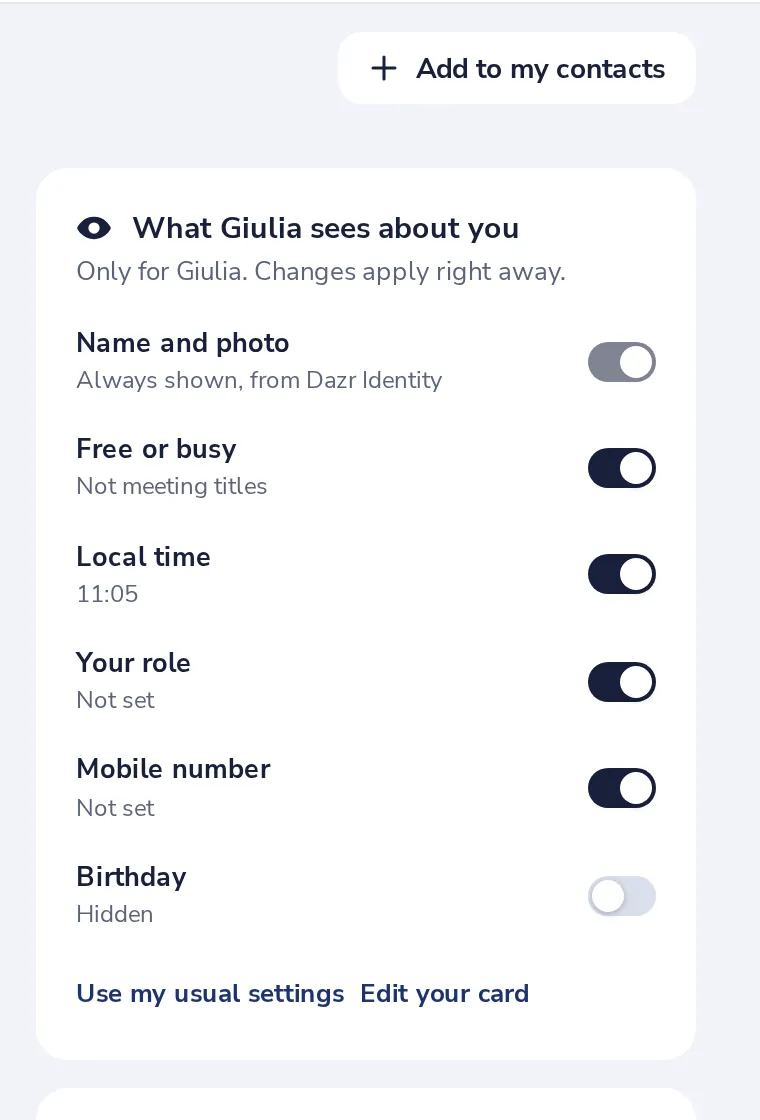
Use my usual settings undoes all changes for this person.
Was this helpful?
What was missing?
Thank you.
We count yes and no per article. Nothing about you is stored.