Add a contact
Add the people you work with. Their name is then found in Mail, Calendar and Teams while you type.
You needA Dazr account
- 1
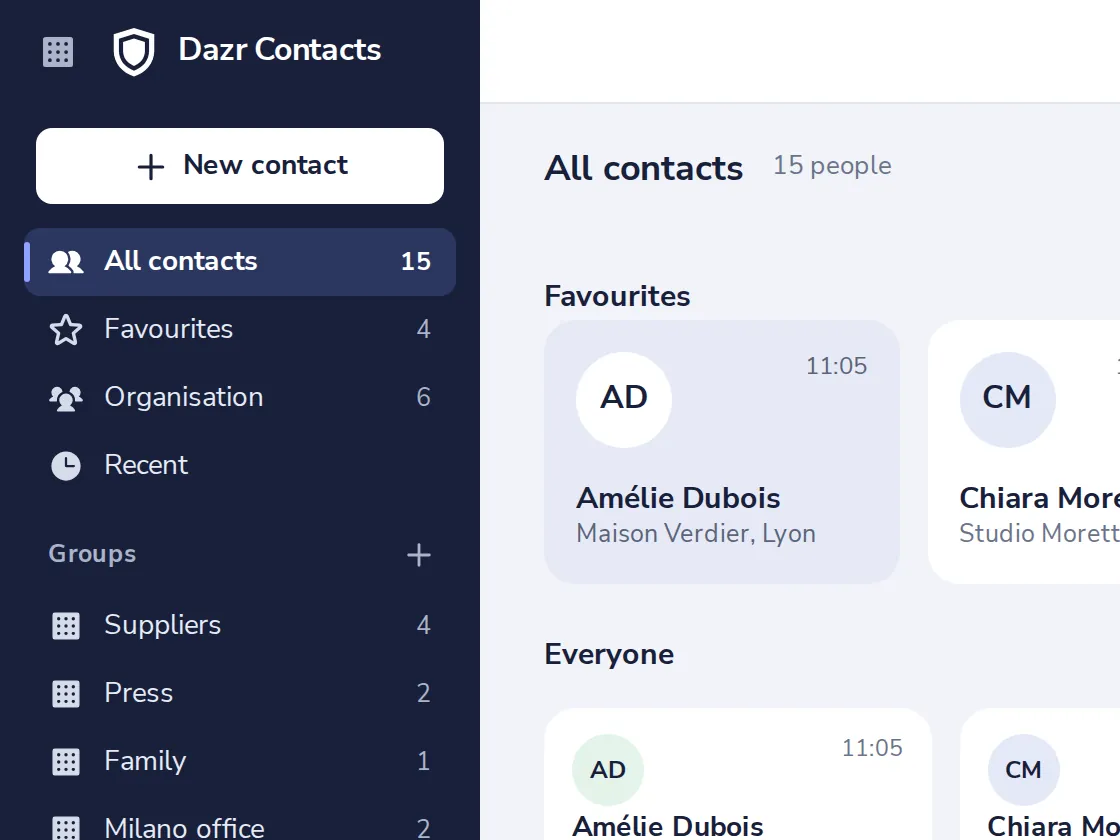
Press New contact
It is at the top of the dark sidebar, and next to Import.
- 2
Fill in what you know
First and last name, company and role. An email address or a phone number helps most.
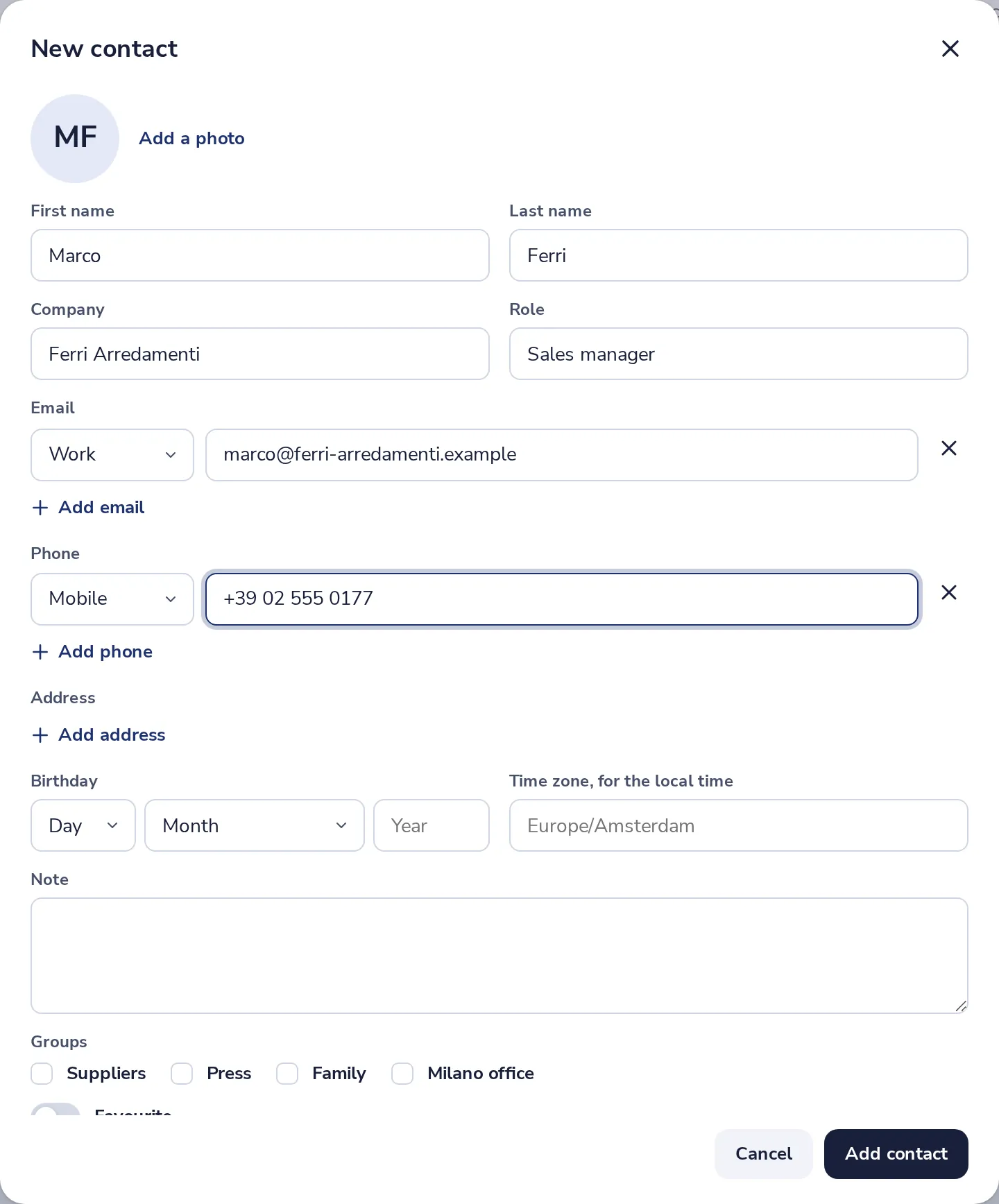
Add more emails, numbers and addresses with the plus links.
- 3
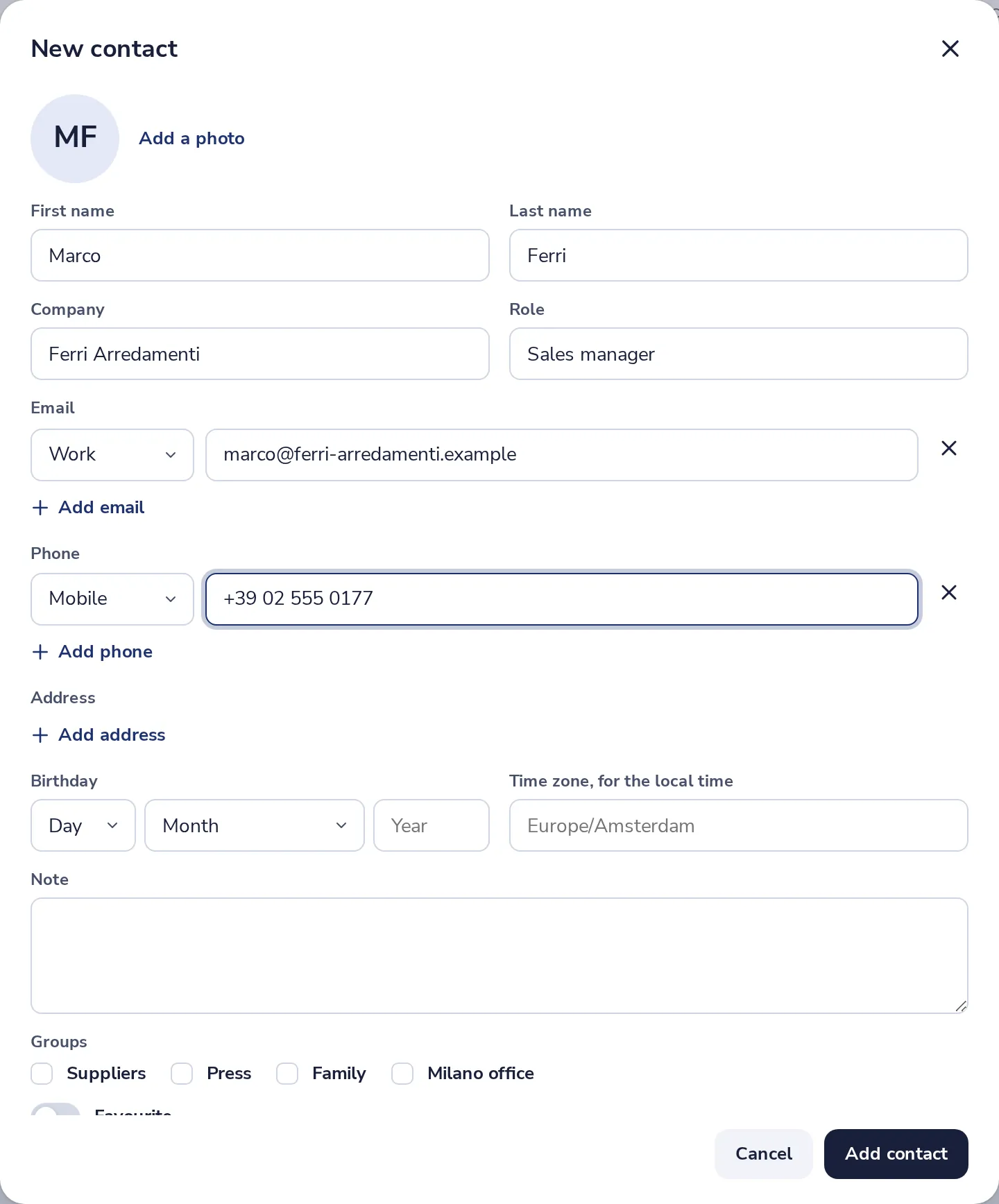
Press Add contact
The person is in your contacts right away.
- 4
See their card
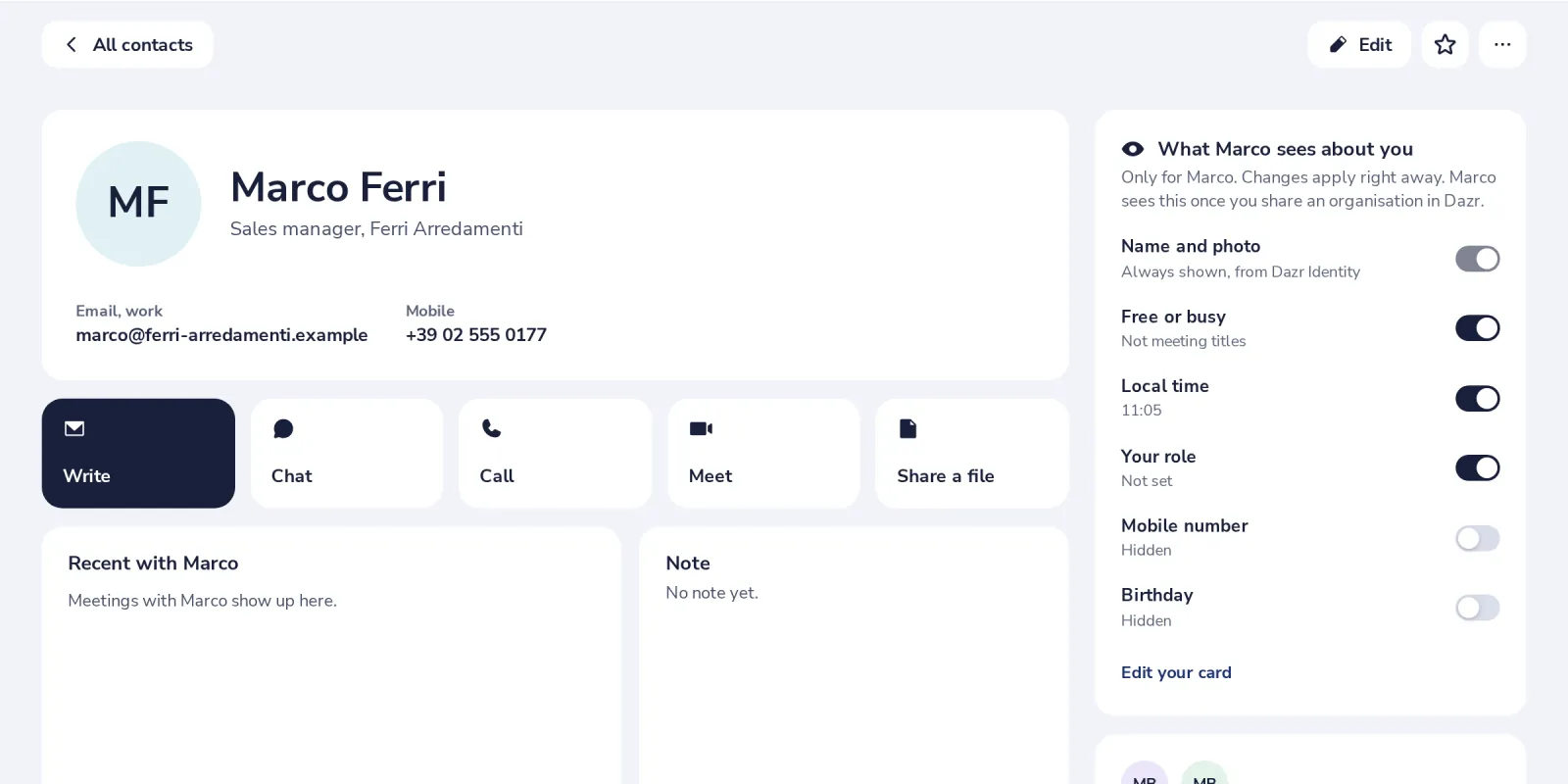
Their card opens right away. Later, find them under All contacts.
Was this helpful?
What was missing?
Thank you.
We count yes and no per article. Nothing about you is stored.