Merge duplicates
When two cards look like the same person, Dazr Contacts shows them. Merge them into one card, or say they are not the same.
- 1
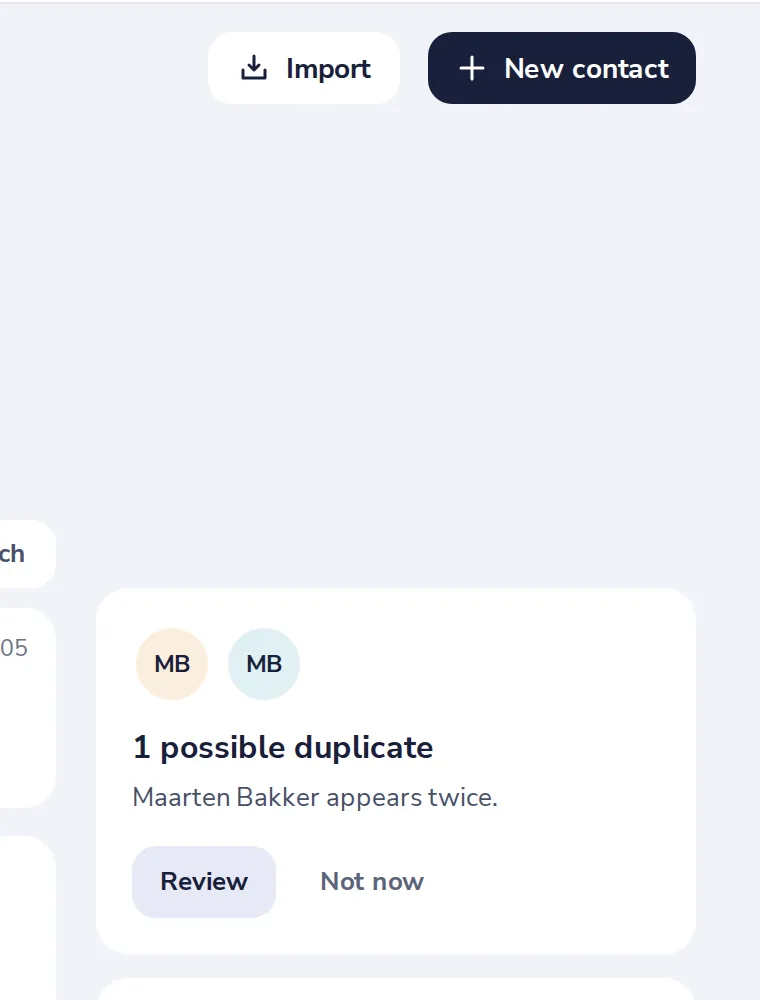
Press Review
The duplicates tile is on the right of All contacts.
- 2
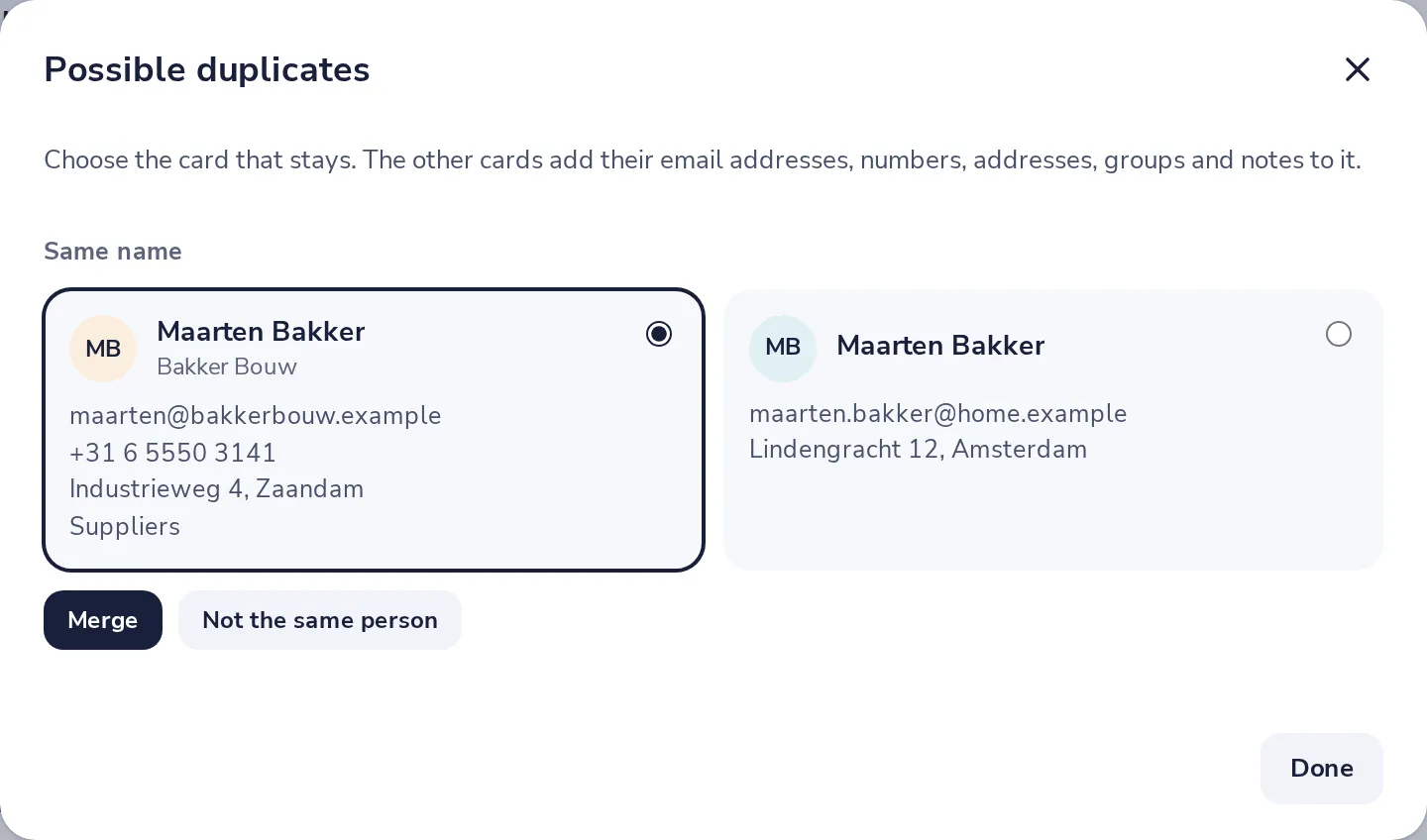
Choose the card that stays
The other card adds its email addresses, numbers, addresses, groups and notes to it.
- 3
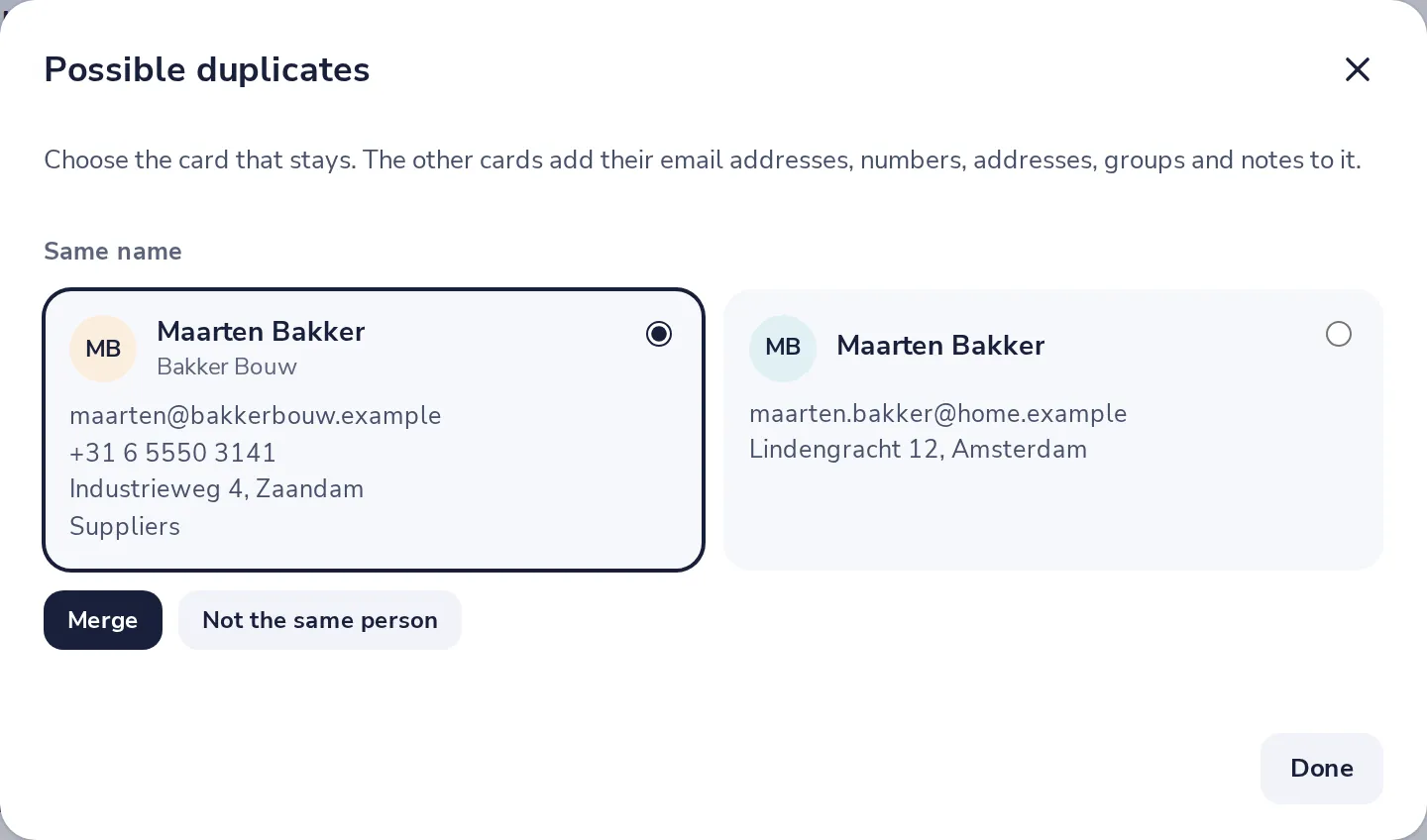
Merge, or Not the same person
Merge makes one card. Not the same person keeps both and stops asking.
- 4
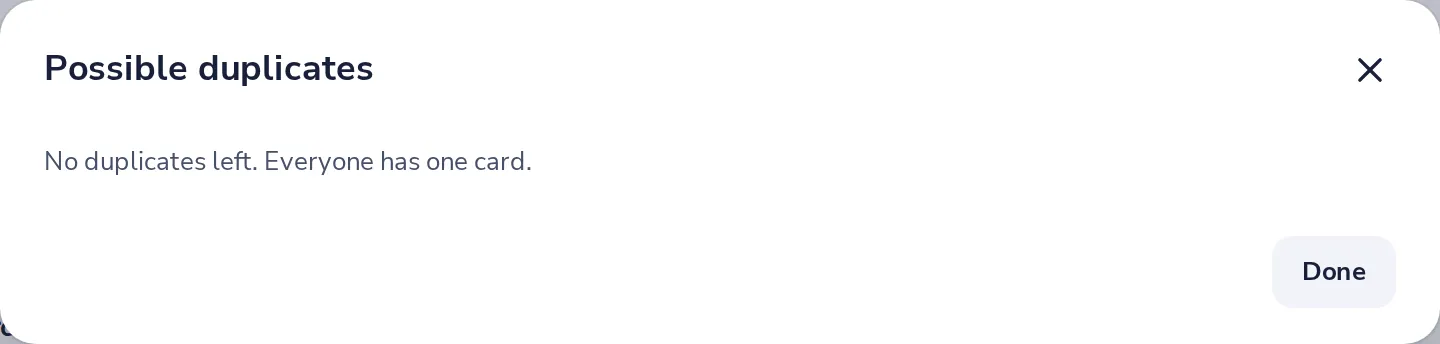
All done
When no duplicates are left, the window says so. Press Done.
Was this helpful?
What was missing?
Thank you.
We count yes and no per article. Nothing about you is stored.