Export your contacts
Export one person, a group or everyone, as a vCard file for phones and other apps, or as a .csv file for Google or Outlook.
- 1
Export a group
In the sidebar, press the dots next to the group, and choose a format.
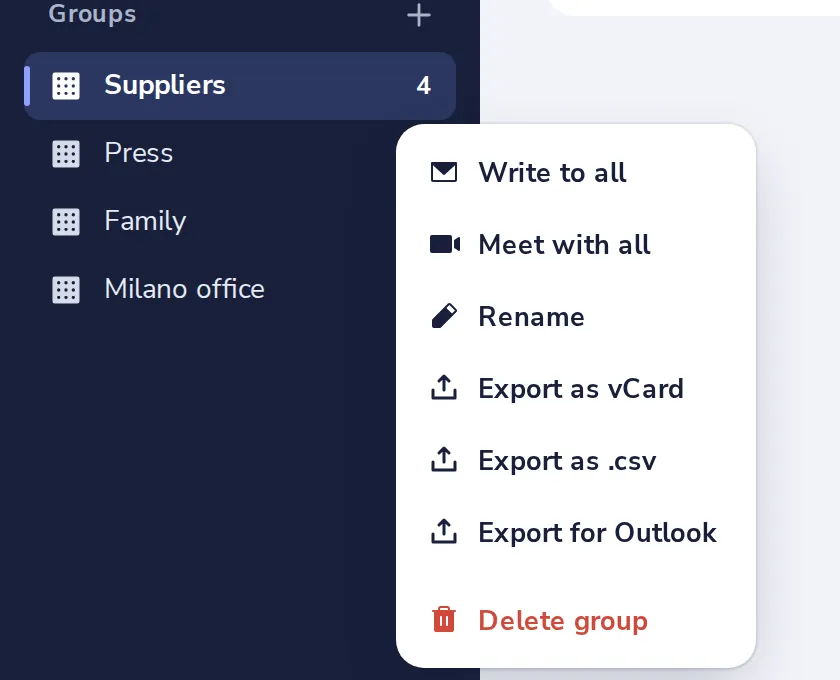
Export as vCard for phones and Apple. Export as .csv for Google. Export for Outlook for Outlook.
- 2
Export one person
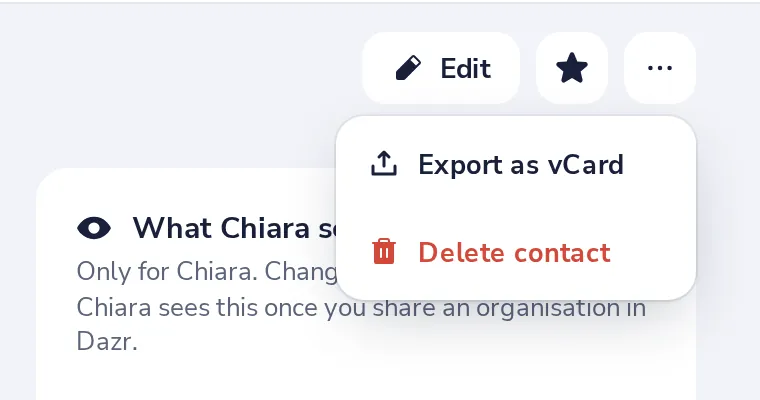
Open their card, press the dots next to Edit, then Export as vCard.
- 3
Export everyone
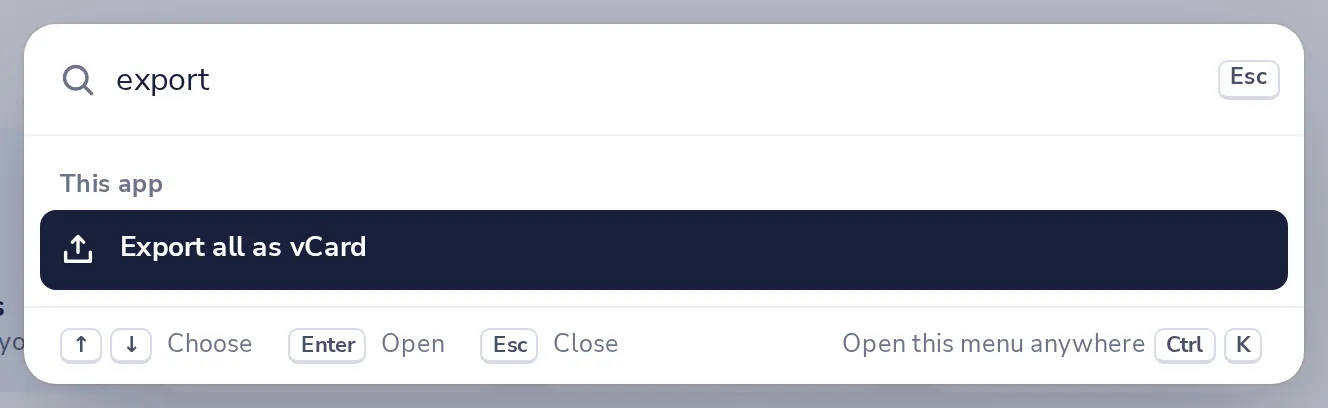
Press Ctrl+K, type export, and choose Export all as vCard.
Was this helpful?
What was missing?
Thank you.
We count yes and no per article. Nothing about you is stored.