Use your team's shared space
Every organisation has a shared space in Dazr Files, with its own storage. Everyone in the organisation can open its files.
- 1
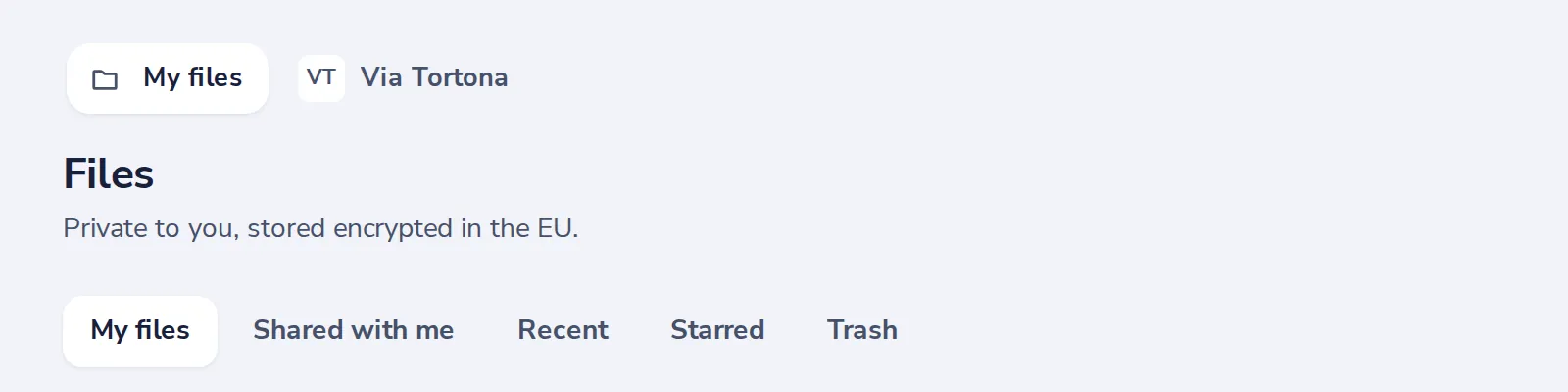
Open your organisation's space
Next to My files, at the top.
- 2
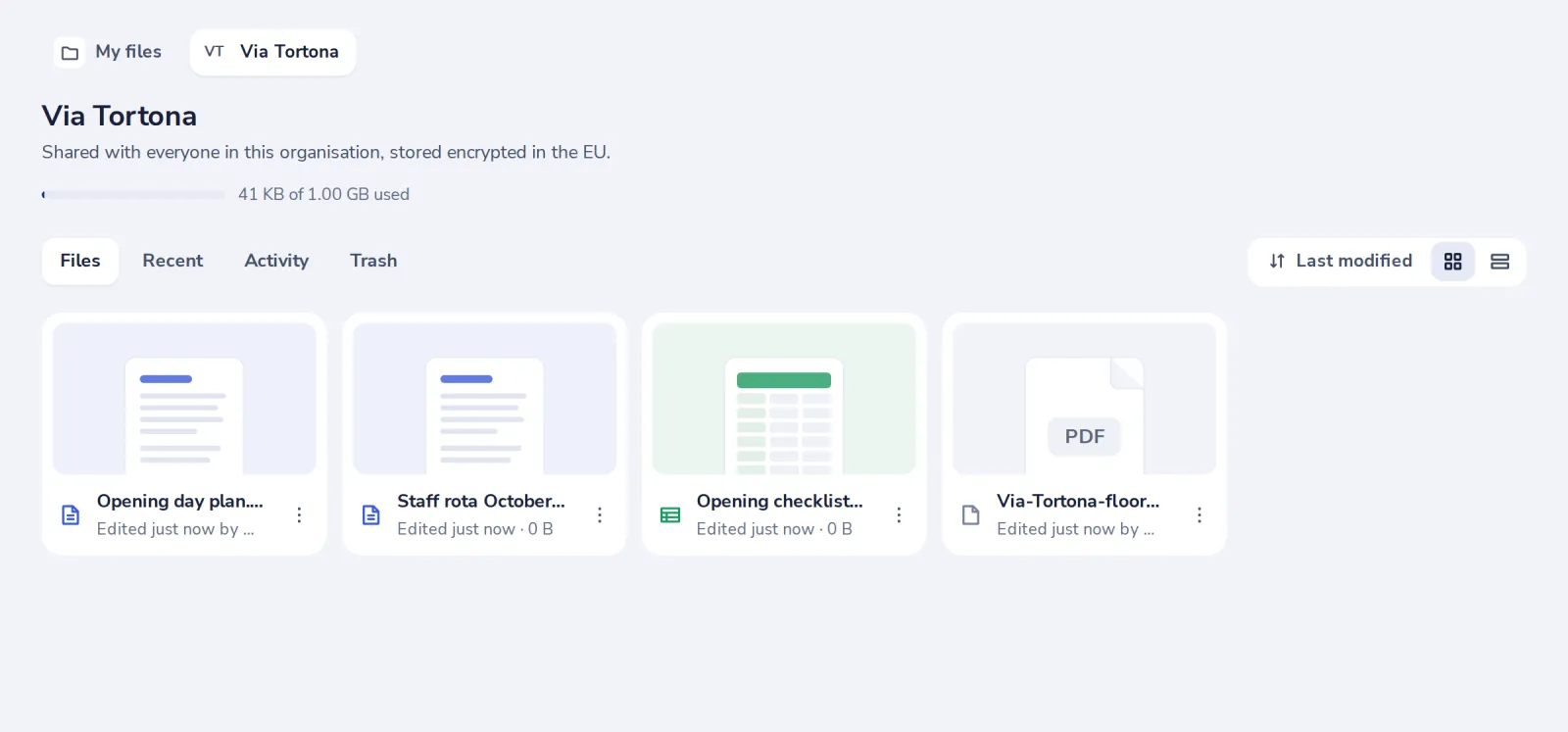
The files of the team
Shared with everyone in the organisation. Encrypted and stored in the EU.
- 3
Add files
Press New with the space open, or drag files onto the page.
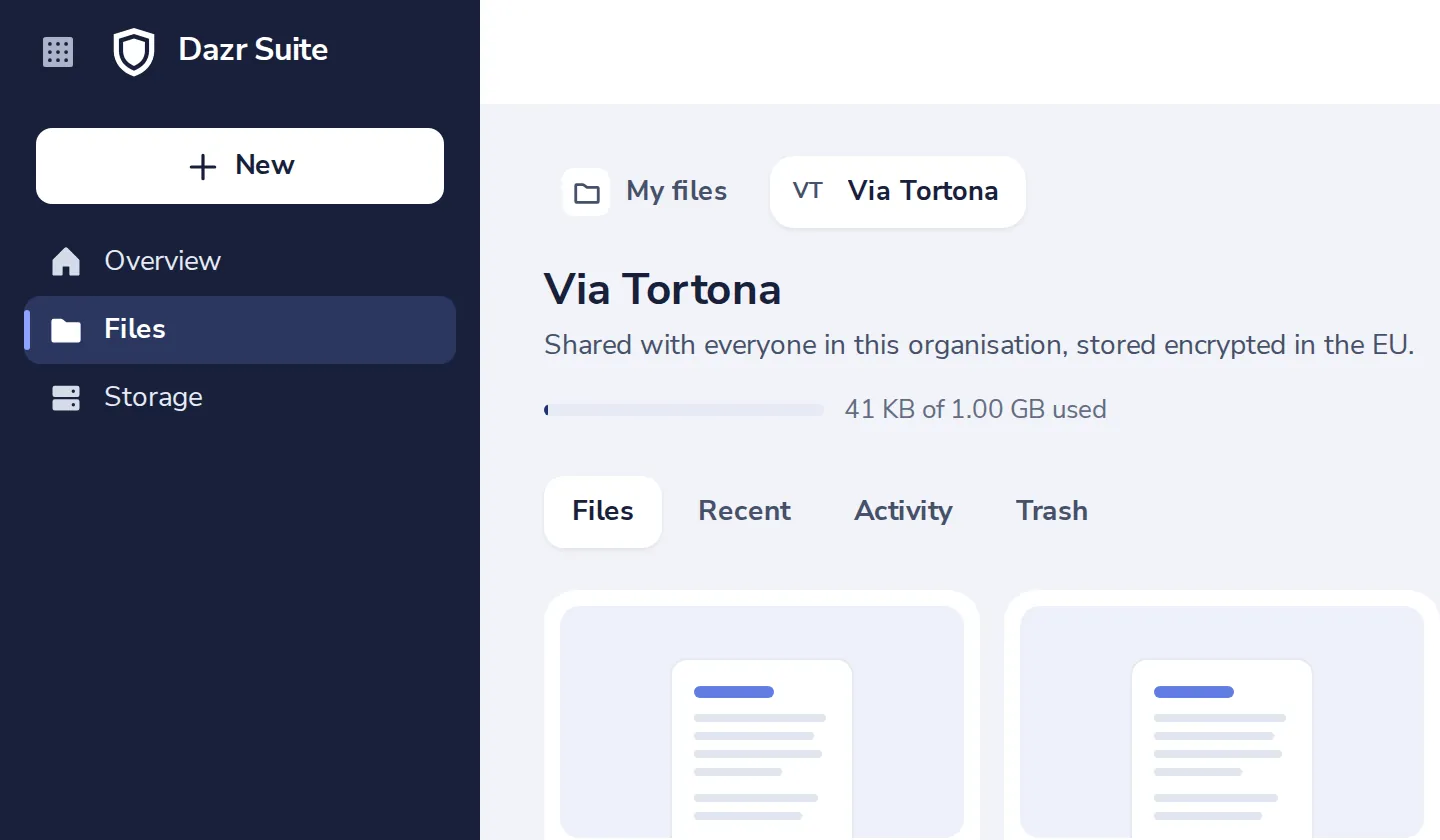
Drop a file from My files on the space's name at the top to move it there.
Was this helpful?
What was missing?
Thank you.
We count yes and no per article. Nothing about you is stored.