Stop taking responses
A form takes responses until you stop it. Close it at once, let it close itself on a day and time, or after a set number of responses.
- 1
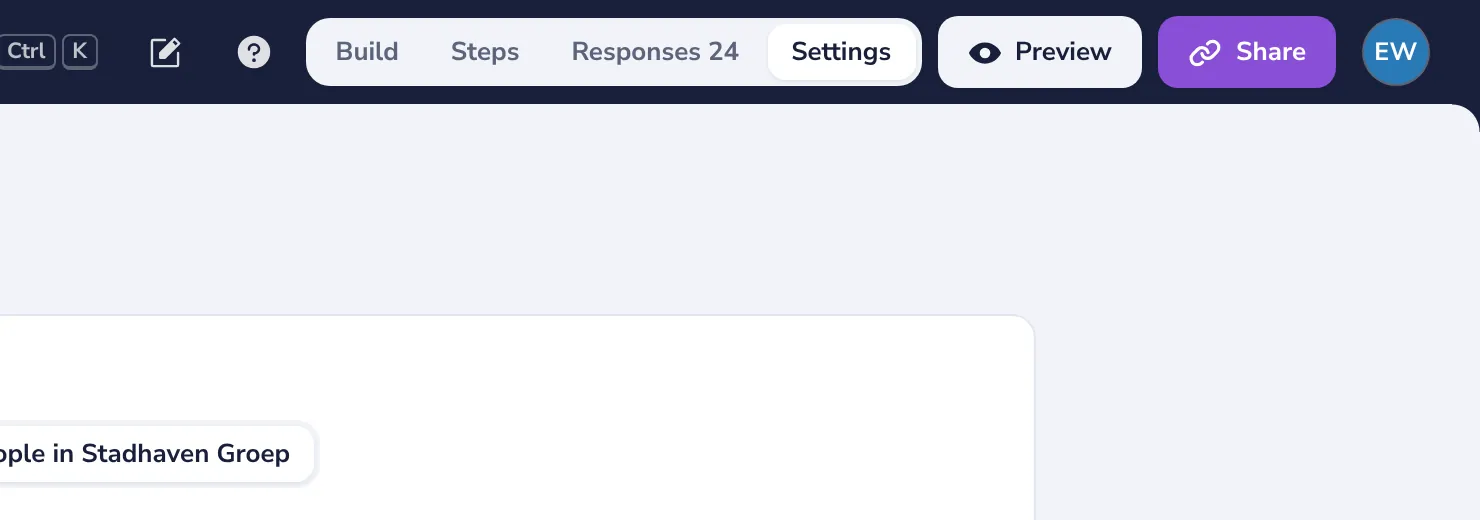
Open Settings
At the top of the form, next to Responses.
- 2
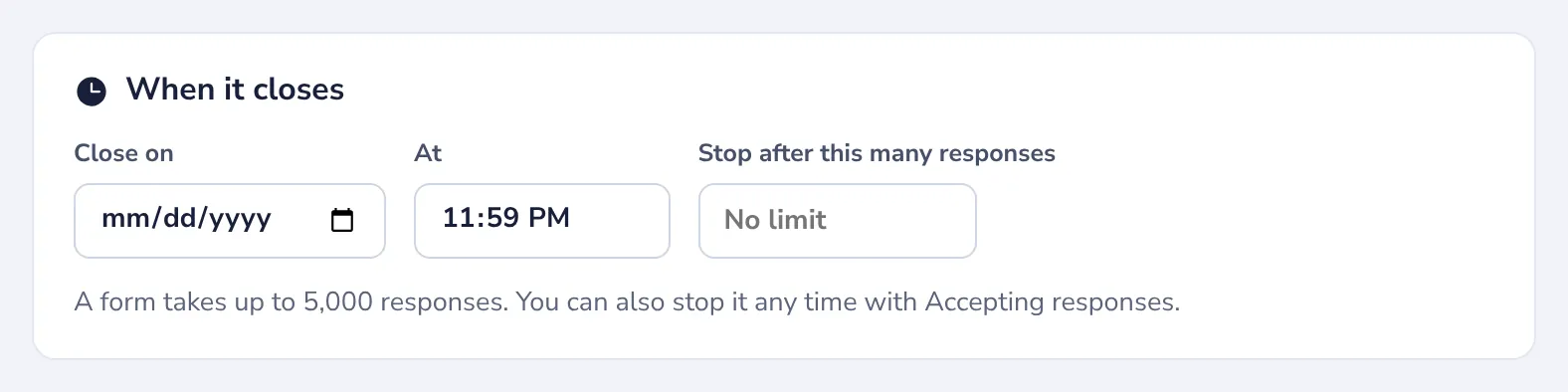
Pick a closing day
Choose the day under Close on, and a time next to it. The form closes by itself.
- 3
Or stop after a number of responses
Type how many responses the form takes. When that many are in, it closes.
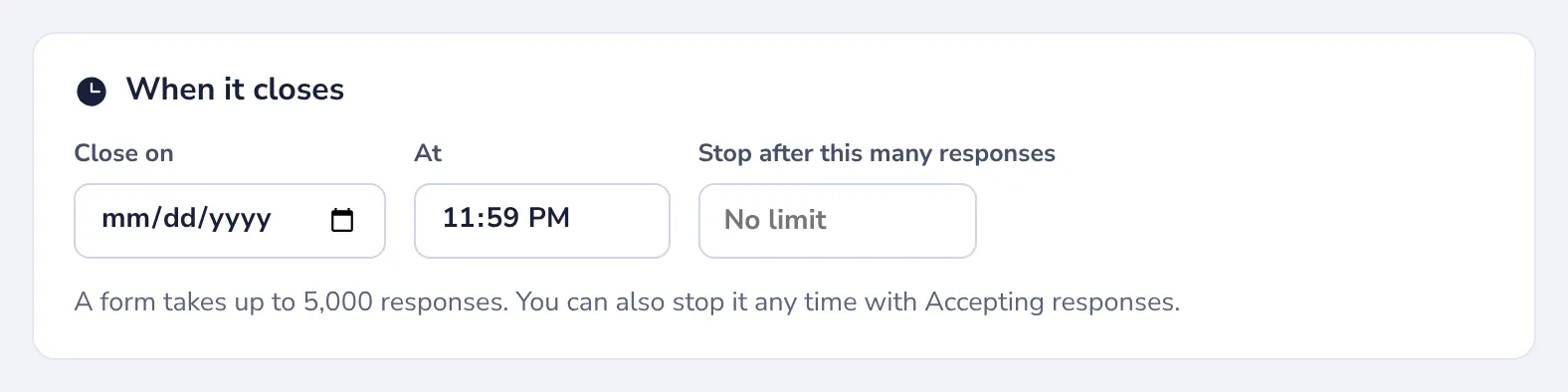
A form takes up to 5,000 responses.
- 4
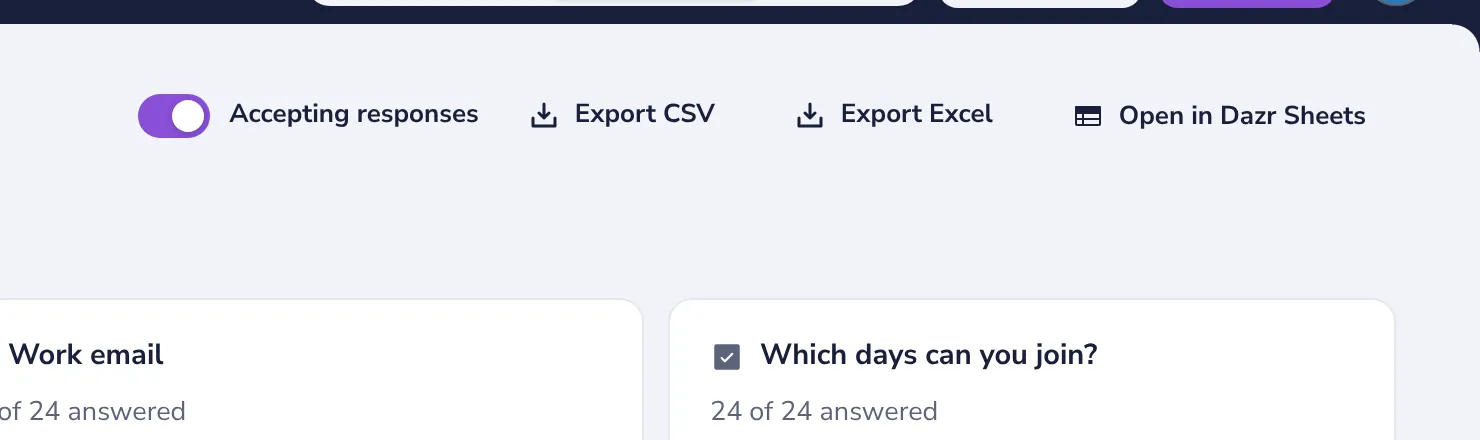
Stop it right now
Turn off Accepting responses on the Responses tab, or in Share. Turn it on again to reopen the form.
People who open the link of a closed form see its title and that it no longer takes responses.
Was this helpful?
What was missing?
Thank you.
We count yes and no per article. Nothing about you is stored.