Work on a form together
Add colleagues from your organisation to a form. They change it with you and see its responses; only you can delete it.
- 1
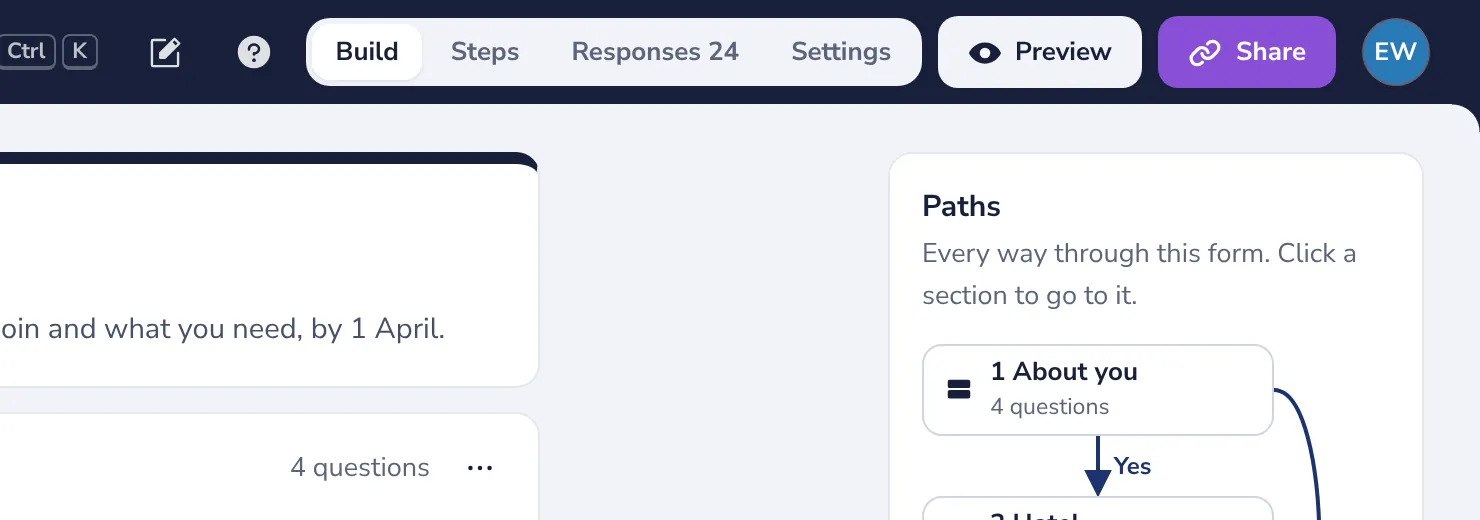
Press Share
At the top of the form.
- 2
Add a colleague
Under Edit together, type a name and pick the person from your organisation.
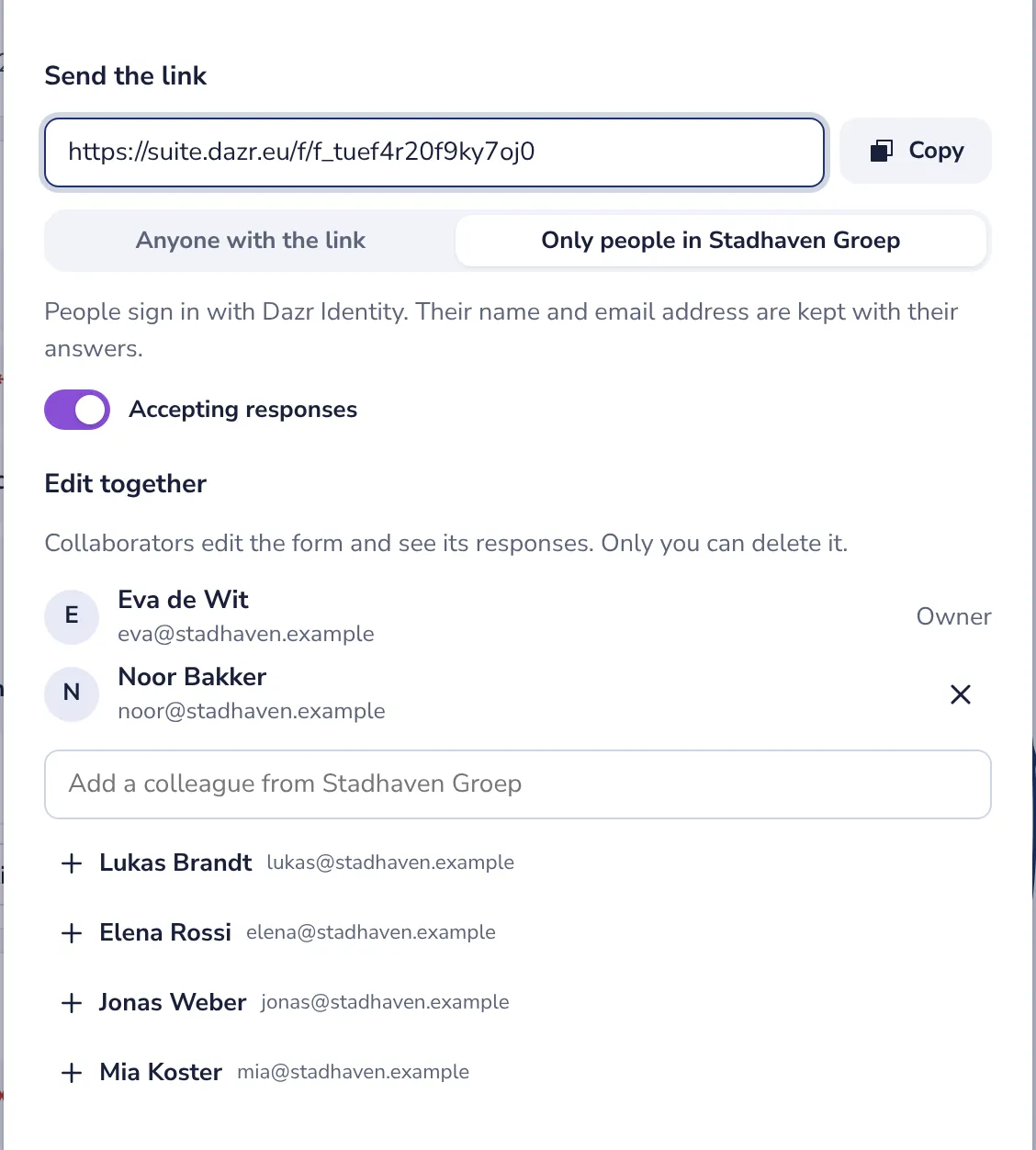
Only the owner of the form adds and removes colleagues.
- 3
Work on it at the same time
Your colleague finds the form under My forms. Changes are saved as you both make them.
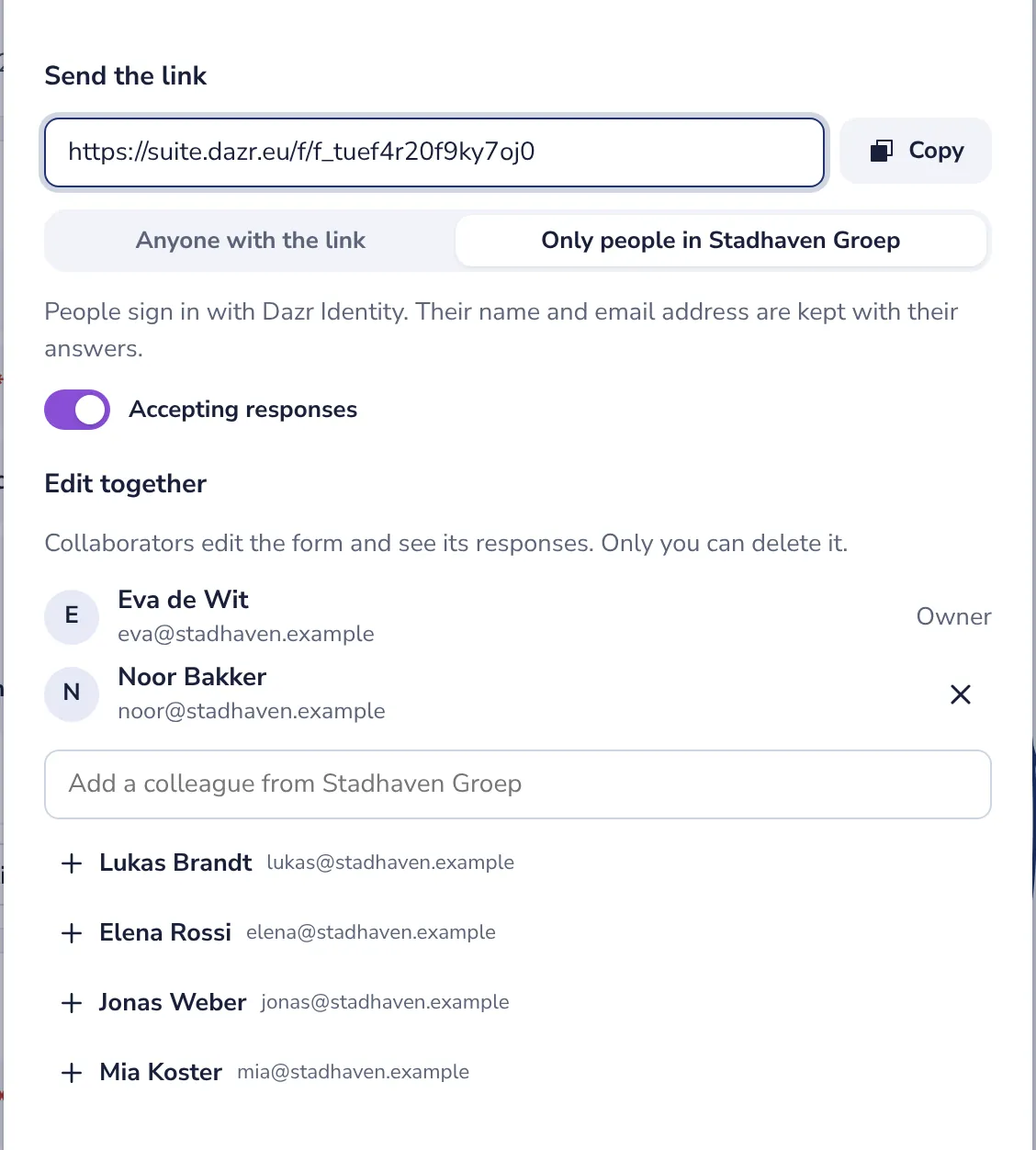
Changes you make at the same moment are both kept. If you both change the very same thing, the last change counts.
Was this helpful?
What was missing?
Thank you.
We count yes and no per article. Nothing about you is stored.