You lost the phone you sign in with
Once your account has a phone, adding or removing one needs a phone you still have. Lost them all? Someone resets your sign-in first.
- 1
Ask for a reset
In an organisation, ask its admin to reset your sign-in. Personal accounts and owners: write to support@dazr.eu.
Dazr support checks who you are and emails you. The reset opens after 48 hours; signing in with one of your phones before then cancels it.
- 2
Add your new phone within 24 hours
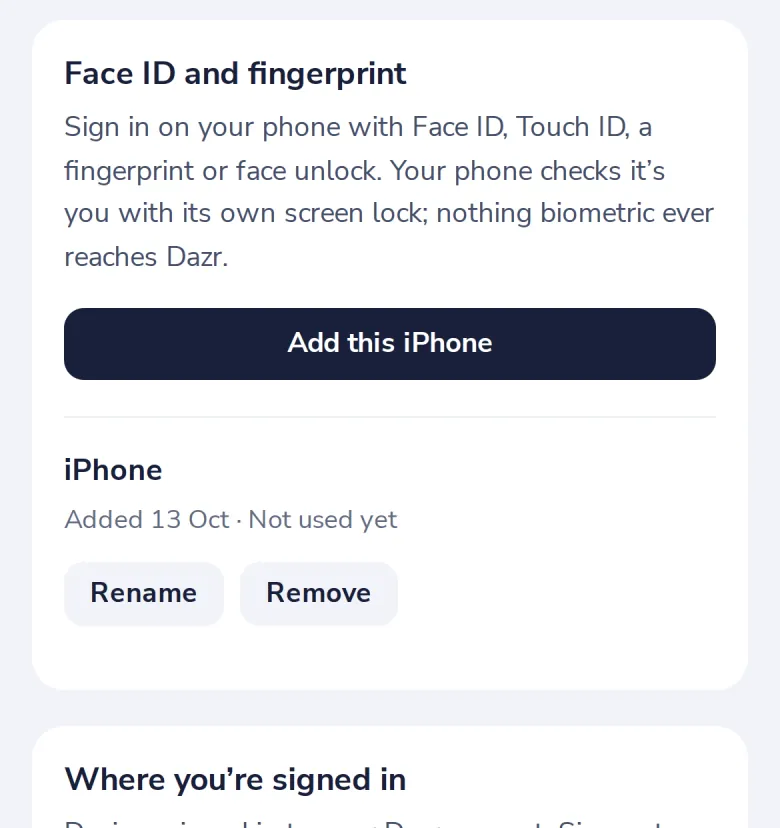
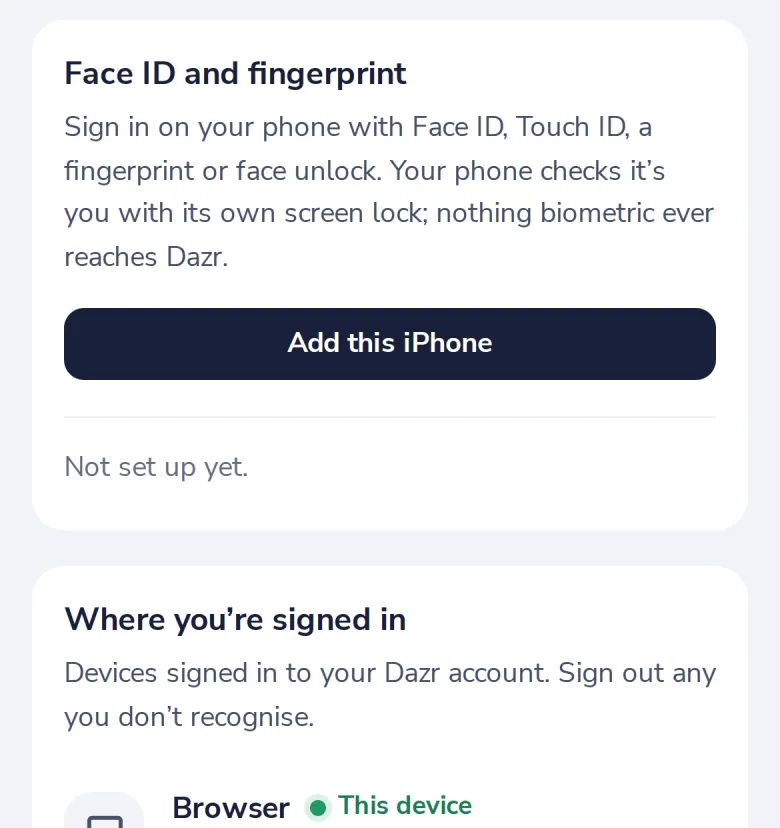
Sign in with an email code on the new phone, open Security and add it. This works once.
Was this helpful?
What was missing?
Thank you.
We count yes and no per article. Nothing about you is stored.