Turn a to-do into an issue or a reply
Checklists in a note are real to-dos. Tick them off, or hand one on with one click: as an issue in Dazr Projects, or as a reply on the Desk ticket the note was taken on.
You needDazr Desk and Dazr Projects on your organisation's plan (Pro or Enterprise)
- 1
Make a checklist
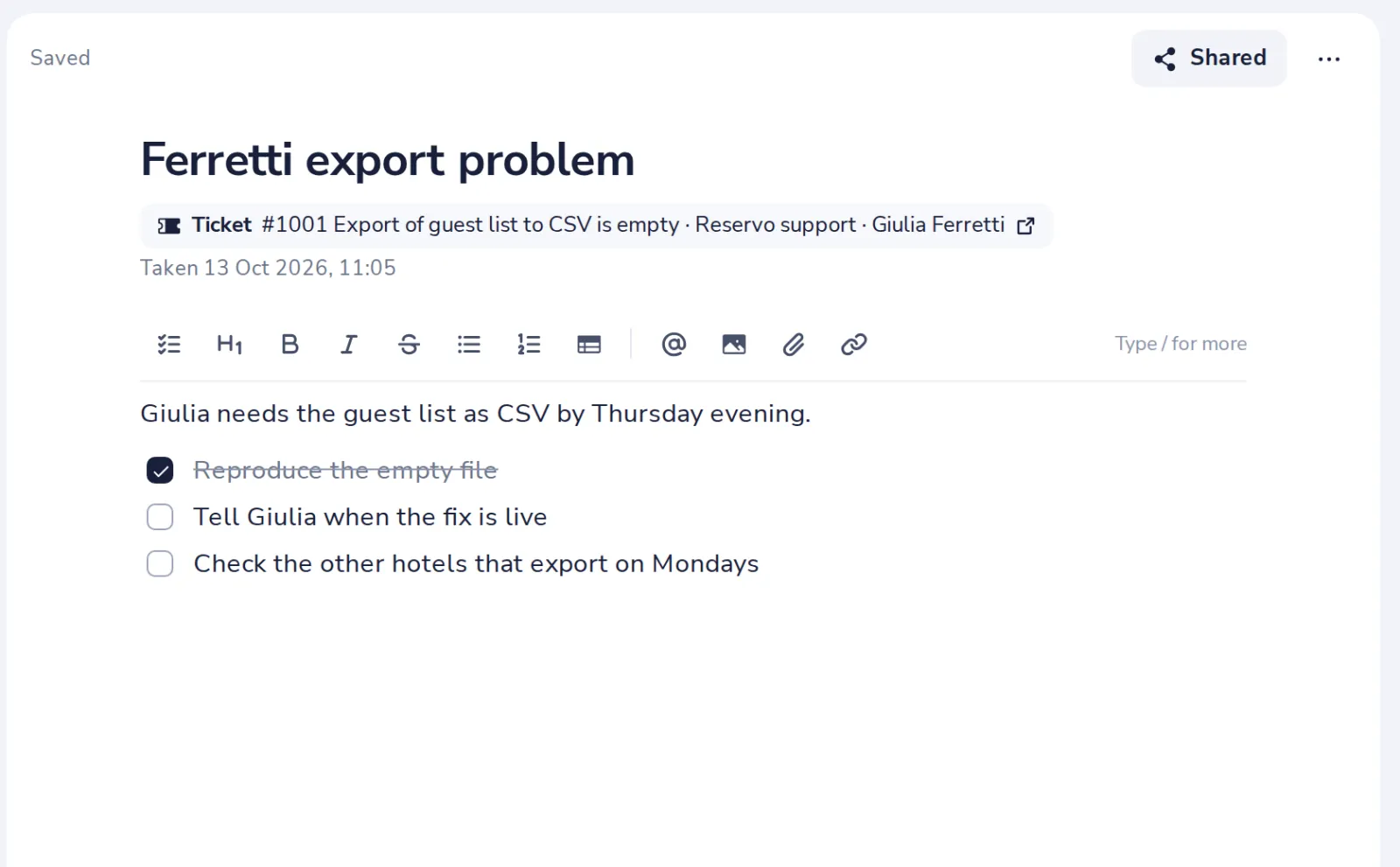
Type / and choose Checklist, or press the checklist button. Click a box to tick it.
- 2
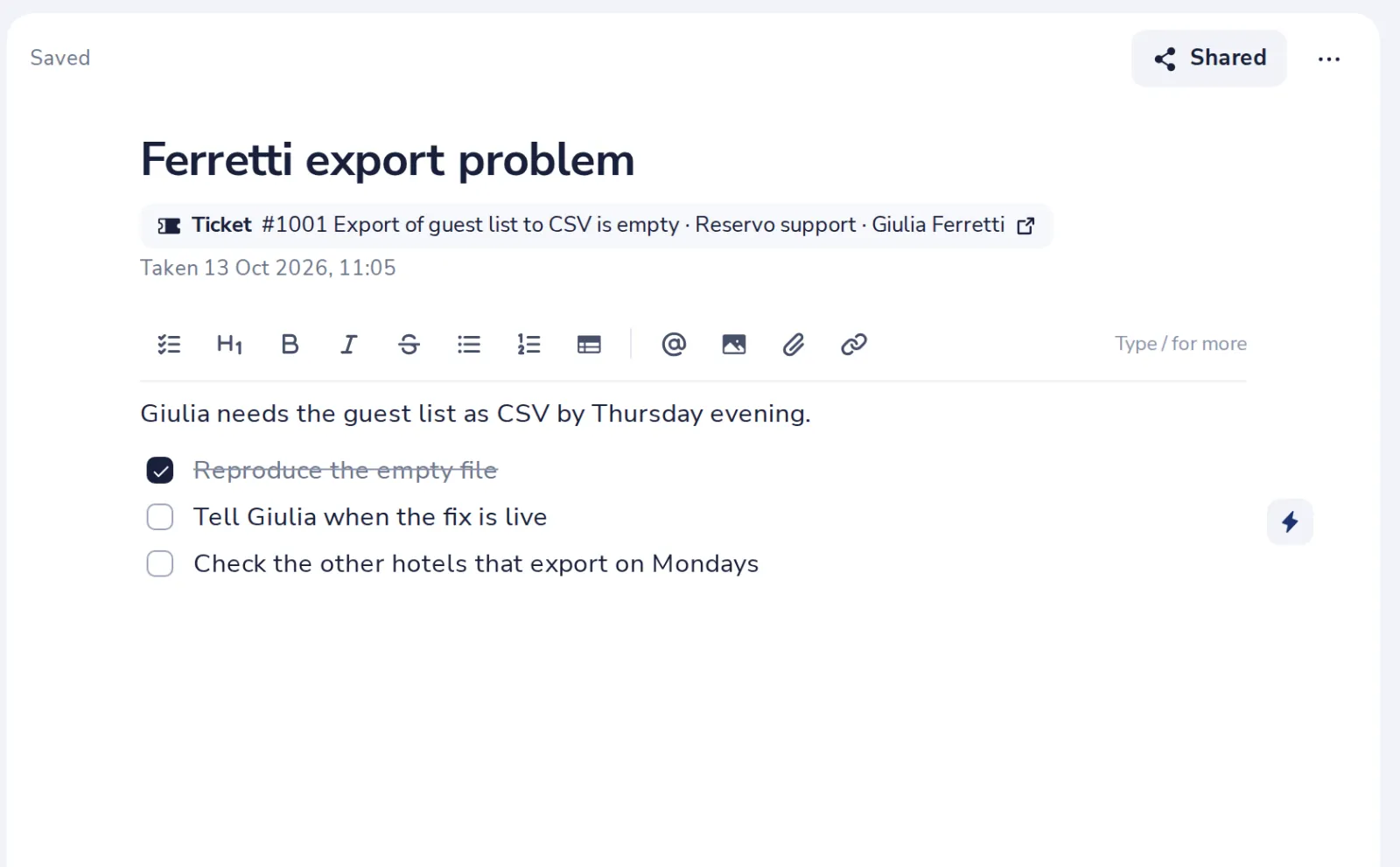
Point at an item
The lightning button shows next to it.
- 3
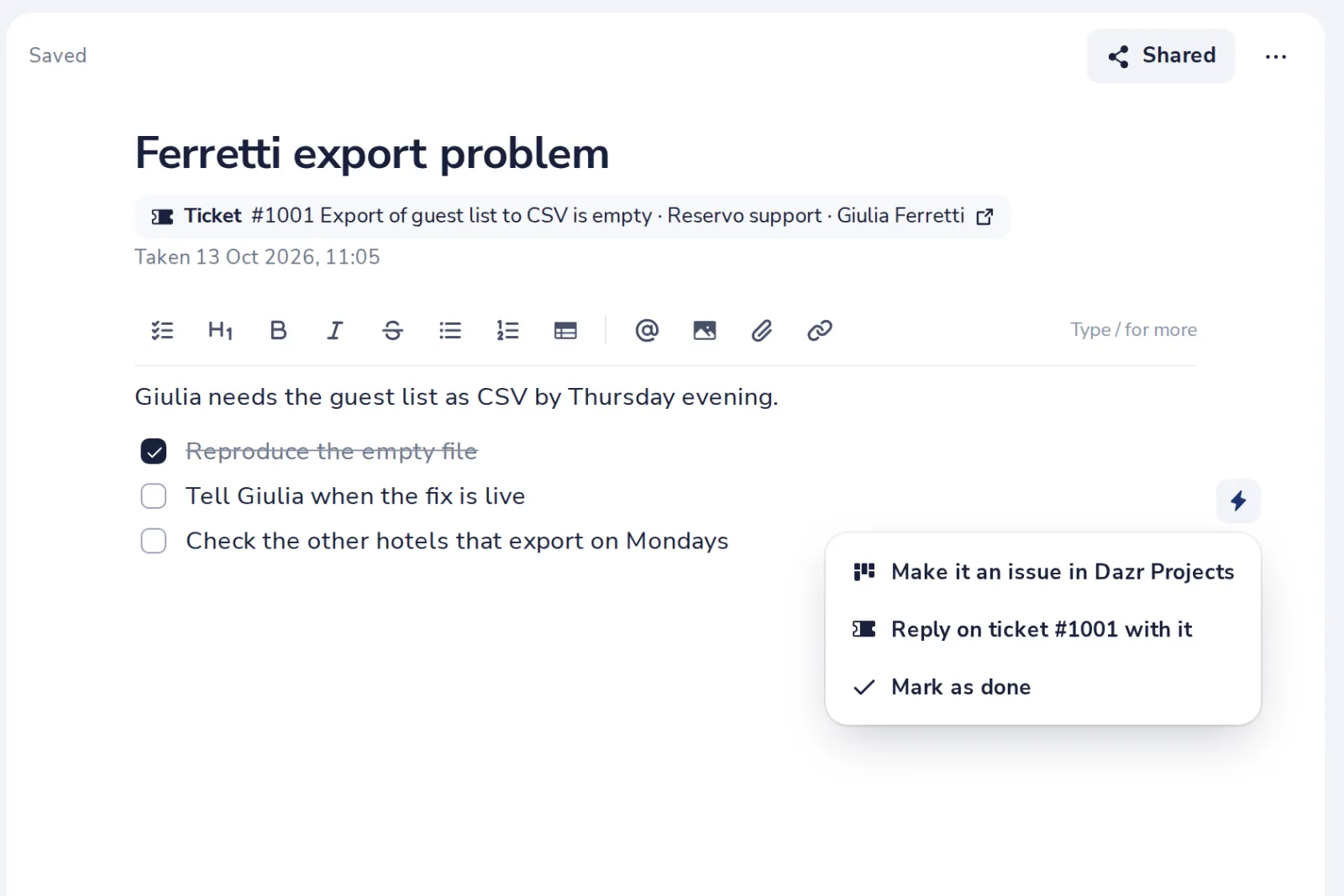
Make it an issue
Choose the project. The issue links back to the note.
- 4
Or reply on the ticket
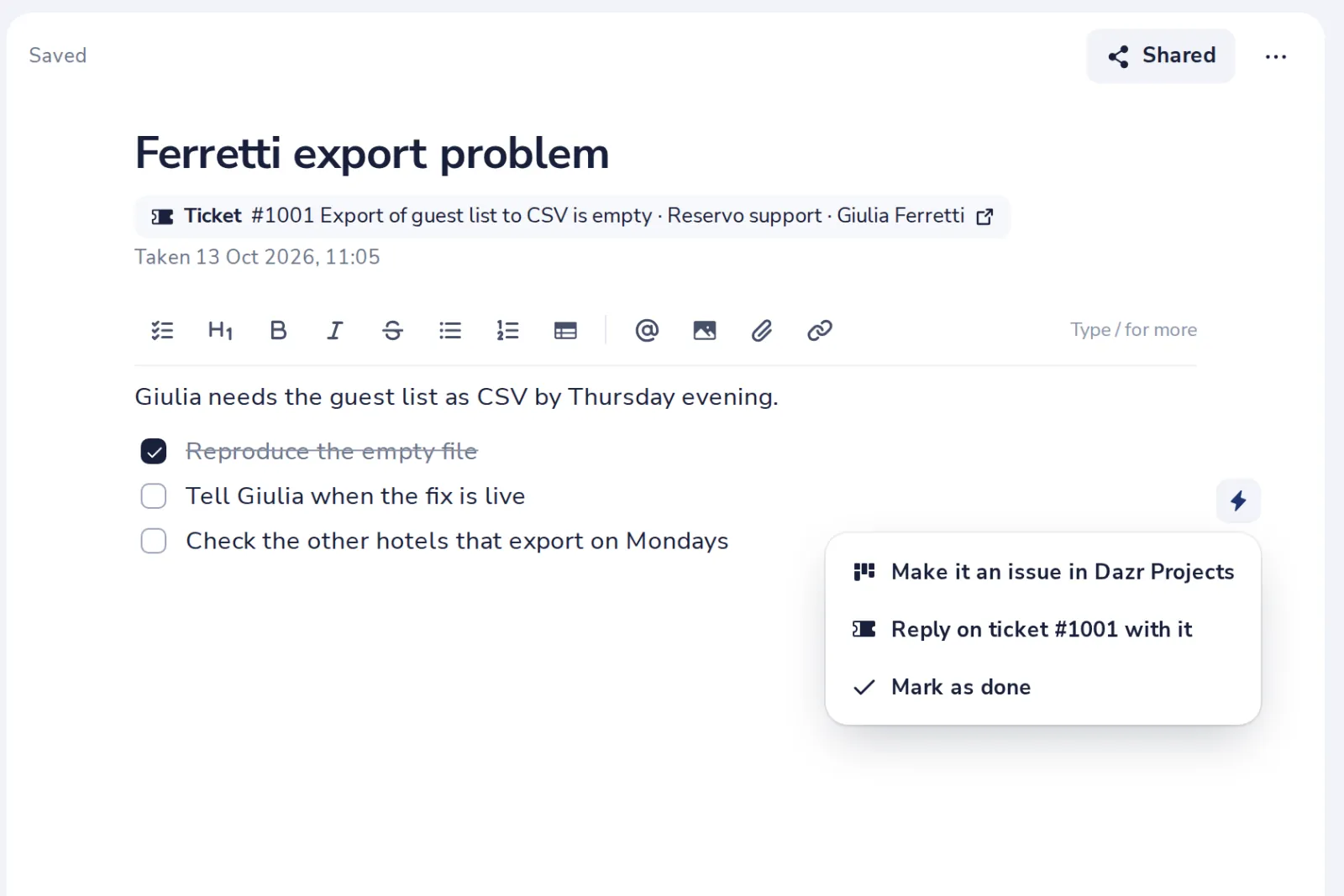
A note taken on a Desk ticket can send the item as a reply. The item is ticked off.
Was this helpful?
What was missing?
Thank you.
We count yes and no per article. Nothing about you is stored.