Find a note
Search looks through the titles and the text of your notes, the notes shared with you and the names of your notebooks, as you type.
- 1
Click Search notes
At the top of Dazr Notes. Or press / anywhere in the app.

Ctrl+K goes straight to a note or a notebook by its name.
- 2
Type a word
The notes with it show at once, the word marked in each.

Accents do not matter. Lodz finds Łódź.
- 3
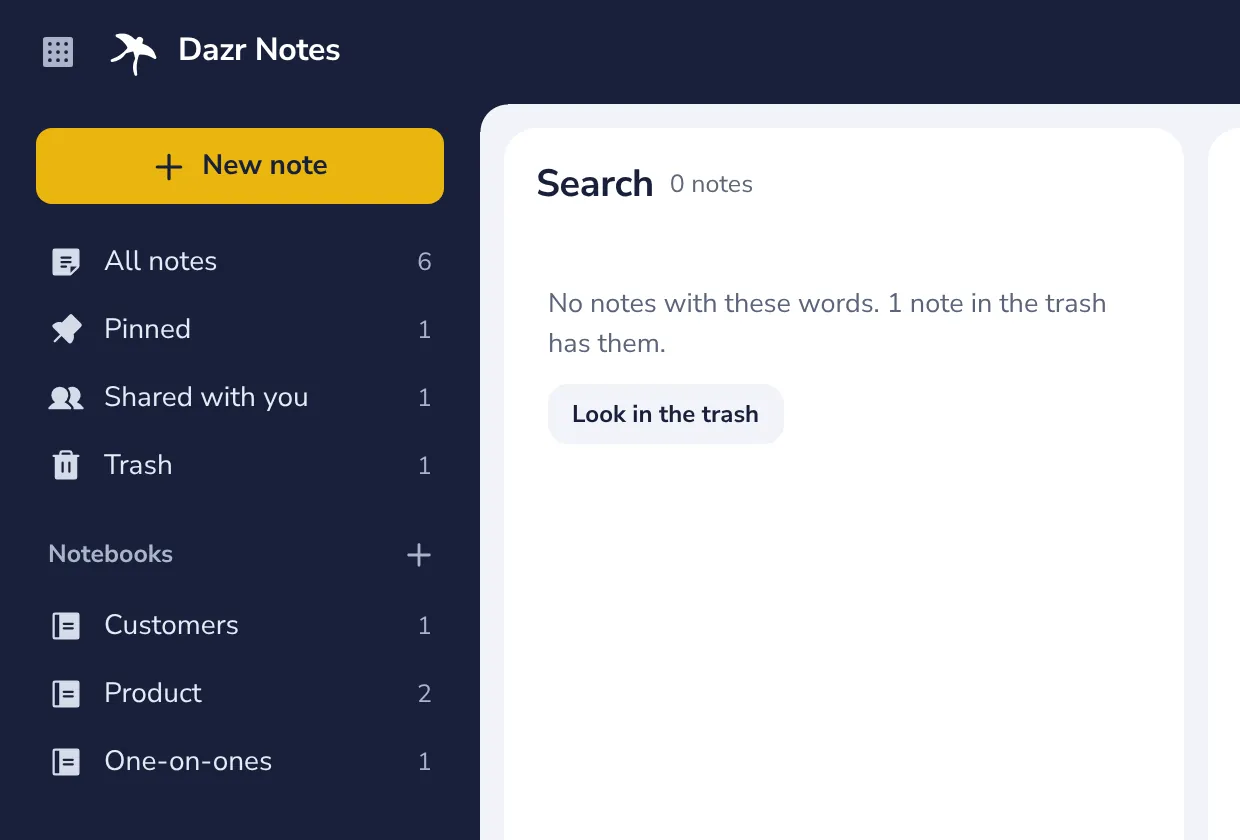
Not there? Look in the trash
When a deleted note has the word, the search says so. Press Look in the trash.
Was this helpful?
What was missing?
Thank you.
We count yes and no per article. Nothing about you is stored.