Act as the customer's IT administrator
You act for a customer only while its owner has approved you as IT administrator in Dazr Identity. For a customer you onboarded, that is from the start. The customer sees everything you do.
- 1
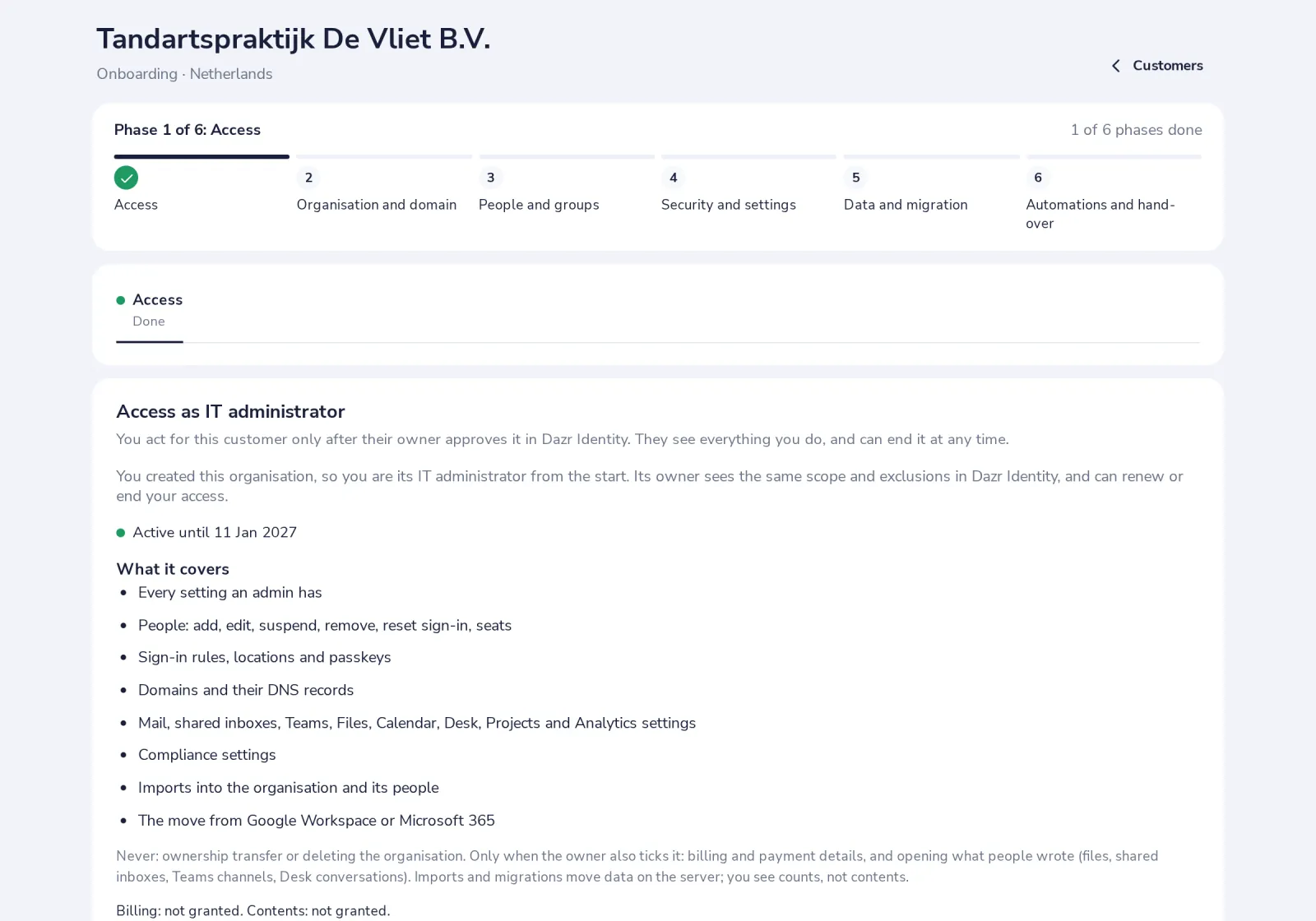
Ask for access
For a customer that confirmed you, open it in Customers, choose how long, and press Ask the owner for access. The owner approves it in Dazr Identity.
- 2
Know what it covers
Settings, people, sign-in rules, domains, the apps' settings, imports and the migration.
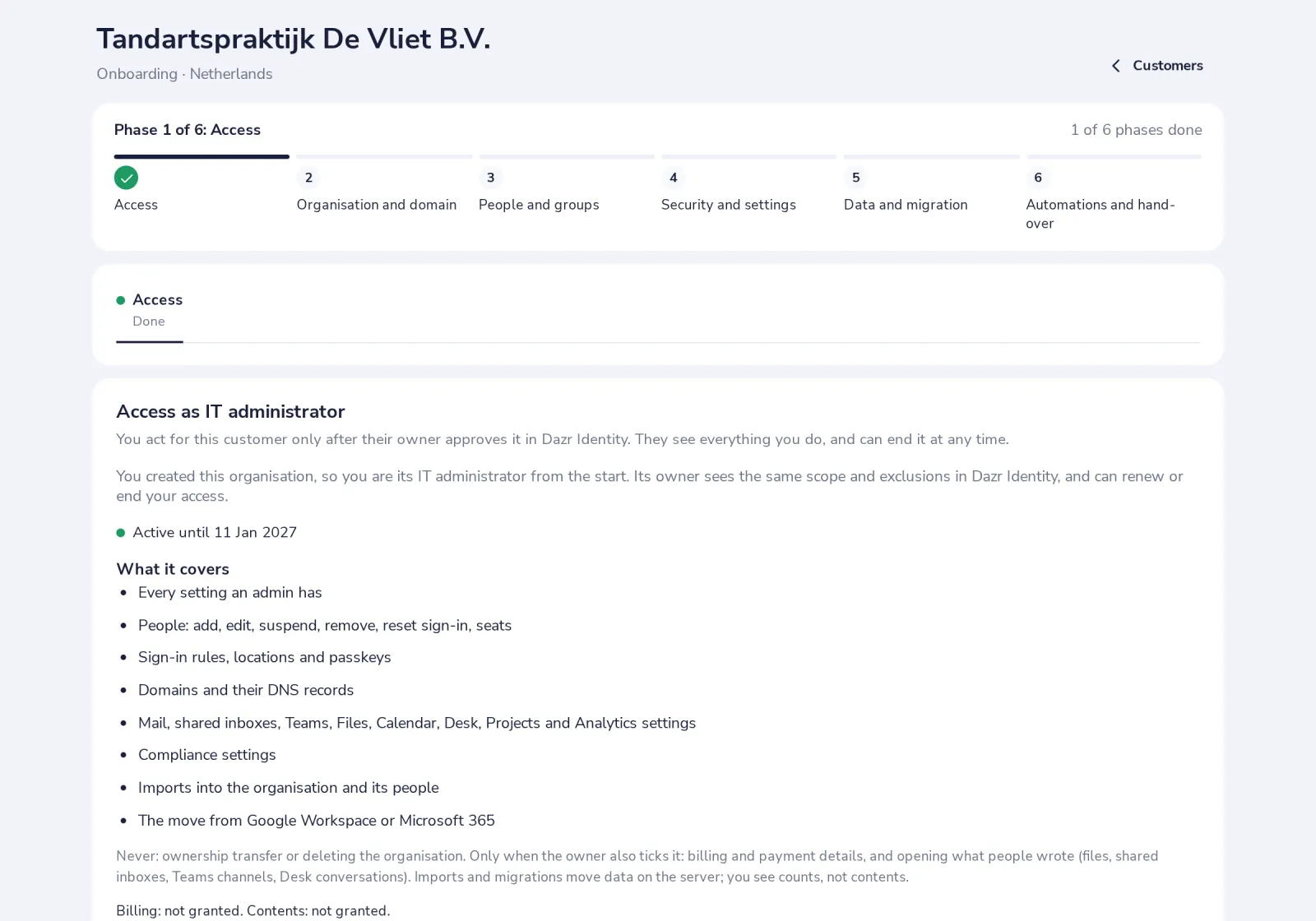
Never ownership or deleting the organisation. Billing and opening what people wrote only when the owner also ticks it.
- 3
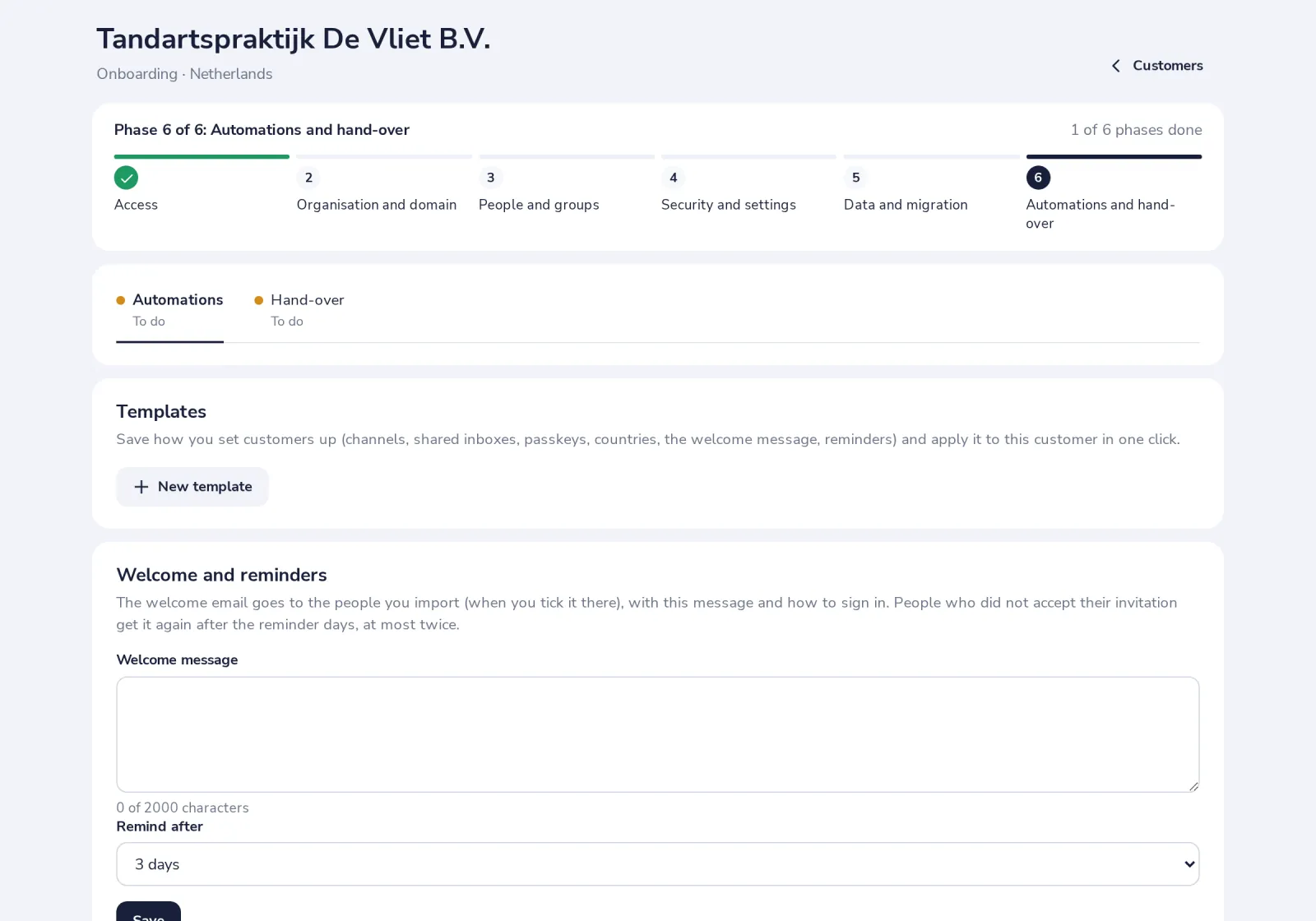
Hand over when you are done
Send the progress report, then Mark onboarding complete. The owner decides whether your access stays or ends.
Was this helpful?
What was missing?
Thank you.
We count yes and no per article. Nothing about you is stored.